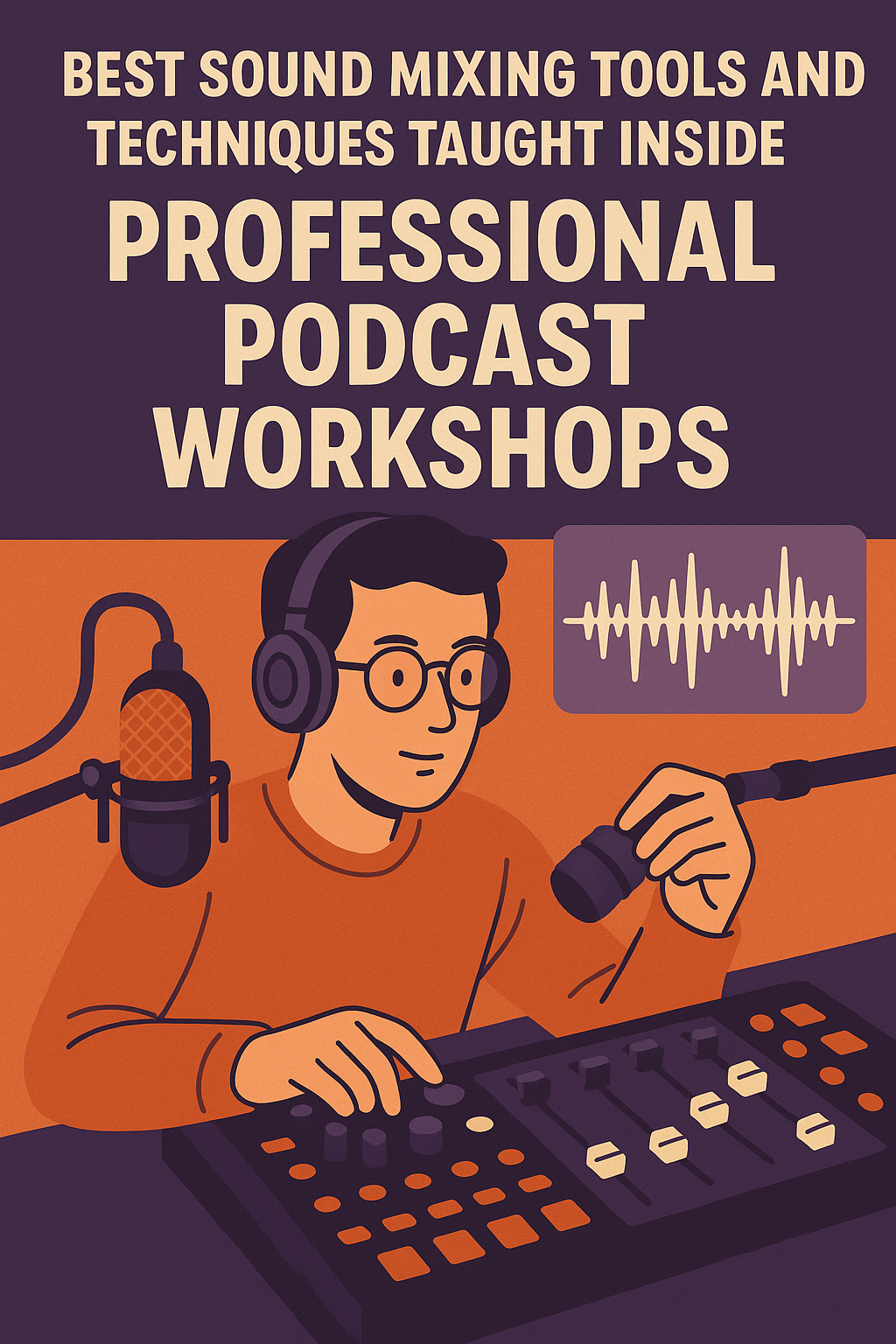
Best Sound Mixing Tools and Techniques Taught Inside Professional Podcast Workshops
December 16, 2025
Podcasting has grown far beyond a simple microphone and laptop setup. Today, listeners expect clean sound, balanced voices, and a polished experience that feels professional from the first second. Inside professional podcast workshops, creators learn that sound mixing is not optional—it is the foundation of credibility and growth. At Masterly Studios, we teach practical tools and techniques that help podcasters move from amateur recordings to professional-grade production.
What separates successful podcasts from those that struggle to retain listeners is consistency in sound. Even compelling content can lose an audience if the audio quality feels uneven or distracting. Workshops focus on hands-on learning so creators understand not just what tools to use, but how to use them effectively. This approach helps podcasters build confidence and produce episodes that sound intentional and refined.
Poor sound often leads to listener fatigue. Inconsistent volume, harsh tones, or distortion can make even short episodes difficult to finish. Learning proper mixing techniques helps podcasters protect their voice, improve clarity, and present content in a way that feels reliable and professional.
Using a dedicated podcast mixer reduces reliance on complicated computer routing. Instead of fixing problems later, creators learn to shape sound as they record. This approach saves editing time and results in cleaner recordings.
Common features covered include gain control, channel routing, built in effects, and headphone monitoring. When podcasters know how to use these tools, they gain full control over their sound instead of relying on fixes in post production.
Many workshops demonstrate setups with four mic inputs or four xlr inputs. This allows multiple microphones to be used at once without sacrificing clarity. Knowing how to manage these inputs is essential for interviews and panel-style podcasts.
That said, workshops also show how a good usb microphone can still work for beginners. Understanding the difference helps podcasters plan future upgrades without replacing their entire setup. The goal is informed growth, not unnecessary spending.
Creators also learn how to monitor stereo output and headphone outputs. This allows real-time feedback during recording. Hearing problems as they happen prevents costly mistakes later.
Commonly covered options include the Tascam Mixcast, Tascam Mixcast 4, Zoom Podtrak, RODECaster Pro II, RODECaster Duo, and Mackie DLZ Creator. These mixers are highly recommended because they combine usability with professional features.
Creators learn how the Tascam Mixcast functions as an all in one solution. It allows podcasters to record, mix, and export without a computer. This makes it a cost effective alternative for creators who want flexibility.
Workshops show how Zoom Podtrak units handle multiple audio sources and remote call ins. Recording directly to an sd card simplifies the workflow. This portability opens new creative opportunities.
Workshops highlight how Mackie DLZ Creator adapts to different experience levels. Its intelligent interface helps creators manage sound without constant adjustment. This makes it ideal for growing podcasts.
Creators learn how to integrate music, voice, and other audio sources seamlessly. These mixers are often used by podcasters seeking higher production value and consistency.
Workshops explain how to connect mixers to a computer using usb. This allows recording directly into software while maintaining hardware control. Knowing this setup supports hybrid workflows.
By learning to record clean audio, podcasters save hours in post. This efficiency makes podcasting more sustainable and enjoyable.
Instructors demonstrate how subtle adjustments improve voice presence. Proper use of effects supports the content instead of distracting from it.
Creators also learn how to connect mobile devices and other external device inputs. This flexibility allows podcasts to incorporate interviews, clips, and music smoothly.
File management practices are also taught. Organizing sd card files and backing up recordings prevents data loss. These habits support long-term success.
Clean sound encourages more listeners to stay engaged. It also supports monetization and brand partnerships. Sound quality is not just technical—it is strategic.
What separates successful podcasts from those that struggle to retain listeners is consistency in sound. Even compelling content can lose an audience if the audio quality feels uneven or distracting. Workshops focus on hands-on learning so creators understand not just what tools to use, but how to use them effectively. This approach helps podcasters build confidence and produce episodes that sound intentional and refined.
Why Sound Mixing Matters in Modern Podcasting
Sound mixing shapes how a podcast feels to the audience. Balanced levels, clean vocals, and controlled background noise create a listening experience people trust. Professional workshops emphasize that good sound keeps people engaged longer and encourages more listeners to return.Poor sound often leads to listener fatigue. Inconsistent volume, harsh tones, or distortion can make even short episodes difficult to finish. Learning proper mixing techniques helps podcasters protect their voice, improve clarity, and present content in a way that feels reliable and professional.
The Role of a Mixer in Professional Podcast Setups
A mixer is the central hub of most professional podcast setups. It allows creators to manage multiple microphones, audio sources, and sound effects in real time. Workshops teach how a podcast mixer simplifies the recording process while improving control.Using a dedicated podcast mixer reduces reliance on complicated computer routing. Instead of fixing problems later, creators learn to shape sound as they record. This approach saves editing time and results in cleaner recordings.
What Podcast Workshops Teach About Podcast Mixers
Professional workshops break down podcast mixers in practical terms. Rather than overwhelming beginners with technical jargon, instructors focus on real-world use. Creators learn how to adjust levels, manage channels, and route audio confidently. Workshops also compare best podcast mixers so creators can choose gear that fits their goals. Not every podcaster needs the most expensive option. Understanding features helps creators select tools that grow with their show.Key Features Taught in Hands-On Sessions
Podcast workshops emphasize identifying key features that actually matter during production. These features directly affect sound quality and workflow. Understanding them prevents unnecessary upgrades and frustration.Common features covered include gain control, channel routing, built in effects, and headphone monitoring. When podcasters know how to use these tools, they gain full control over their sound instead of relying on fixes in post production.
Understanding Inputs and Mic Configuration
One of the first lessons in workshops is learning how inputs work. Podcast mixers often include multiple mic inputs to support different formats. Understanding mic inputs helps creators avoid clipping, distortion, and uneven volume.Many workshops demonstrate setups with four mic inputs or four xlr inputs. This allows multiple microphones to be used at once without sacrificing clarity. Knowing how to manage these inputs is essential for interviews and panel-style podcasts.
XLR Inputs Versus USB Connections
Professional workshops explain why xlr inputs are preferred for long-term podcasting. Xlr mics offer better control, durability, and compatibility with professional mixers. They are commonly used in studios, music production, and broadcast environments.That said, workshops also show how a good usb microphone can still work for beginners. Understanding the difference helps podcasters plan future upgrades without replacing their entire setup. The goal is informed growth, not unnecessary spending.
Managing Multiple Microphones and Channels
Using multiple microphones requires careful channel management. Each channel must be balanced to ensure consistent sound across voices. Workshops teach how to adjust channel levels so no speaker dominates the mix.Creators also learn how to monitor stereo output and headphone outputs. This allows real-time feedback during recording. Hearing problems as they happen prevents costly mistakes later.
Popular Podcast Mixers Covered in Workshops
Professional workshops often demonstrate top podcast mixers used by working creators. Hands-on exposure helps participants understand how each mixer fits different production styles. Seeing tools in action builds confidence.Commonly covered options include the Tascam Mixcast, Tascam Mixcast 4, Zoom Podtrak, RODECaster Pro II, RODECaster Duo, and Mackie DLZ Creator. These mixers are highly recommended because they combine usability with professional features.
Why the Tascam Mixcast Line Is a Favorite
The Tascam Mixcast series is frequently highlighted in workshops. The Tascam Mixcast 4 offers a balance of power and simplicity. It supports multiple microphones, external device connections, and sd card recording.Creators learn how the Tascam Mixcast functions as an all in one solution. It allows podcasters to record, mix, and export without a computer. This makes it a cost effective alternative for creators who want flexibility.
Zoom Podtrak and Portable Podcasting
Zoom Podtrak mixers are popular in workshops focused on portable setups. These devices allow creators to record anywhere without sacrificing control. They are ideal for interviews, events, and mobile productions.Workshops show how Zoom Podtrak units handle multiple audio sources and remote call ins. Recording directly to an sd card simplifies the workflow. This portability opens new creative opportunities.
Mackie DLZ Creator and Smart Mixing
The Mackie DLZ Creator and DLZ Creator series are often featured in advanced sessions. These mixers offer guided workflows that help beginners while still supporting professionals. The Mackie DLZ design reduces setup confusion.Workshops highlight how Mackie DLZ Creator adapts to different experience levels. Its intelligent interface helps creators manage sound without constant adjustment. This makes it ideal for growing podcasts.
RODECaster Options for Growing Shows
RODECaster Pro II and RODECaster Duo are commonly discussed when scaling production. These mixers support multiple inputs, built in effects, and sound effects pads. Workshops show how these features enhance storytelling.Creators learn how to integrate music, voice, and other audio sources seamlessly. These mixers are often used by podcasters seeking higher production value and consistency.
Working With Audio Interfaces and Computers
Some workshops also cover using an audio interface with a computer. This approach is useful for creators who rely on editing software and advanced workflows. Understanding the role of an audio interface helps podcasters expand their setup.Workshops explain how to connect mixers to a computer using usb. This allows recording directly into software while maintaining hardware control. Knowing this setup supports hybrid workflows.
Editing Software and Post Production Techniques
Sound mixing does not end when recording stops. Workshops teach efficient post production techniques to refine audio further. Editing software plays a key role in shaping the final episode. Common tools include Pro Tools and Audacity. Creators learn how to edit wav files, remove noise, and apply compression. These steps improve quality without overprocessing.Reducing Editing Time Through Better Recording
One major takeaway from professional workshops is that better recording reduces editing time. Proper gain control and clean inputs minimize the need for heavy fixes. This allows creators to focus on content.By learning to record clean audio, podcasters save hours in post. This efficiency makes podcasting more sustainable and enjoyable.
Using Built In Effects and Reverb Wisely
Workshops caution against overusing built in effects. While reverb and compression can enhance sound, too much can hurt clarity. Learning restraint is key to professional sound.Instructors demonstrate how subtle adjustments improve voice presence. Proper use of effects supports the content instead of distracting from it.
Managing Remote Guests and External Audio Sources
Modern podcasting often includes remote guests and other audio sources. Workshops teach how to manage remote guests through mixers without compromising quality. This includes handling delay and level matching.Creators also learn how to connect mobile devices and other external device inputs. This flexibility allows podcasts to incorporate interviews, clips, and music smoothly.
Recording Formats and File Management
Professional workshops emphasize understanding recording formats. Choosing the right formats affects compatibility and quality. Most creators learn to record in wav for best results.File management practices are also taught. Organizing sd card files and backing up recordings prevents data loss. These habits support long-term success.
How Sound Quality Drives Audience Growth
High sound quality builds trust with listeners. When a podcast sounds professional, people are more likely to share it. Workshops connect technical skills to audience growth.Clean sound encourages more listeners to stay engaged. It also supports monetization and brand partnerships. Sound quality is not just technical—it is strategic.
Learning From a Production Sound Mixer Perspective
Professional workshops often incorporate lessons from a production sound mixer mindset. This approach prioritizes preparation, monitoring, and adaptability. It teaches creators to think like professionals.By adopting these habits, podcasters avoid common mistakes. They also gain confidence in live recording environments. This mindset elevates production across episodes.
Why Hands-On Workshops Accelerate Learning
Watching tutorials is helpful, but hands-on workshops accelerate growth. Real-time feedback helps creators correct issues immediately. This shortens the learning curve.At Masterly Studios, workshops are designed to be practical and approachable. Participants leave with skills they can apply right away. This hands-on approach builds lasting confidence.
Building Podcast Setups That Grow With You
Workshops emphasize building podcast setups that scale. Starting simple does not mean staying limited. Understanding mixers, mics, and devices allows thoughtful upgrades.Creators learn how to connect additional microphones, expand channels, and add features over time. This flexibility supports long-term podcasting goals.
Turning Technical Skills Into Creative Freedom
When sound mixing becomes second nature, creativity expands. Podcasters can focus on storytelling instead of troubleshooting. Workshops aim to remove technical barriers.Mastering sound mixing tools gives creators freedom. It allows them to experiment with formats, guests, and music confidently.
Learning Support Beyond the Workshop
Professional workshops also provide ongoing support. Creators learn where to find resources, updates, and community help. This support helps them continue improving.Understanding tools like podcast mixers and software is an ongoing process. Workshops provide a strong foundation for that journey.
Work With Masterly Studios
At Masterly Studios, we help podcasters develop professional sound through expert-led workshops and hands-on training. Our team works with clients throughout the country and nationally, supporting creators at every stage of podcasting. Whether you are building your first setup or refining an advanced workflow, we focus on practical skills that deliver real results.If you want to improve your sound, streamline your recording process, or learn from professionals who work with audio every day, we invite you to connect with us.
Call (888) 209-4055 to book a free consultation and learn how our training can help you sound confident, polished, and professional.
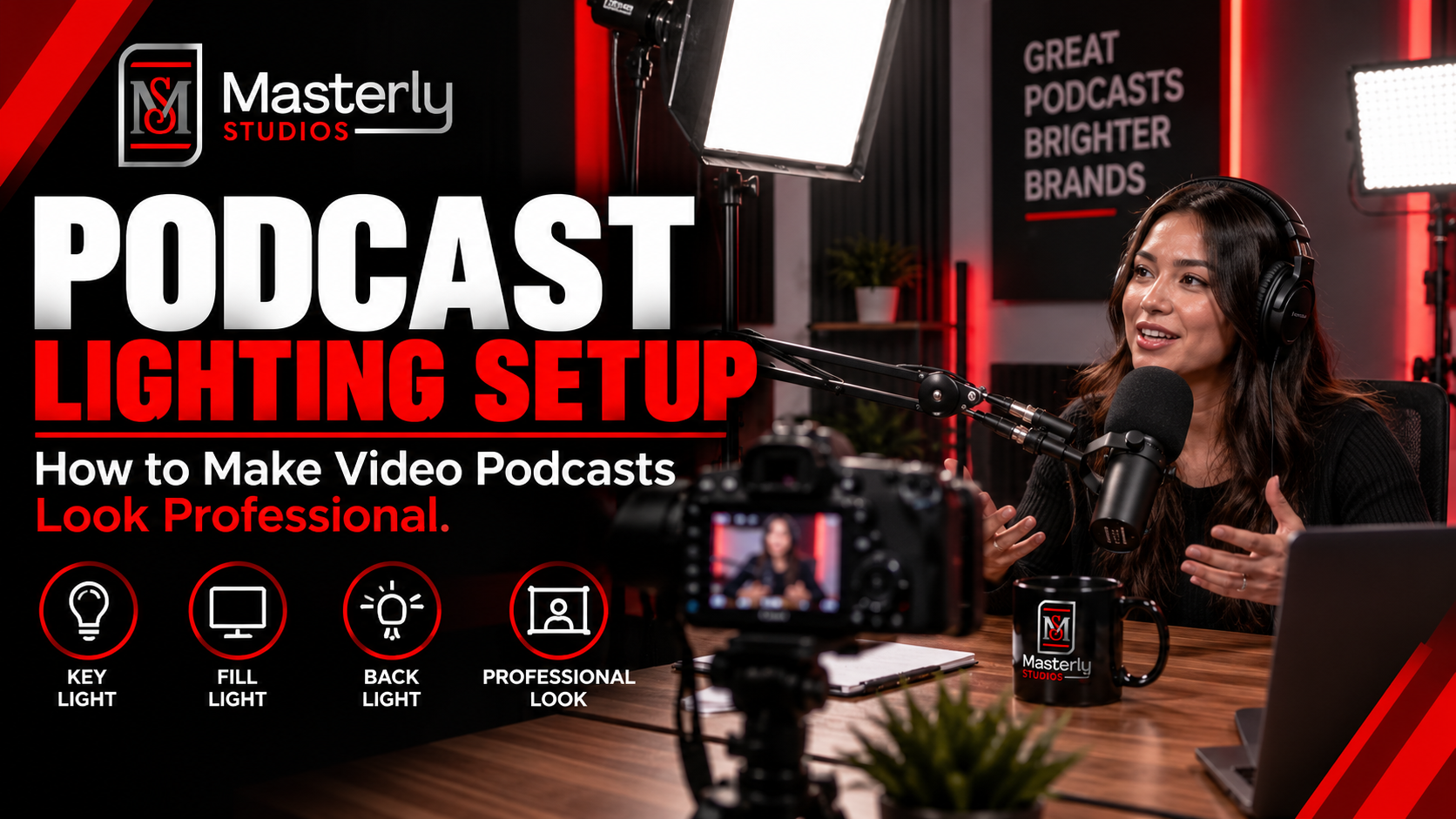
Need a podcast lighting setup? Masterly Studios provides professional podcast and camera lighting in a prepared studio for consistent, polished video production.
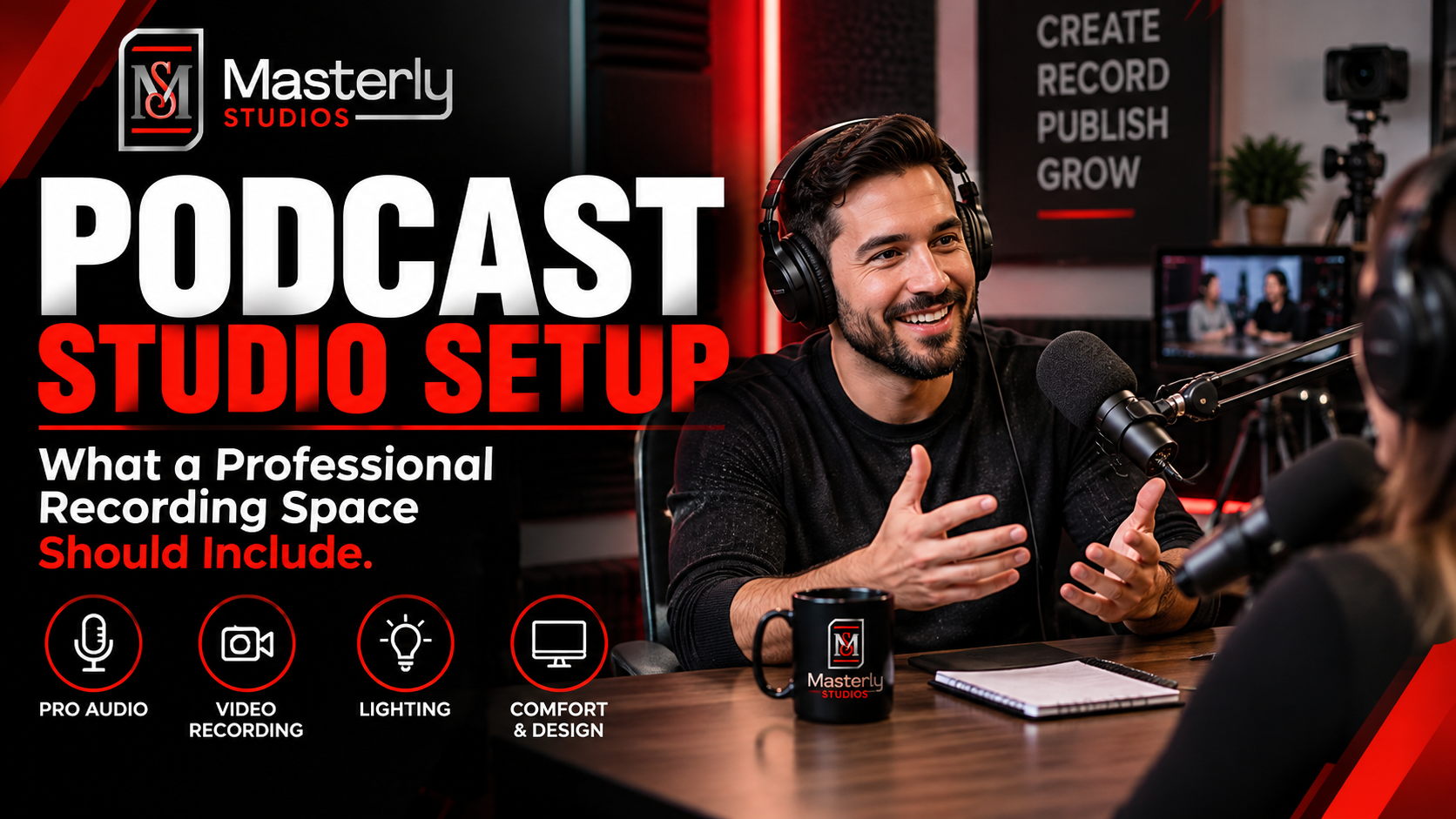
Need a podcast studio setup? Masterly Studios offers a professional recording space with quality equipment, lighting, acoustics, and video support for creators.
Book a training venue in Atlanta for corporate workshops, employee training, and learning events with flexible layouts, A/V support, and professional amenities.
Learn how to record a video podcast in Atlanta with a professional studio setup, clear audio, polished lighting, guest support, and a smooth recording workflow.
Book a corporate Christmas party venue in Atlanta for year-end events with flexible space, A/V support, catering, branding, and more for your team and festive fun.
Book a creative studio rental for photography, video, branded content, and marketing campaigns with flexible production space at Masterly Studios for every project.
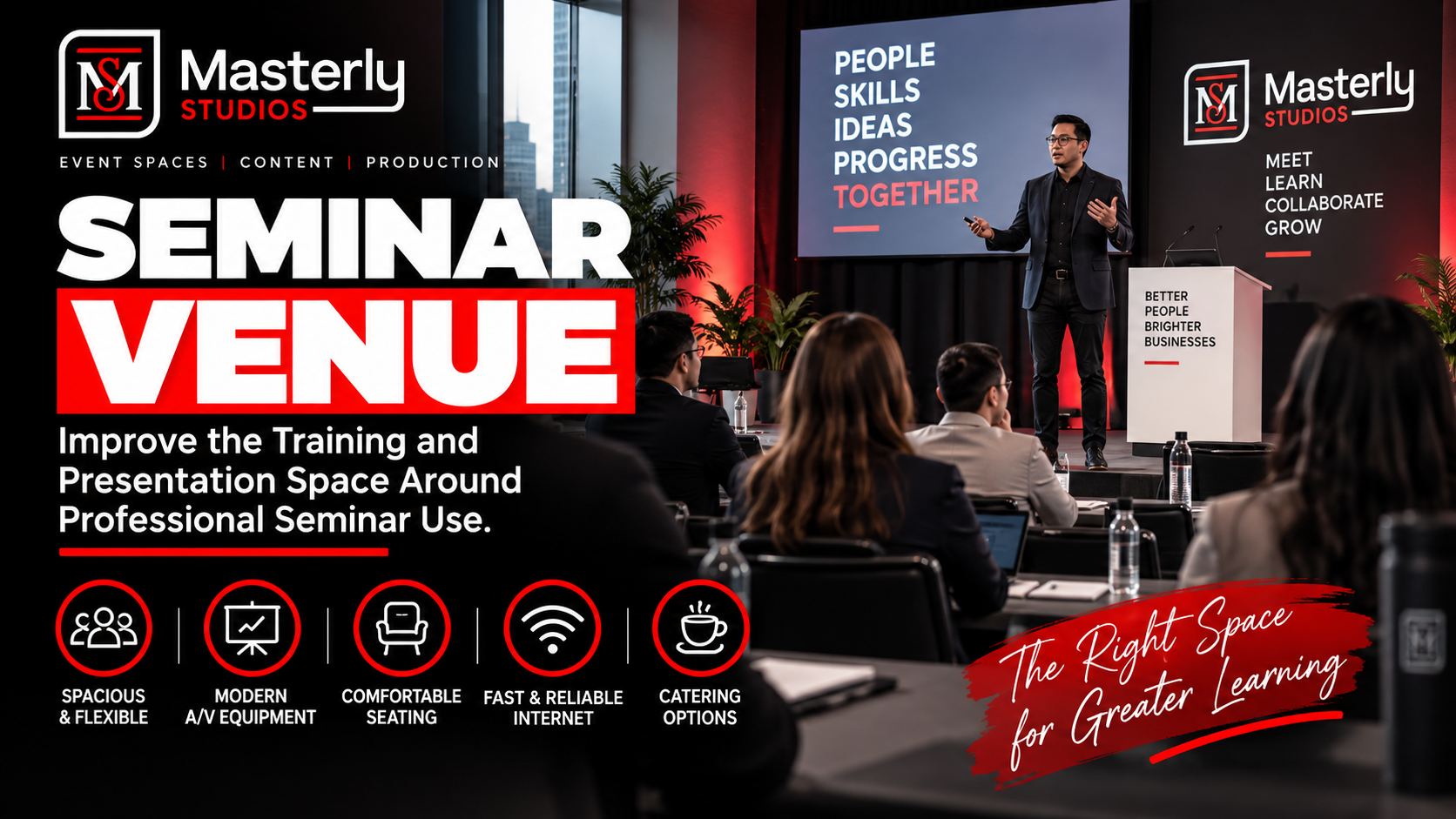
Book a professional seminar venue for training, presentations, and business events with flexible seating, A/V, check-in, parking, content support, and event setup.
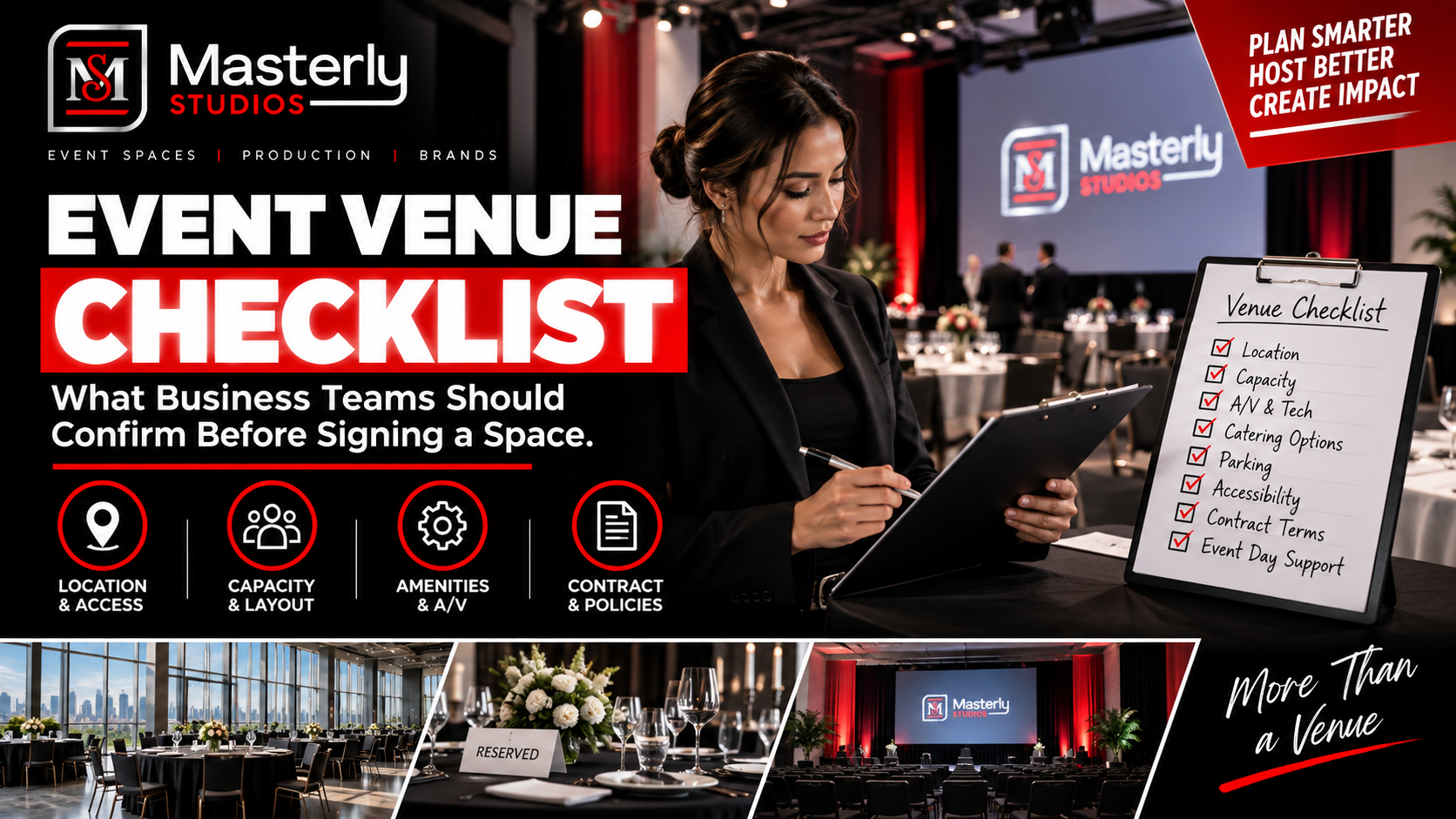
Use an event venue checklist to evaluate capacity, layout, parking, load-in, A/V, Wi-Fi, accessibility, catering, branding, production, and overtime needs.
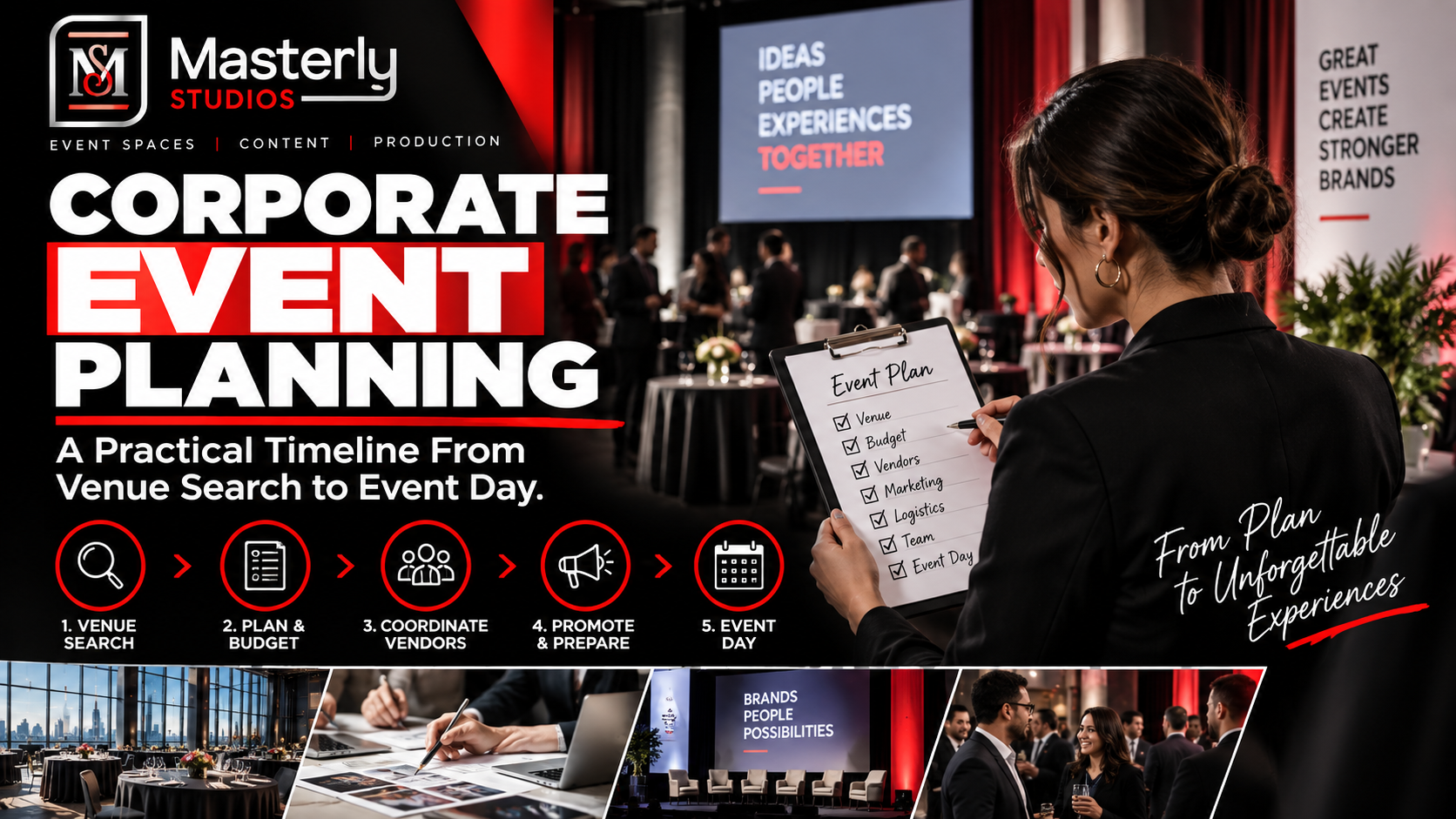
Plan corporate events with professional support for venues, A/V, catering, speakers, content capture, access, and production at Masterly Studios in Atlanta.
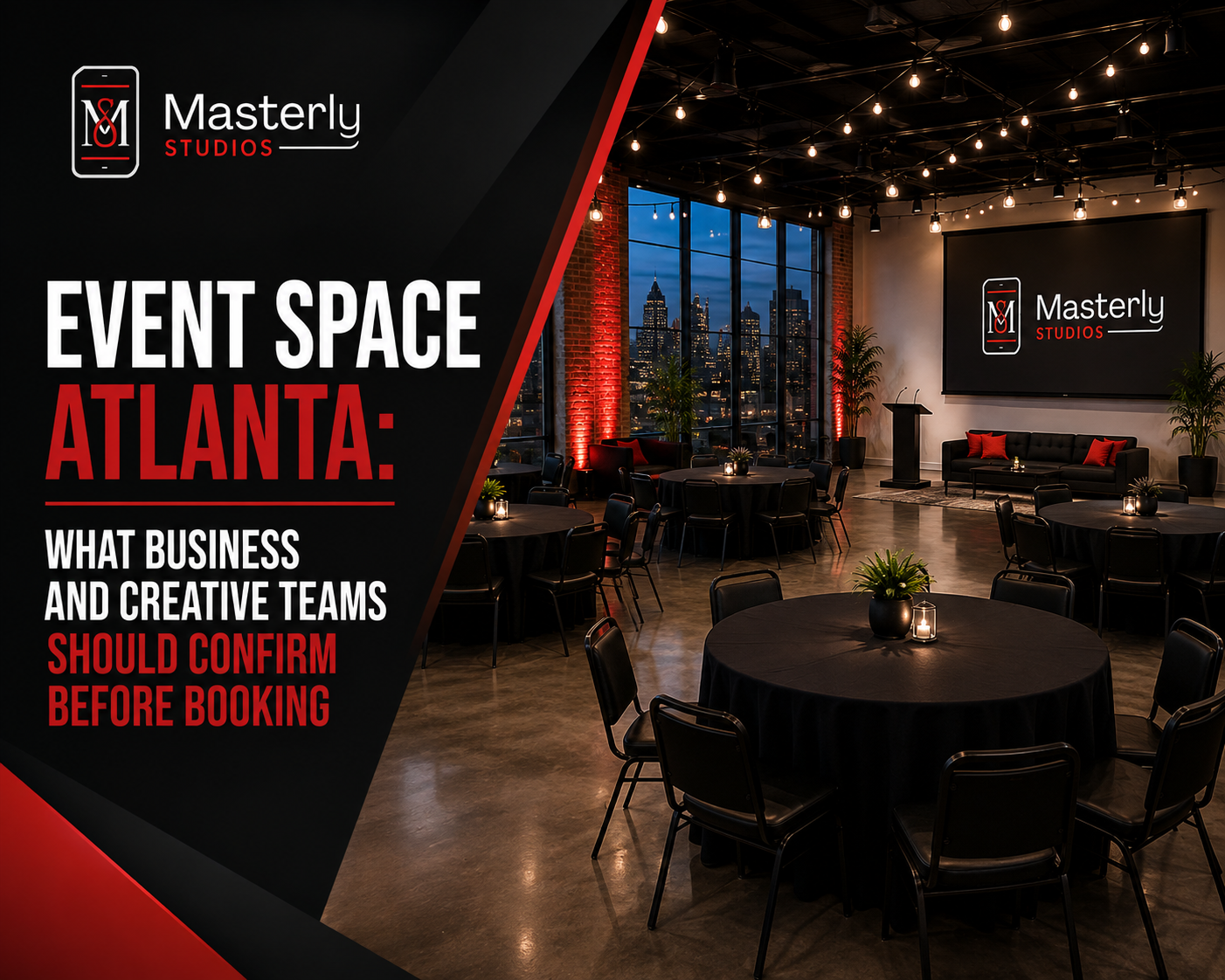
Find the right event space in Atlanta by confirming capacity, AV, parking, catering, layouts, accessibility, and production support before booking. Masterly Studios