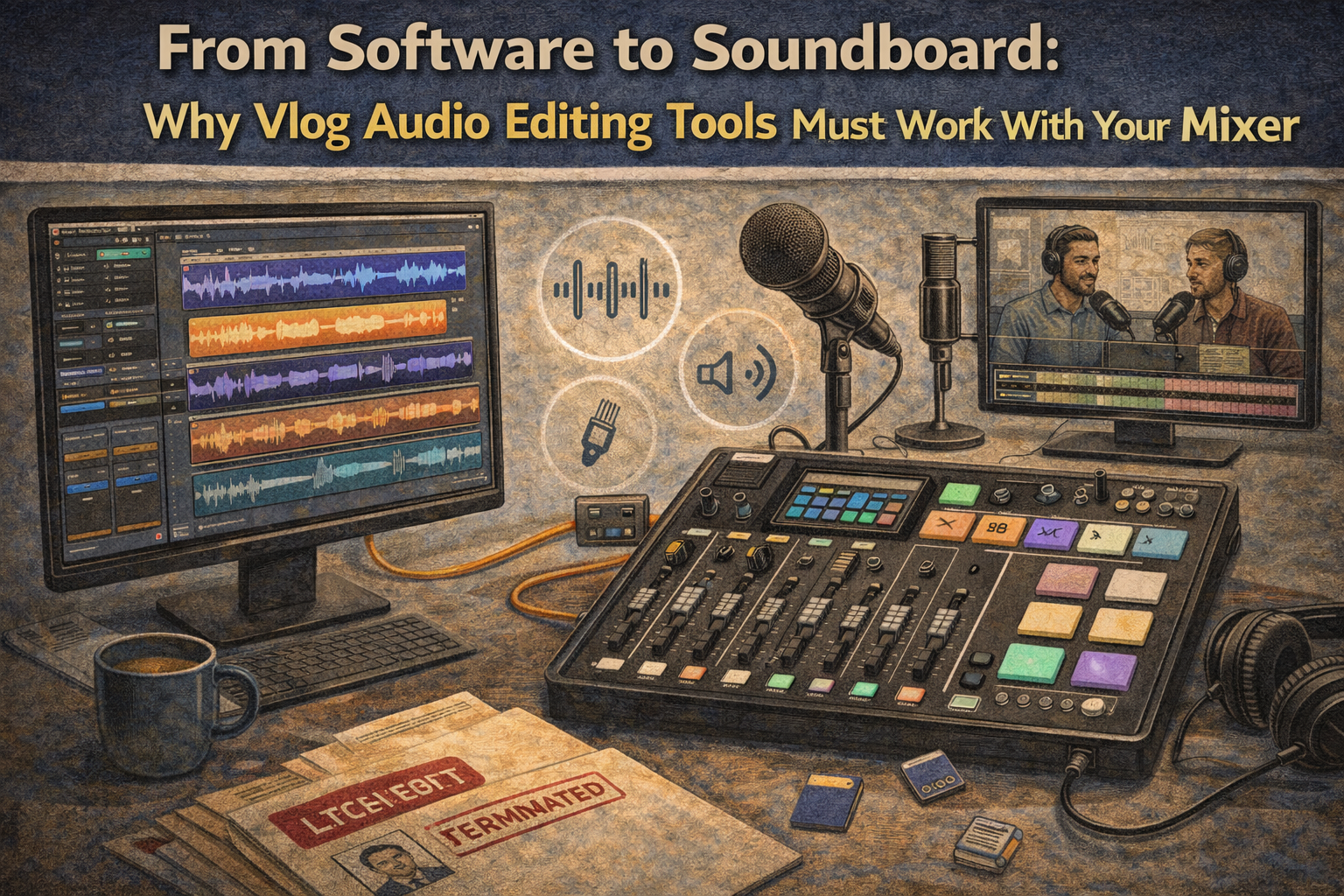
From Software to Soundboard: Why Vlog Audio Editing Tools Must Work With Your Mixer
February 11, 2026
If you’ve ever recorded wha
t felt like a “perfect” episode or vlog, only to listen back and hear muddy sound, uneven volume, or random pops, you already know the truth: great content can get ruined by bad
audio
. And what frustrates most creators isn’t the lack of effort—it’s the disconnect between the software they use to edit and the mixer they used to record. When your tools don’t work together, you end up spending more editing time, re-recording segments, or settling for a level of quality you never wanted.
At Masterly Studios, we work with podcasters, vloggers, and content creators who want clean, professional sound without a complicated setup. Whether you’re using a podcast mixer like the tascam mixcast 4, a zoom podtrak, or exploring a rodecaster pro ii, integration matters more than people realize. Your editing software should match the way your device captures your voice, your music, and your other audio sources. When it does, your workflow becomes faster, your mixes sound smoother, and your final podcast feels like a show—not a rough draft.
This article breaks down why vlog audio editing tools must work with your mixer, what features to look for, and how to build podcast setups that feel easy, reliable, and professional.
When creators ignore this connection, they end up with recordings that are harder to clean up later. The goal isn’t to “fix it in post.” The goal is to capture clean audio upfront so the post-production process feels simple. That’s why the best podcast mixers are the ones that fit your content style and your editing habits.
Integration matters because creators don’t just record one mic anymore. They record multiple microphones , remote guests, sound effects, intro music, and sometimes video. When you’re juggling multiple audio sources, you need tools that connect without drama. That’s how you maintain sound quality and keep your content consistent.
That’s where the mixer becomes essential. With good gain control, clean xlr inputs, and stable routing, your raw audio file starts strong. That means fewer headaches and less editing time. In other words, the right mixer saves you time and protects your quality.
Many modern podcast mixers also function like an audio interface. That hybrid setup gives creators flexibility. You can record to your computer, or record internally as a backup. If your workflow includes travel, guest interviews, or live sessions, a mixer that doubles as an interface is often the best podcas t solution.
If you plan to host interviews, you’ll likely need multiple mic inputs. A setup with four mic inputs or even four xlr inputs gives you room to scale. It also allows you to record in-person conversations without forcing people to share microphones. More flexibility means better audio and a more professional show.
An sd card workflow also makes editing easier in some cases. You can take the audio file straight into your editing software, organize your files, and start working quickly. If your mixer records separate tracks per channel, your edit becomes even cleaner. For podcasters, this is one of the most underrated features.
The tascam mixcast line is especially useful for creators who want an all in one solution. You can connect microphones, headphones, and external devices without building a complicated studio. And because it’s made for podcast setups, the learning curve is manageable. That means more time creating and less time troubleshooting.
The zoom podtrak is also a strong option for remote call ins and quick interviews. Many podcasters want to capture conversations without setting up a full studio. This is where portable recorders shine. They help creators keep content moving without sacrificing quality.
The dlz creator is another option creators consider when they want an intuitive workflow and modern control. These devices can feel like a complete studio in one unit. But the key is still integration: your mixer must match your software workflow, your recording style, and your content format. The best mixer is the one you’ll actually use consistently.
A good podcast mixer makes remote audio manageable. It allows you to route the guest audio cleanly and keep your host voice strong. It also helps avoid echo and uneven volume. When your mixer supports this workflow, your edits become easier and your sound stays consistent.
If the mixer bakes effects into the recording and you can’t undo them later, that can limit your flexibility. Some creators prefer recording clean and adding effects in software. Others prefer printing effects live to speed up editing time. The best podcast mixers let you choose.
Your tools should also handle multi-track sessions smoothly. If your mixer records separate channels, your software should import them without confusion. That’s where integration becomes real—not just marketing. When your tools work together, you spend less time fixing and more time publishing.
Common formats include WAV and other standard formats used by podcast and music production workflows. A clean file workflow also helps when you outsource editing or collaborate with a team. The more organized you are, the more professional your content becomes. This is how small systems create big results.
A mixer with multiple inputs and multiple microphones support helps you scale. It gives you more control over each channel and improves sound quality. It also helps you capture clean audio from each speaker, which is essential for professional editing. Growth is good—but only if your tools can support it.
If you can’t hear problems while recording, you’ll find them later when it’s too late. That leads to re-recording, heavy editing, or publishing with flaws. Monitoring is part of quality control. It’s how professionals protect the final product.
This is especially useful for creators who mix voice, music, and sound effects. A strong mixer supports both podcast and music production needs. It also gives you consistent sound a cross different projects. Consistency is what makes a brand feel professional.
Other mixers may look similar but lack key features. The difference often shows up when you try to connect multiple microphones, record to an sd card, or import tracks into editing software. The best podcast mixers are built for real workflows. They reduce stress and protect your time.
When your mixer has these features, your software workflow becomes smoother. That’s how creators stay consistent and publish more.
At Masterly Studios, we work with podcasters, vloggers, and content creators who want clean, professional sound without a complicated setup. Whether you’re using a podcast mixer like the tascam mixcast 4, a zoom podtrak, or exploring a rodecaster pro ii, integration matters more than people realize. Your editing software should match the way your device captures your voice, your music, and your other audio sources. When it does, your workflow becomes faster, your mixes sound smoother, and your final podcast feels like a show—not a rough draft.
This article breaks down why vlog audio editing tools must work with your mixer, what features to look for, and how to build podcast setups that feel easy, reliable, and professional.
Your Podcast Mixer Isn’t Just Hardware—It’s the Start of Your Workflow
A podcast mixer isn’t just a box that plugs into your computer. It’s the foundation of how your audio file gets created, organized, and exported for editing. The moment you hit record, your mixer is shaping gain, routing, levels, and how each channel is captured. That means the mixer directly affects your final sound, even before you open any editing tools.When creators ignore this connection, they end up with recordings that are harder to clean up later. The goal isn’t to “fix it in post.” The goal is to capture clean audio upfront so the post-production process feels simple. That’s why the best podcast mixers are the ones that fit your content style and your editing habits.
Why Integration Matters More Than Fancy Features
It’s easy to get distracte d by flashy buttons and built in effects. But the real difference between smooth production and constant frustration is integration. Your mixer should export a file in the right formats, your software should read it cleanly, and the whole system should stay stable across your workflow.Integration matters because creators don’t just record one mic anymore. They record multiple microphones , remote guests, sound effects, intro music, and sometimes video. When you’re juggling multiple audio sources, you need tools that connect without drama. That’s how you maintain sound quality and keep your content consistent.
Editing Software Works Best When Your Inputs Are Clean
The bes t editing software can’t fix a recording that’s clipped, distorted, or wildly inconsistent. Yes, you can use compression, EQ, and noise reduction, but those tools are meant to enhance—not rescue. When your inputs are properly set, you can edit faster and get better results.That’s where the mixer becomes essential. With good gain control, clean xlr inputs, and stable routing, your raw audio file starts strong. That means fewer headaches and less editing time. In other words, the right mixer saves you time and protects your quality.
The Mixer vs. Audio Interface Question (And Why Many Creators Need Both)
A lot of podcasters ask w hether they should buy a podcast mixer or an audio interface. The truth is: it depends on your workflow. An audio interface is great if you’re recording directly into a computer and doing everything inside your software. A podcast mixer is better when you want hands-on control, built-in routing, and faster recording.Many modern podcast mixers also function like an audio interface. That hybrid setup gives creators flexibility. You can record to your computer, or record internally as a backup. If your workflow includes travel, guest interviews, or live sessions, a mixer that doubles as an interface is often the best podcas t solution.
Why Mic Inputs and XLR Inputs Change Everything
If you’re serious about s ound, you want real mic control. That starts with mic inputs, especially xlr inputs. XLR mics tend to deliver better isolation, more professional tone, and more consistent results than cheap plug-and-play mics. A good usb microphone can work for beginners, but it often limits control when you grow.If you plan to host interviews, you’ll likely need multiple mic inputs. A setup with four mic inputs or even four xlr inputs gives you room to scale. It also allows you to record in-person conversations without forcing people to share microphones. More flexibility means better audio and a more professional show.
Why SD Card Recording Is a Game-Changer for Creators
One reason podcast mixe rs are so popular is the ability to record directly to an sd card. This matters because computer recording can fail at the worst time—updates, glitches, storage issues, or software crashes. Recording to an sd card gives you a reliable backup and makes your recording process smoother.An sd card workflow also makes editing easier in some cases. You can take the audio file straight into your editing software, organize your files, and start working quickly. If your mixer records separate tracks per channel, your edit becomes even cleaner. For podcasters, this is one of the most underrated features.
Tascam Mixcast 4: Built for Podcasters Who Want Speed and Control
The tascam mixcast 4 has become highly recommended because it’s designed around real podcast workflows. It supports multiple mic inputs, lets you record to an sd card, and provides control over levels and routing. It also makes it easier to manage sound effects and quick playback, which is huge for live-style podcasting.The tascam mixcast line is especially useful for creators who want an all in one solution. You can connect microphones, headphones, and external devices without building a complicated studio. And because it’s made for podcast setups, the learning curve is manageable. That means more time creating and less time troubleshooting.
Zoom PodTrak: Portable Recording That Still Feels Professional
A zoom podtrak is popular because it’s portable, simple, and reliable. If you record in different locations, interview people on-site, or want a lightweight kit, this device can be a great fit. It supports multiple inputs and can record to an sd card, which makes it practical for creators who don’t want to rely on a computer every time.The zoom podtrak is also a strong option for remote call ins and quick interviews. Many podcasters want to capture conversations without setting up a full studio. This is where portable recorders shine. They help creators keep content moving without sacrificing quality.
Rodecaster Pro II and DLZ Creator: Powerful Options With a Different Style
The rodecaster pro ii is known for its polish, built in effects, and modern workflow features. It’s often chosen by creators who want advanced routing and quick control. It can support multiple microphones, external device connections, and polished output without heavy post-production.The dlz creator is another option creators consider when they want an intuitive workflow and modern control. These devices can feel like a complete studio in one unit. But the key is still integration: your mixer must match your software workflow, your recording style, and your content format. The best mixer is the one you’ll actually use consistently.
Remote Guests, Remote Call Ins, and Why Routing Matters
Modern podcasts rarely stay “in the room.” You might have remote guests, phone interviews, or remote call ins through apps. That means you’re managing multiple audio sources at once. If your mixer can’t separate tracks or control levels properly, your recording can become messy fast.A good podcast mixer makes remote audio manageable. It allows you to route the guest audio cleanly and keep your host voice strong. It also helps avoid echo and uneven volume. When your mixer supports this workflow, your edits become easier and your sound stays consistent.
Sound Effects, Reverb, and Built-In Effects: Helpful, But Only If They Export Cleanly
Many creator s love using sound effects, intro stingers, and live buttons. It makes the podcast feel like a show, not a lecture. Built in effects like reverb can also add polish for voice and music segments. But these features only help if your exported file stays clean and editable.If the mixer bakes effects into the recording and you can’t undo them later, that can limit your flexibility. Some creators prefer recording clean and adding effects in software. Others prefer printing effects live to speed up editing time. The best podcast mixers let you choose.
Pro Tools, Audacity, and Choosing the Right Tools for Your Workflow
Some creators edit in pro tools because it’s powerful and professional. Others prefer audacity because it’s free, simple, and gets the job done. The key is that your editing software should support the file formats your mixer creates, including wav files and stereo exports.Your tools should also handle multi-track sessions smoothly. If your mixer records separate channels, your software should import them without confusion. That’s where integration becomes real—not just marketing. When your tools work together, you spend less time fixing and more time publishing.
Audio File Formats, File Management, and Keeping Your Workflow Clean
Every creator needs a system for managing the audio file from start to finish. Your mixer might export one stereo file, or it might export multiple track files. Either way, you need a consistent folder system and naming method. That helps you edit faster and avoid mistakes.Common formats include WAV and other standard formats used by podcast and music production workflows. A clean file workflow also helps when you outsource editing or collaborate with a team. The more organized you are, the more professional your content becomes. This is how small systems create big results.
Multiple Inputs and Multiple Microphones: The Real Reason People Upgrade
Most creators upgrade because their show grows. They add co-hosts, guests, and multiple microphones. They start recording video, adding music, or mixing voice with other audio sources. Suddenly, a basic setup can’t keep up.A mixer with multiple inputs and multiple microphones support helps you scale. It gives you more control over each channel and improves sound quality. It also helps you capture clean audio from each speaker, which is essential for professional editing. Growth is good—but only if your tools can support it.
Headphone Outputs and Monitoring: Catch Problems Before They Ruin the Episode
One of the most overlooked features in a podcast mixer is monitoring. You need proper headphone outputs so you can hear what’s happening in real time. Monitoring helps you catch clipping, background noise, or a mic that isn’t working. It also helps you maintain consistent levels.If you can’t hear problems while recording, you’ll find them later when it’s too late. That leads to re-recording, heavy editing, or publishing with flaws. Monitoring is part of quality control. It’s how professionals protect the final product.
Podcast Setups That Work for Vlogs, Music Videos, and Content Creators
Podcast setups aren’t just for podcasts anymo re. Many creators record vlogs, YouTube videos, and even music videos with the same audio gear. If your mixer works well with your editing tools, you can reuse the workflow across multiple content types. That saves money and simplifies production.This is especially useful for creators who mix voice, music, and sound effects. A strong mixer supports both podcast and music production needs. It also gives you consistent sound a cross different projects. Consistency is what makes a brand feel professional.
The Cost Effective Alternative vs. The “Buy Twice” Problem
Many creators start with the cheapest option and upgrade later. That’s normal. But sometimes the cheap choice becomes the expensive choice because you buy twice. A cost effective alternative is not always the lowest price—it’s the tool that keeps working as you grow.Other mixers may look similar but lack key features. The difference often shows up when you try to connect multiple microphones, record to an sd card, or import tracks into editing software. The best podcast mixers are built for real workflows. They reduce stress and protect your time.
Key Features to Look For When Your Mixer Must Match Your Software
If you want your too ls to work together, focus on practical features. These features matter more than flashy branding. The goal is stable recording, clean exports, and easy editing. Key features to look for include:- Reliable xlr inputs for xlr mics
- Clean mic inputs with solid gain control
- Multi-track record capability per channel
- SD card recording for backup
- Easy file and format compatibility (WAV, stereo)
- Stable USB connection to your computer
- Support for external device connections
- Sound effects and built in effects yo u can control
When your mixer has these features, your software workflow becomes smoother. That’s how creators stay consistent and publish more.
How Masterly Studios Helps Creators Build Better Audio Workflows
At Masterly Studios, we don’t just talk about gear—we help creators build real systems. That means matching your podcast mixer to your content style, your editing tools, and your production goals. We help you choose the best podcast setup for your budget without sacrificing quality. We also help you avoid common mistakes that waste time and ruin sound.Whether you’re using a tascam mixcast, a zoom podtrak, or comparing top podcast mixers, our goal is the same: clean audio, consistent workflow, and content you’re proud to publish. We work with podcasters and creators who want professional sound without overcomplicating the process. When your tools connect properly, everything becomes easier.
Contact Masterly Studios to Find the Best Sound Mixer for Podcasting
If you’re tired of fighting your audio workflow—or you’re upgrading your setup and want it done right—Masterly Studios is here to help. The best creators don’t just buy gear; they build a system where the podcast mixer, audio interface functions, editing software, and recording process all work together. When your mixer integrates smoothly with your tools, you get better audio quality, faster edits, and a more professional show.If you’re looking for the best sound mixer for podcasting, want guidance on the best podcast mixers for your channel, or need help connecting microphones, sd card recording, and software exports, we can walk you through the options. We work with clients throughout the country and nationally, supporting podcasters, vloggers, and creators who want a clean and reliable workflow.
Call (888) 209-4055 to contact Masterly Studios and b ook a free consultation.
Plan your Atlanta event space rental with the right room size, guest flow, technical support, and scheduling. Request a venue tour to confirm the best fit.
Explore what to consider when choosing Atlanta corporate event space, including room layouts, AV capabilities, parking, guest experience, and booking options.
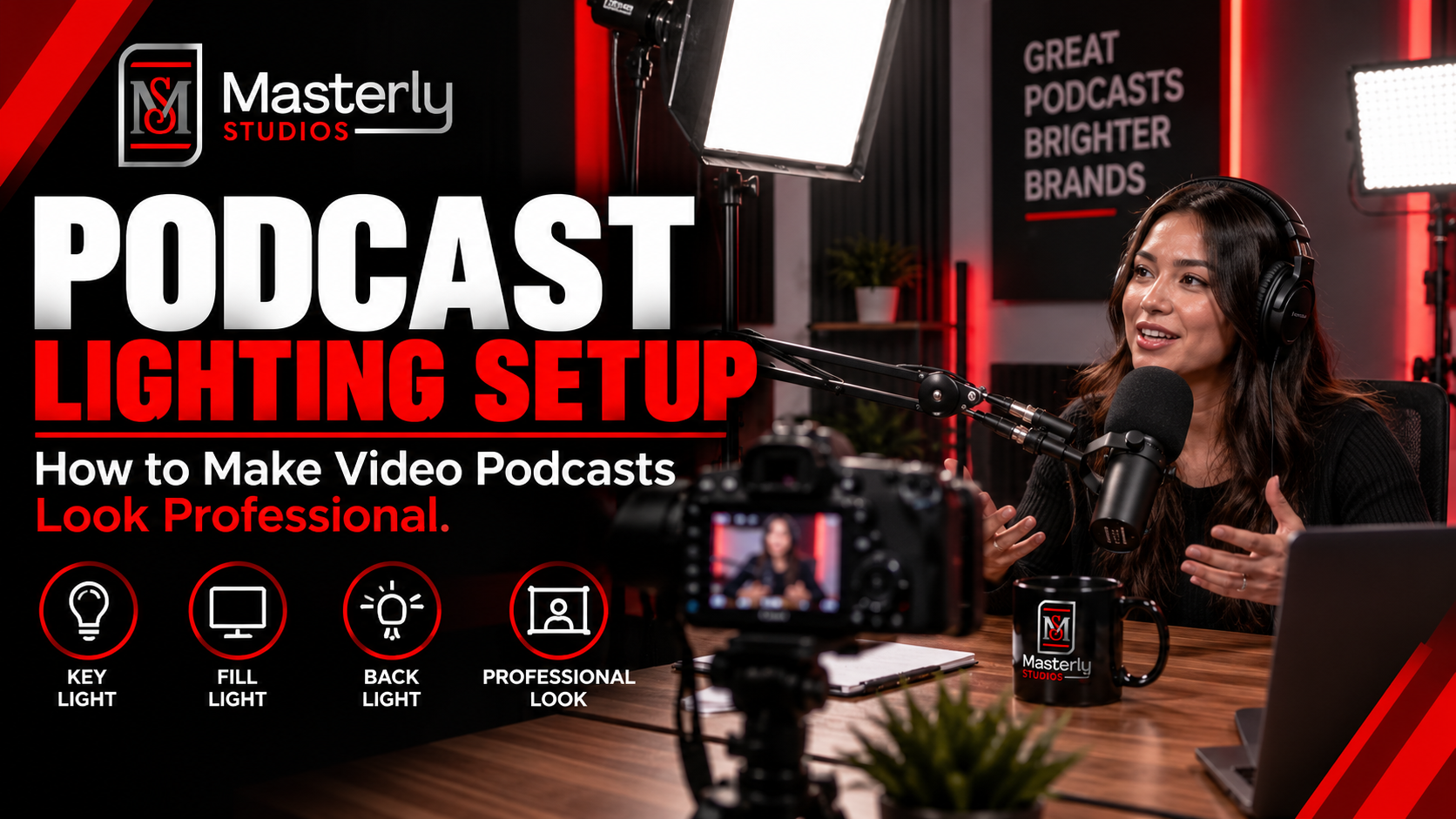
Need a podcast lighting setup? Masterly Studios provides professional podcast and camera lighting in a prepared studio for consistent, polished video production.
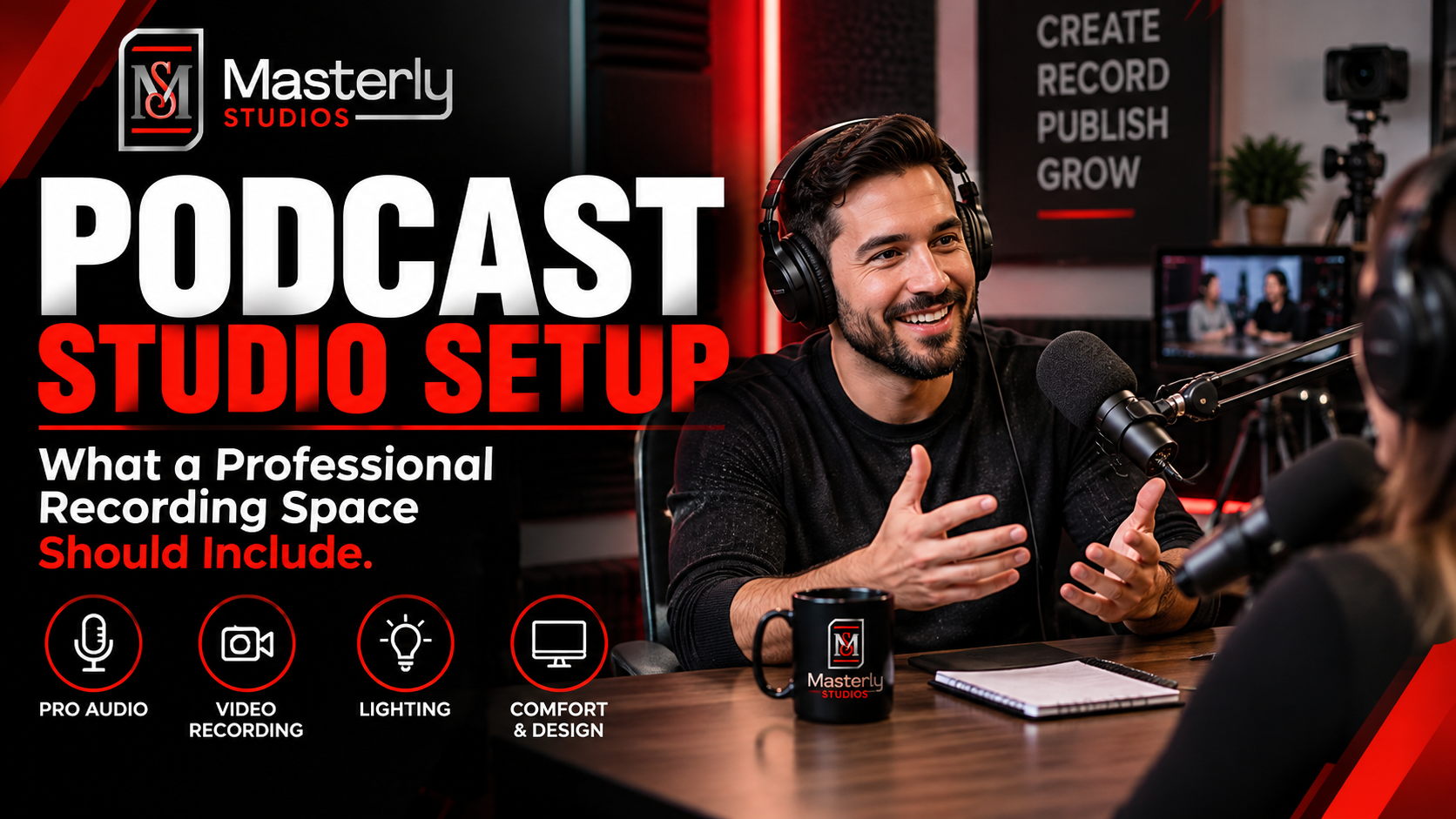
Need a podcast studio setup? Masterly Studios offers a professional recording space with quality equipment, lighting, acoustics, and video support for creators.
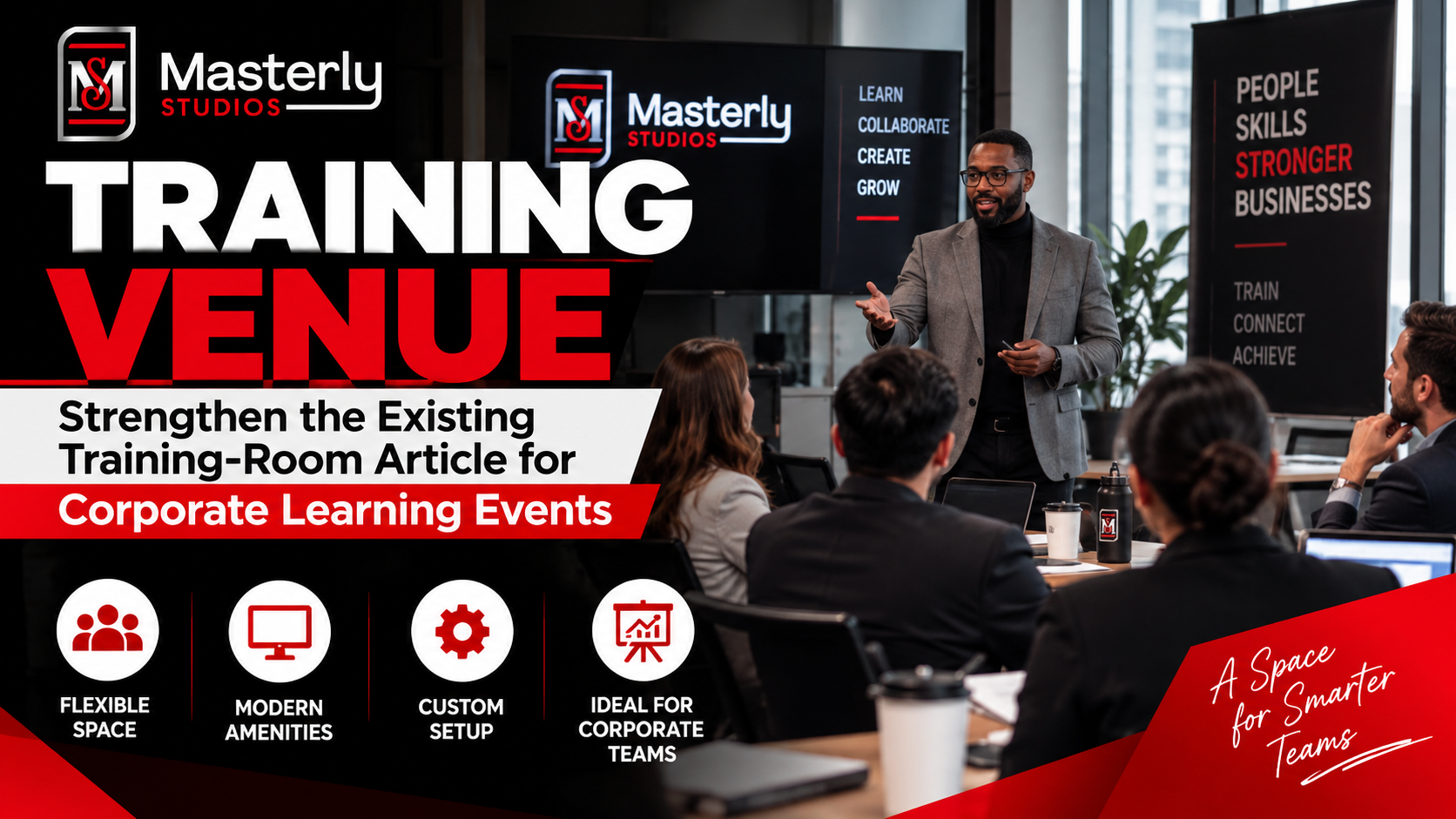
Book a training venue in Atlanta for corporate workshops, employee training, and learning events with flexible layouts, A/V support, and professional amenities.
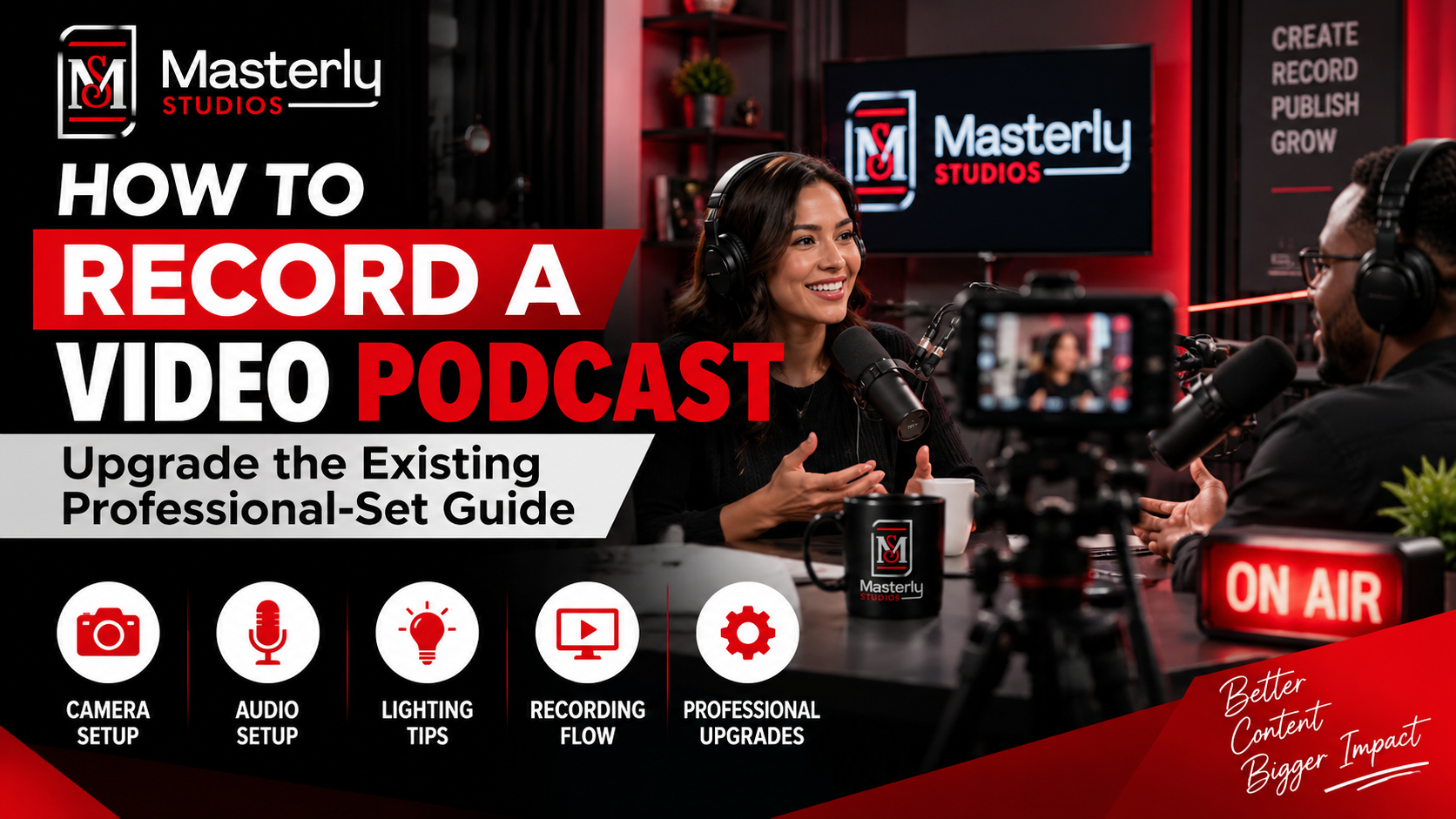
Learn how to record a video podcast in Atlanta with a professional studio setup, clear audio, polished lighting, guest support, and a smooth recording workflow.

Book a corporate Christmas party venue in Atlanta for year-end events with flexible space, A/V support, catering, branding, and more for your team and festive fun.
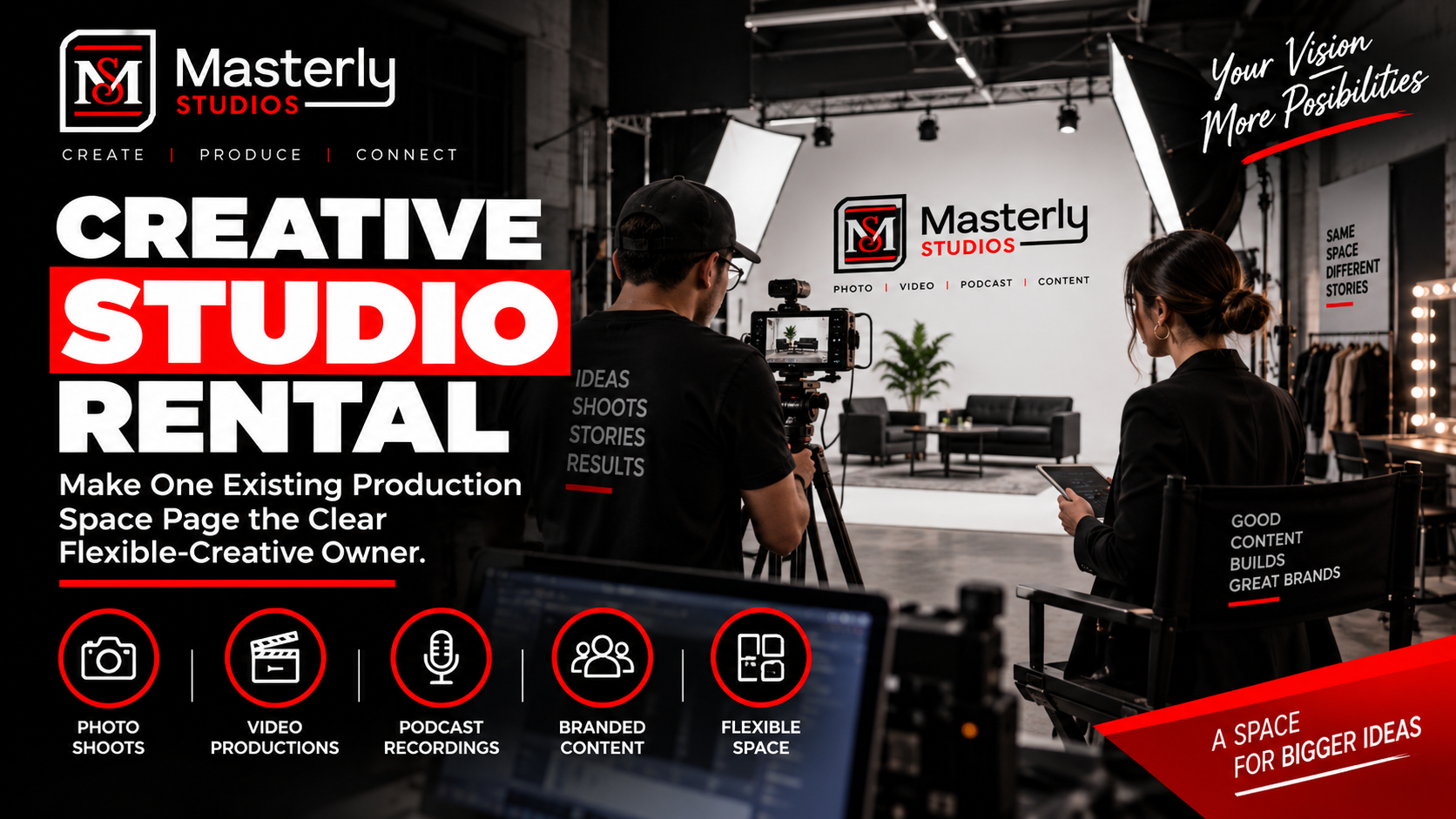
Book a creative studio rental for photography, video, branded content, and marketing campaigns with flexible production space at Masterly Studios for every project.
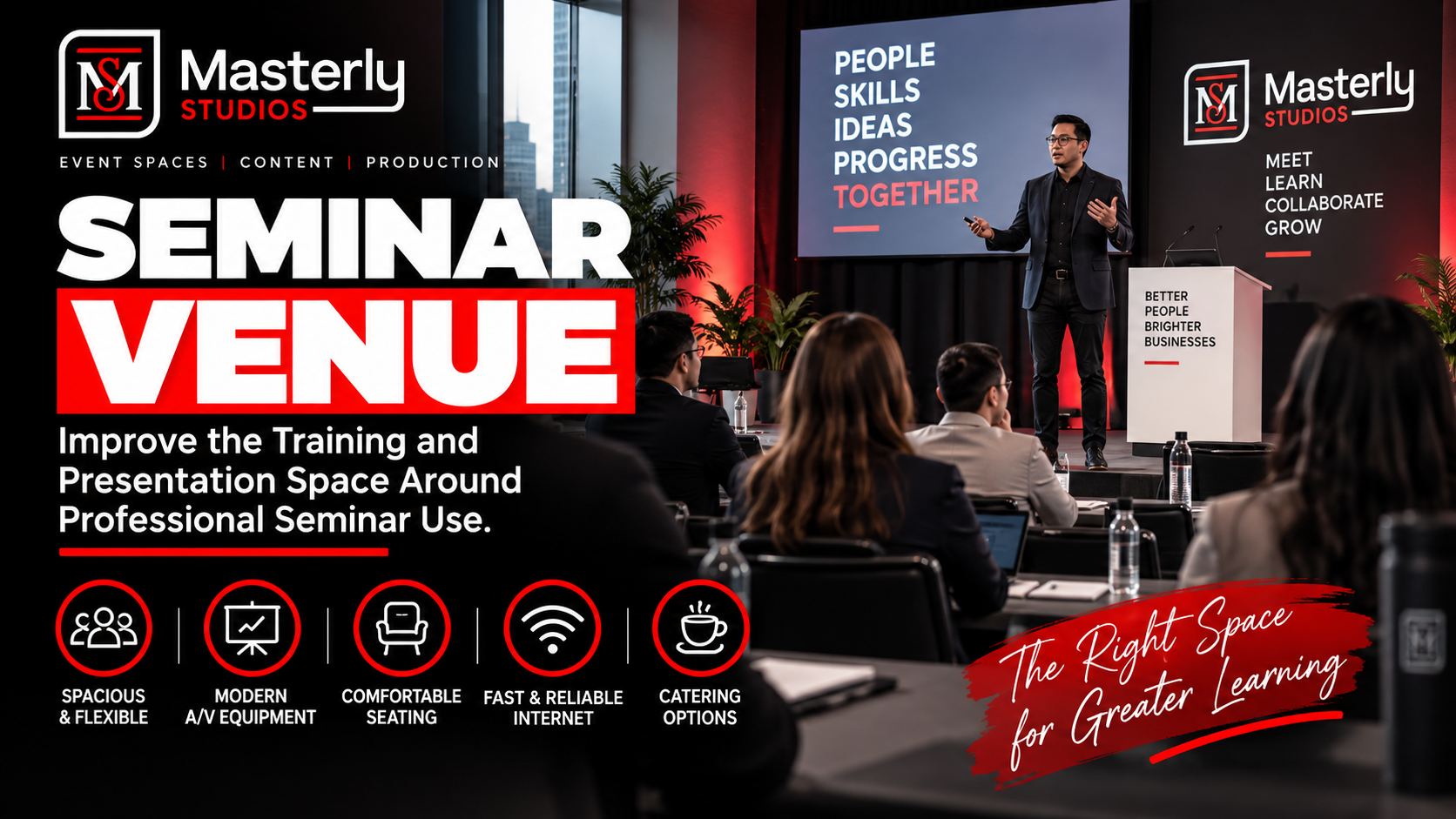
Book a professional seminar venue for training, presentations, and business events with flexible seating, A/V, check-in, parking, content support, and event setup.
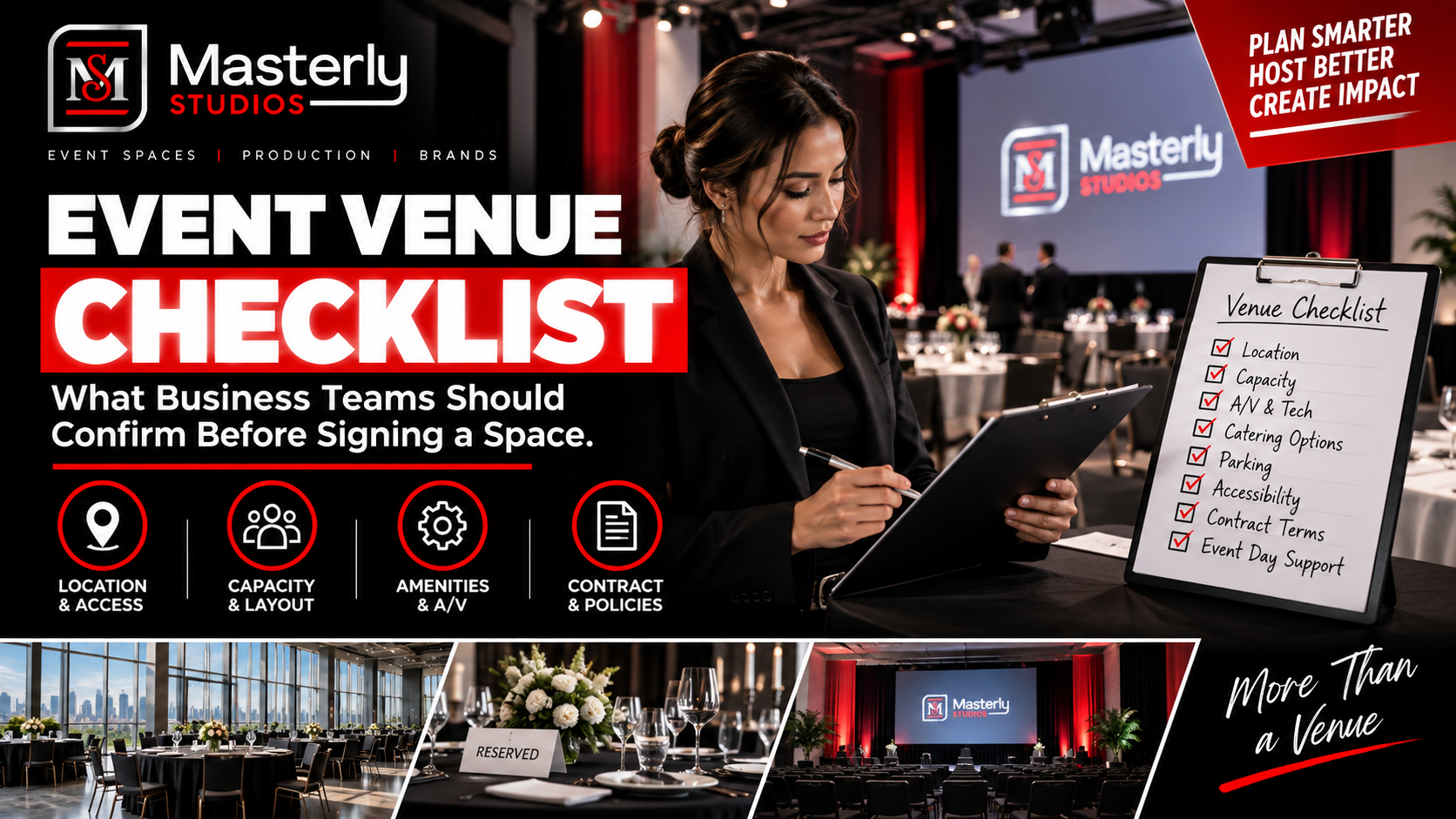
Use an event venue checklist to evaluate capacity, layout, parking, load-in, A/V, Wi-Fi, accessibility, catering, branding, production, and overtime needs.