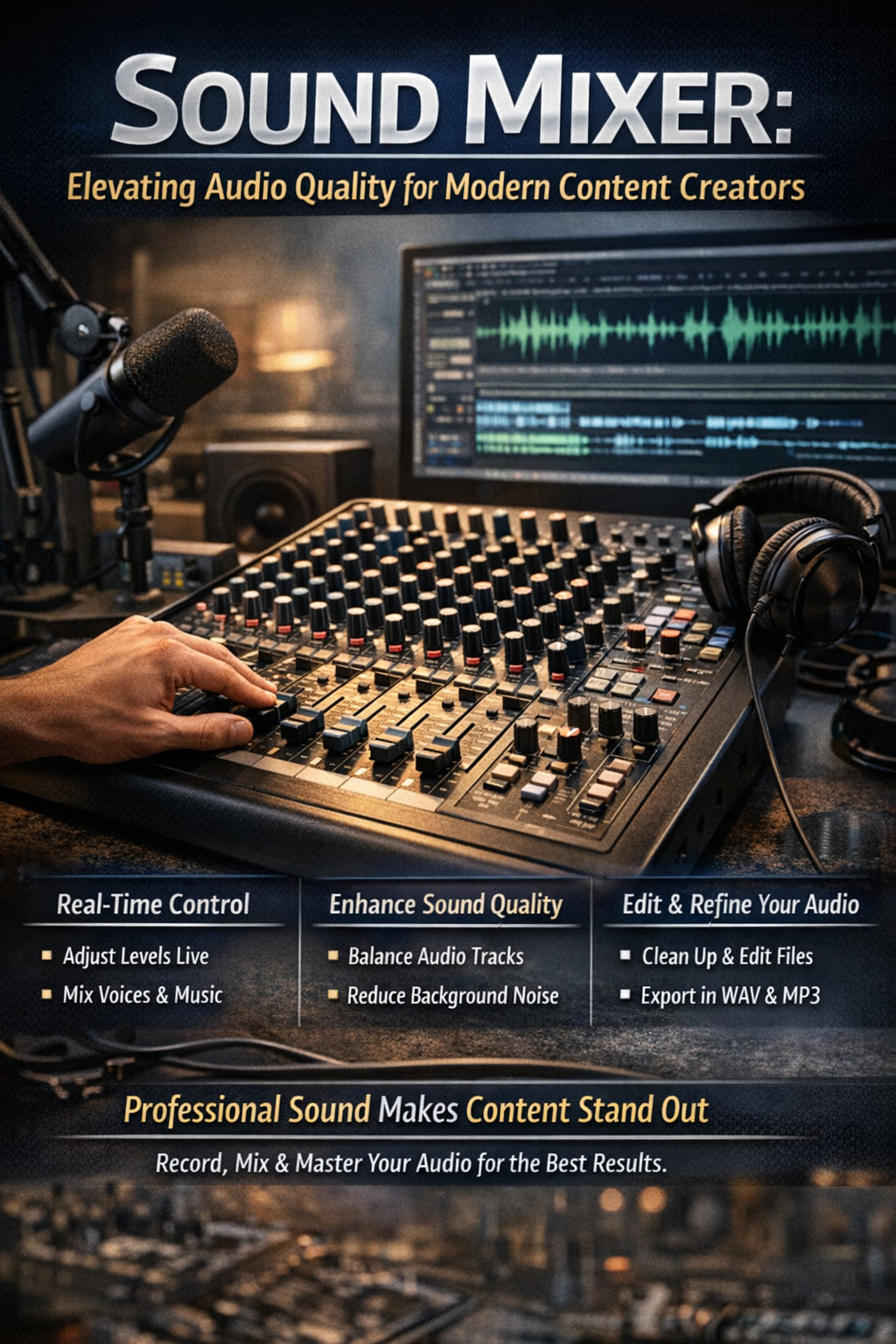
Sound Mixer: Elevating Audio Quality for Modern Content Creators
Why Audio Still Defines the Viewer Experience
When peopl e listen to a podcast, watch a youtube video, or scroll through branded content, the first impression often comes from the audio. Even the most visually stunning video can fall flat if the sound lacks clarity. That is why investing in the right tools, including a reliable sound mixer, is essential for anyone serious about content creation.
At
Masterly Studios , we work with creators across the world, helping them transform raw recordings into polished, professional productions. Whether you are producing new episodes, documenting stories, or building a brand in a vibrant city like atlanta, your sound quality matters more than ever.Understanding the Role of a Sound Mixer in Production
What a Sound Mixer Actually Does
A sound mixer is the control center for all audio elements in a project. It allows you to balance voice recordings, adjust volume, and combine multiple audio clips into a single, cohesive output. This is especially important when working on a podcast episode or a complex video file.
Instead of relying solely on post-production, mixers give you real-time control while you record. This reduces the need for heavy corrections later and ensures better overall quality.
Why Real-Time Control Matters
When you ca n manage your audio live, you reduce mistakes and speed up your workflow. This is critical when producing content frequently, such as weekly podcast releases or daily youtube uploads. It also helps maintain consistency across all projects.
How Audio Editing Software Complements a Mixer
Combining Hardware and Software
While a mixer handles live sound,
audio editing software allows you to refine your recordings afterward. Tools like audacity are widely used because they offer both free and advanced features for creators at any level.
Using a combination of a mixer and a strong audio editor helps you edit audio files with precision. You can clean up unwanted noise, adjust levels, and improve clarity across every audio file.
Key Editing Capabilities
Modern audio editing software allows you to:
- Edit audio and adjust levels with accuracy
- Apply noise reduction to remove background distractions
- Insert silence where needed for smoother transitions
- Convert files into popular formats like wav and ogg
These capabilities help ensure every piece of content sounds polished and consistent.Why Audacity Remains a Top Choice
A Flexible Tool for Creators
Audacity continues to be one of the most popular audio editor tools in the world. Its simple interface allows users to drag and drop audio clips, making editing accessible even for beginners.
At the same time, it offers enough depth for advanced users working on detailed music production or layered podcast co ntent.Features That Make a Difference
Wit h audacity, you can:
- Import and manage multiple audio files
- Perform basic edits or advanced adjustments
- Export finished projects quickly
- Work across windows and mac platforms
This flexibility makes it ideal for creators who need reliable tools without a steep learning curve.Building a Strong Workflow for Audio Editing
From Recording to Final Export
A typical workflo w begins when you record your raw material. This might include interviews, narration, or ambient sound captured during events. Once recorded, the files are uploaded into your audio editing software.
From there, you can edit audio, refine your audio clips, and prepare them for final output. The ability to export in multiple formats ensures compatibility across platforms.
Managing Files Efficiently
Creators often work with several types of files, including:
- Raw audio file recordings
- Edited clips for specific segments
- Final versions ready for upload
Staying organized helps you save time and avoid confusion during production.Enhancing Podcast and Video Content
Why Podcasts Depend on Audio Quality
A podcast relies entirely on audio, making clarity and consistency essential. Listeners expect smooth transitions, balanced volume, and clean sound throughout each episode.
Whether you are discussing local topics in atlanta, sharing insights about politics, or telling compelling stories, strong audio editing makes your message more engaging.
Supporting Video With Better Sound
In video production, sound plays a supporting but equally important role. From background music to dialogue, every element must align perfectly. A well-mixed track enhances the viewer’s experience and keeps them engaged longer.
Using Sound Effects and Music to Tell Stories
Adding Depth to Content
Strategic use of sound effects and music can elevate your content. For example, adding ambient sounds can make a scene feel more immersive, while subtle transitions can guide the listener through the narrative.
Real-World Inspiration
Creators often draw inspiration from real-life topics such as the atlanta child murders or discussions about the atlanta monster, where storytelling requires sensitivity and precision. In these cases, sound design becomes a powerful tool for conveying emotion and context.
Projects like archive atlanta or discussions led by voices such as rose scott highlight how thoughtful audio editing can bring history and culture to life.
Leveraging Apps and Browser Tools
Flexibility Across Platforms
Modern creators often use an app or browser-based tool for quick edits. These tools provide easy access and allow users to make changes without installing heavy software.
Combining Online and Offline Tools
While browser tools are convenient, many creators still rely on an offline version of their preferred software for more advanced work. This combination ensures flexibility and performance.
File Formats and Export Options
Choosing the Right Format
Different formats serve different purposes. For example:
- WAV offers high-quality output for professional use
- OGG provides smaller file sizes for easy sharing
- Other popular formats balance quality and compression
Selecting the right forma t ensures your content performs well across platforms.Exporting for Different Uses
Once your project is complete, you can export it for various uses, including:
- Podcast episode distribution
- YouTube uploads
- Social media sharing
The ability to download and distribute your work efficiently is key to maintaining a consistent presence.
Creating a Professional Sound Identity
Consistency Across Projects
Consistency is what separates casual cre ators from professional brands. Each episode, video, or audio file should reflect the same level of quality and attention to detail.
Building a Recognizable Style
Whether you a re capturing the energy of city lights in atlanta, documenting life near stone mountain, or producing engaging content for a global community, your sound becomes part of your identity.
Why Masterly Studios Is the Right Partner
Expertise in Audio and Visual Production
At Masterly Studi os, we combine technical expertise with creative vision. Our team understands how to enhance every aspect of your audio, from initial recording to final export.
Supporting Creators Nationwide
We work with clients across the country and nationally, helping them build strong, consistent content that stands out in a competitive world.
Take the Next Step in Your Audio Journey
If you are ready to elevate your content, the right tools and guidance can make all the difference. From choosing the best audio editing software to mastering your workflow, every step contributes to your success.
Unlocking Premium Features for Spoken Word and Music Production
When creators move beyond basic edits, they begin to explore premium features that take their content to the next level. These advanced tools are especially useful for spoken word projects, where clarity and tone are critical. Whether recording interviews in atlanta or producing narrative-driven content across georgia, creators rely on enhanced controls to refine both dialogue and background songs. The ability to layer sound, adjust tone, and fine-tune delivery gives each project a polished and professional feel.
Previewing Your Work and Controlling the Timeline With Precision
Before finaliz ing any project, it is essential to preview your edits and evaluate how everything fits together. A well-structured timeline allows creators to organize audio clips, align music, and ensure smooth transitions throughout the project. This level of control gives creators the power to shape their content exactly how they envision it. Whether working on a podcast, video, or branded campaign, managing the timeline effectively ensures that every sound element contributes to a seamless listening experience.
Let’s Talk About Your Sound and Vision
If you are looking to im prove your setup with a sound mixer or want expert insight into your audio editing process, Masterly Studios is here to help. We take the time to understand your goals and provide tailored recommendations that align with your creative direction.
Reach out today at(888) 209-4055 to book a free consultation. Whether you are launching a podcast, producing video content, or refining your brand’s voice, we are re ady to support your journey and help you create something truly impactful.