How Vlog Audio Editing Tools Fail Without Proper Mixer Setup Knowledge
January 27, 2026
Many creators invest in powerful
vlog audio
editing tools expecting instant professional results. When the sound still feels flat, noisy, or inconsistent, frustration quickly sets in. The problem usually is not the software or the gear itself, but how the audio is captured before editing ever begins. At Masterly Studios, we see this every day: tools alone don’t fix poor audio—operator skill and proper mixer setup matter far more than most people realize.
Great audio starts long before post production. The choices you make with your podcast mixer, microphones, and signal flow directly shape what can be fixed later and what cannot. Understanding how mixers work is what turns average recordings into clean, polished content that audiences trust and enjoy.
When creators rely on editing alone, they often increase editing time and still end up with subpar results. Clean capture through a properly configured audio mixer makes a big difference before any editing begins.
Mixers are not plug-and-play shortcuts. They require knowledge of gain control, channel routing, and proper input selection to perform as intended.
Understanding mic levels, channel assignment, and monitoring is what separates professional results from amateur recordings.
Many podcast mixers offer four xlr inputs or even six xlr inputs, but more inputs only help when they are configured correctly.
Each channel must be adjusted individually to maintain balance and clarity across voices.
These errors are preventable with hands-on training and experience.
Without understanding all the features, creators may misuse powerful tools and still struggle with sound.
Choosing the best podcast mixer depends on how you record, whether you host remote guests, and how many channels you need.
Monitoring mic levels through headphone outputs helps catch issues before pressing record.
Knowing when to apply reverb, sound effects, or programmable pads keeps production clean and professional.
Proper mixer setup minimizes noise at the source.
Understanding how to adapt mixer settings saves time and improves quality across formats.
Good mixer setup shortens the post production process significantly.
Knowing how to record and back up files is part of professional practice.
Training helps creators stay consistent regardless of location.
Seamless integration depends on knowing how channels interact.
Learning mixing fundamentals makes even simple podcasts sound professional.
Great audio starts long before post production. The choices you make with your podcast mixer, microphones, and signal flow directly shape what can be fixed later and what cannot. Understanding how mixers work is what turns average recordings into clean, polished content that audiences trust and enjoy.
Why Editing Software Cannot Fix Bad Audio Capture
Vlog audio editing tools are designed to refine sound, not rescue it. If the original recording is distorted, unbalanced, or filled with noise, editing becomes damage control instead of enhancement. Even advanced software cannot fully repair clipped mic levels or poorly routed inputs.When creators rely on editing alone, they often increase editing time and still end up with subpar results. Clean capture through a properly configured audio mixer makes a big difference before any editing begins.
The Role of the Podcast Mixer in Audio Quality
A podcast mixer is the foundation of professional audio workflows. It controls how sound enters the system, how it is balanced, and how it is recorded. Without understanding mixer setup, creators may own the best podcast mixer and still struggle with sound quality.Mixers are not plug-and-play shortcuts. They require knowledge of gain control, channel routing, and proper input selection to perform as intended.
Why Operator Skill Matters More Than Gear
Many podcasters believe upgrading equipment will solve their audio problems. In reality, the same mixer can produce dramatically different results depending on how it is used. Operator skill determines whether the mixer enhances or harms the audio.Understanding mic levels, channel assignment, and monitoring is what separates professional results from amateur recordings.
Understanding Signal Flow From Mic to Audio File
Every recording follows a signal path. Sound travels from microphones through xlr inputs, into the mixer, then through an audio interface or usb connection, and finally becomes an audio file. If any step is misconfigured, the entire recording suffers. Knowing how signal flow works helps creators identify where problems start instead of guessing in post production.The Importance of Proper XLR Input Configuration
XLR inputs are standard for professional microphones, especially condenser microphones. These inputs require correct gain staging to avoid distortion or weak signals. Simply plugging into xlr inputs without adjusting settings often leads to inconsistent audio.Many podcast mixers offer four xlr inputs or even six xlr inputs, but more inputs only help when they are configured correctly.
Why Four Mic Inputs Do Not Guarantee Clean Sound
Having four mic inputs or four xlr inputs is useful for interviews and group podcast recording. However, multiple microphones increase the risk of noise, phase issues, and uneven volume. Proper channel setup is essential when using multiple microphones.Each channel must be adjusted individually to maintain balance and clarity across voices.
Common Mixer Mistakes That Ruin Audio
Small setup errors can create big audio problems. These mistakes often go unnoticed until editing begins. Common issues include:- Incorrect gain control causing distortion
- Poor mic placement leading to uneven sound
- Ignoring headphone outputs for real-time monitoring
- Misusing sound pads or built in effects
These errors are preventable with hands-on training and experience.
Podcast Mixers Versus USB Microphones
A good usb microphone can work for basic setups, but it limits flexibility. A usb audio interface or podcast mixer provides more control over inputs, monitoring, and mixing. Creators who outgrow usb microphones often struggle with the transition. Learning mixer fundamentals early makes scaling much easier later.The Difference Between an Audio Mixer and an Audio Interface
An audio mixer and an audio interface serve different purposes, though many modern devices combine both. A usb audio interface focuses on converting sound to digital format. A podcast mixer adds control, mixing, and monitoring features. Knowing when to use each—and how they work together—improves overall audio quality.Why All-in-One Mixers Still Require Skill
Devices marketed as an all in one solution, like the RODECaster Pro II or RODECaster Duo, simplify workflows but do not eliminate the need for knowledge. These mixers include touchscreen interface controls, programmable pads, and built in effects.Without understanding all the features, creators may misuse powerful tools and still struggle with sound.
Comparing Popular Podcast Mixer Options
Different mixers suit different workflows. The RODECaster Pro II, RODECaster Duo, Mackie DLZ Creator, Tascam Mixcast, and Zoom PodTrak each offer unique strengths.Choosing the best podcast mixer depends on how you record, whether you host remote guests, and how many channels you need.
Why Touchscreen Interfaces Don’t Replace Training
A touchscreen interface makes navigation easier, but it does not teach fundamentals. Touchscreen controls still require decisions about gain, routing, and effects. Without training, creators may rely on presets that don’t fit their voice or space. Hands-on guidance helps users understand why settings matter, not just where they are.Gain Control and Mic Levels Explained Simply
Gain control sets how much signal enters the mixer from microphones. Too much gain causes distortion, while too little introduces noise. Proper mic levels protect the recording from problems that editing cannot fix.Monitoring mic levels through headphone outputs helps catch issues before pressing record.
Monitoring Audio in Real Time
Many creators skip monitoring altogether. Using a headphone jack or multiple headphone outputs allows you to hear exactly what is being recorded. This is critical when working with multiple microphones or remote guests. Real-time monitoring prevents surprises during editing.Sound Pads and Built-In Effects Used Correctly
Sound pads and built in effects can enhance podcasting and video content when used intentionally. Overuse or improper setup, however, can clutter audio and distract listeners.Knowing when to apply reverb, sound effects, or programmable pads keeps production clean and professional.
Managing Noise Before Editing Begins
Noise is easier to prevent than remove. Issues like air noise reduction, room echo, or background sound should be addressed at the mixer level. Editing software can reduce noise, but it often affects voice clarity.Proper mixer setup minimizes noise at the source.
Recording for Video, Podcasts, and Music
Audio needs differ across video, podcast, and music production. Recording music videos or podcasts requires different mixer settings. A single setup rarely fits every use case.Understanding how to adapt mixer settings saves time and improves quality across formats.
How Mixer Setup Reduces Editing Time
Clean recordings drastically reduce editing time. When audio levels are balanced and noise-free, editing becomes about polishing rather than fixing. This allows creators to focus on storytelling and content.Good mixer setup shortens the post production process significantly.
SD Cards and Reliable Recording
Many podcast mixers record directly to sd cards. Proper configuration ensures tracks are saved correctly and safely. Misunderstanding sd card workflows can lead to lost or unusable recordings.Knowing how to record and back up files is part of professional practice.
Portable Setups and Mobile Devices
Portable mixers make it easy to record anywhere, including with mobile devices. However, portability increases the need for correct setup. A portable mixer still requires proper input management and monitoring.Training helps creators stay consistent regardless of location.
Connecting Computers and Other Audio Sources
Mixers often connect to a computer via usb c or standard usb. They may also accept other audio sources through trrs input or auxiliary channels. Understanding how to connect and route these sources avoids feedback and distortion.Seamless integration depends on knowing how channels interact.
Mixing Multiple Channels with Confidence
Mixing is not just about volume. It involves balancing tone, presence, and clarity across channels. Each channel must complement the others.Learning mixing fundamentals makes even simple podcasts sound professional.
Why Tutorials Alone Are Not Enough
Online tutorials show features but rarely explain decision-making. Watching videos does not replace hands-on experience with real feedback. Many podcasters feel stuck despite hours of tutorials. Workshops provide real-time correction that accelerates learning.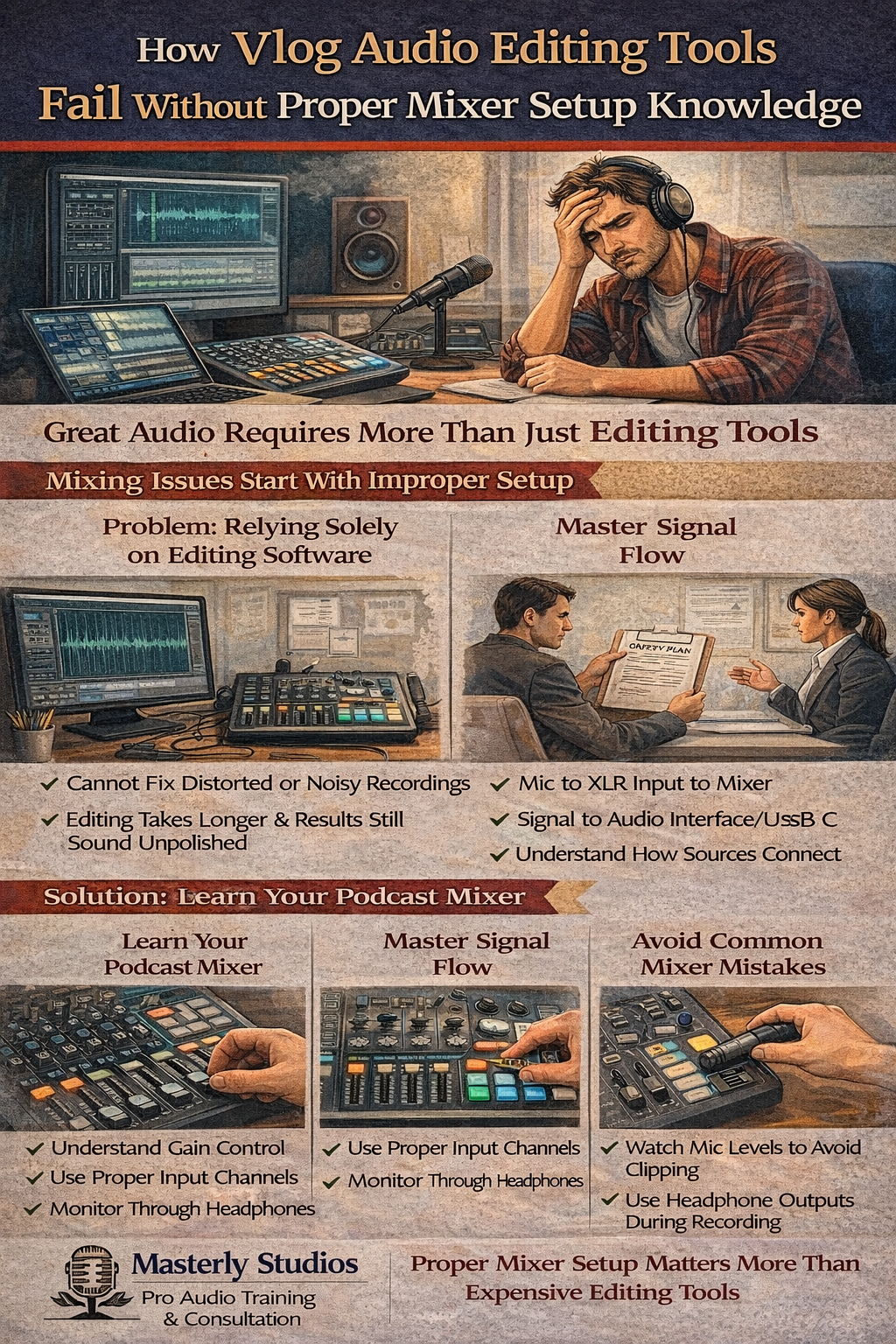
How Masterly Studios Teaches Technical Mastery
At Masterly Studios, we focus on hands-on learning inside a professional podcast studio. Clients work directly with podcast mixers like the RODECaster Pro II, RODECaster Duo, Mackie DLZ Creator, Tascam Mixcast, and Zoom PodTrak. We guide creators through real recording scenarios.This approach builds confidence and competence quickly.
The Big Difference Between Knowing Tools and Using Them Well
Having all the tools does not guarantee results. Understanding how and why to use them creates consistency and quality. Skill turns equipment into an asset instead of a frustration.This is where many creators see the biggest improvement.
Why Podcasters Outgrow DIY Audio Setups
As podcasting grows, expectations rise. Listeners expect clear voice, balanced sound, and professional delivery. DIY setups often struggle to keep up.Learning mixer setup early helps podcasters scale without reworking their entire workflow.
Investing in Skills Saves Money Long Term
Poor audio leads to re-recordings, lost time, and missed opportunities. Investing in skill development reduces these hidden costs. Knowledge protects your content and your brand.Professional guidance pays off faster than constant gear upgrades.
Turning Knowledge Into Consistent Results
Consistency is what builds audience trust. Proper mixer setup allows creators to record reliably every time. This consistency makes editing faster and publishing easier.Skill creates repeatable success.
Work With Masterly Studios for Audio Confidence
If your vlog audio editing tools aren’t delivering the results you expected, the issue may be mixer setup, not software. At Masterly Studios, we help creators understand podcast mixers, inputs, channels, and recording workflows through hands-on workshop services. We work with clients throughout the country and nationally to improve audio capture and production confidence.Contact us at (888) 209-4055 to book a free consultation and learn how proper mixer knowledge can transform your audio.
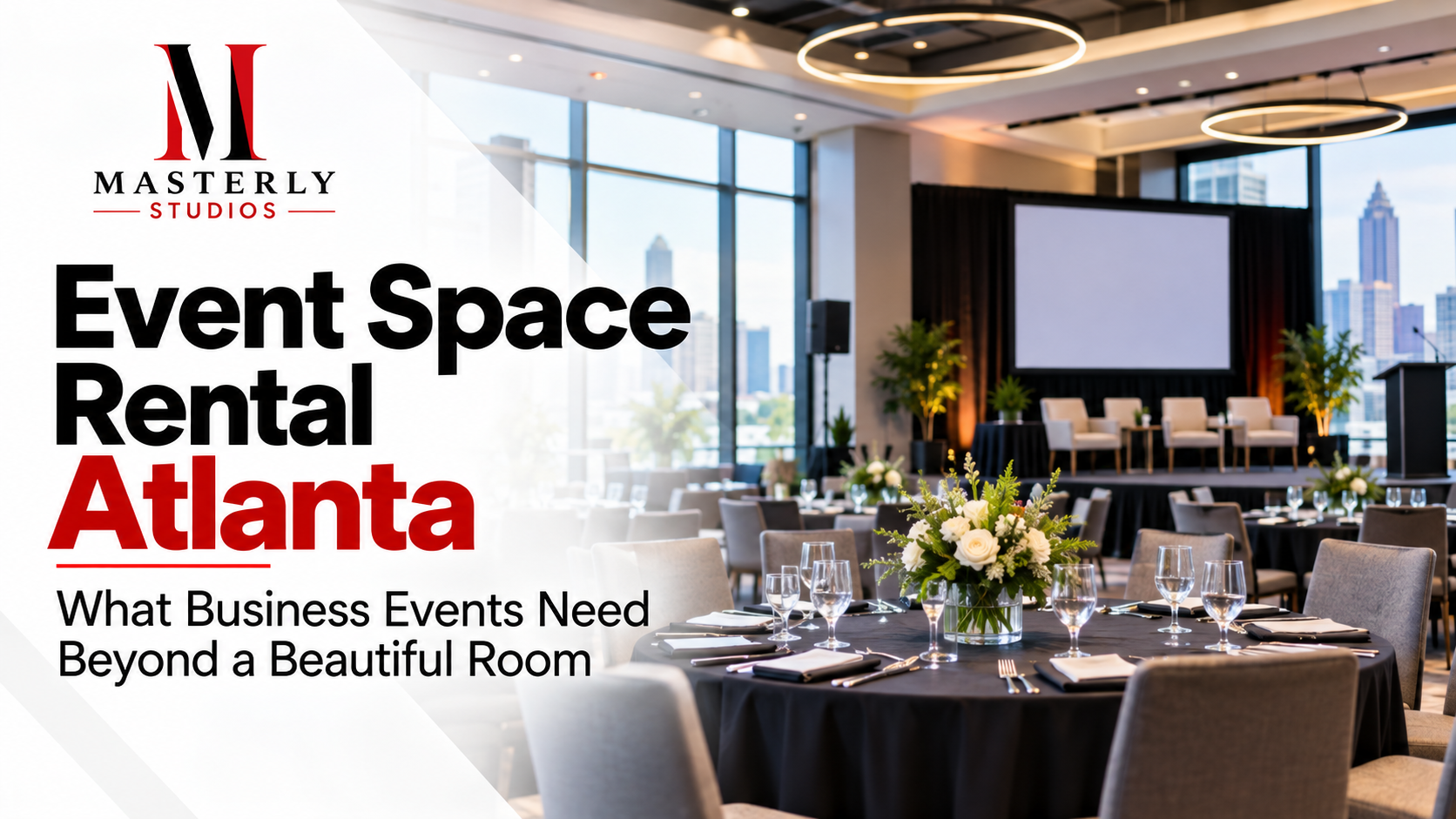
Plan your Atlanta event space rental with the right room size, guest flow, technical support, and scheduling. Request a venue tour to confirm the best fit.
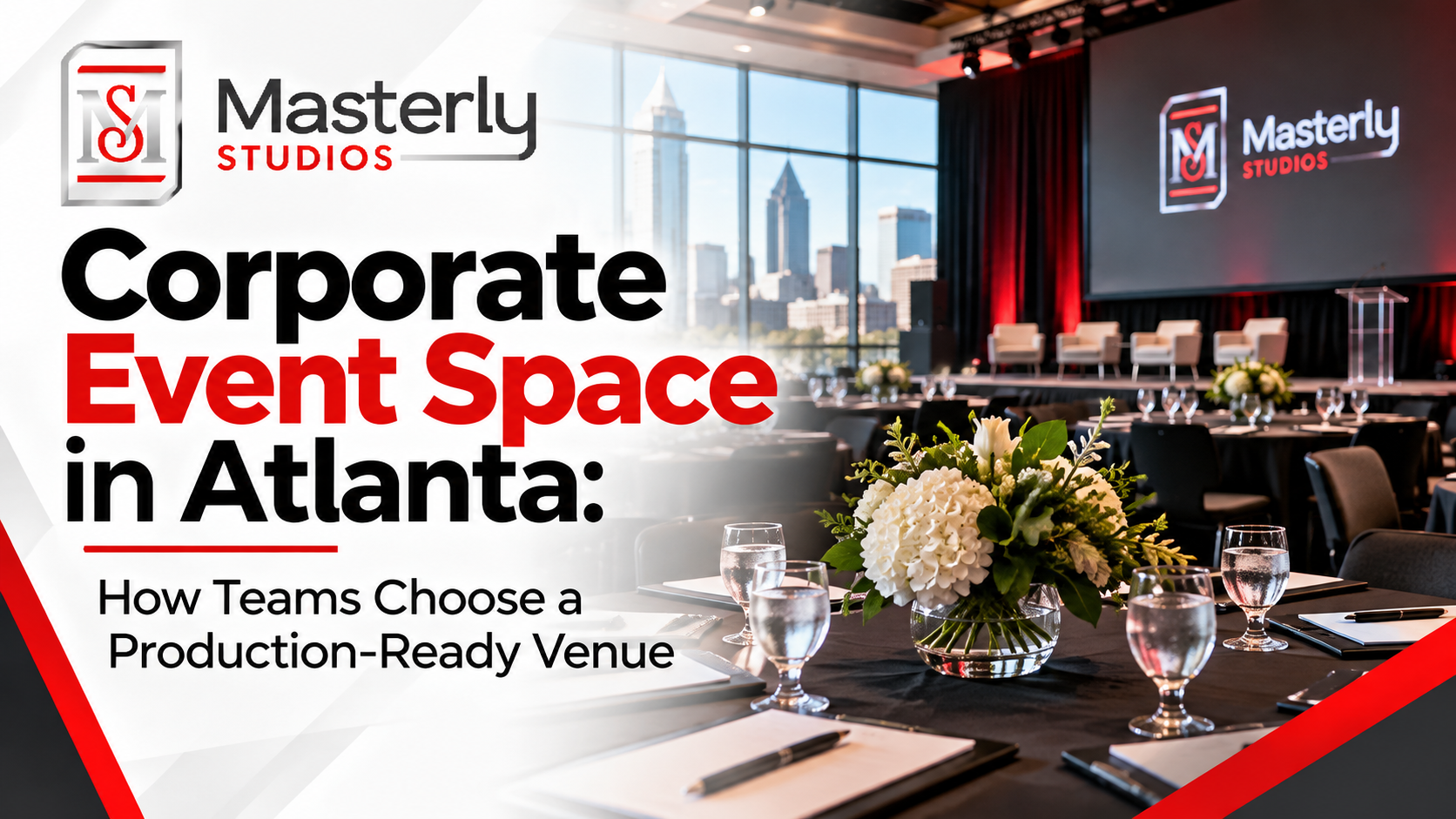
Explore what to consider when choosing Atlanta corporate event space, including room layouts, AV capabilities, parking, guest experience, and booking options.
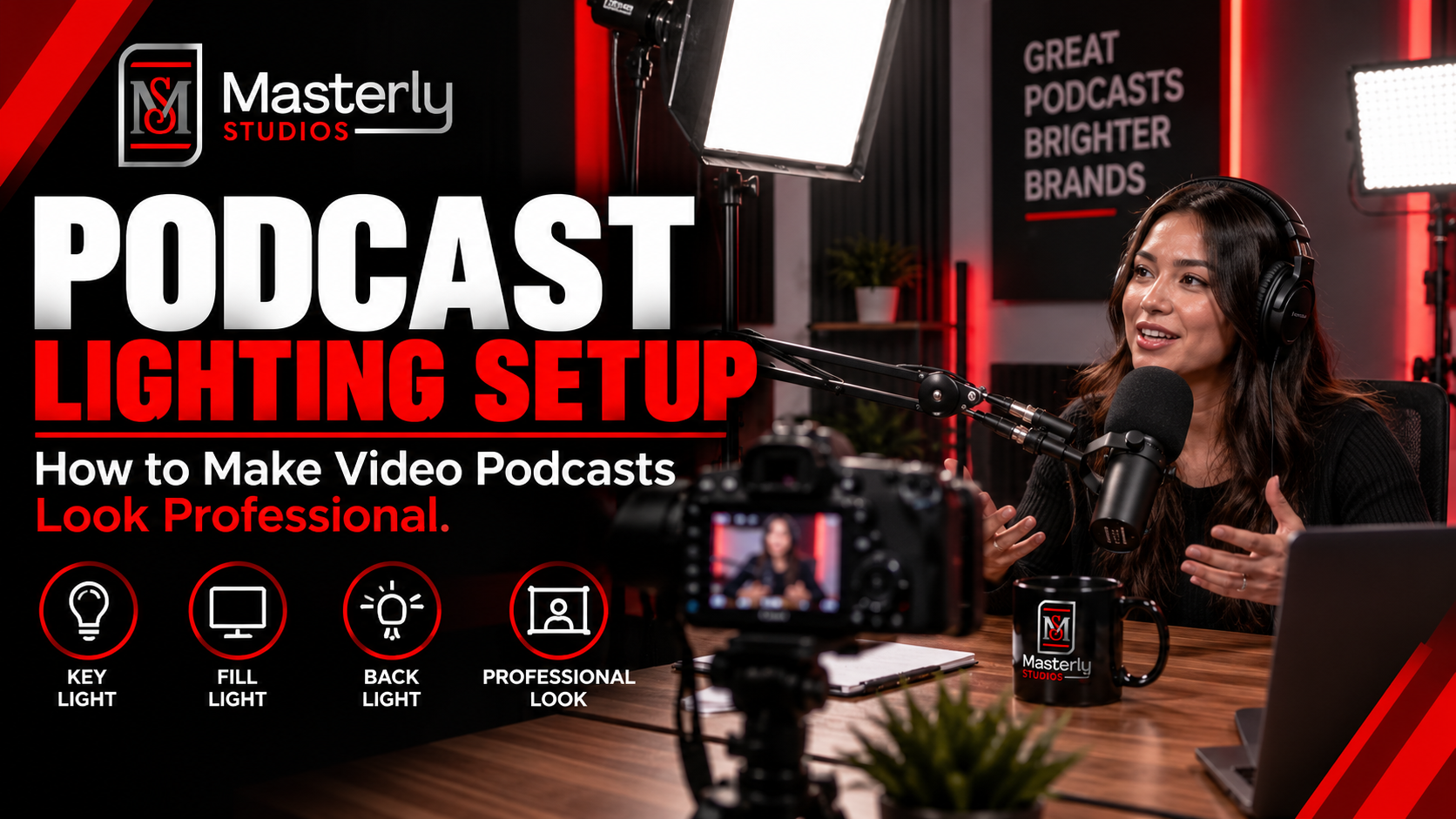
Need a podcast lighting setup? Masterly Studios provides professional podcast and camera lighting in a prepared studio for consistent, polished video production.
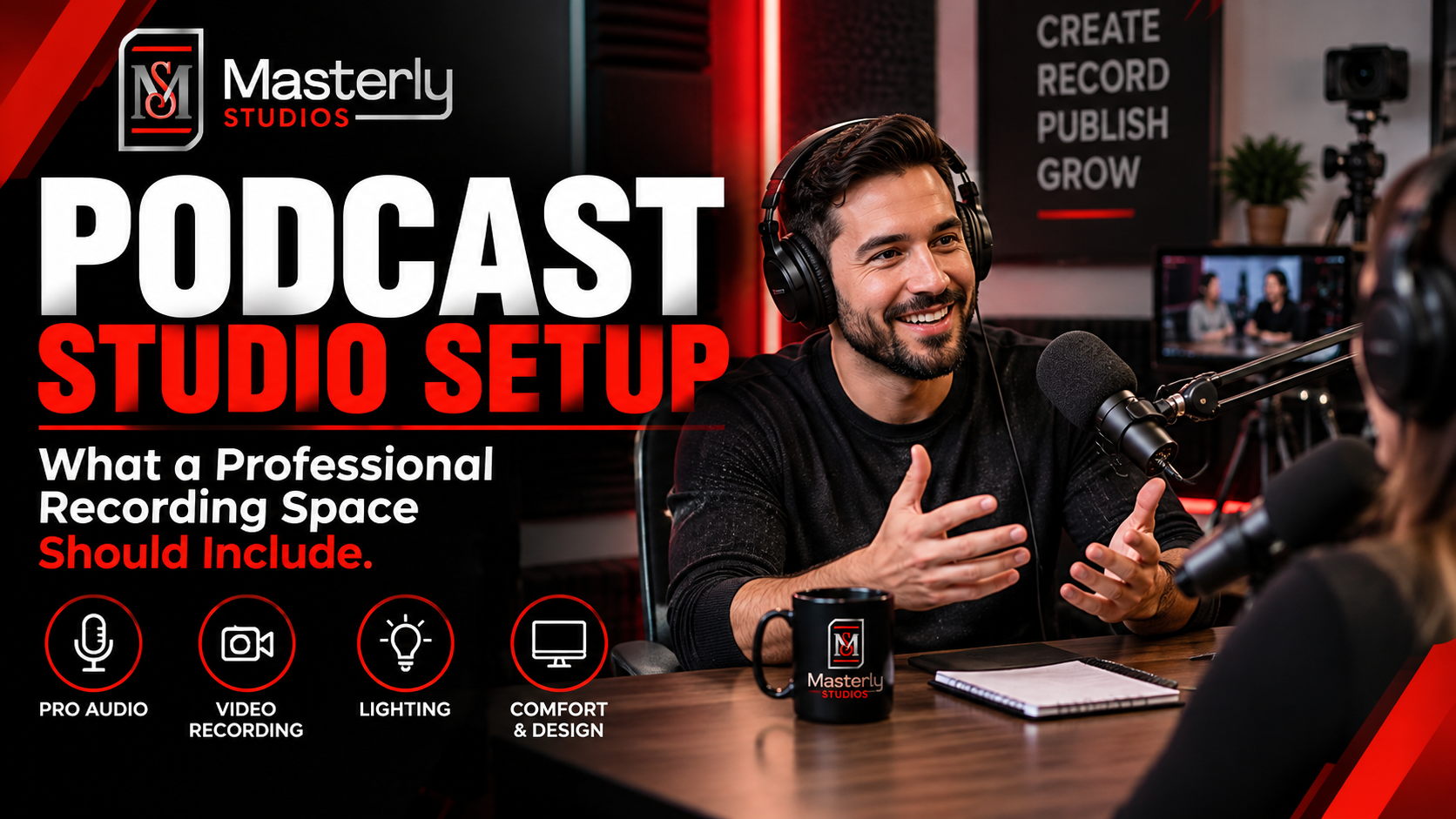
Need a podcast studio setup? Masterly Studios offers a professional recording space with quality equipment, lighting, acoustics, and video support for creators.
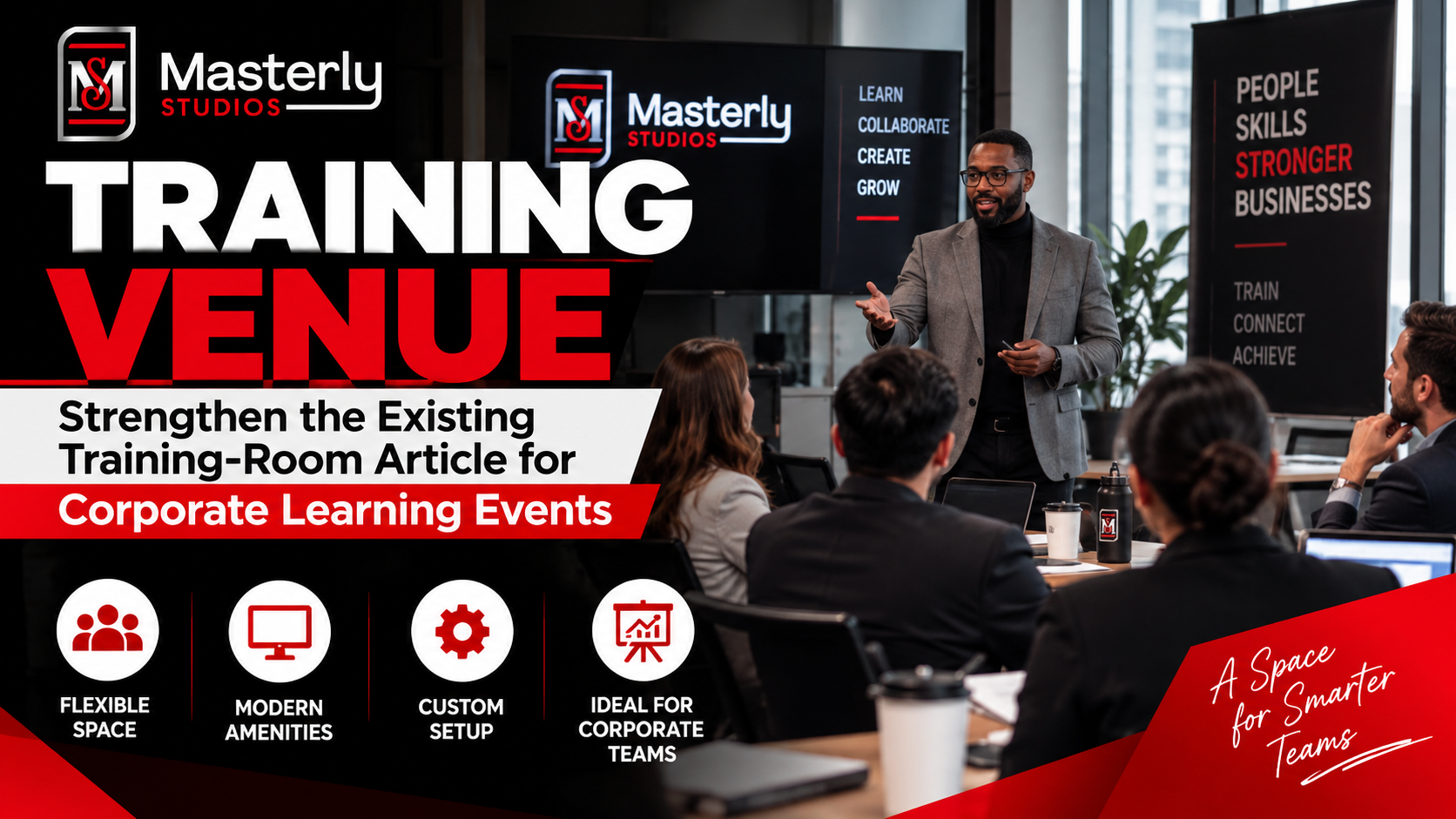
Book a training venue in Atlanta for corporate workshops, employee training, and learning events with flexible layouts, A/V support, and professional amenities.
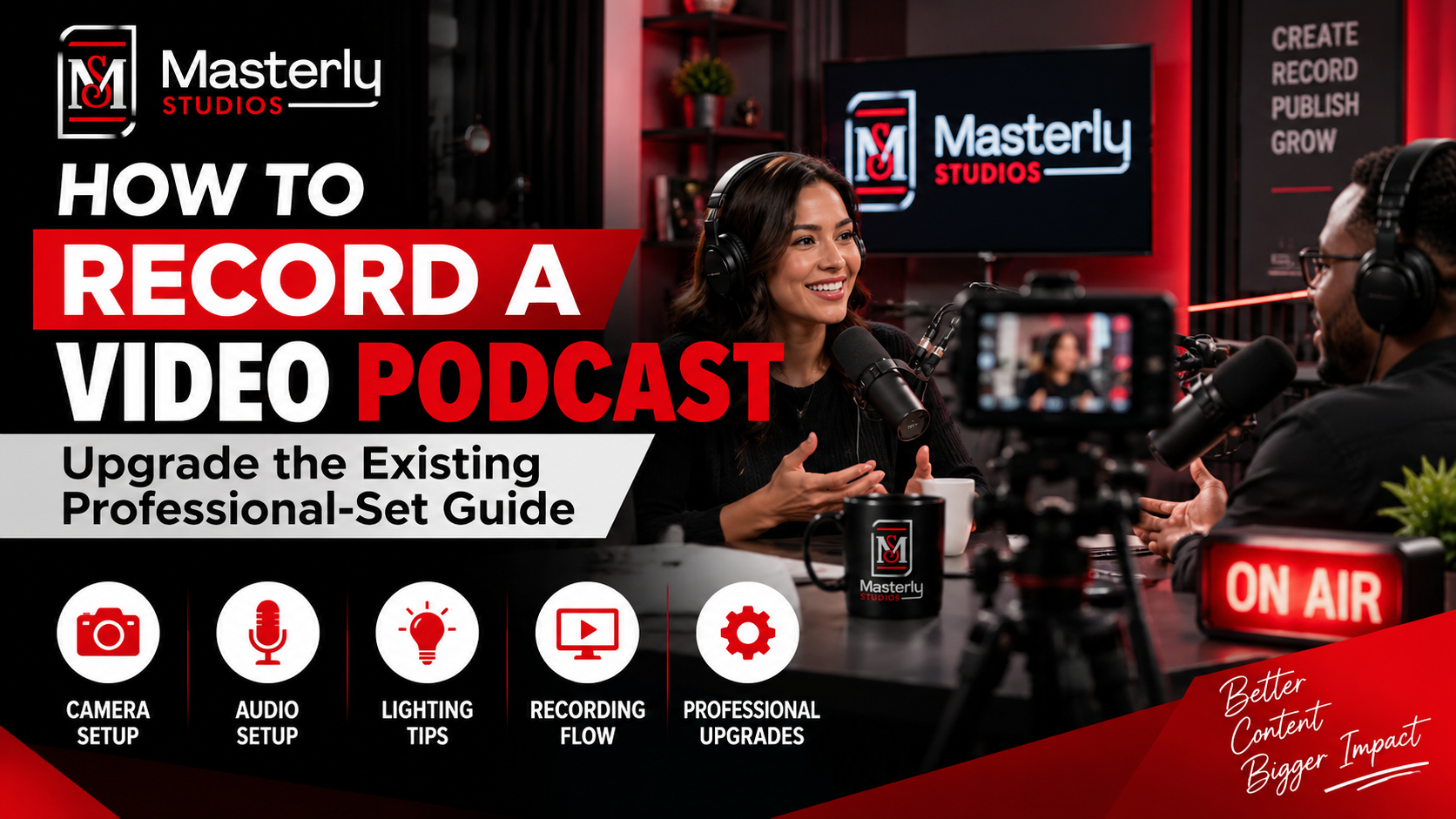
Learn how to record a video podcast in Atlanta with a professional studio setup, clear audio, polished lighting, guest support, and a smooth recording workflow.

Book a corporate Christmas party venue in Atlanta for year-end events with flexible space, A/V support, catering, branding, and more for your team and festive fun.
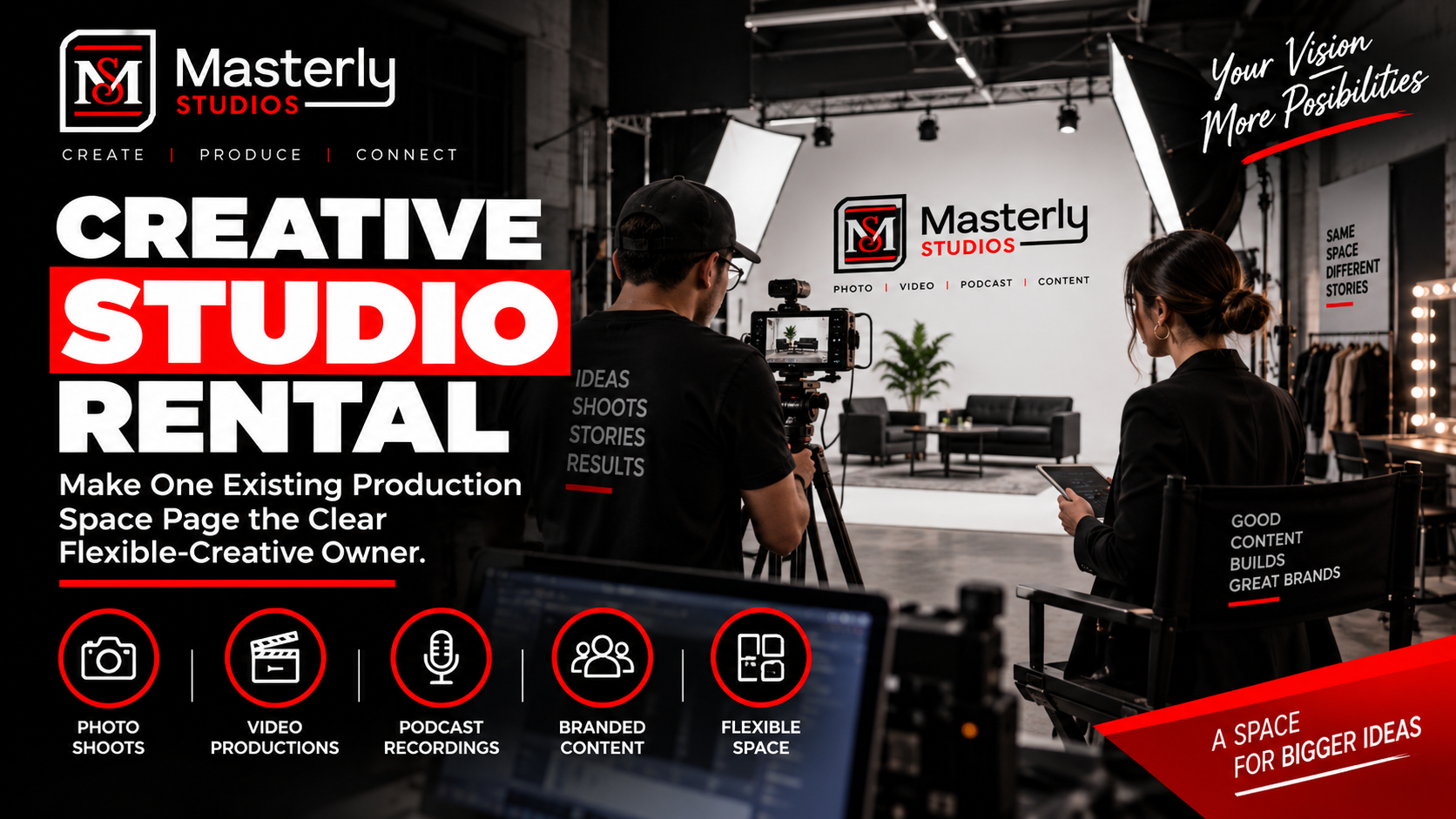
Book a creative studio rental for photography, video, branded content, and marketing campaigns with flexible production space at Masterly Studios for every project.
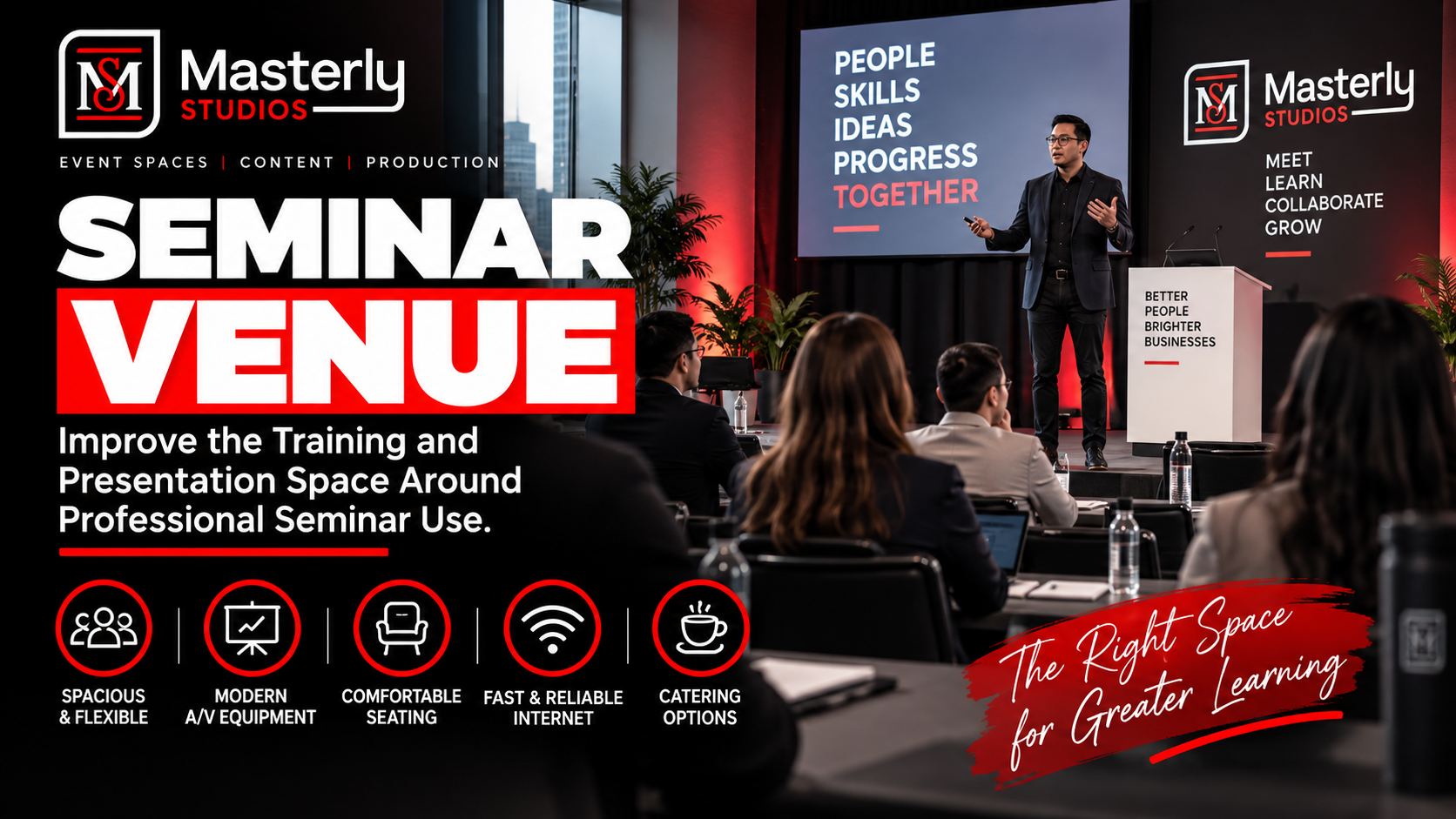
Book a professional seminar venue for training, presentations, and business events with flexible seating, A/V, check-in, parking, content support, and event setup.
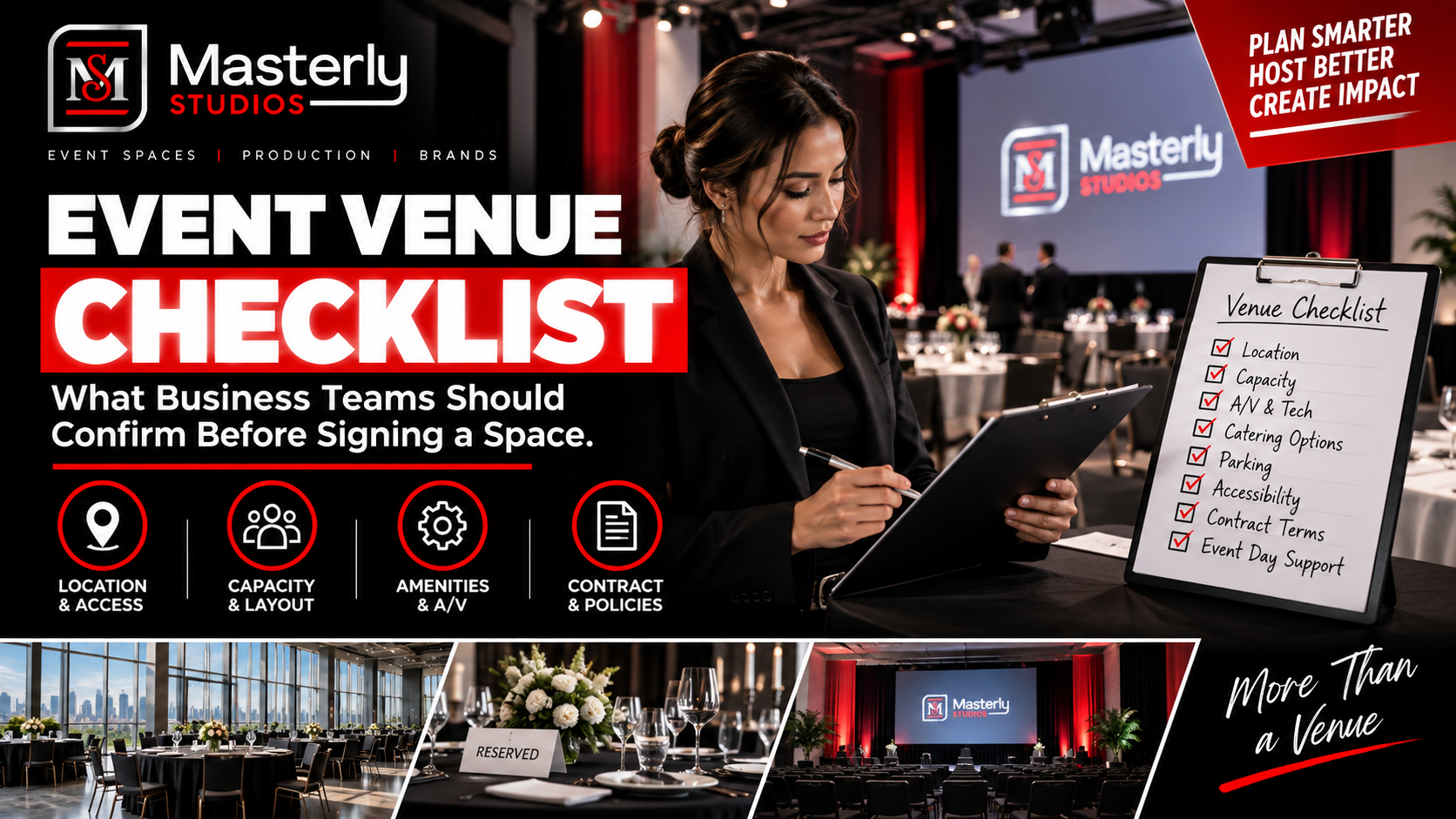
Use an event venue checklist to evaluate capacity, layout, parking, load-in, A/V, Wi-Fi, accessibility, catering, branding, production, and overtime needs.