Law Firm Video Marketing: Building a Repeatable Authority System
Your law firm may have experienced attorneys, strong results, and valuable legal knowledge, but potential clients may never see what makes your firm different.
A website can explain your services. A profile can list an attorney's experience. A blog can answer common questions. But these formats do not always show the people behind the firm or give potential clients a sense of who they may be trusting with an important legal matter.
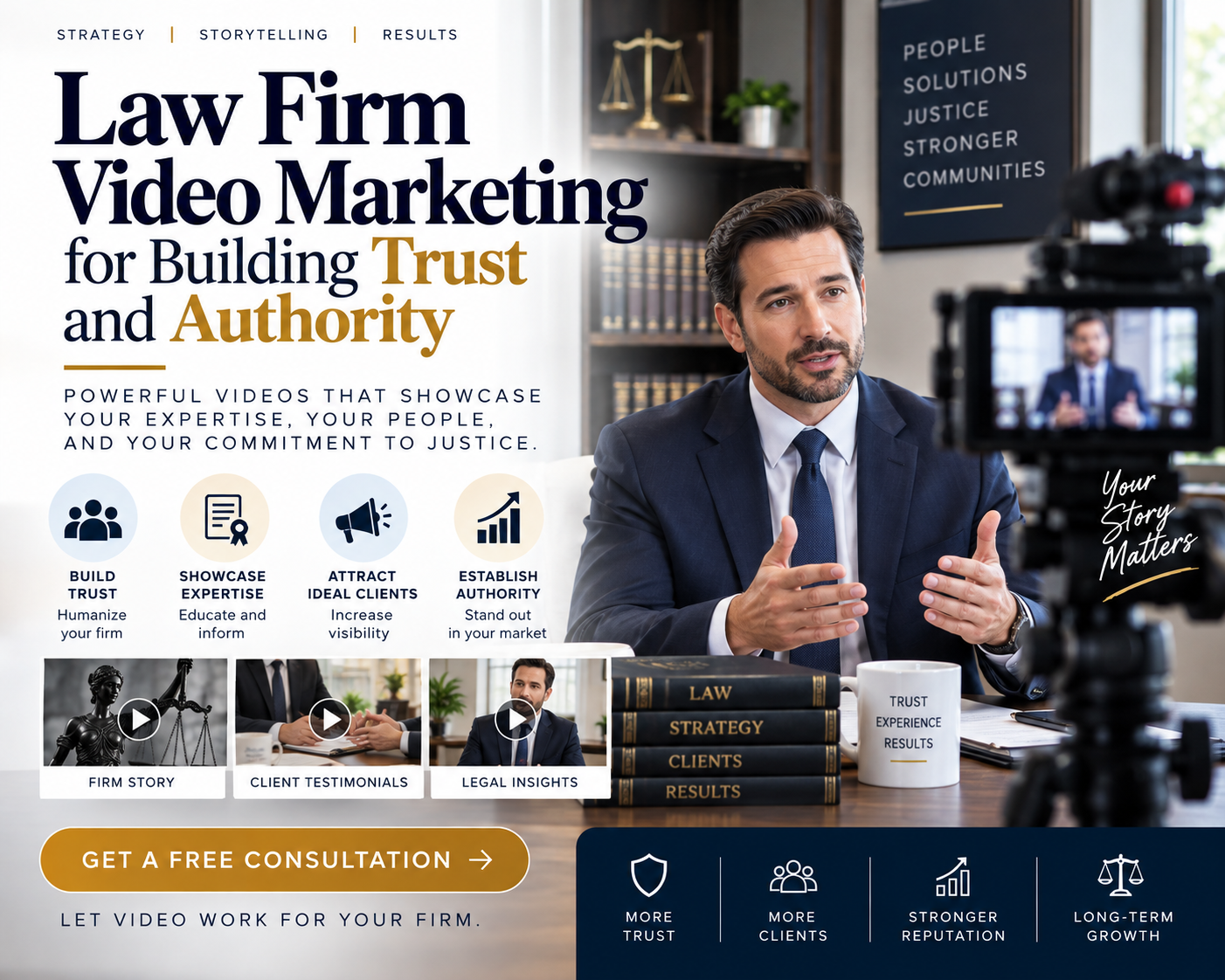
This is where law firm video marketing can help. Law firm video marketing uses professional video content to help firms introduce attorneys, explain services, communicate legal expertise, and build trust before a prospect ever schedules a consultation.
For law firms that want stronger visibility and more trust from potential clients, video adds a direct, personal layer to a broader law firm marketing strategy. Professional video gives your attorneys a way to communicate their knowledge, personality, and approach in a format that feels direct and personal. Instead of relying on occasional videos or disconnected content, your firm can build a repeatable system that keeps your attorneys visible and your message consistent across your website, social platforms, and other marketing channels.
Below, you'll see how video supports law firm marketing, what it takes to create consistent attorney content without pulling lawyers away from billable work, how to fit video into a larger marketing strategy, and how Masterly Studios helps law firms handle production from planning through delivery.
When Your Law Firm Has Expertise but Not Enough Visibility
Legal clients often have difficult questions before they ever contact a law firm.
They may be dealing with a personal injury, business dispute, family matter, estate issue, employment concern, or another situation where the right legal guidance matters.
Before contacting an attorney, they may look at your website, search online, watch videos, read reviews, and compare several firms.
That means your firm has an opportunity to build trust before the first consultation.
The problem is that many firms struggle to consistently create content that reflects their expertise.
An attorney may have excellent knowledge but limited time to appear on camera. Your marketing team may have ideas but lack the production resources to turn those ideas into polished videos. As a result, content may be published inconsistently or not at all.
This is where law firm video marketing can help as part of a broader law firm marketing approach, especially when you plan around your target audience and build video topics from the questions prospective clients are already searching.
Why Law Firm Video Marketing Matters for Trust
Choosing an attorney is a personal decision.
Clients want to know that their lawyer understands their situation, communicates clearly, and can be trusted to handle important matters.
Law firm video marketing gives potential clients a chance to see and hear your attorneys before they schedule a consultation.
A well-produced video can communicate more than information. It can show confidence, professionalism, empathy, and clarity.
This is especially useful for legal services because many potential clients may feel uncertain or overwhelmed when they first begin looking for legal help.
When an attorney explains complex legal concepts in a clear and approachable way, the firm can begin building familiarity before the first conversation.
Video Marketing for Lawyers That Reflects Your Firm's Reputation
Video marketing for lawyers should feel professional without becoming stiff or overly scripted.
Your attorneys have spent years developing legal knowledge and experience. The video should help communicate that expertise while still allowing their personalities and communication styles to come through.
The right law firm video content can answer common client questions, explain legal concepts, introduce attorneys, discuss areas of practice, and share information that helps potential clients understand what your firm does. This is especially useful for legal services because video can make complex legal concepts easier to understand for people seeking legal help. Strong video topics should match what prospective clients are actually searching for.
That often includes faq videos that address common concerns before someone reaches out. It can also include firm overview videos that help people get a feel for the team. On your website, short videos can support written content without overwhelming the page. Placing these videos on service pages can improve engagement and help reinforce the information already there. The same approach works well on practice area pages, where clear attorney-led explainers can support both SEO and conversion goals.
The objective is not to turn every attorney into a full-time content creator.
When an attorney explains a topic in a clear and approachable way, it can make the firm feel more trustworthy and accessible. Client testimonial videos can build trust and credibility. Client testimonials provide social proof and are often more persuasive than text reviews.
Your attorneys should focus on practicing law. Your production partner should focus on creating professional video content around their expertise. Legal video marketing, including testimonial content, should also follow applicable advertising and ethical rules, with genuine statements, no false claims, protection of confidential information, required disclaimers under state bar rules, and no unearned titles or designations.
Attorney Video Content That Builds a Consistent Presence
One video may help your firm, but a repeatable content system can provide much more value.
Attorney video content can be created around topics your potential clients are already interested in. This allows your firm to build a library of useful videos rather than relying on occasional posts.
The right content can answer common concerns while introducing your team through firm overview videos, easing uncertainty with faq videos, building trust with client testimonials, strengthening credibility through testimonial videos, using client testimonial videos where appropriate, and adding informal social videos or other short videos where they fit your strategy.
Practice area explainer videos for service pages often work best at 60-90 seconds, while many other attorney-led videos are best kept between 2-5 minutes.
Content may include:
- Attorney introductions
- Answers to common legal questions
- Practice area videos
- Client-focused educational content
- Frequently asked questions
- Legal issue discussions
- Firm culture and team videos
- Event and community coverage
- Short-form social media videos
- Longer educational videos
A consistent collection of content can give your firm more opportunities to appear in front of potential clients across multiple channels.
It also gives your marketing team useful material that can support the firm's broader digital presence, so attorneys can choose the right video topics without feeling like they need to become full-time creators.
Law Firm Video Production Without Disrupting Your Attorneys' Work
One of the biggest challenges for law firms is time.
Attorneys have cases, clients, hearings, meetings, deadlines, and other responsibilities. Asking them to plan, record, edit, and publish their own videos adds another task to an already demanding schedule.
Professional law firm video production removes much of that burden.
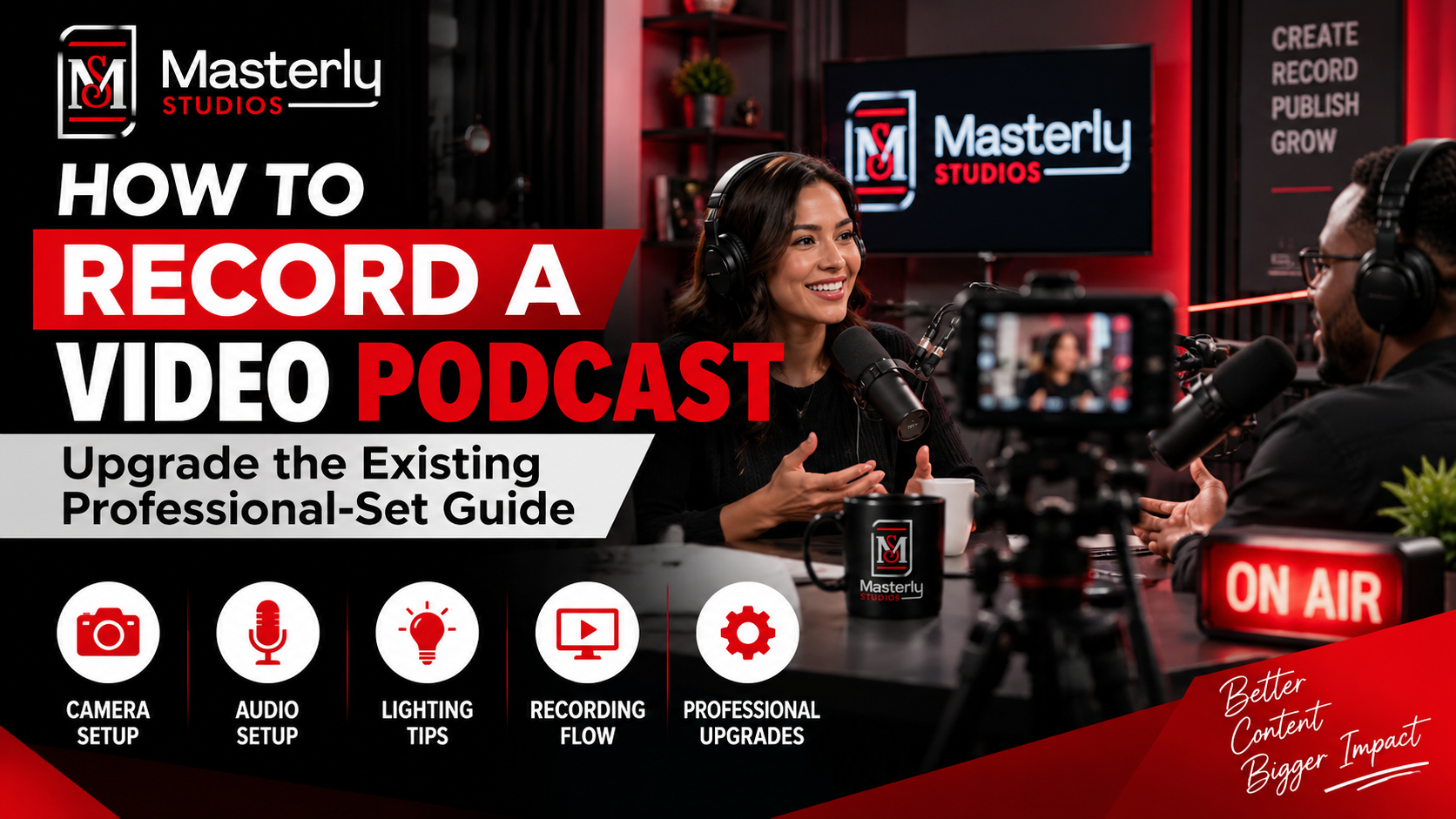
Masterly Studios can work with your firm to plan the content, organize production, capture professional footage, and create finished videos that are ready for use across digital platforms and other advertising channels.
Content may include:
- firm overview videos
- FAQ videos
- client testimonial videos
- short-form social media clips designed as social videos and made videos easier to watch on phones
- live Q&A sessions that create real-time audience engagement for law firms
- video ads for ppc campaigns
- tailored creative for youtube ads
Your attorneys provide the expertise.
Masterly Studios handles the production.
This creates a clearer division of responsibilities and allows your firm to maintain a professional content presence without asking attorneys to become video producers.
Turn One Production Into an Ongoing Content System
A recurring production model can make your video marketing more efficient.
Instead of arranging a new production every time your firm wants to publish something, your team can plan content around a regular schedule.
One production session may provide multiple pieces of content, depending on the goals and scope of the project.
For example, an attorney may record several short answers to common questions during one session. Those recordings can then become individual short videos for different topics and channels.
This approach helps your firm build a content library while making better use of your attorneys' limited time. Professional law firm video production removes much of that burden. With 30% of law firms produced videos in 2023, firms now often need content prepared for multiple digital platforms and advertising channels.
Masterly Studios can work with your firm to plan one shoot that produces multiple deliverables, including versions for video ads, YouTube ads, PPC campaigns, and social videos, while keeping the process efficient for your attorneys and easier to watch on phones.
The result is a more consistent presence without requiring constant production planning.
Video That Supports Your Entire Legal Marketing Strategy
Video should not exist separately from the rest of your firm's marketing.
Professional video content can support your website, social media, email communications, search visibility, attorney profiles, landing pages, presentations, and other marketing efforts.
A practice area video can help explain a service page.
An attorney introduction can help a potential client become familiar with the lawyer they may contact.
A short educational video can answer a common question and give someone a reason to continue exploring your website.
An event video can show your firm's involvement in the community.
When video is planned as part of a broader marketing system, each production can have a clearer business purpose. That includes using relevant keywords in transcripts and schema, adding keyword rich titles, and making sure videos support service pages and practice area pages. It can also mean you embed videos where they support written content, improve the experience for website visitors, and fit the firm's broader web design. Because YouTube functions as the second largest search engine, a well-structured youtube channel can support visibility beyond your site.
For example, an attorney may record several short answers that become faq videos, with each finished piece built around one clear message and a single call to action. Clips from one session can also be repurposed into short videos, social videos, or video ads for different channels.
Tracking click-through rates can help show which videos are driving action.
Protecting Your Firm's Professional Image
Your law firm's reputation matters.
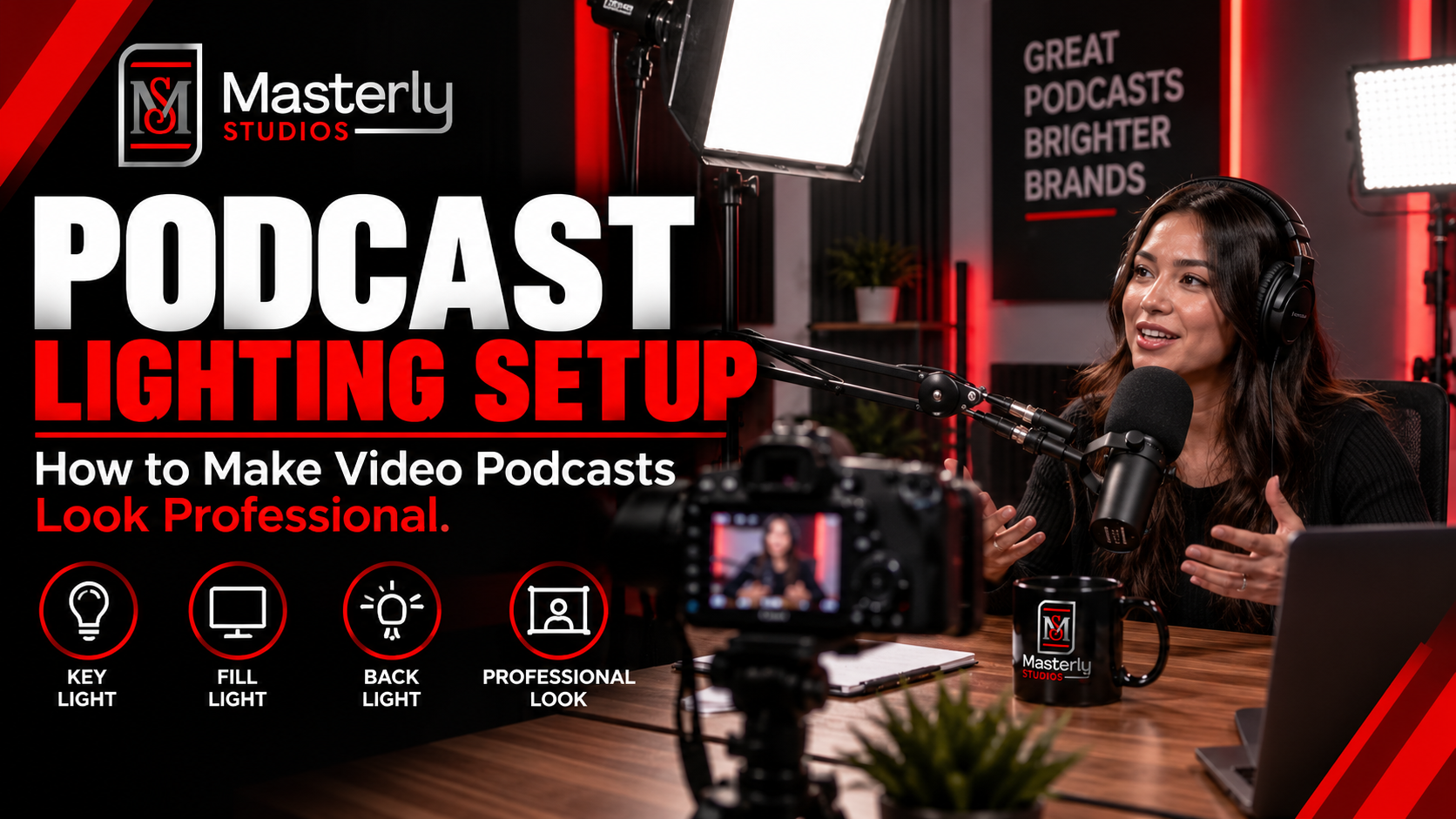
Poorly recorded videos, distracting backgrounds, weak lighting, poor audio, or unclear messaging can make even an experienced attorney appear less professional than they are.
That is why production quality matters.
Professional video should reflect the same level of care your firm brings to its clients.
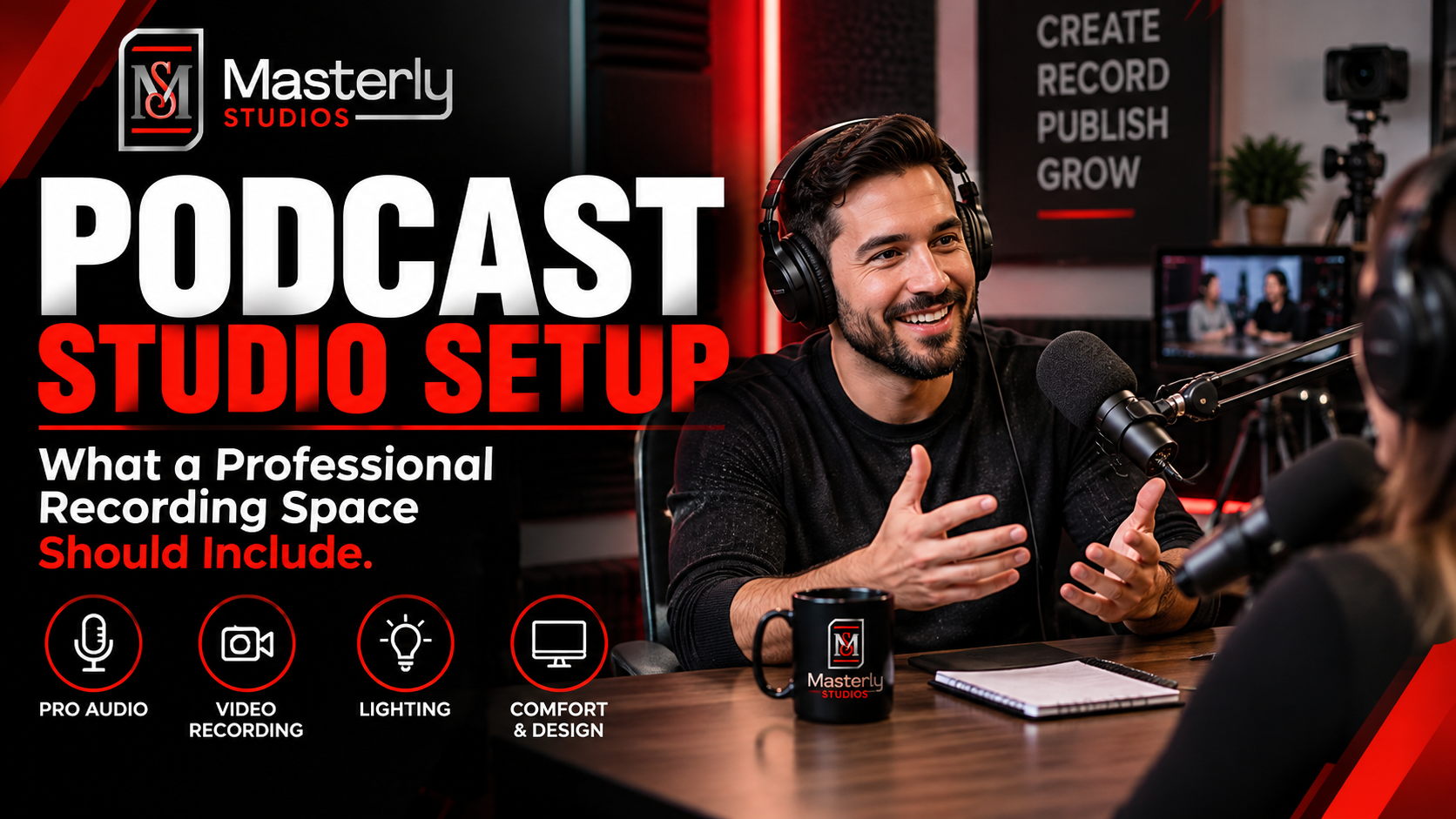
Masterly Studios focuses on creating polished, professional content that allows your attorneys to communicate naturally while maintaining the image your firm has worked hard to build.
The goal is not to make your videos feel overly produced. The goal is to make them feel credible, clear, and appropriate for a professional audience.
That same standard should carry across your website, LinkedIn, and other digital platforms, where polished explainers can support thought leadership while social videos give your firm a more direct, approachable presence.
In other words, strong production helps law firms publish engaging videos that fit the platform, the message, and the expectations of the viewer.
Why Choose Masterly Studios?
Masterly Studios provides professional video production for organizations that need consistent, high-quality content without taking production responsibilities away from their internal teams.
For law firms, we can build video content around your attorneys, practice areas, audience, and marketing goals, including legal marketing videos that fit your broader law firm marketing strategy.
Our approach is designed to make video production easier for your firm, whether you need marketing videos for your website, video ads for digital campaigns, or effective legal marketing videos that support ppc campaigns and youtube ads.
You bring the legal expertise and subject knowledge. Masterly Studios handles the production side, with content that can speak to potential clients or, in some cases, a more professional audience such as LinkedIn viewers while still feeling credible and engaging.
Whether your firm needs attorney introductions, educational videos, social media content, practice area videos, or an ongoing video program, we can help create a system that supports your firm's communication strategy. The goal is not to make your videos feel overly produced, but to match the format to where they’ll be used, from polished website pieces to simpler social content.
Is Law Firm Video Marketing Right for Your Firm?
Professional video marketing may be a strong fit if your firm:
- Has attorneys with valuable knowledge to share
- Wants to build greater trust with potential clients
- Struggles to create consistent video content
- Wants to improve its online presence for website visitors
- Needs professional attorney video content
- Wants to explain complex legal topics more clearly on service pages
- Needs content for its website, practice area pages, and social channels
- Wants to create a recurring production schedule
- Does not want attorneys spending their time managing video production
If your attorneys already have valuable information to share, the next step may simply be creating a reliable system for turning that expertise into professional content. For law firms, we can build video content around your attorneys and support broader law firm marketing efforts to attract new clients, whether you want to embed videos on key pages or create legal marketing videos for video ads, YouTube ads, or PPC campaigns.
Paid Social Media Advertising That Puts Your Firm in Front of the Right Audience
Professional video becomes even more valuable when it is connected to a focused distribution strategy. Paid social media advertising can help law firms place relevant video content in front of specific audiences across social media platforms, rather than relying only on organic reach.
For legal professionals, the right approach may include video advertising for a particular practice area, location, or client need. A family law firm, for example, may want content that speaks directly to people searching for help with family-related legal matters. The goal is not simply to reach more people. It is to reach people who may genuinely need the firm's services.
Masterly Studios can create high quality video that supports your firm's broader marketing strategy, giving your advertising campaigns professional content designed to communicate clearly and build trust.
A Video Strategy Built Around Your Law Firm's Client Acquisition Goals
A successful video strategy should connect your content with the way your firm attracts and serves clients. Your videos can support the law firm's website, social media advertising, YouTube content, landing pages, and other marketing channels.
For example, an educational video can complement a blog post on the same legal topic. A longer attorney interview can be adapted into shorter videos for social media platforms and YouTube Shorts. Content can also support searches through YouTube search when people are looking for information about a legal issue.
This creates a more connected marketing system instead of treating every video as a separate project.
Professional Video Production That Protects Your Firm's Image
Your attorneys understand the law. They should not have to become professional videographers as well.
A professional production team can handle the technical details that affect the quality of your content, including lighting, camera work, sound, editing, and presentation.
Small production problems can have a noticeable effect on how viewers perceive your firm. Background noise, poor lighting, distracting surroundings, or unclear audio can take attention away from an attorney's message.
Masterly Studios helps legal organizations create polished video content while allowing attorneys to focus on what they know best.
Attorney Advertising With a Clear and Responsible Message
Legal marketing requires care. Attorney advertising should communicate the firm's services professionally while respecting applicable ethical and professional requirements.
Your firm's video content should reflect its actual experience, services, and values. It should also make your unique value proposition easy for potential clients to understand.
This is especially important when marketing specific practice areas such as family law or other services where clients may be dealing with stressful and highly personal situations.
Masterly Studios can work with your firm to create professional content that communicates your message clearly while giving your legal team the opportunity to review and approve the final material.
Creating an Emotional Connection With Potential Clients
Legal decisions are often personal.
A potential client may be worried about their family, finances, business, future, or personal rights. Before contacting a law firm, they may want to know whether the attorneys understand their concerns and can communicate with them clearly.
Video can create an emotional connection by allowing people to see and hear the professionals they may eventually trust with their legal matter.
A strong video does not need to make exaggerated promises. It can simply introduce the attorney, explain an issue, and give viewers a better sense of the firm's approach.
That familiarity can help make the first contact feel more comfortable.
A Proven Strategy for Turning Video Into More Opportunities
Video should have a purpose beyond collecting views.
A well-planned content program can support client acquisition by helping potential clients discover your firm, understand your services, and take the next step.
Your content can direct interested viewers to the law firm's website, a relevant practice area page, a consultation page, or another appropriate destination.
For firms seeking more clients, this creates a clear path from awareness to action.
Masterly Studios can help your firm develop content around its goals through focused strategy sessions, professional production, and a consistent publishing plan.
Building a Long-Term Video Library for Your Firm
Your best content does not have to disappear after one campaign.
Videos featuring attorneys can continue supporting your marketing over time. A frequently asked legal question can become a useful resource. A conversation about a practice area can introduce new audiences to your firm. A client-focused topic can remain relevant long after publication.
Your firm can also use appropriate stories and testimonials from past clients, subject to the firm's consent and applicable professional rules.
Over time, this creates a valuable library of content that can support your website, social media platforms, YouTube channel, and other marketing efforts.
From Strategy Sessions to Finished Attorney Video Content
Your legal team does not need to spend hours trying to write scripts, operate cameras, or manage editing software.
Masterly Studios can help organize the production process around your attorneys' knowledge and your firm's marketing priorities. Strategy sessions can identify useful topics, important audiences, and the messages that best communicate your firm's services.
The production team can then turn those ideas into professional videos.
The result is a repeatable system designed to help your firm communicate consistently without requiring attorneys to manage every step themselves.
Video Marketing That Supports Your Next Stage of Growth
Whether your firm is an established practice looking to strengthen its authority or a new business trying to build recognition, professional video can become an important part of its marketing presence.
The right content can help explain your firm's unique value proposition, introduce legal professionals, answer common questions, and create familiarity with potential clients.
Combined with social media advertising, website content, YouTube, and other channels, video can become part of a broader strategy designed to support sustainable client acquisition.
Masterly Studios provides the production expertise your firm needs to turn legal knowledge into clear, professional, and useful video content.
Frequently Asked Questions
What is law firm video marketing?
Law firm video marketing uses professional video content to help a legal organization communicate its expertise, introduce its attorneys, explain services, and build trust with potential clients.
How can video marketing for lawyers help a law firm?
Video marketing for lawyers is the use of law firm video content and legal marketing videos as a marketing tool to communicate expertise, introduce attorneys, explain services, and build trust, while giving prospective clients a chance to become familiar with the firm before making contact and helping turn that visibility into new clients.
What is attorney video content?
Attorney video content includes videos featuring lawyers discussing legal topics, answering common questions, explaining practice areas, introducing themselves, or sharing information relevant to their audience. It can also include faq videos and client testimonial videos, when used appropriately and in line with legal ethics rules. For prospective clients, that stronger familiarity can help turn interest into new clients. 85% of people are convinced to buy after watching a video.
What does law firm video production include?
Law firm video production can include planning, filming, professional lighting and audio, editing, and delivery of finished video content based on the firm's goals, including FAQ videos, client testimonial videos, and process walkthrough videos that show what happens after hiring a lawyer. It can also cover keyword rich titles, relevant keywords in descriptions or transcripts, and guidance on where to embed videos on relevant pages.
Does law firm video marketing require attorneys to spend a lot of time on production?
No. A professional production partner can manage much of the production process so attorneys can focus on preparing the legal information and participating in the recording.
Can one filming session produce multiple videos?
Yes. Depending on the production plan, one session can be structured to capture multiple topics and create several pieces of attorney video content.
Can law firm videos be used on social media?
Yes. Professional videos can be created in formats suitable for websites, social platforms, email campaigns, presentations, and other advertising channels, with one filming session often producing short videos, social videos, tailored cuts for digital platforms, and creative for youtube ads. They can also support a youtube channel strategy, especially on the second-largest search engine, where legal video content can help prospects find your firm. Tracking click-through rates can help show which versions drive action.
How often should a law firm create video content?
The right schedule depends on the firm's goals, audience, practice areas, and available content. A recurring production system can help maintain a consistent presence.
Invite the firm to discuss a recurring video content system
Your attorneys already have the expertise your audience wants to hear. The challenge is turning that expertise into consistent, professional content without adding another production responsibility to your legal team.
Law firm video marketing can help your firm build familiarity, communicate expertise, and create a stronger connection with potential clients before they ever schedule a consultation.
Masterly Studios can build a professional video production system around your attorneys, practice areas, and marketing goals. We can also help you embed videos on service pages and practice area pages, then refine your schedule by watching for average watch time over 50% as a sign of engagement and by using lead attribution to see which videos contribute to conversions.
Request a consultation with Masterly Studios to discuss a recurring video content system. Call (404) 726-7261 to get started.