Livestream Production Services: What Organizations Need for a Reliable Professional Broadcast
When an organization needs to reach a global audience with a leadership announcement, a product launch, or a multi-day conference, the stakes are too high for a laptop webcam and a hope-for-the-best approach. Livestream production services provide the managed technical execution that turns a standard broadcast into a polished, reliable experience: multi-camera coverage, engineered audio, real-time graphics, redundant streaming paths, and a professional crew running every element. Live streaming expands audience reach beyond physical locations, and virtual events remove geographical barriers, allowing participation from anywhere in the world.
Masterly Studios delivers managed live stream production for corporate events, virtual keynotes, training sessions, and hybrid formats. This is not room rental or a self-service webinar tool. It is end-to-end production: a dedicated production team handling cameras, switching, encoding, platform delivery, and recording so that organizers can focus on content, speakers, and audience engagement. Typical use cases include leadership town halls, product launches, virtual keynote speakers addressing remote teams, panel discussions, workshops, and multi-day corporate conferences.
Can our team stream hybrid events? Yes, and we do it regularly. Is a studio required? Not always-it depends on your event format and goals. Both questions are answered in detail in the FAQ section below.
Critical Broadcast and Redundancy Needs for a Reliable Live Stream
Corporate event live streams must be engineered like broadcasts. A leadership announcement or a virtual keynote seen by thousands of remote viewers only happens once. If the stream drops, the audio cuts out, or the encoder fails, there is no second take. That reality drives every redundancy decision in preproduction.
Concrete redundancy measures include:
- Internet: a primary dedicated wired line plus a backup path such as bonded cellular or a secondary ISP. Using redundant network connections prevents stream interruptions during events.
- Encoding: dual encoders (hardware and software) with tested failover to a backup streaming destination if the primary path fails.
- Audio: spare wireless lavalier microphones and backup bodypacks for keynote speakers-because a dead mic in the middle of a CEO address is unrecoverable.
- Power: separate circuits and UPS battery backups on every critical device (switcher, encoder, network gear).
- Recording: local master recording running independently of the stream, so even a complete internet outage preserves the full event for post-event use.
Risk points are predictable: relying on venue Wi-Fi, running a single-laptop streaming setup, or skipping audio backup. A professional crew eliminates these by designing redundancy plans during preproduction, including failover streaming destinations and local recordings. Consider a global town hall with thousands of remote viewers across time zones. If the primary internet path fails and there is no backup encoder, the event-and the message-is
lost. With proper engineering, the stream stays intact and the master recording is ready for immediate reuse.
Audio, Cameras, and Switching Workflow: Building a
Professional Broadcast Look
The gap between a casual live stream and a professional broadcast comes down to audio and camera workflows. Professional production teams enhance audiovisual quality with high-definition cameras and sound equipment, and that difference is immediately visible and audible to remote audiences.
Audio workflow. A dedicated sound engineer creates a separate broadcast audio mix pulled directly from microphone feeds-not from "room sound"
picked up by a camera mic. Lavalier mics go on keynote speakers for clean, isolated capture. Handhelds serve moderators and Q&A segments. Pre recorded videos and music clips feed directly into the mix rather than playing through room speakers and being re-captured. Professional AV solutions ensure clear audio and sharp visuals, and viewers consistently tolerate visual compromises more readily than audio issues.
Camera approach. Using at least two cameras provides variety in video feeds-typically a wide shot establishing the stage and a tight close-up on the
speaker. For panel discussions or dynamic presentations, three or four cameras cover wide, medium, audience, and side angles. PTZ cameras work well for fixed positions or audience shots, while camera operators with broadcast camcorders give more aesthetic control over framing and movement. Lighting equipment maintains consistent exposure across all angles, which is especially important when switching between cameras.
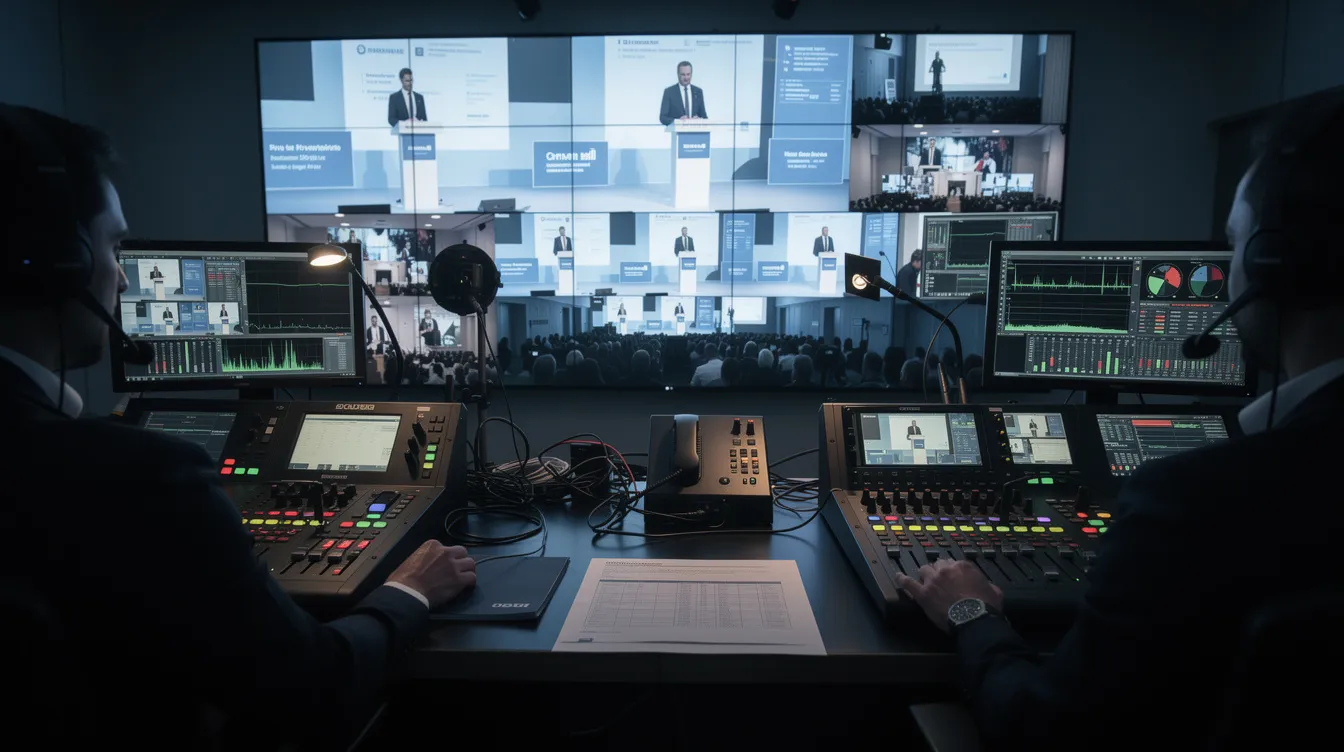
Switching workflow. A live vision mixer or production switcher lets the director cut between camera angles, slides, and video playback in real time. Picture-in-picture layouts allow multiple visual sources on screen-for example, a speaker close-up alongside their presentation slides. Lower thirds identify speakers and provide context during events. High-quality graphics and branding, including branded transitions and agenda overlays, enhance the professional appearance of the entire livestream.
Consider an executive keynote: the primary camera holds a medium shot on the speaker, a secondary camera captures audience reactions, and a clean PIP layout shows slides for remote viewers. The director calls cuts between angles while the graphics operator fires lower thirds and segment titles. That is the kind of dynamic, polished look that separates live productions from screen shares.
Remote Guests, Virtual Keynotes, and Hybrid Production
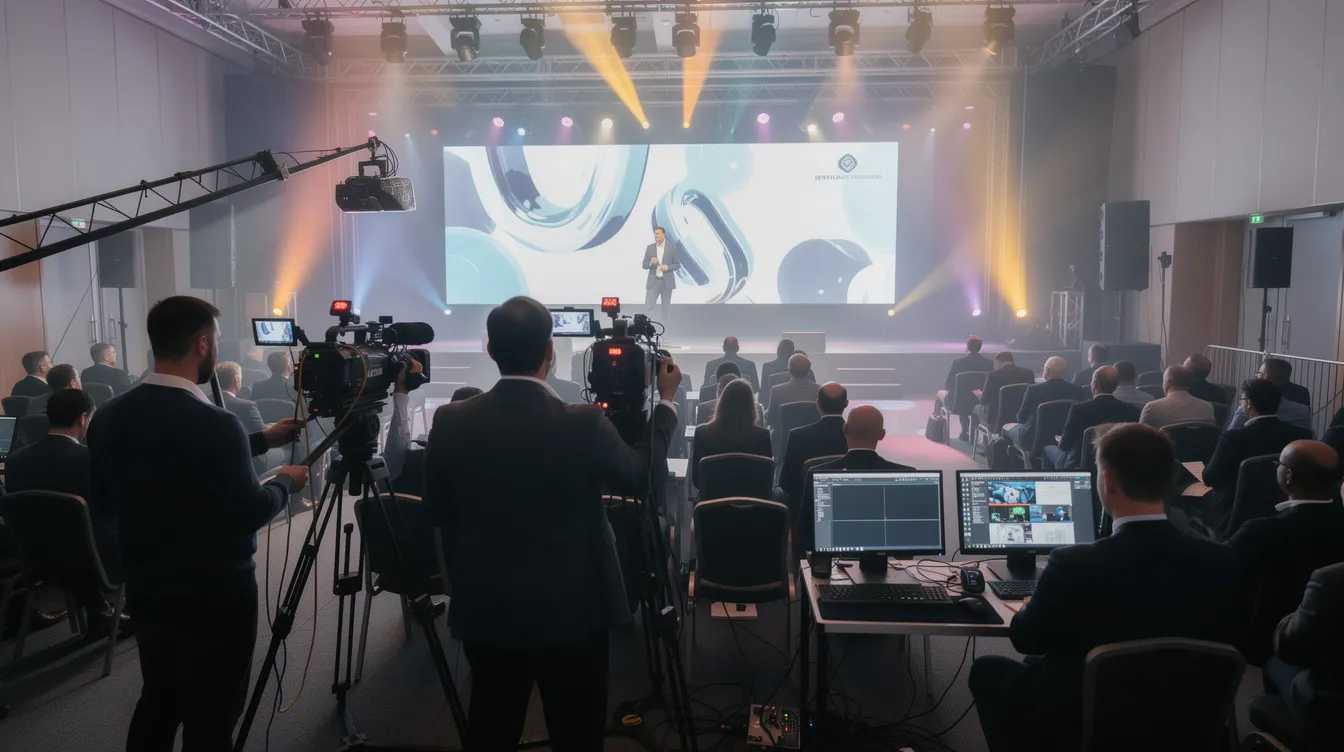
Many corporate events now blend in person speakers with remote executives and virtual keynote speakers joining from studios or offices around the world. Hybrid events combine in-person and remote audiences effectively, but only when the production workflow is designed for both.
Masterly Studios connects remote guests through a structured process: pre-event green room checks verify bandwidth, lighting equipment, and audio quality. Return feeds let virtual keynote speakers see slides, other presenters, and audience reactions so they can engage naturally rather than speaking into a void. Latency-aware Q&A management ensures that conversation between on-stage hosts and remote participants flows without awkward delays. Corporate live streaming allows for real-time audience interaction, which is especially valuable during panel discussions where some panelists are remote and others are on stage.
Hybrid production requires separate audio mixes for the room and the stream, camera framing that respects the in person audience while serving remote viewers, and coordination with on-site AV teams. The production team adapts to client-mandated platforms-Zoom for remote guest integration, Vimeo or YouTube Live for public distribution, or enterprise webcast platforms when security and registration controls are required.
A concrete example: a CEO speaks from a stage in New York, a product lead in London joins via a remote studio, and a subject matter experts panel includes both in person and virtual participants. The stream integrates all feeds seamlessly, with the director cutting between speakers, slides, and audience shots. The remote viewers watch a broadcast that feels unified, not patched together.
Production Process: From First Inquiry to Going Live
Masterly Studios follows a repeatable production process so organizations know exactly what to expect and what is needed at each stage. This functions as a livestream production services guide for planning any event, whether it is a two-speaker internal talk or a multi-day conference.
Discovery call. The project begins with understanding event goals, format (virtual, hybrid, or in person with streaming), audience size, and platform requirements. Stakeholder alignment happens here-event leads, marketing, IT/security, and any in-house AV partners are identified.
Technical assessment. For on-site events, this means a venue survey covering power, internet, space, and lighting. For virtual events, it means evaluating remote guest capabilities, corporate network policies, and platform compatibility.
Production planning. The crew builds a run-of-show document with timing, camera plans, graphics, branding, and the full redundancy plan. Speaker coaching begins here-guidance on camera framing, audio setup, slide formats, and presentation delivery so talent is prepared and confident.
Rehearsal and tech checks. Every element runs through a full sequence rehearsal. Remote guests test their connections. Streaming platforms are verified. Backup paths are confirmed. Confidence monitors and return feeds are tested.
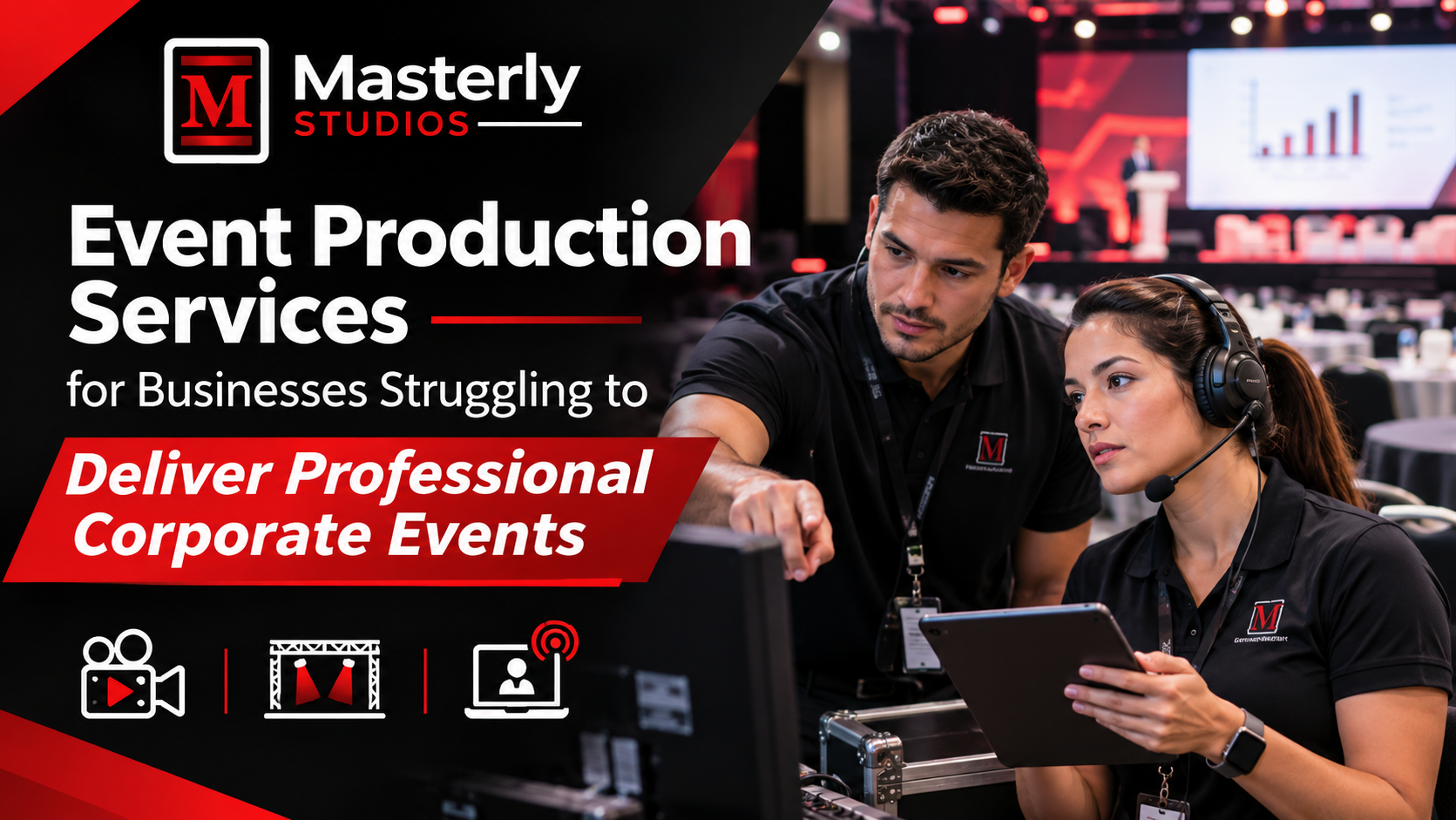
Live show execution. Producers manage transitions, the director calls camera cuts, the audio engineer monitors levels, and the crew tracks encoder health, internet stability, and backup readiness throughout the broadcast.
Post-event wrap. Master recordings, ISO camera files, isolated audio tracks, and any requested edits are delivered. Typical timelines: an internal town hall with one speaker can be planned in three to four weeks; a multi-day conference or complex hybrid event with multiple remote locations often requires eight to twelve weeks.
Livestream Platforms, Studio vs. On-Site, and Streaming Destinations
Masterly Studios can produce from a dedicated studio environment or from event venues, offices, and other on-site locations. The choice depends on the event.
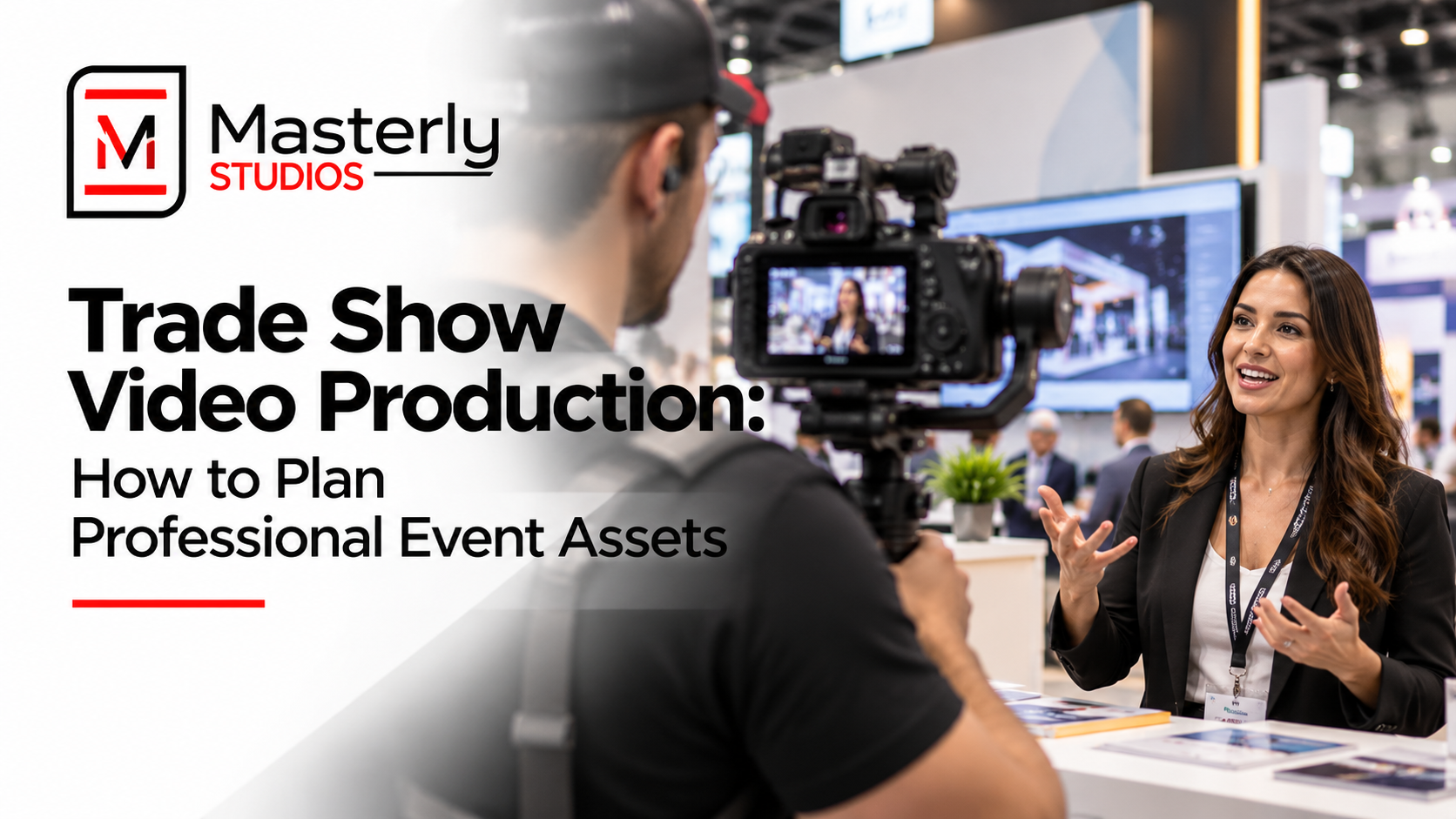
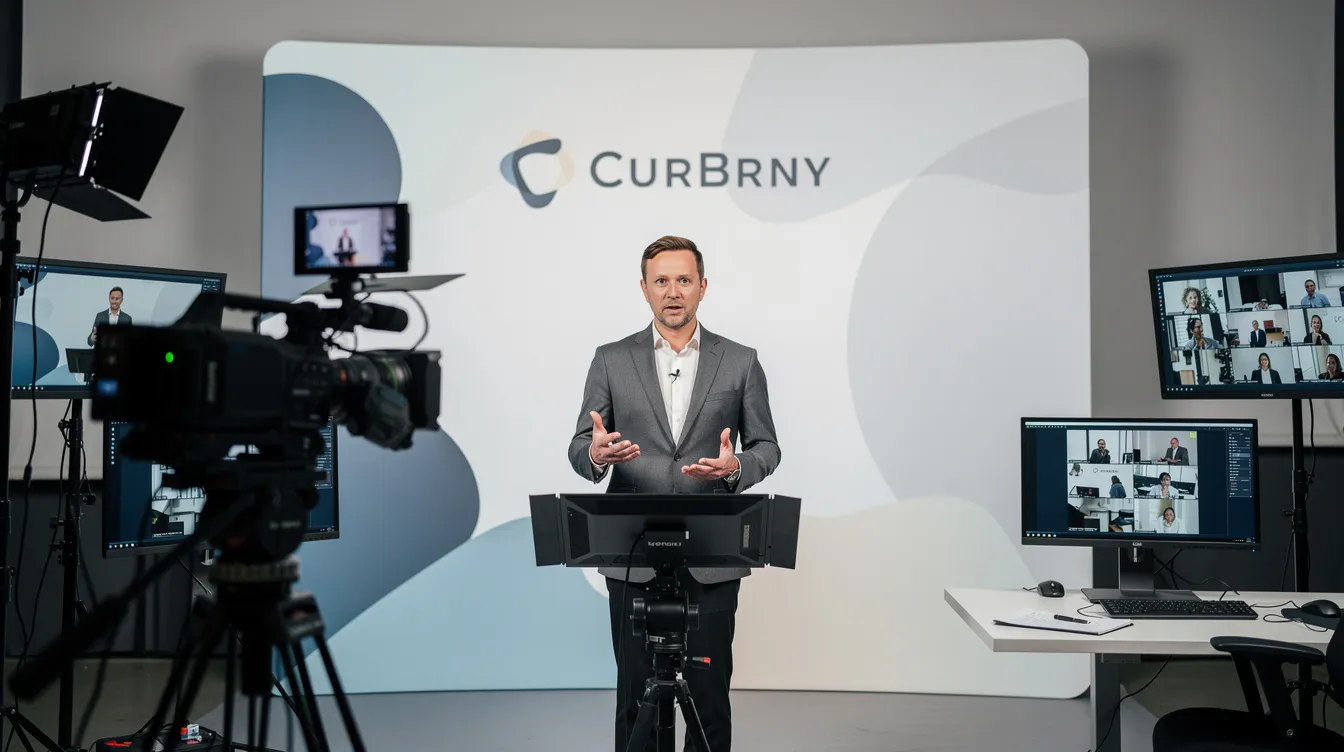
Studio broadcast production is ideal when you need controlled lighting, consistent acoustics, a branded set, and a compact crew-common for virtual keynotes, executive messages, or news-style updates. On-site production is necessary for events with large in person audiences, trade shows, or corporate conferences where the physical stage is central to the experience. A studio is not required for every project, and studios consultation early in planning helps organizers understand when a studio makes budget and creative sense versus using their own spaces.
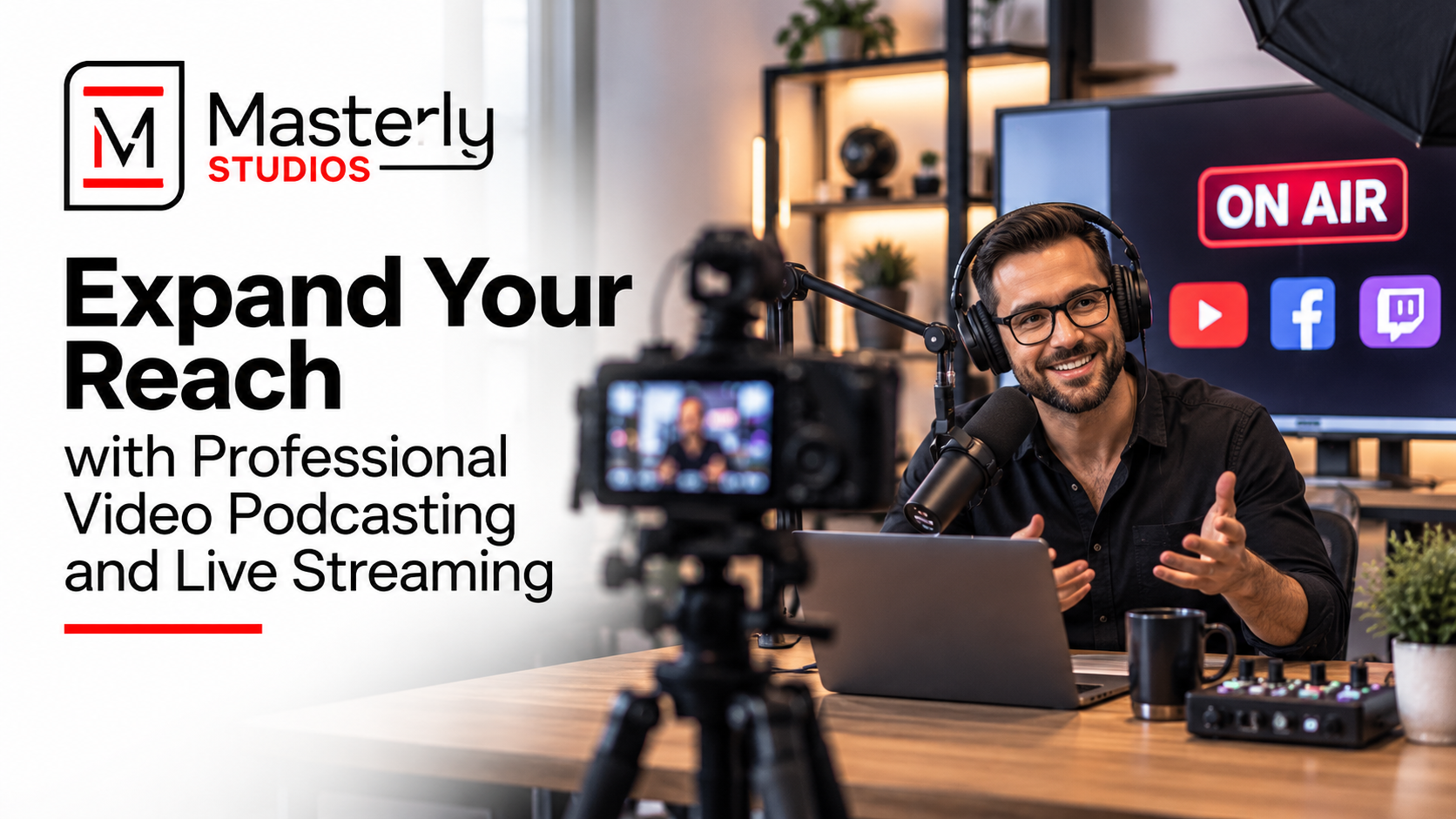
Supported streaming destinations include YouTube Live, Vimeo, Zoom, Microsoft Teams, corporate webcast platforms, and custom RTMP endpoints for internal CDNs. Professional production enables simultaneous broadcasting across multiple platforms, so a single event can reach both internal and external audiences at the same time. The team helps clients choose platforms based on audience size, privacy and security requirements, interaction tools (Q&A, chat, polls), and internal IT policies. Audience engagement tools-real-time features like polls, live chat, and moderated Q&A-increase viewer retention during livestreams. Interactive elements create a two-way interaction during live streams that keeps remote viewers actively involved rather than passively watching.
Recording, Repurposing, and Post-Event Content Use
Every professional live stream should be treated as a content asset, not a one-time broadcast. Recording and repurposing livestream content extends its long-term value far beyond the live event itself.
Standard recording deliverables include:
- A high-quality program master capturing the full live stream exactly as remote viewers experienced it
- Isolated recordings of individual sessions-keynotes, panels, training sessions-for standalone use
- Audio-only files for podcast-style distribution or archival
- Isolated camera feeds (ISO recordings) for alternate edits
Repurposing examples are where the real return shows up. A virtual keynote gets edited into short clips for marketing or sales enablement. A town hall Q&A becomes an FAQ video series for onboarding. Conference sessions become gated content on the company website. Masterly Studios can assist with basic edits, branded intro and outro graphics, and simple caption files. Analytics from livestreams provide insights on audience participation and engagement metrics, which help inform what content to prioritize for reuse.
Recorded assets help organizations reach people who could not attend live and support ongoing leadership communication, internal training, and partner enablement across regions and time zones.
Planning a Livestream Service Inquiry: What to Prepare
Clear initial information helps Masterly Studios respond quickly with realistic options, budgets, and next steps. The more detail you can share upfront, the faster the production team can scope your project accurately.
What inputs are needed for a quote? At minimum: date(s), event schedule and approximate run time, whether the event is in person with streaming, fully virtual, or hybrid, number of locations involved, estimated audience size, and required streaming platforms.
Other helpful details include whether there will be virtual keynote speakers or remote guests, if translation or live captions are needed (live captions improve accessibility for deaf and hard-of-hearing viewers), existing AV vendors involved at the venue, branding requirements for graphics and lower thirds, and deadlines for edited deliverables. Share previous live stream examples, agendas, or run-of-show drafts-even evolving ones-so the crew can estimate complexity early.
Masterly Studios offers a livestream production consultation to review goals, technical constraints, and budget ranges before finalizing scope. This ensures no surprises for either side.
Use Cases: Corporate Events, Training Sessions, and Virtual Keynotes
Livestream production services connect to concrete corporate scenarios where reliability, clarity, and reach matter.
Corporate events. Leadership town halls benefit from real-time feedback via live streaming. Earnings updates, strategy announcements, and customer briefings extend reach to partners and remote offices. Live streaming product launches increases visibility and audience participation, letting businesses engage a global audience simultaneously. Live streaming reduces corporate event costs significantly compared to flying every attendee to a single location.
Training sessions. Training sessions can be effectively hosted via corporate live streaming-internal workshops, compliance updates, and partner enablement sessions all benefit from broadcast audio quality, clear slides, and reliable recording for on-demand access afterward.
Virtual keynotes. A virtual keynote can anchor a conference, sales kickoff, or customer summit, reaching remote teams across time zones. Virtual keynote fees are generally lower than in-person fees, making it feasible to book higher-profile speakers. Conferences and panels can reach larger audiences through live streaming, with one pharmaceutical company's hybrid conference reaching 1.2 million registered participants across 138 countries.
Mini-case example. A technology company hosts its North American sales kickoff in Seattle with 500 in person attendees. The keynote speaker joins from an LA studio as a virtual keynote. A product lead in London participates via remote video. Three cameras cover the Seattle stage; the stream goes to an internal corporate platform. Post-event, the production team delivers edited highlight clips for sales teams across the world. Production costs for town-hall-level events typically range from $5,000 to $12,000 depending on complexity. Live streaming expands audience reach beyond physical venues, turning a regional kickoff into a company-wide experience.
FAQ: Hybrid Events, Studios, and Technical Requirements
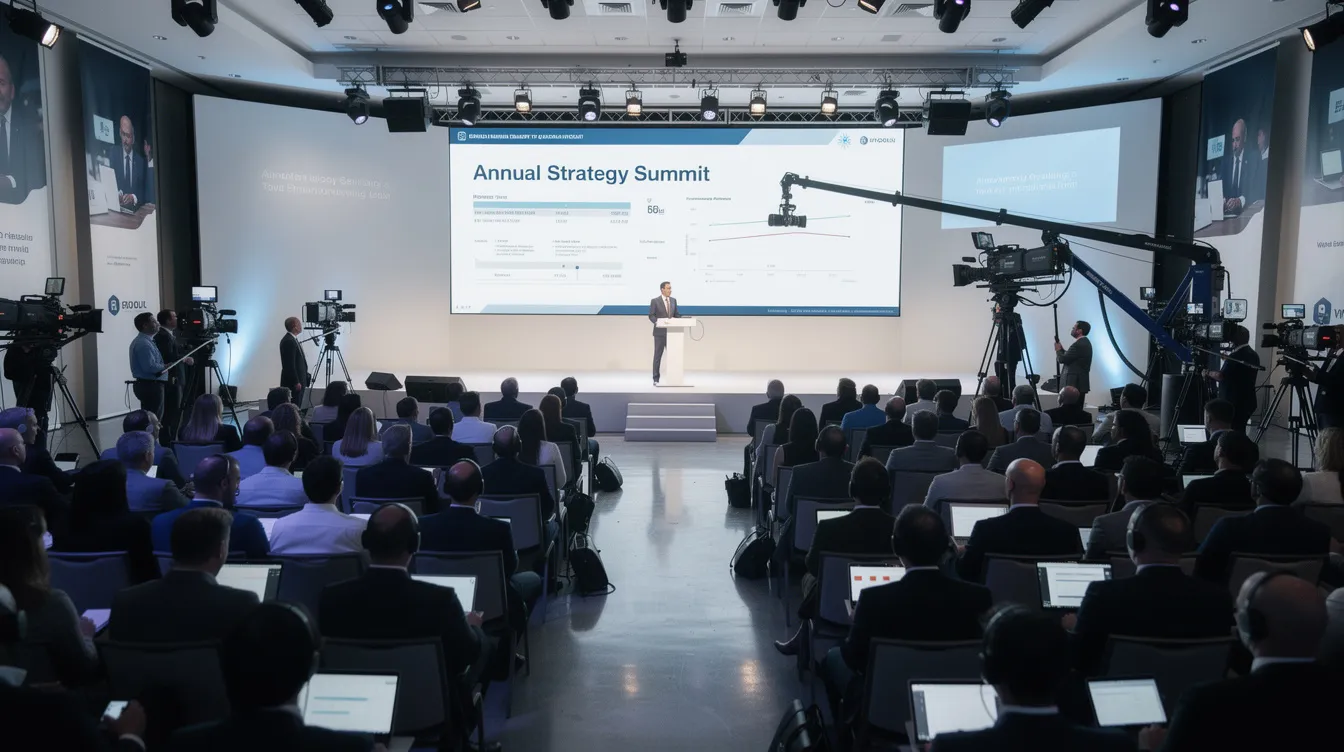
Can your team stream hybrid events? Yes. Masterly Studios regularly produces hybrid events that combine in person stages with remote viewers and guests. Hybrid events combine in-person and virtual audiences effectively when production is designed for both from the start. The crew coordinates with venue AV and IT teams, manages separate audio mixes for the room and the stream, and integrates remote speakers through managed video feeds with pre-event tech checks.
Is a studio required? No. A studio is recommended when you need controlled lighting, consistent acoustics, and a branded environment-common for executive messages, virtual keynotes, or film-style productions. For corporate events with in person attendees, conferences, or trade shows, on-location production is more appropriate. Many projects combine both: a studio for the remote keynote, on-site coverage for the live audience.
What inputs are needed for a quote? Date(s), location(s), format (virtual, hybrid, or in person with streaming), event schedule and approximate run time, number of presenters and whether any are remote, platforms required, and any compliance or security constraints. The more context you provide, the more accurate the initial scope will be.
How far in advance should we book livestream production services? For a focused internal event with limited complexity, three to four weeks of lead time is workable. For multi-day conferences, hybrid formats with remote guests, or events requiring custom graphics and platform security review, plan for eight to twelve weeks minimum.
Can you support multiple live streams or breakouts at the same event? Yes. The team can support simultaneous sessions with separate encoding paths, dedicated switching for each room, and coordinated transitions across breakouts. This requires additional crew and gear, which is scoped during planning.
Next Steps: Request a Livestream Production Consultation
Effective live stream production hinges on planning, professional broadcast workflows, and the right technical redundancy. Whether you are organizing a single virtual keynote or a multi-day hybrid conference, the difference between a forgettable webinar and a broadcast-quality experience is the production behind it.
Request a livestream production consultation as the next step for your next event. During the consultation, the Masterly Studios team will review your event goals, discuss whether a virtual, hybrid, or in person format fits best, conduct a preliminary technical assessment, and provide initial recommendations on crew, gear, platforms, and budget. Expect a response within two business days.
Masterly Studios is a production partner for ongoing live streams, not a vendor for one-off projects. From corporate events to industry conferences, from training sessions to global product launches, the team delivers broadcast-level reliability so leaders, speakers, and organizations can connect with their audiences and deliver their message with confidence.