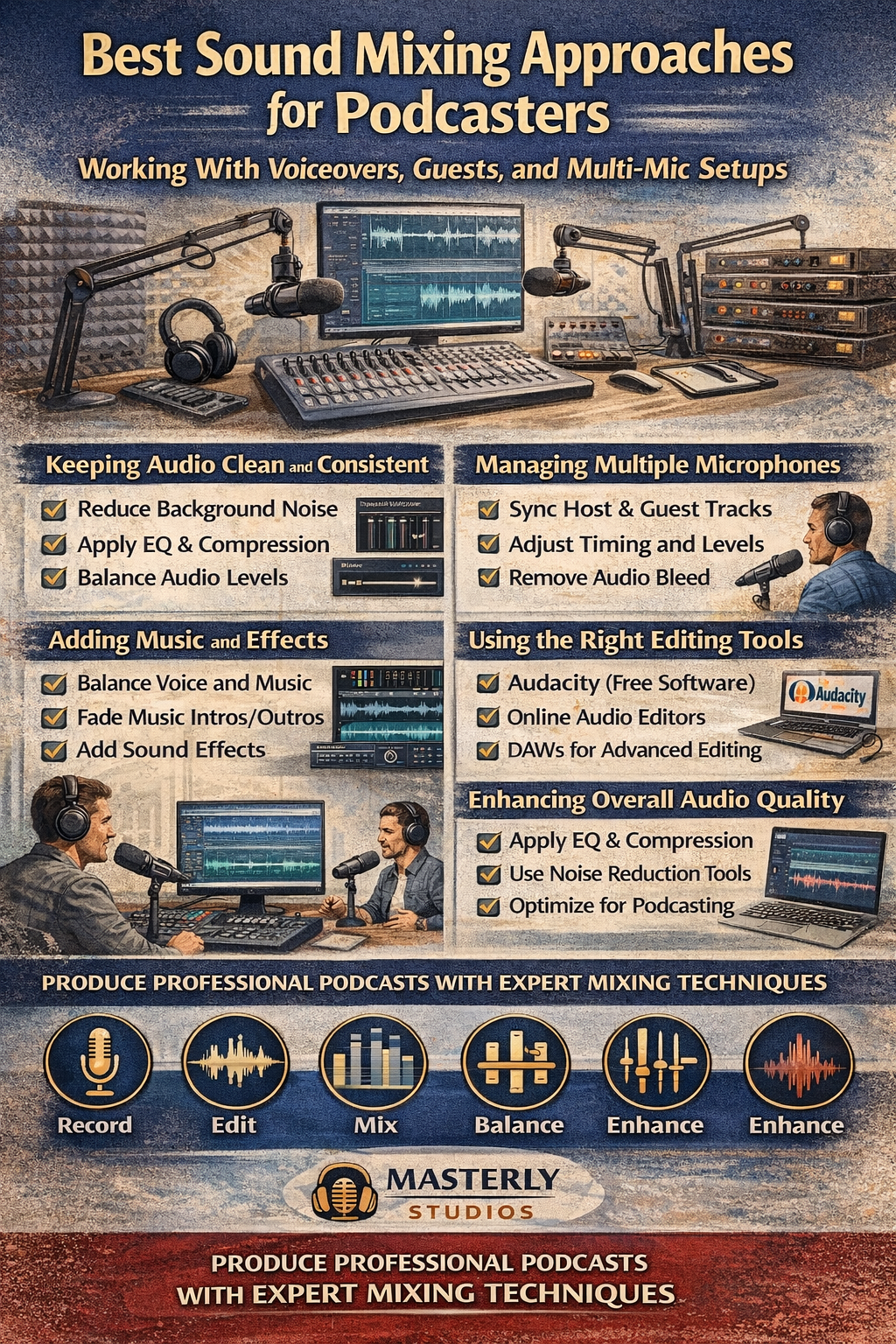
Best Sound Mixing Approaches for Podcasters Working With Voiceovers, Guests, and Multi-Mic Setups
March 23, 2026
Podcasting has evolved far beyond simple m
icrophone recordings. Today’s podcasts often include multiple hosts, guest interviews,
voice recordings
, music intros, and layered sound effects. When all these elements are combined, the challenge becomes achieving the best sound mixing possible without sacrificing clarity or consistency.
At Masterly Studios, we regularly work with creators who want their podcasts to sound polished and professional. Strong audio editing practices make the difference between a show that sounds amateur and one that keeps listeners engaged. Whether you record with a single audio file or manage complex projects with multiple tracks, learning the fundamentals of mixing and editing audio is essential for producing high-quality audio.
Effective audio editing allows creators to refine raw recordings into polished content. A skilled audio editor will carefully review each audio file to ensure that the voices of hosts and guests remain consistent. By applying techniques like noise reduction and compression, editors can dramatically improve the quality of each audio file while preserving the natural sound of the speakers.
A well-structured editing workflow helps creators organize their audio clips and synchronize tracks effectively. By reviewing each audio file individually before combining them, a professional audio editor can ensure that all voices remain balanced throughout the episode. This process helps create clean audio that sounds cohesive and natural.
Some widely used tools include Audacity, which is a popular free option with strong audio editing capabilities. More advanced platforms offer additional premium features such as automated processing and advanced mixing tools.
Many creators also use an online audio editor through their browser for quick adjustments. These platforms provide easy access to editing tools without requiring complex installations.
Audacity offers important features that help audio editors refine audio clips, including noise reduction, trimming, and waveform analysis. Podcasters can upload an audio file, drag clips into the timeline, and begin editing immediately.
Because it has an offline version, creators can also work on projects without relying on the internet, which can be helpful when traveling or recording on a computer without connectivity.
Many online audio editor platforms support multiple audio file formats, including wav, ogg, and compressed formats that offer a small file size for easy distribution. Creators can also convert an audio file into another audio format when preparing episodes for publishing.
Because they run through a browser, these tools provide easy access from a computer, tablet, or mobile device.
A structured editing workflow can simplify this process. Many audio editors begin by organizing audio clips and labeling each file clearly. This approach helps maintain control over large projects with multiple recordings.
Once the files are organized, editors can drop them into the timeline and begin balancing the sound levels.
Using noise reduction tools within your audio editing software helps remove background noise while maintaining the natural tone of the speaker. Many audio editors apply one click cleanup tools that automatically detect and reduce unwanted sounds.
However, experienced editors often combine automated tools with manual editing audio techniques to achieve the best results.
A professional audio editor adjusts the volume of songs and music tracks to ensure they complement the spoken word rather than overpower it. During editing, each audio clip is evaluated for clarity and timing.
Maintaining balance between dialogue, music, and effects helps create a more immersive listening experience.
Common audio formats used in podcasts include:
An experienced audio editor will frequently convert files between formats to balance quality and small file size.
Professional editors often apply:
These methods help produce clean audio that keeps listeners engaged.
In these cases, editors often import a video file into their audio editing software. After aligning the audio clips with the video, they can perform editing audio tasks such as removing background noise or adjusting volume.
Maintaining synchronization between video and audio ensures a polished final production.
These apps provide essential features such as trimming, adding music, and exporting audio files in common formats. While mobile tools may not offer the same advanced processing capabilities as desktop software, they provide flexibility for creators on the move.
Many podcasters start editing audio on their android phone before completing final adjustments on a computer or mac system.
Most audio editing software allows users to preview sections before exporting the finished file. Once the episode sounds correct, the audio editor can export the final version in the desired output format.
Many creators export files as MP3 or compressed formats for easier download by listeners.
At Masterly Studios, we regularly work with creators who want their podcasts to sound polished and professional. Strong audio editing practices make the difference between a show that sounds amateur and one that keeps listeners engaged. Whether you record with a single audio file or manage complex projects with multiple tracks, learning the fundamentals of mixing and editing audio is essential for producing high-quality audio.
The Importance of Clean Audio in Podcast Production
The succes s of many podcasts depends heavily on audio quality. When listeners encounter excessive background noise, uneven volume, or distorted voice recordings, they often stop listening within minutes. A clear and balanced audio file helps your audience focus on the conversation rather than the technical flaws.Effective audio editing allows creators to refine raw recordings into polished content. A skilled audio editor will carefully review each audio file to ensure that the voices of hosts and guests remain consistent. By applying techniques like noise reduction and compression, editors can dramatically improve the quality of each audio file while preserving the natural sound of the speakers.
Understanding Multi-Mic Recording Challenges
Many podcasts involve multiple hosts and guests using separate microphones. While this setup improves clarity, it also introduces new challenges for editing audio. Each audio file may contain different levels of background noise, varying volume, or slight timing differences.A well-structured editing workflow helps creators organize their audio clips and synchronize tracks effectively. By reviewing each audio file individually before combining them, a professional audio editor can ensure that all voices remain balanced throughout the episode. This process helps create clean audio that sounds cohesive and natural.
Choosing the Right Audio Editing Software
Selecting the ri ght audio editing software plays a major role in achieving professional results. Modern software provides powerful features that allow creators to manipulate audio clips, remove noise, and adjust formats quickly.Some widely used tools include Audacity, which is a popular free option with strong audio editing capabilities. More advanced platforms offer additional premium features such as automated processing and advanced mixing tools.
Many creators also use an online audio editor through their browser for quick adjustments. These platforms provide easy access to editing tools without requiring complex installations.
Using Audacity and Other Free Tools
For many podcas ters, Audacity is a powerful starting point for editing audio. This free software supports many audio file formats, including wav, ogg, and wma, making it easy to work with different formats.Audacity offers important features that help audio editors refine audio clips, including noise reduction, trimming, and waveform analysis. Podcasters can upload an audio file, drag clips into the timeline, and begin editing immediately.
Because it has an offline version, creators can also work on projects without relying on the internet, which can be helpful when traveling or recording on a computer without connectivity.
Online Audio Editors and Browser-Based Tools
An online audio editor is becoming increasingly popular among podcasters who want to start editing quickly. These tools operate directly in a browser, allowing users to upload an audio file, make basic edits, and download the finished track.Many online audio editor platforms support multiple audio file formats, including wav, ogg, and compressed formats that offer a small file size for easy distribution. Creators can also convert an audio file into another audio format when preparing episodes for publishing.
Because they run through a browser, these tools provide easy access from a computer, tablet, or mobile device.
Managing Audio Files for Complex Podcast Projects
Podcasts wit h guest interviews often involve several audio files. Each microphone produces its own audio file, which must be synchronized during editing.A structured editing workflow can simplify this process. Many audio editors begin by organizing audio clips and labeling each file clearly. This approach helps maintain control over large projects with multiple recordings.
Once the files are organized, editors can drop them into the timeline and begin balancing the sound levels.
Reducing Background Noise in Voice Recordings
One of the most common issues in podcasts is unwanted background noise. Sounds from air conditioners, traffic, or keyboard typing can affect the clarity of an audio file.Using noise reduction tools within your audio editing software helps remove background noise while maintaining the natural tone of the speaker. Many audio editors apply one click cleanup tools that automatically detect and reduce unwanted sounds.
However, experienced editors often combine automated tools with manual editing audio techniques to achieve the best results.
Balancing Voice, Music, and Sound Effects
Professiona l podcasts often include music intros, transitions, and sound effects. While these elements enhance storytelling, they must be carefully balanced so that the voice remains the primary focus.A professional audio editor adjusts the volume of songs and music tracks to ensure they complement the spoken word rather than overpower it. During editing, each audio clip is evaluated for clarity and timing.
Maintaining balance between dialogue, music, and effects helps create a more immersive listening experience.
Working With Different Audio File Formats
Podcast producers of ten encounter multiple audio file formats during production. Raw recordings may be stored as wav files because they preserve high quality, while compressed formats are often used for distribution.Common audio formats used in podcasts include:
- WAV for high-quality recording
- OGG and WMA for compressed storage
- MP3 or similar formats for distribution
An experienced audio editor will frequently convert files between formats to balance quality and small file size.
Enhancing Audio Quality Through Professional Editing
High-l evel audio editing goes beyond simple trimming. It includes processing techniques designed to enhance clarity and balance.Professional editors often apply:
- Equalization to refine tonal balance
- Compression to stabilize volume levels
- Noise reduction to reduce background noise
- Precise cuts to remove mistakes or pauses
These methods help produce clean audio that keeps listeners engaged.
Editing Audio for Video and YouTube Podcasts
Many cr eators now release video versions of their podcasts on platforms like YouTube. This requires editors to coordinate audio with video file timelines.In these cases, editors often import a video file into their audio editing software. After aligning the audio clips with the video, they can perform editing audio tasks such as removing background noise or adjusting volume.
Maintaining synchronization between video and audio ensures a polished final production.
Editing Audio on Mobile Devices
As podcasting grows globally, many creators now manage their projects using mobile devices. Several apps allow podcasters to edit audio clips directly from a mobile device or android device.These apps provide essential features such as trimming, adding music, and exporting audio files in common formats. While mobile tools may not offer the same advanced processing capabilities as desktop software, they provide flexibility for creators on the move.
Many podcasters start editing audio on their android phone before completing final adjustments on a computer or mac system.
Previewing and Exporting Podcast Episodes
After finishi ng the editing stage, it is important to preview the entire episode. Listening to the final audio file helps identify remaining issues such as abrupt transitions or inconsistent volume.Most audio editing software allows users to preview sections before exporting the finished file. Once the episode sounds correct, the audio editor can export the final version in the desired output format.
Many creators export files as MP3 or compressed formats for easier download by listeners.
Saving and Managing Podcast Projects
Larg e projects often contain dozens of audio clips and multiple audio files. Keeping these organized is essential for long-term efficiency. Professional audio editors typically save projects in a structured folder system. Each file may include raw recordings, edited versions, and final exports.This organization makes it easier to return to older projects, create highlight clips, or reuse segments for promotional video content.
Professional Sound Mixing Support for Podcasters
As podcas ts become more complex, many creators choose to work with experienced studios to refine their production process. Professional mixing ensures that each audio file maintains consistent quality and balance.At Masterly Studios, we help podcasters refine their editing workflow, improve clean audio, and implement professional production standards. Our team understands the challenges of multi-mic recordings, voice recordings, and large podcast projects.
Work With Masterly Studios for Professional Sound Mixing
Producing a high-quality podcast requires more than simply recording a conversation. The difference between average and exceptional podcasts often comes down to editing, audio processing, and effective mixing techniques.At Masterly Studios, we work with creators across the country and nationally who want their podcasts to sound polished and professional. Whether you are struggling with background noise, managing multiple audio files, or refining your editing workflow, our team can help you create clean audio that stands out.
If you are ready to improve your production process and learn the best sound mixing strategies for your show, we invite you to connect with us. Our experts can walk you through the tools, software, and professional techniques that help podcasters elevate their content.
To learn more about our podcast production support and audio editing services, contact Masterly Studios at (888) 209-4055 to book a free consultation. We are proud to support creators throughout the country who want to produce podcasts with exceptional sound quality and professional results.
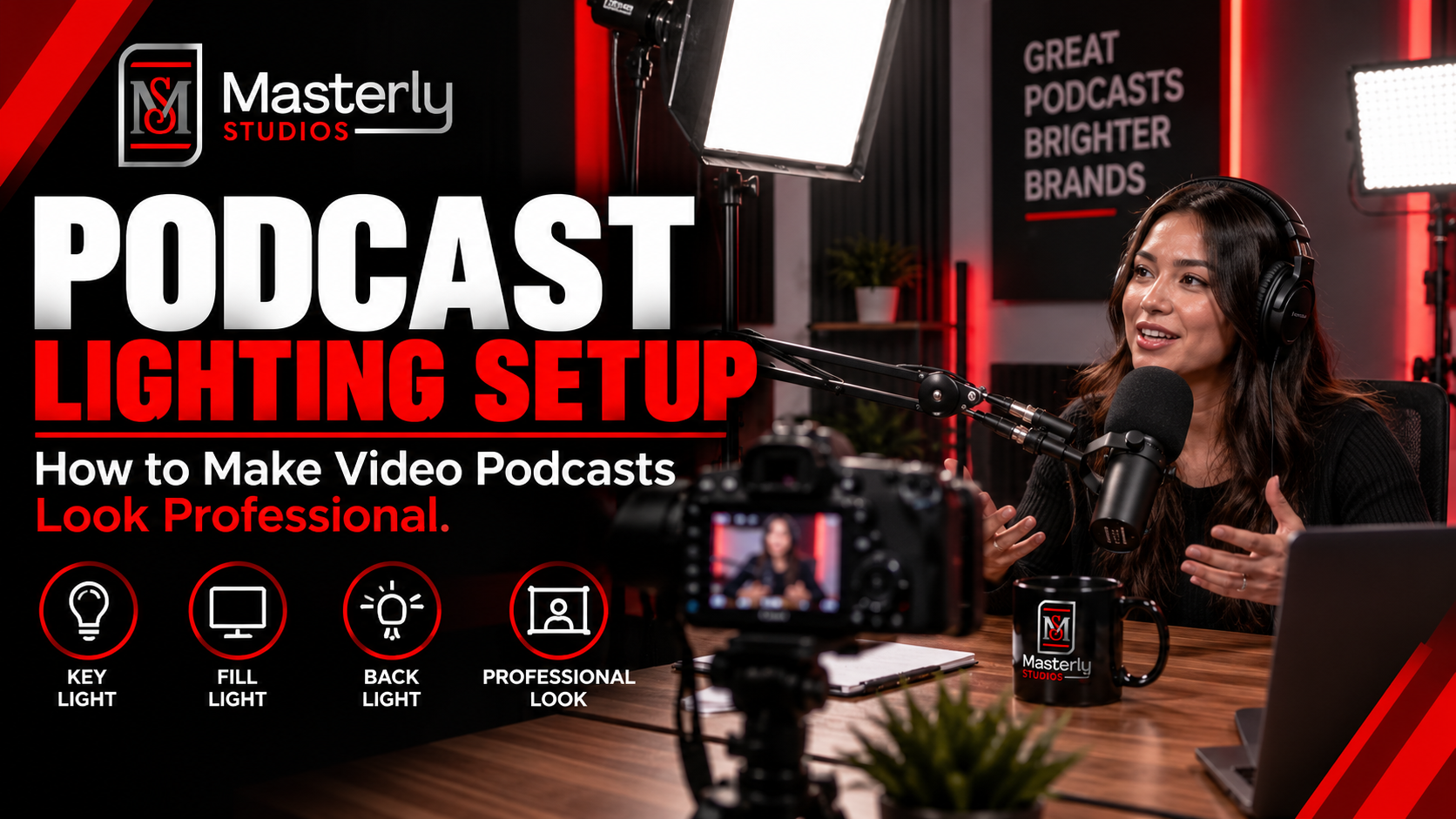
Need a podcast lighting setup? Masterly Studios provides professional podcast and camera lighting in a prepared studio for consistent, polished video production.
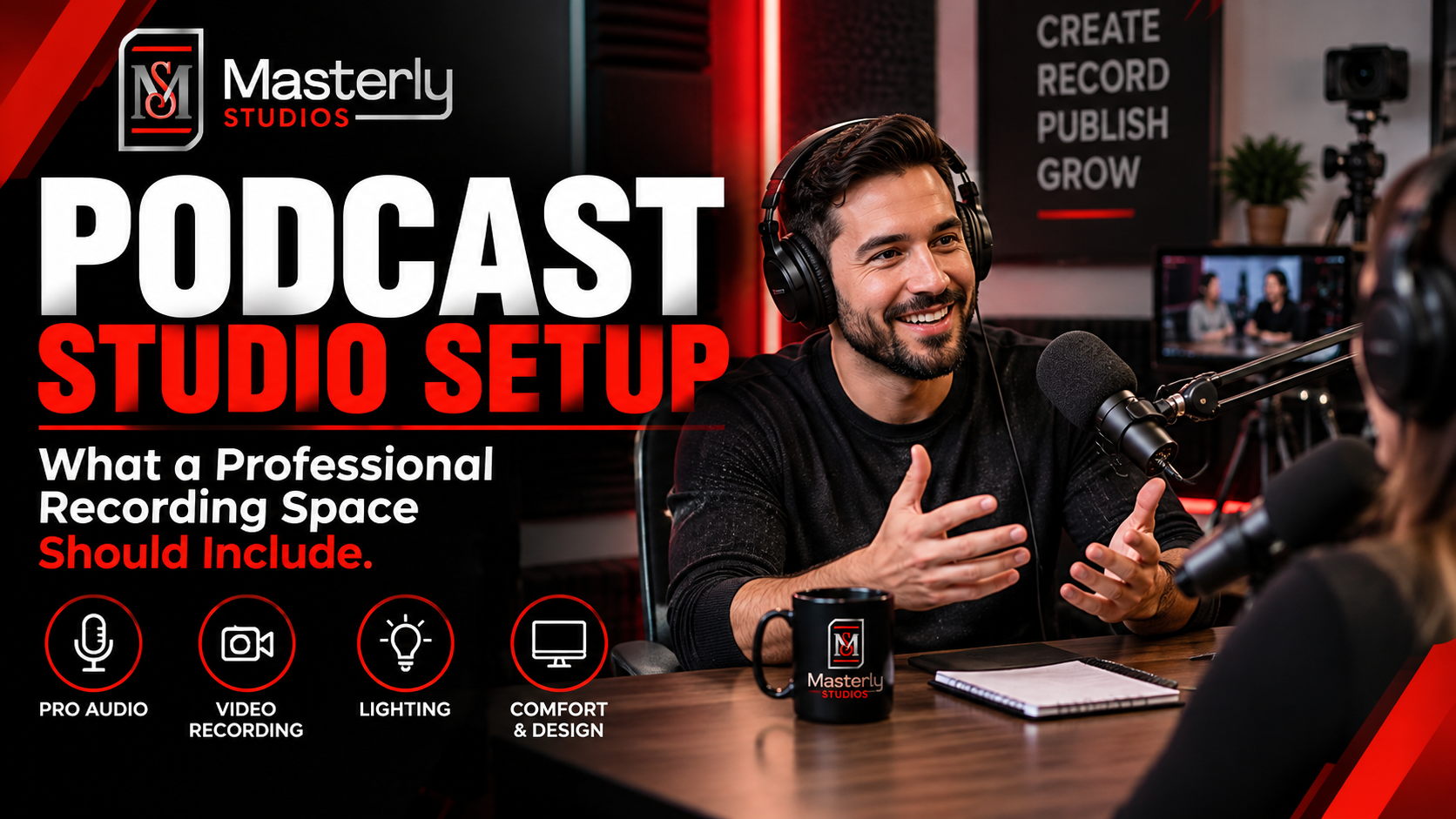
Need a podcast studio setup? Masterly Studios offers a professional recording space with quality equipment, lighting, acoustics, and video support for creators.
Book a training venue in Atlanta for corporate workshops, employee training, and learning events with flexible layouts, A/V support, and professional amenities.
Learn how to record a video podcast in Atlanta with a professional studio setup, clear audio, polished lighting, guest support, and a smooth recording workflow.

Book a corporate Christmas party venue in Atlanta for year-end events with flexible space, A/V support, catering, branding, and more for your team and festive fun.
Book a creative studio rental for photography, video, branded content, and marketing campaigns with flexible production space at Masterly Studios for every project.
Book a professional seminar venue for training, presentations, and business events with flexible seating, A/V, check-in, parking, content support, and event setup.

Use an event venue checklist to evaluate capacity, layout, parking, load-in, A/V, Wi-Fi, accessibility, catering, branding, production, and overtime needs.

Plan corporate events with professional support for venues, A/V, catering, speakers, content capture, access, and production at Masterly Studios in Atlanta.

Find the right event space in Atlanta by confirming capacity, AV, parking, catering, layouts, accessibility, and production support before booking. Masterly Studios