Best Sound Mixing Methods for Podcasters Ready to Upgrade Their Audio Quality Fast
February 11, 2026
Most
podcasters
reach a moment when their content improves, but their audio does not keep up. Listeners may love the ideas, the host, and the guests, yet poor sound becomes a reason they stop tuning in. The good news is that upgrading audio quality does not require years of experience or an overwhelming budget.
Modern podcast setups allow creators to dramatically improve sound in a short amount of time. With the right podcast mixer, proper gain control, and smart use of editing software, creators can sound polished almost immediately. The key is knowing which tools and methods deliver fast results without slowing down the recording process.
At Masterly Studios, we help podcasters nationwide upgrade their sound quickly and efficiently. This guide breaks down the best sound mixing methods that work now, not months from now.
Improving audio is often faster than improving content or marketing. With the right mixer and setup, podcasters can achieve professional results in a single session. This makes audio upgrades one of the most cost effective alternatives to growing a show quickly.
The best podcast mixers combine recording, mixing, and monitoring into one device. This allows podcasters to focus on the conversation instead of fixing audio problems later. A good mixer reduces editing time and improves consistency.
A podcast mixer, by contrast, allows creators to record, mix, and monitor live. Many mixers also work as an external device without a computer. This flexibility makes mixers ideal for podcasters ready to upgrade fast.
Look for mixers with built in effects, compression, and reverb. These tools improve voice clarity during recording instead of relying entirely on post work. Faster results come from fixing sound before it reaches the recorder.
Mixers with multiple inputs allow flexible podcasting formats. Four mic inputs or four XLR inputs are ideal for panels, interviews, and co-hosted shows. Growth becomes easier when your gear does not hold you back.
Using XLR mics with a podcast mixer allows independent control over each channel. This improves balance, reduces noise, and enhances overall quality. For serious podcasters, XLR inputs are the standard.
When channels are properly set, editing becomes faster and simpler. Many podcasters reduce editing time by more than half after upgrading to a mixer-based setup.
Compression smooths out volume differences, making voices easier to listen to. Mixers with built in compression deliver consistent sound without heavy editing. This is essential for fast improvement.
The goal is enhancement, not distraction. Built in effects save time by reducing reliance on software later.
Devices like the Zoom Podtrak series are highly recommended for podcasters who need flexibility. Portable does not mean low quality when chosen correctly.
The Tascam Mixcast series is an all in one solution for creators who want speed and reliability. It supports remote call ins, sound effects, and multiple audio sources.
These mixers integrate seamlessly with computers, USB devices, and mobile devices. They are ideal for creators producing multiple shows or formats.
These mixers are ideal for podcasters upgrading from beginner setups. They simplify the recording process while maintaining professional sound.
They are especially useful for beginners moving beyond USB microphones. Reliable, portable, and easy to learn.
A quality mixer manages other audio sources without distortion or delay. Smooth integration improves professionalism and flow.
Modern podcast setups allow creators to dramatically improve sound in a short amount of time. With the right podcast mixer, proper gain control, and smart use of editing software, creators can sound polished almost immediately. The key is knowing which tools and methods deliver fast results without slowing down the recording process.
At Masterly Studios, we help podcasters nationwide upgrade their sound quickly and efficiently. This guide breaks down the best sound mixing methods that work now, not months from now.
Why Audio Quality Is the Fastest Way to Level Up a Podcast
Listeners will forgive a rough camera angle, but they rarely forgive bad audio. Sound quality directly affects trust, attention, and credibility. Even strong content can feel amateur when the audio lacks clarity or balance.Improving audio is often faster than improving content or marketing. With the right mixer and setup, podcasters can achieve professional results in a single session. This makes audio upgrades one of the most cost effective alternatives to growing a show quickly.
Understanding the Role of a Podcast Mixer
A podcast mixer is the control center of your audio workflow. It manages multiple microphones, balances levels, and routes audio to recording devices. Unlike basic interfaces, mixers offer hands-on control that speeds up adjustments.The best podcast mixers combine recording, mixing, and monitoring into one device. This allows podcasters to focus on the conversation instead of fixing audio problems later. A good mixer reduces editing time and improves consistency.
Podcast Mixer vs Audio Interface
An audio interface connects microphones to a computer and relies heavily on software. While useful, interfaces often slow down workflows for multi-person podcasts. They require more post production and less real-time control.A podcast mixer, by contrast, allows creators to record, mix, and monitor live. Many mixers also work as an external device without a computer. This flexibility makes mixers ideal for podcasters ready to upgrade fast.
Key Features That Matter Most for Fast Improvement
Not all features deliver immediate value. The key features that matter most are those that reduce errors and speed up production. These include clean mic inputs, simple channel controls, and onboard processing.Look for mixers with built in effects, compression, and reverb. These tools improve voice clarity during recording instead of relying entirely on post work. Faster results come from fixing sound before it reaches the recorder.
Why Mic Inputs Determine Your Growth Potential
Mic inputs define how many people you can record cleanly at once. Many entry-level setups fail because they limit creators to one or two microphones. This restricts guest options and show formats.Mixers with multiple inputs allow flexible podcasting formats. Four mic inputs or four XLR inputs are ideal for panels, interviews, and co-hosted shows. Growth becomes easier when your gear does not hold you back.
XLR Inputs vs USB Microphones
XLR inputs provide more control, cleaner sound, and better compatibility with professional microphones. While a good USB microphone works for solo creators, XLR mics offer superior flexibility.Using XLR mics with a podcast mixer allows independent control over each channel. This improves balance, reduces noise, and enhances overall quality. For serious podcasters, XLR inputs are the standard.
Why Channel Control Saves Editing Time
Each channel represents a microphone or audio source. Independent channel control allows real-time adjustments to volume, EQ, and compression. This prevents clipping and uneven levels.When channels are properly set, editing becomes faster and simpler. Many podcasters reduce editing time by more than half after upgrading to a mixer-based setup.
Gain Control and Compression Done Right
Gain control ensures microphones capture strong signals without distortion. Proper gain staging is one of the fastest ways to improve sound.Compression smooths out volume differences, making voices easier to listen to. Mixers with built in compression deliver consistent sound without heavy editing. This is essential for fast improvement.
Built In Effects That Actually Help
Not all effects are useful, but some are game-changers. Light reverb can add warmth to voice recordings. Subtle sound effects can enhance transitions or segments.The goal is enhancement, not distraction. Built in effects save time by reducing reliance on software later.
Recording Directly to an SD Card
Recording to an SD card adds reliability and portability. Many mixers allow recording directly to SD card in WAV formats. This setup removes computer crashes from the equation. It also makes mobile recording easier and faster.Portable Mixers for Flexible Podcasting
Portable mixers allow recording anywhere. This is ideal for live events, interviews, or travel-based podcasting.Devices like the Zoom Podtrak series are highly recommended for podcasters who need flexibility. Portable does not mean low quality when chosen correctly.
The Tascam Mixcast Line Explained
The Tascam Mixcast 4 is a favorite among podcasters who want simplicity and power. It offers four XLR inputs, built in effects, and SD card recording.The Tascam Mixcast series is an all in one solution for creators who want speed and reliability. It supports remote call ins, sound effects, and multiple audio sources.
Rodecaster Pro II and Rodecaster Duo
The Rodecaster Pro II and Rodecaster Duo are among the top podcast mixers available. They offer excellent sound, flexible routing, and strong support for remote guests.These mixers integrate seamlessly with computers, USB devices, and mobile devices. They are ideal for creators producing multiple shows or formats.
Mackie DLZ and DLZ Creator Mixers
The Mackie DLZ and DLZ Creator mixers focus on intelligent workflows. They adapt to user experience levels and automate complex processes.These mixers are ideal for podcasters upgrading from beginner setups. They simplify the recording process while maintaining professional sound.
Zoom Podtrak for Cost Effective Recording
Zoom Podtrak mixers are a cost effective alternative for creators on a budget. They provide multiple mic inputs, SD card recording, and simple controls.They are especially useful for beginners moving beyond USB microphones. Reliable, portable, and easy to learn.
Handling Multiple Audio Sources Smoothly
Modern podcasts often include multiple audio sources. This may include music, sound effects, remote guests, or external devices.A quality mixer manages other audio sources without distortion or delay. Smooth integration improves professionalism and flow.
Supporting Remote Guests and Call Ins
Remote call ins are common in podcasting. Mixers that support phone or computer connections simplify guest integration. Clean routing prevents echo and feedback. This improves the listener experience immediately.Using Editing Software the Smart Way
Even with a great mixer, some editing is necessary. Editing software should refine, not rescue, your audio. Tools like Pro Tools or Audacity allow precise edits and exports. Use software to polish, not fix, your recordings.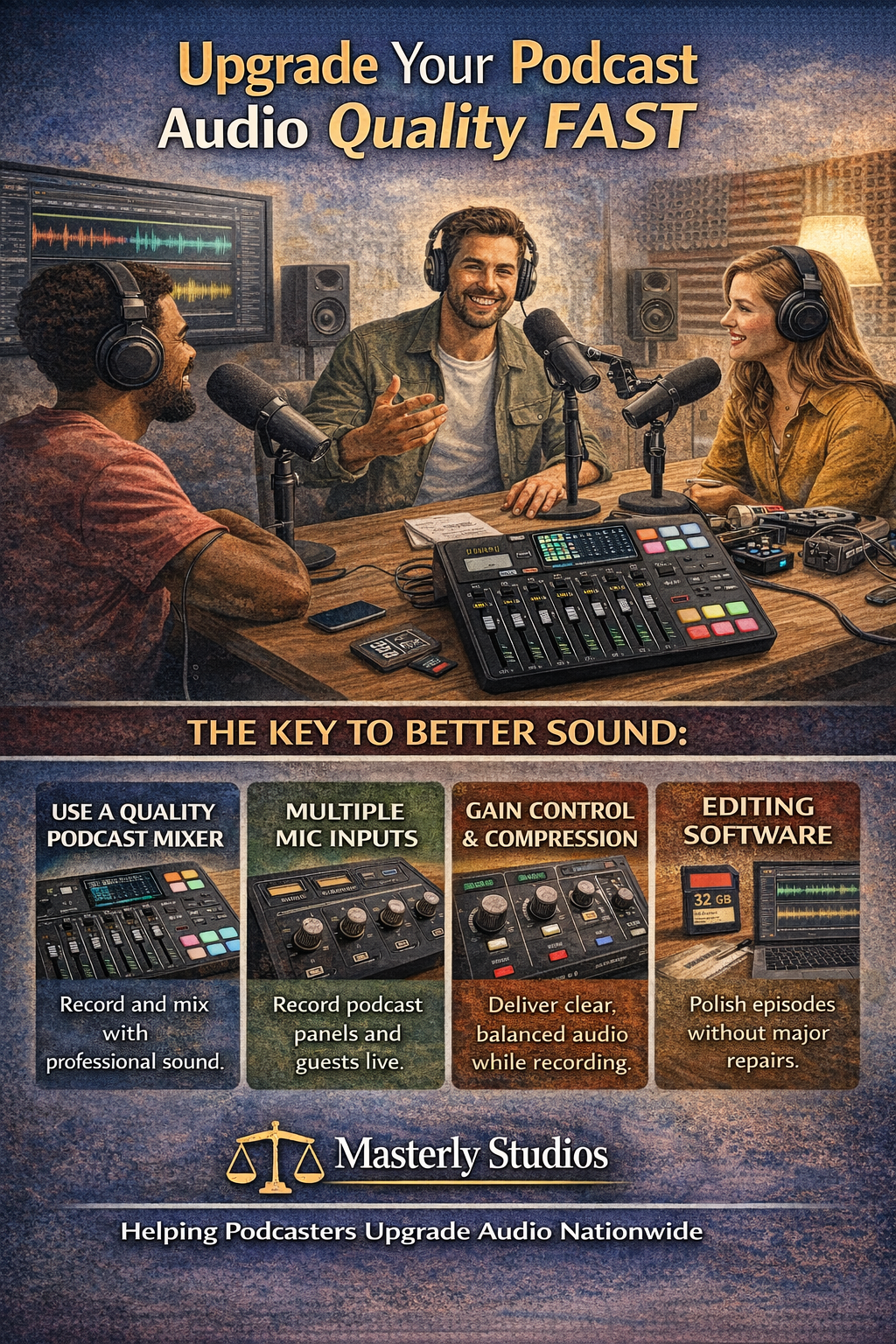
Editing Software and Formats That Work Best
Exporting in WAV ensures high quality masters. Other formats can be created later for distribution. Proper formats preserve audio quality during post production. This matters for long-term growth.Managing Post Production Efficiently
Post production should be streamlined. Good mixers reduce the need for heavy editing. Focus on trimming, leveling, and final polish. Less time editing means more time creating.Music and Sound Integration Without Overpowering Voice
Music adds personality but must support the voice. Mixers help balance music and speech live. This prevents overpowering vocals and listener fatigue. Good balance improves engagement.Headphone Outputs and Monitoring Accuracy
Headphone outputs allow hosts to hear issues immediately. Monitoring prevents problems before they are recorded. This is one of the simplest ways to improve sound quality fast.Connecting Your Mixer to a Computer
Most mixers connect easily via USB. This allows direct recording into software if desired. Hybrid setups offer flexibility for different workflows.Why Podcast Setups Fail Without Planning
Many podcast setups fail due to rushed purchases. Choosing the best mixer for your needs avoids wasted money. Planning ensures long-term scalability.How Masterly Studios Helps Podcasters Upgrade Fast
At Masterly Studios, we design podcast setups that work immediately. We help clients select the best podcast mixers, microphones, and workflows.Our team focuses on speed, clarity, and reliability. We work with clients throughout the country and nationally.
Contact Masterly Studios for a Free Audio Consultation
If you are ready to upgrade your podcast sound without months of trial and error, professional guidance can save time and frustration. Whether you want to edit audio more efficiently, streamline your recording process, or choose the best mixer for your show, expert support makes a difference.At Masterly Studios, we help podcasters improve audio quality fast using proven tools and workflows. We work with clients nationwide and tailor solutions to each podcast’s goals.
Call (888) 209-4055 today to book a free consultation and find out how quickly your podcast can sound professional.
Disclaimer: This article is for informational purposes only and does not constitute technical, legal, or business advice. Equipment needs and results vary based on individual circumstances.
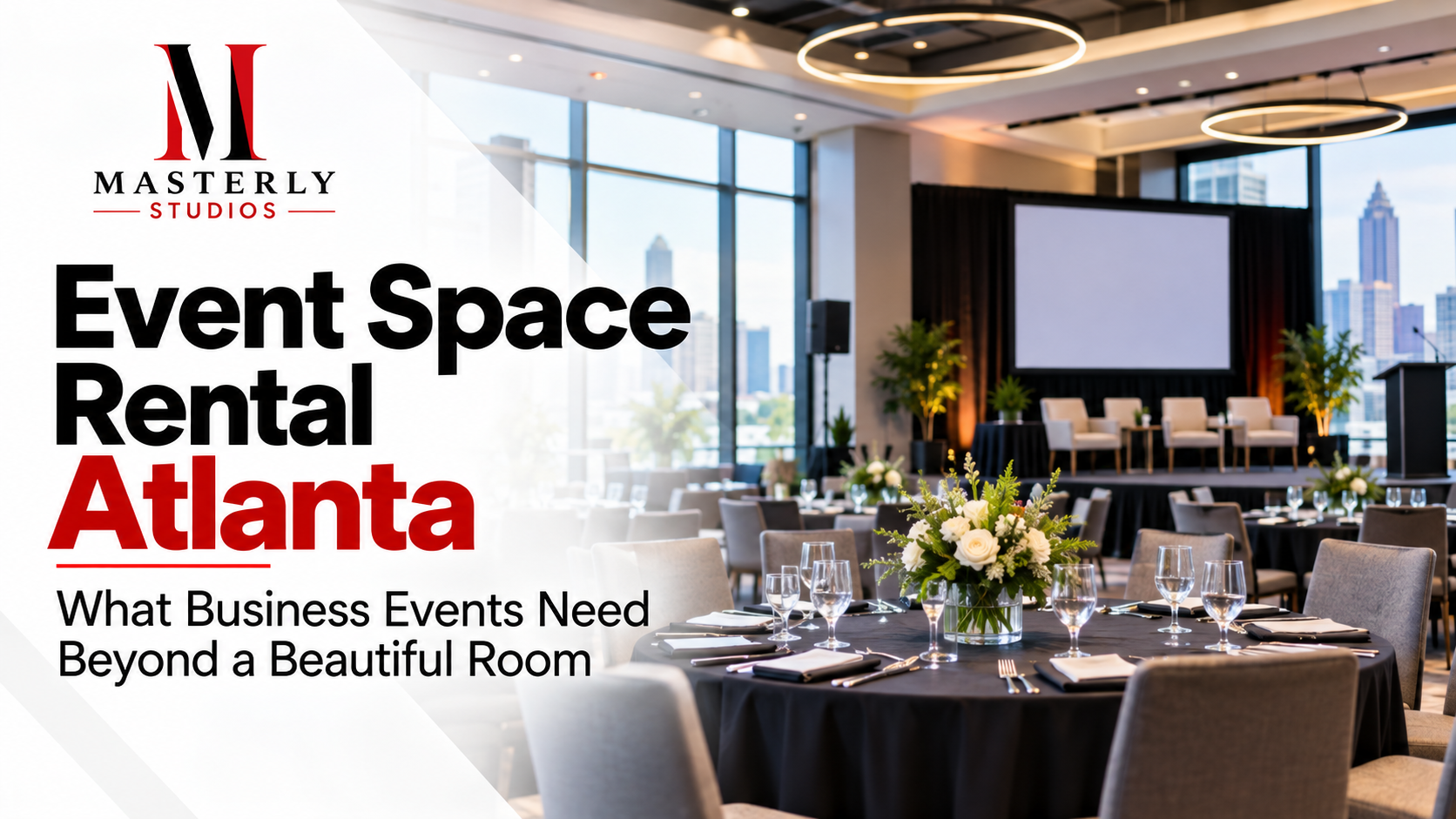
Plan your Atlanta event space rental with the right room size, guest flow, technical support, and scheduling. Request a venue tour to confirm the best fit.
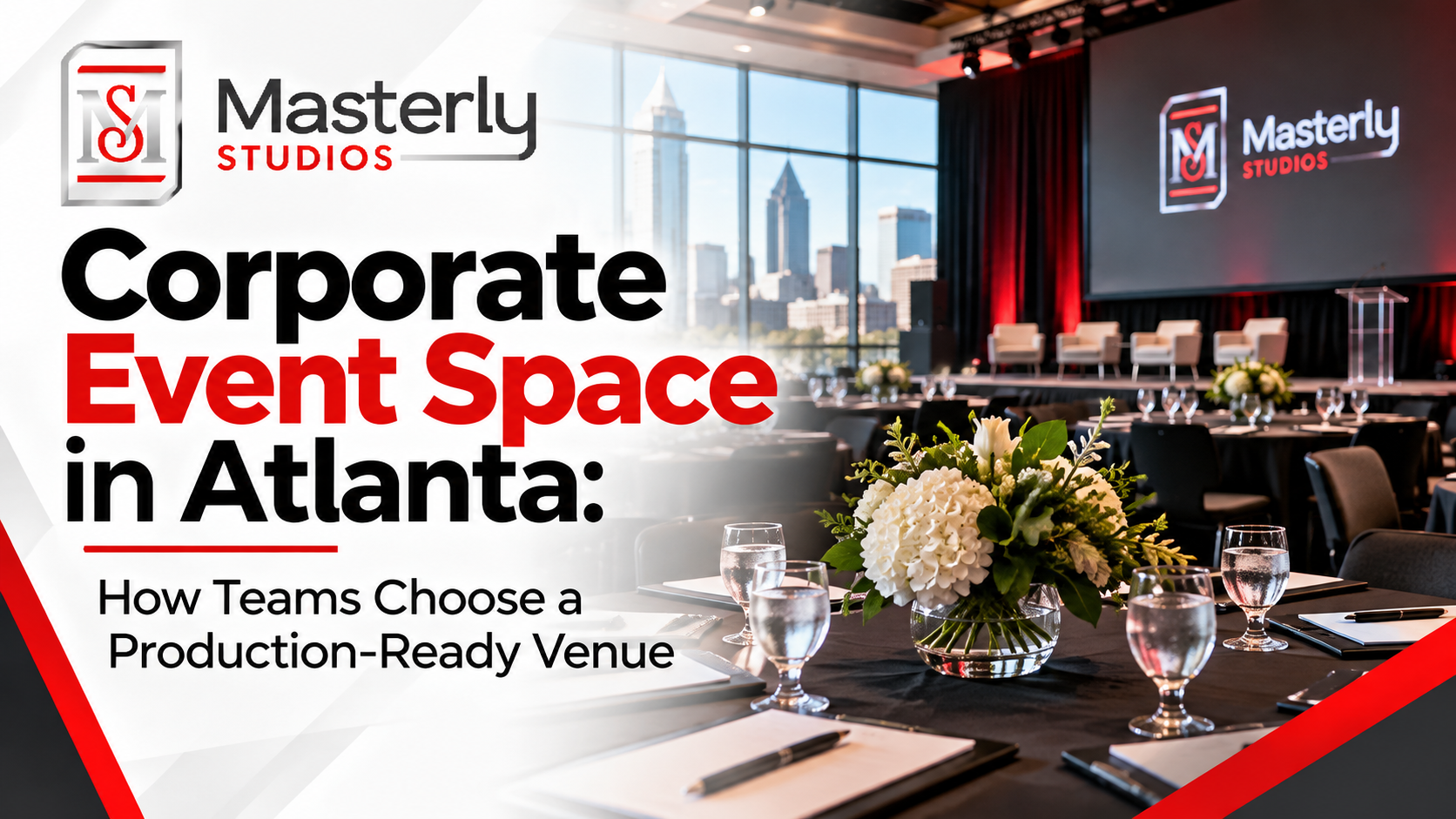
Explore what to consider when choosing Atlanta corporate event space, including room layouts, AV capabilities, parking, guest experience, and booking options.
Need a podcast lighting setup? Masterly Studios provides professional podcast and camera lighting in a prepared studio for consistent, polished video production.
Need a podcast studio setup? Masterly Studios offers a professional recording space with quality equipment, lighting, acoustics, and video support for creators.
Book a training venue in Atlanta for corporate workshops, employee training, and learning events with flexible layouts, A/V support, and professional amenities.
Learn how to record a video podcast in Atlanta with a professional studio setup, clear audio, polished lighting, guest support, and a smooth recording workflow.
Book a corporate Christmas party venue in Atlanta for year-end events with flexible space, A/V support, catering, branding, and more for your team and festive fun.
Book a creative studio rental for photography, video, branded content, and marketing campaigns with flexible production space at Masterly Studios for every project.
Book a professional seminar venue for training, presentations, and business events with flexible seating, A/V, check-in, parking, content support, and event setup.
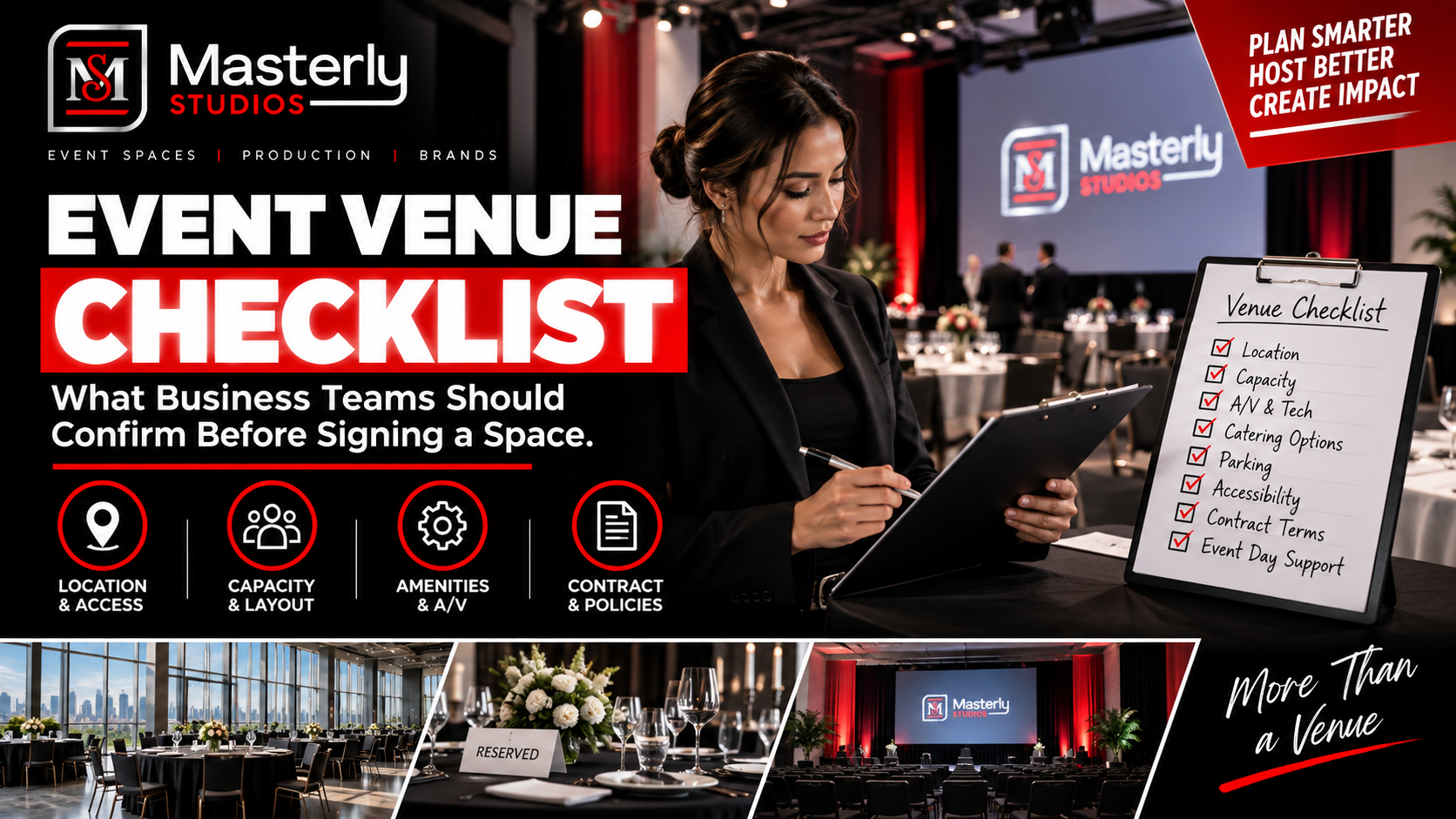
Use an event venue checklist to evaluate capacity, layout, parking, load-in, A/V, Wi-Fi, accessibility, catering, branding, production, and overtime needs.