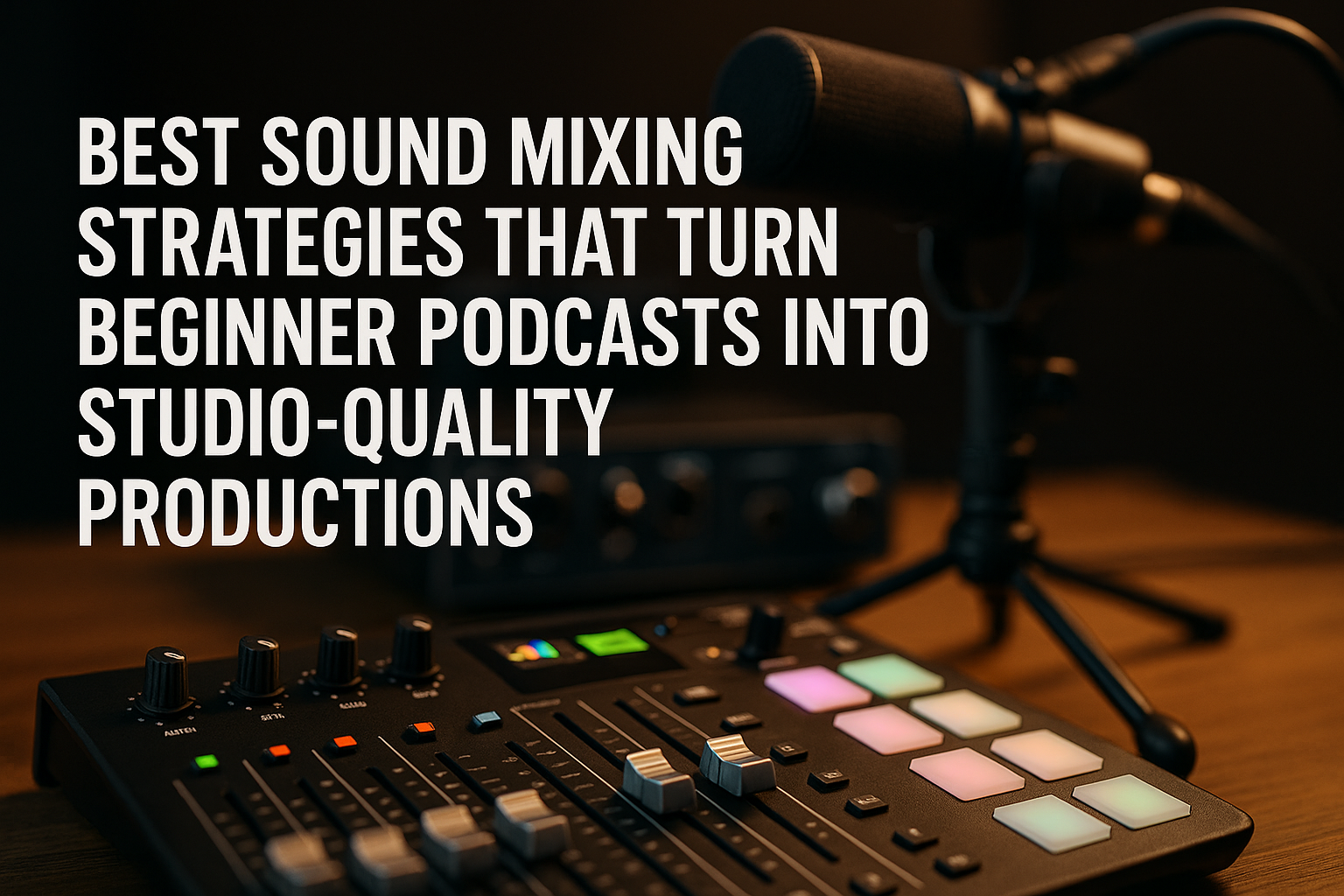
Best Sound Mixing Strategies That Turn Beginner Podcasts Into Studio-Quality Productions
December 11, 2025
Every great
podcast
begins with a message, but what listeners connect with most is the sound they hear. Even the strongest storytelling loses impact when background noise, uneven audio levels, or distracting distortions get in the way. Many beginner creators assume they need expensive gear or years of audio experience to produce professional results. At Masterly Studios, we know that the right strategies—and the right mixer setup—can turn a beginner podcast into a studio-quality production faster than most people expect. Whether you're working from a home studio or mobile setup, understanding the tools, features, and techniques behind broadcast-level audio makes all the difference.
Sound mixing is where podcasts transform from raw recordings to polished, immersive experiences. When creators learn how to use podcast mixers properly, manage mic inputs, and work with software tools that edit audios with precision, the entire recording process becomes smoother and more enjoyable. With the right guidance, any podcaster can elevate their podcast production and deliver episodes that sound like they were made inside a professional recording studio.
When choosing a mixer, creators should look at key features such as xlr inputs, mic inputs, usb connection formats, and headphone outputs. These components determine how easily you can connect microphones, monitor sound, and record at high audio quality. Some mixers include four mic inputs or four xlr inputs, while advanced devices support six xlr inputs or six channels for larger podcast setups.
Popular options like the rodecaster pro ii, rodecaster duo, mackie dlz creator, and tascam mixcast series offer top podcast mixers that support remote guests, remote call ins, and seamless integration with mobile devices or computer systems. Each brand includes key features such as sound pads, reverb effects, headphone jack outputs, and stereo monitor options. Modern mixers also record individual tracks onto sd cards, giving creators more flexibility during post production software editing. This feature makes it easier to edit specific audio levels or remove noise without affecting the entire audio file.
When comparing mixers, look for:
Even beginner podcasters can experience a big difference in quality when their mixer includes proper mic levels controls, noise reduction processing, and programmable features.
A strong audio interface is especially useful when recording with multiple microphones or using condenser mics that require stable phantom power. Interfaces also help maintain consistent sound across channels and support seamless integration with editing software.
When choosing cables, creators should prioritize durability, shielding quality, and proper length for their home studio or on-the-go podcast setup.
Mixers with built-in effects reduce editing time and help maintain consistent audio across episodes.
Mixers supporting usb, TRRS input options, and multiple channels make integrating external sound sources easy and efficient.
Using a podcast mixer that supports built-in effects, stereo monitor outputs, and six channels ensures professional control over the recording experience.
The result is a podcast that reflects professionalism, clarity, and an engaging listener experience.
Mixers offer tools that elevate audio, streamline workflows, and empower creators of all levels to produce content that feels professional, intentional, and well-crafted.
Sound mixing is where podcasts transform from raw recordings to polished, immersive experiences. When creators learn how to use podcast mixers properly, manage mic inputs, and work with software tools that edit audios with precision, the entire recording process becomes smoother and more enjoyable. With the right guidance, any podcaster can elevate their podcast production and deliver episodes that sound like they were made inside a professional recording studio.
Understanding the Tools That Shape Professional Podcast Sound
Podcasters rely heavily on their equipment, especially their mixer, microphones, and audio interface. A podcast mixer manages inputs, channels, effects, and processing, giving creators control over the sound. Even beginner podcasters benefit from mixers that include phantom power, multiple inputs, and sound pads for dynamic production. The best podcast mixers simplify this process by offering intuitive controls, programmable pads, and built-in effects that make editing easier.When choosing a mixer, creators should look at key features such as xlr inputs, mic inputs, usb connection formats, and headphone outputs. These components determine how easily you can connect microphones, monitor sound, and record at high audio quality. Some mixers include four mic inputs or four xlr inputs, while advanced devices support six xlr inputs or six channels for larger podcast setups.
How the Right Mixer Improves Podcast Recording Quality
The mixer you choose sets the tone for your entire podcast recording experience. Mixers with strong preamps, multiple inputs, and built-in noise reduction significantly improve sound quality before post production even begins. The best mixer for podcasters is one that balances usability with advanced functionality.Popular options like the rodecaster pro ii, rodecaster duo, mackie dlz creator, and tascam mixcast series offer top podcast mixers that support remote guests, remote call ins, and seamless integration with mobile devices or computer systems. Each brand includes key features such as sound pads, reverb effects, headphone jack outputs, and stereo monitor options. Modern mixers also record individual tracks onto sd cards, giving creators more flexibility during post production software editing. This feature makes it easier to edit specific audio levels or remove noise without affecting the entire audio file.
Choosing the Best Podcast Mixers for Any Home Studio Setup
A strong home studio does not require expensive equipment—it requires choosing the right podcast mixer with the right features for your needs. Mixers like the zoom podtrak, mg series, or mackie dlz offer multiple inputs, usb ports, and xlr cable support for a polished workflow. For creators planning interviews, solo episodes, or music-based content, having all the features necessary to connect condenser microphones, xlr mics, and external device sources is essential.When comparing mixers, look for:
- Multiple inputs for mics, instruments, or mobile devices
- Phantom power for condenser microphones
- USB and TRRS input options for computer and mobile integration
- Built-in effects that enhance sound in real time
- Sound pads for adding music, effects, or transitions
- Headphone outputs for monitoring audio levels
Even beginner podcasters can experience a big difference in quality when their mixer includes proper mic levels controls, noise reduction processing, and programmable features.
Using Audio Interfaces to Improve Sound Quality
An audio interface bridges the gap between your microphone setup and your computer. Many podcast mixers include a built-in interface, but external interfaces can also enhance audio quality. They manage mic inputs, convert analog sound into digital formats, and reduce latency during live monitoring.A strong audio interface is especially useful when recording with multiple microphones or using condenser mics that require stable phantom power. Interfaces also help maintain consistent sound across channels and support seamless integration with editing software.
How XLR Inputs and XLR Cable Choices Affect Sound
XLR cable connections provide the cleanest, most stable audio signals, which is why nearly all professional podcast setups prefer them over USB mics. Using a podcast mixer with strong xlr inputs ensures that mics receive the power and clarity needed for studio-quality results. Even with other mixers or portable devices, xlr cable setups outperform alternatives in sound consistency and noise reduction.When choosing cables, creators should prioritize durability, shielding quality, and proper length for their home studio or on-the-go podcast setup.
Sound Mixing Techniques That Improve Podcast Production
Mixing is where the real magic happens. During post production, editors adjust audio levels, balance channels, and remove unwanted noise. To achieve professional results, creators must understand the recording process, the importance of individual tracks, and how to edit with clarity and precision. Effective mixing involves steps like:- Balancing mic inputs so all voices sound natural
- Removing noise or hum using built-in noise reduction or air noise reduction tools
- Adjusting audio levels to avoid clipping or distortion
- Using sound effects or music sparingly to keep episodes engaging
- Controlling reverb to avoid hollow or echo-filled sound
Mixers with built-in effects reduce editing time and help maintain consistent audio across episodes.
Integrating External Devices for More Dynamic Sound
Many creators expand their setups using external device connections such as tablets, phones, or additional computers. These allow seamless integration of music, remote guests, or voice messages. With the growth of digital podcasting, remote call ins and mobile devices have become part of the modern recording workflow.Mixers supporting usb, TRRS input options, and multiple channels make integrating external sound sources easy and efficient.
How to Organize Your Recording Process Like a Professional Studio
A smooth recording process keeps everything consistent. Start by organizing your home studio or recording space for minimal noise. Ensure microphones are positioned correctly, inputs are connected securely, and headphone outputs allow clear monitoring. Test sound before every session and monitor levels throughout recording.Using a podcast mixer that supports built-in effects, stereo monitor outputs, and six channels ensures professional control over the recording experience.
Mastering Post Production for Studio-Quality Sound
Post production is where creators refine recordings, edit audios, remove distractions, and prepare episodes for release. Using the right software, podcasters can adjust music levels, sweeten dialogue, and create a polished final version. A strong post production workflow includes:- Cleaning up audio with software filters
- Editing segments for pacing
- Adding music or transitions with sound pads
- Exporting the final audio file at high quality
The result is a podcast that reflects professionalism, clarity, and an engaging listener experience.
The Role of Mixers in Today’s Podcasting World
Podcasting continues to evolve, and mixers remain at the center of high-quality productions. Whether using the dlz creator, mackie dlz, rodecaster pro ii, tascam mixcast, zoom podtrak, or rodecaster duo, the right mixer transforms raw sound into a polished episode. Creators who invest time in learning their mixer’s features can produce consistently strong results that keep listeners returning.Mixers offer tools that elevate audio, streamline workflows, and empower creators of all levels to produce content that feels professional, intentional, and well-crafted.
Experience the Thrill of the Game Through Professional Sports Photography
Capturing the intensity of athle tic competition requires more than just a fast shutter—it demands equipment and techniques that preserve every detail with clarity and emotion. While photographers work to freeze split-second movements on the field, many studios rely on tools like an audio mixer and other production gear behind the scenes to enhance the viewer’s experience when game footage becomes part of multimedia presentations or highlight reels. Even something as simple as a reliable usb cable can influence the speed and stability of image transfers during high-volume sports events. These small but essential tools contribute to a smoother workflow, ensuring that every thrilling moment—every leap, sprint, and victory—is delivered with the quality and precision fans expect from professional sports photography.Connect with Masterly Studios
If you're ready to turn your begin ner podcast into a studio-quality production, Masterl y Studio s is here to guide you. We help creators navigate sound mixing, equipment choices, and editing techniques that bring professional polish to every episode. Our team works with clients throughout the country and nationally, offering personalized support for podcast producers who want to elevate their sound and streamline their workflow.Contact us at (888) 209-405 5 to book a free consultation. Whether you need help choosing mixers, improving your recording process, or mastering how to edit audios with confidence, w e’re ready to help you reach the next level in podcast production.
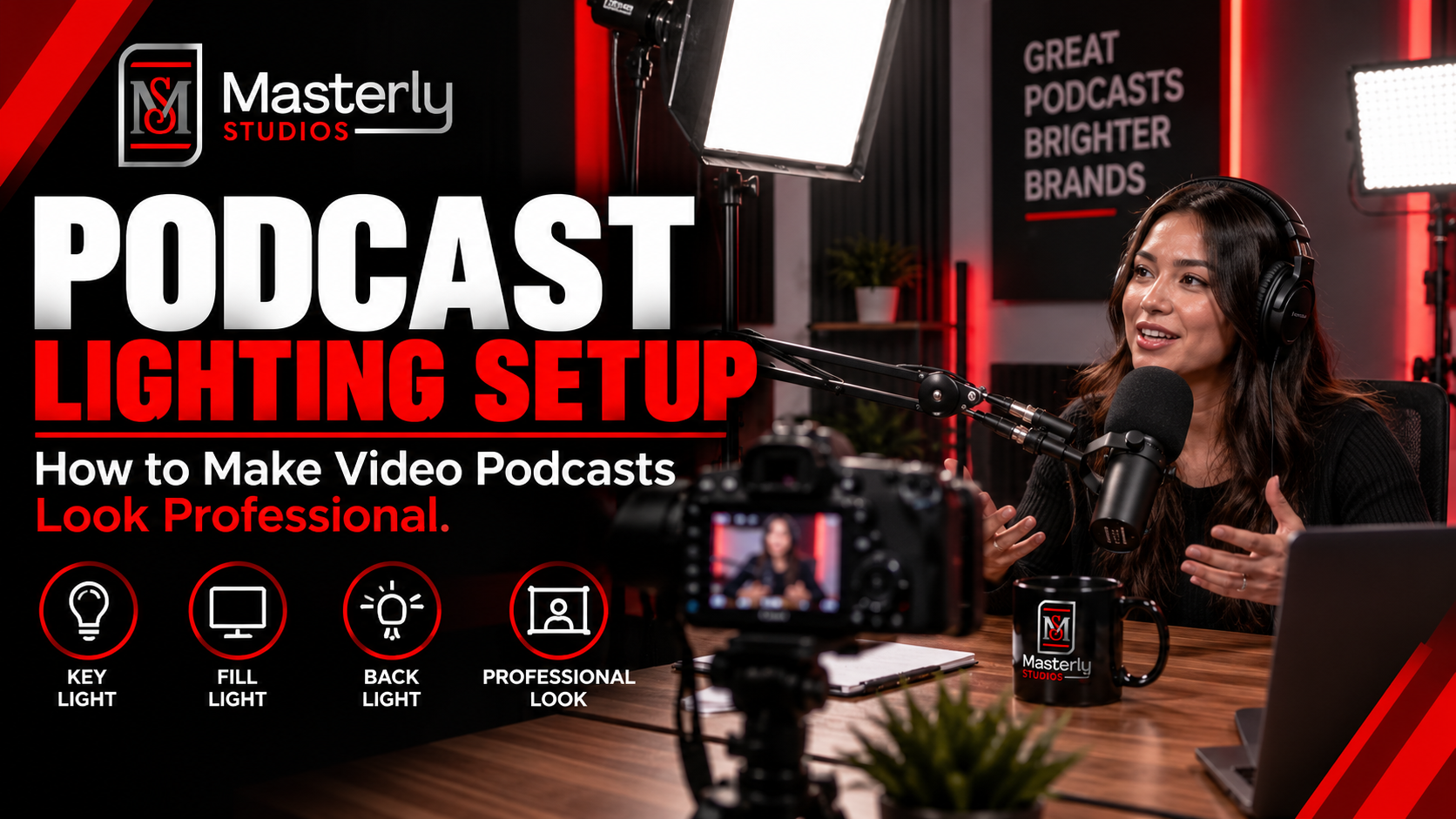
Need a podcast lighting setup? Masterly Studios provides professional podcast and camera lighting in a prepared studio for consistent, polished video production.
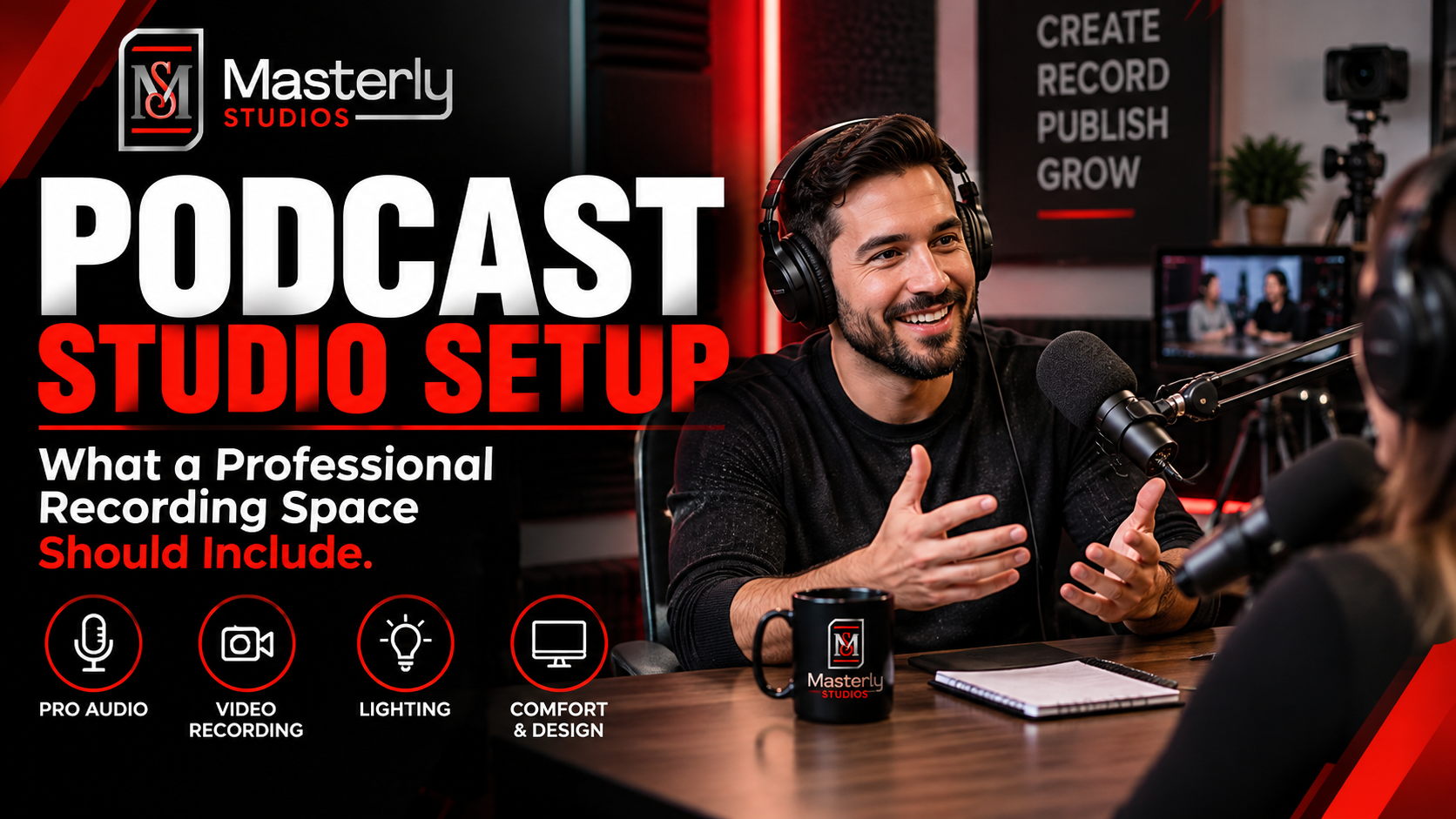
Need a podcast studio setup? Masterly Studios offers a professional recording space with quality equipment, lighting, acoustics, and video support for creators.
Book a training venue in Atlanta for corporate workshops, employee training, and learning events with flexible layouts, A/V support, and professional amenities.
Learn how to record a video podcast in Atlanta with a professional studio setup, clear audio, polished lighting, guest support, and a smooth recording workflow.

Book a corporate Christmas party venue in Atlanta for year-end events with flexible space, A/V support, catering, branding, and more for your team and festive fun.
Book a creative studio rental for photography, video, branded content, and marketing campaigns with flexible production space at Masterly Studios for every project.
Book a professional seminar venue for training, presentations, and business events with flexible seating, A/V, check-in, parking, content support, and event setup.
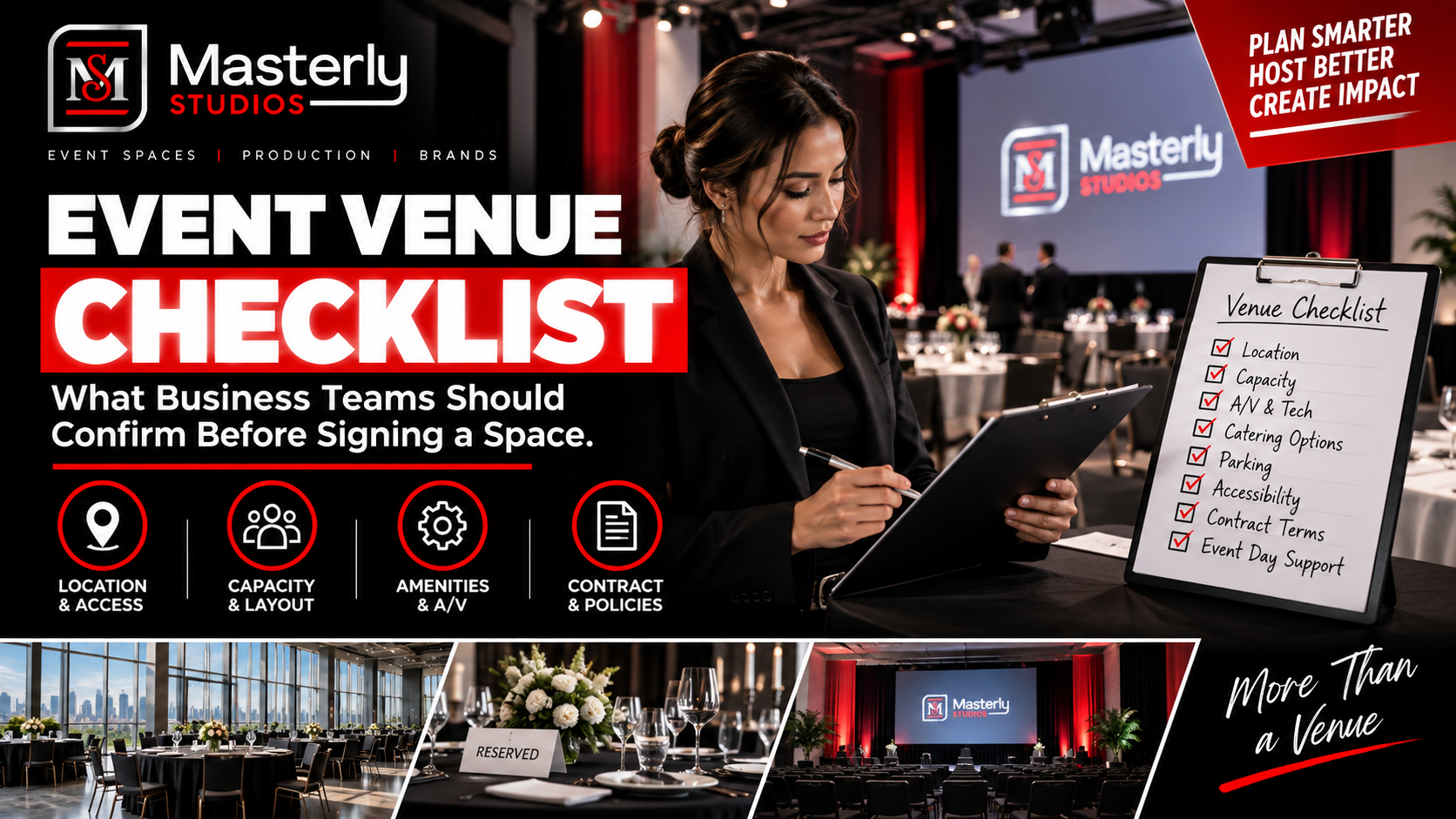
Use an event venue checklist to evaluate capacity, layout, parking, load-in, A/V, Wi-Fi, accessibility, catering, branding, production, and overtime needs.
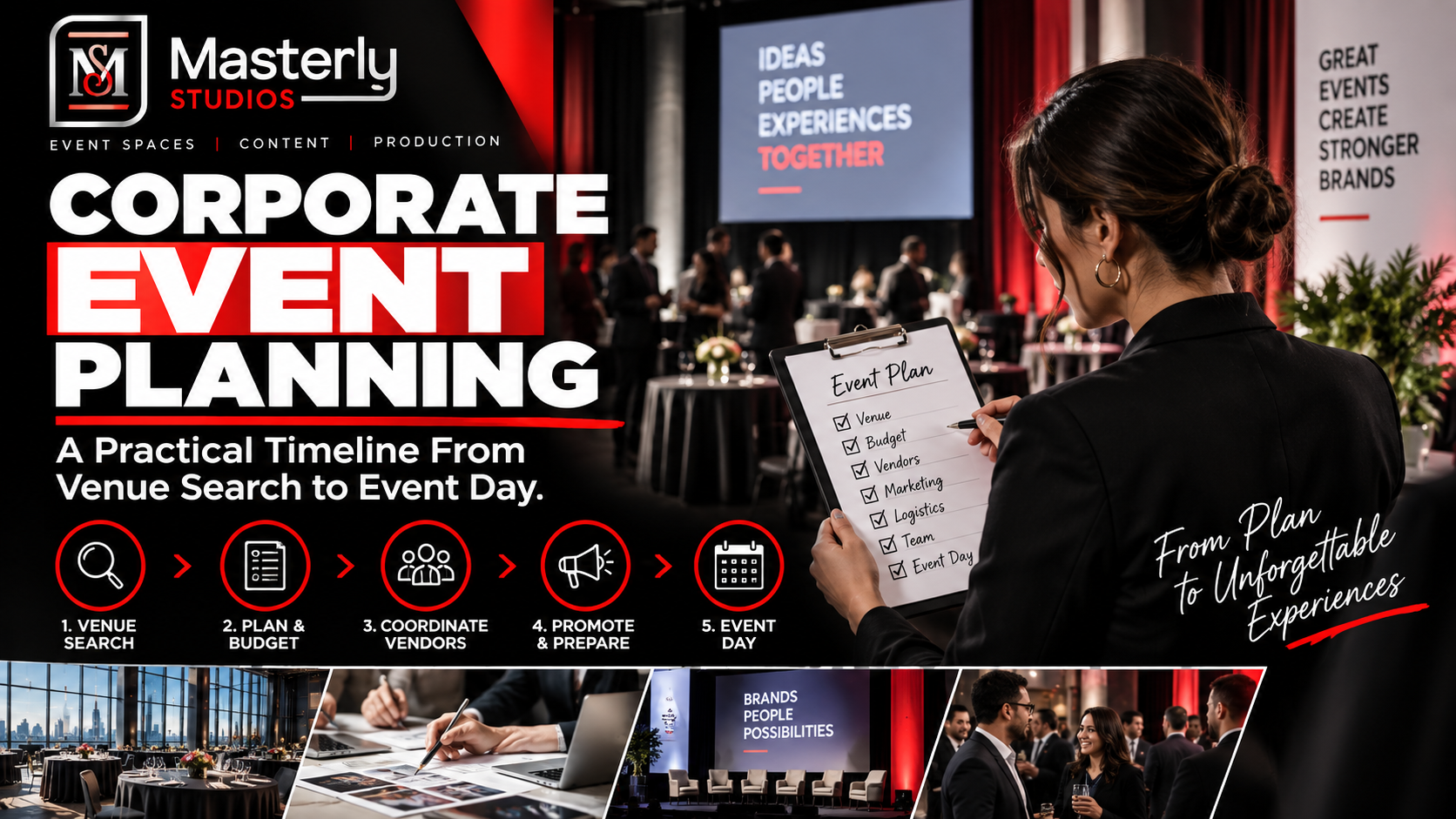
Plan corporate events with professional support for venues, A/V, catering, speakers, content capture, access, and production at Masterly Studios in Atlanta.
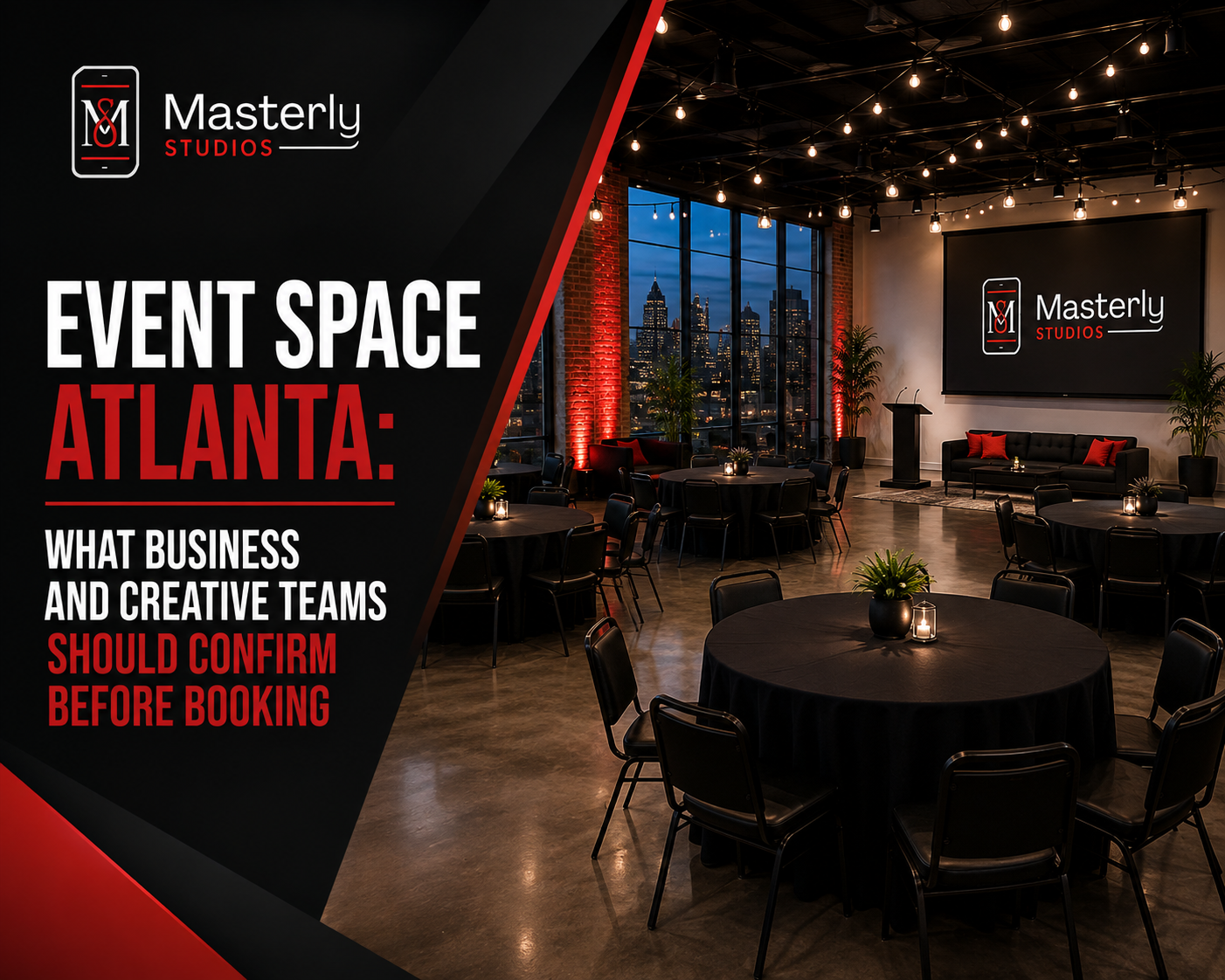
Find the right event space in Atlanta by confirming capacity, AV, parking, catering, layouts, accessibility, and production support before booking. Masterly Studios