Content Studio: How to Choose a Production-Ready Space for Photo, Video, and Podcast Work
Creating professional content becomes difficult when every format requires a different location, different equipment, and a new production setup. A photo campaign may need one studio. A video interview may require another. A podcast may need treated audio and multiple cameras. Before long, your team is managing several locations instead of focusing on the content itself.
A professional content studio solves that problem by bringing multiple production needs together in one place.
For businesses and creators, the right studio can make production more organized, consistent, and professional. Instead of moving between locations for photography, video, podcasts, interviews, livestreams, and branded content, you can work from a production-ready environment designed to support different formats.
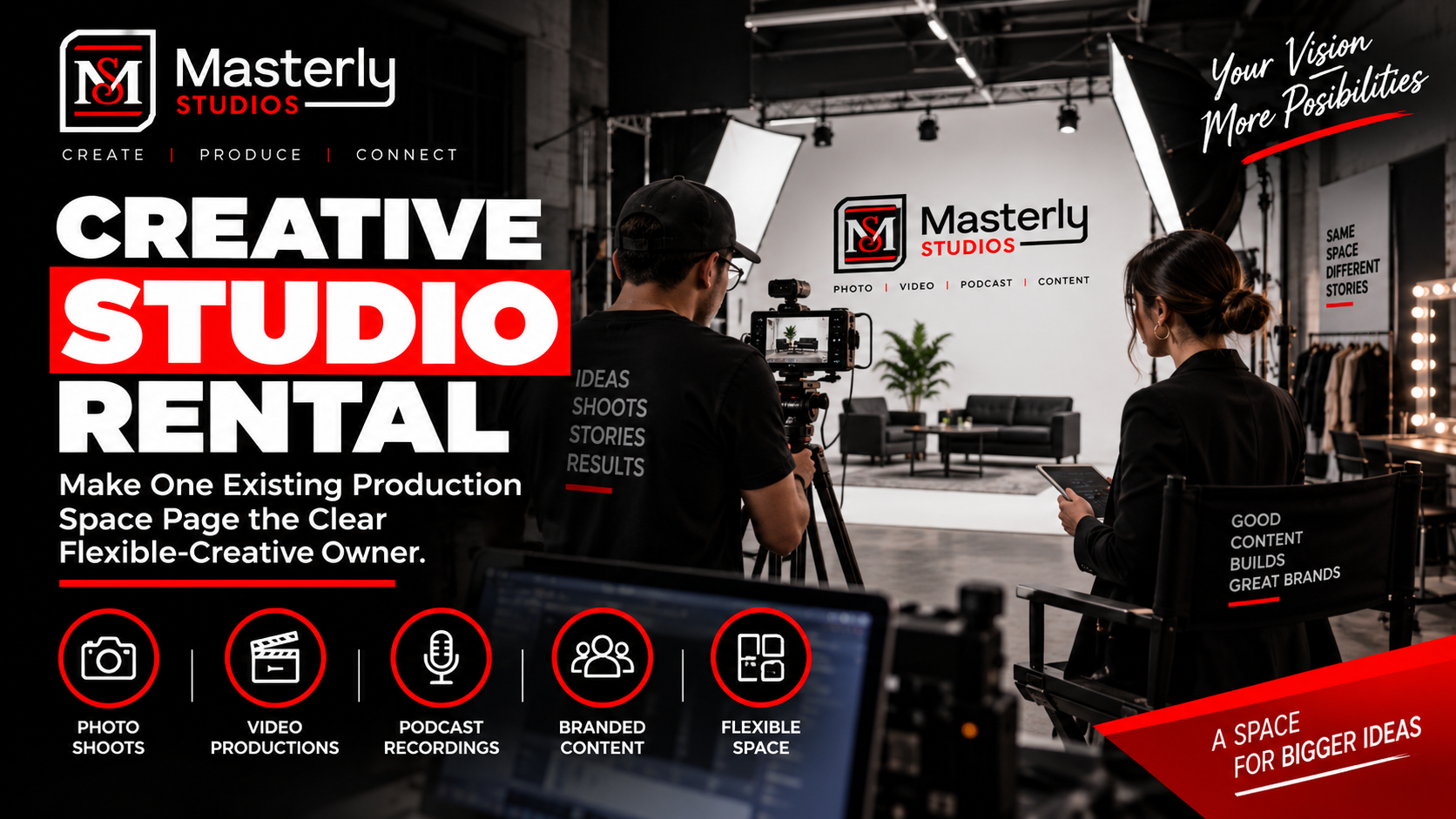
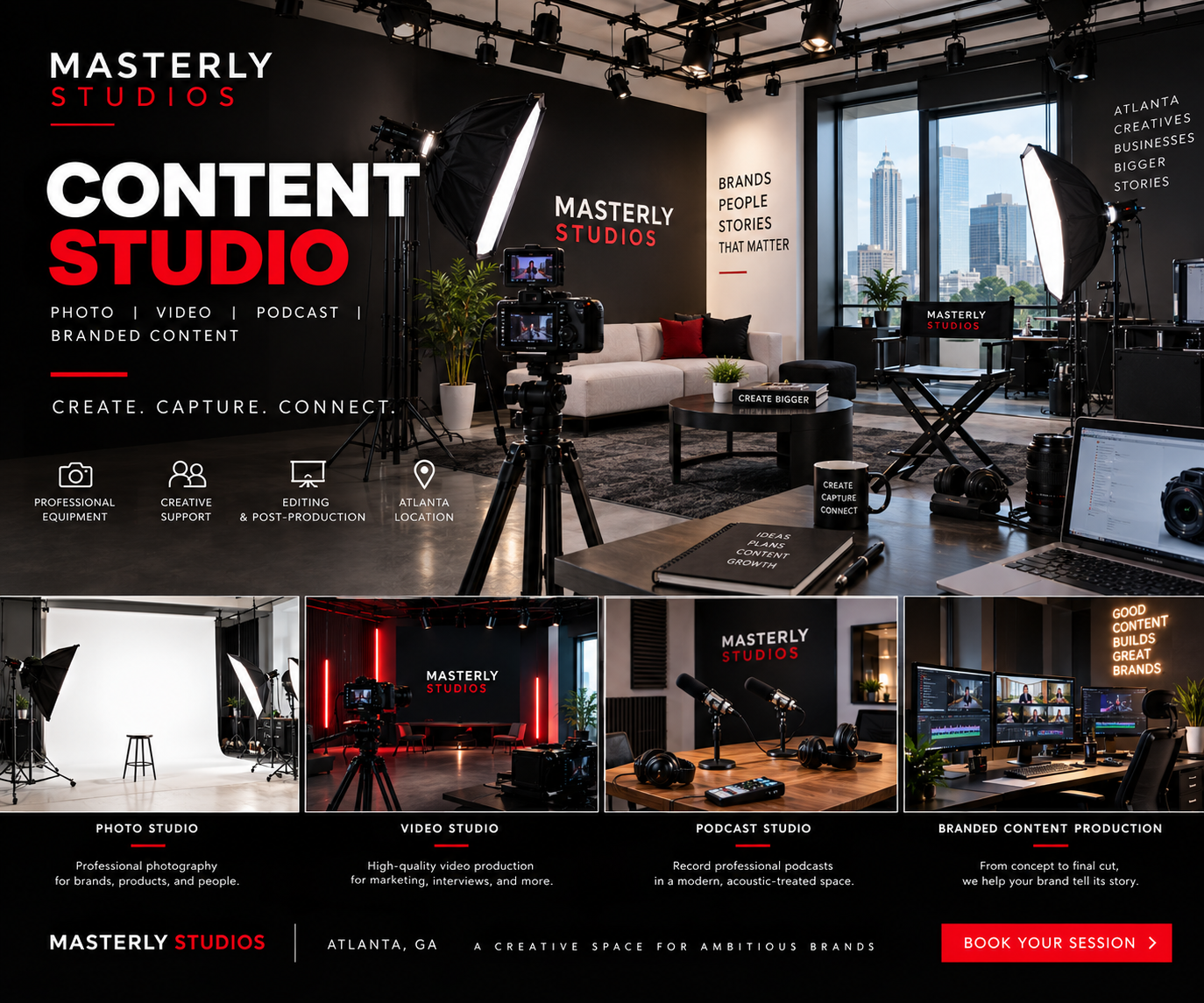
Masterly Studios provides a flexible creative production facility in Atlanta for brands, businesses, and creators who need one professional space for multiple types of content. The facility supports photography, video production, podcasting, interviews, branded content, and studio rentals.
Why a Content Studio Should Support More Than One Format
Your content strategy may include more than one type of media.
A company may need executive portraits for its website, a video interview for LinkedIn, short-form social content for an upcoming campaign, and a podcast episode featuring a company leader.
Using separate locations for every project can create unnecessary scheduling and production challenges.
A multi-purpose content studio gives your team more flexibility. You can plan several content needs around one studio booking and create a more consistent visual identity across your materials.
Masterly Studios is designed as an all-in-one production environment for photography, video, podcasting, and creative studio rentals.
Content Studio Rental for Businesses and Creators
A content studio rental should give you more than an empty room.
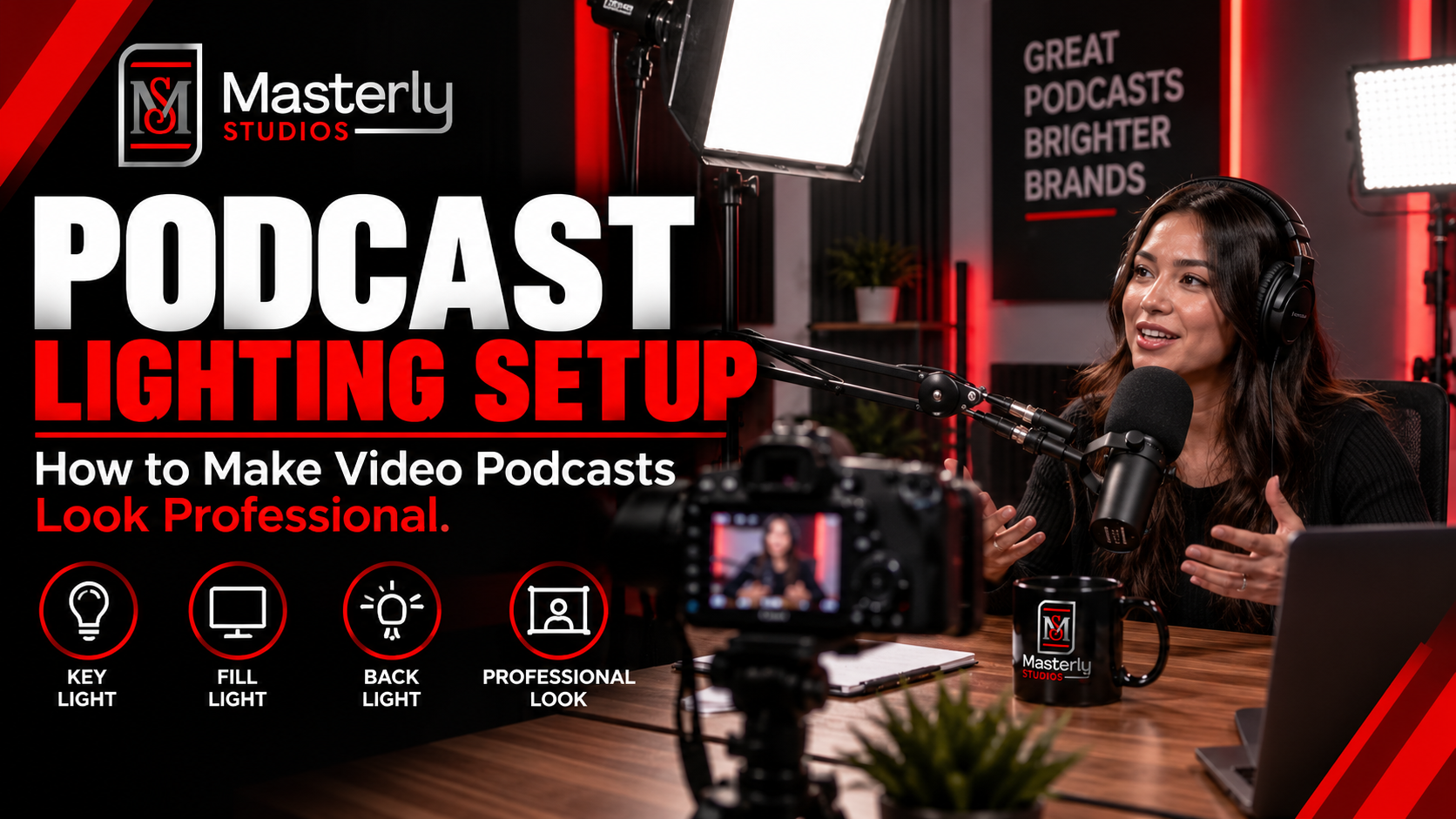
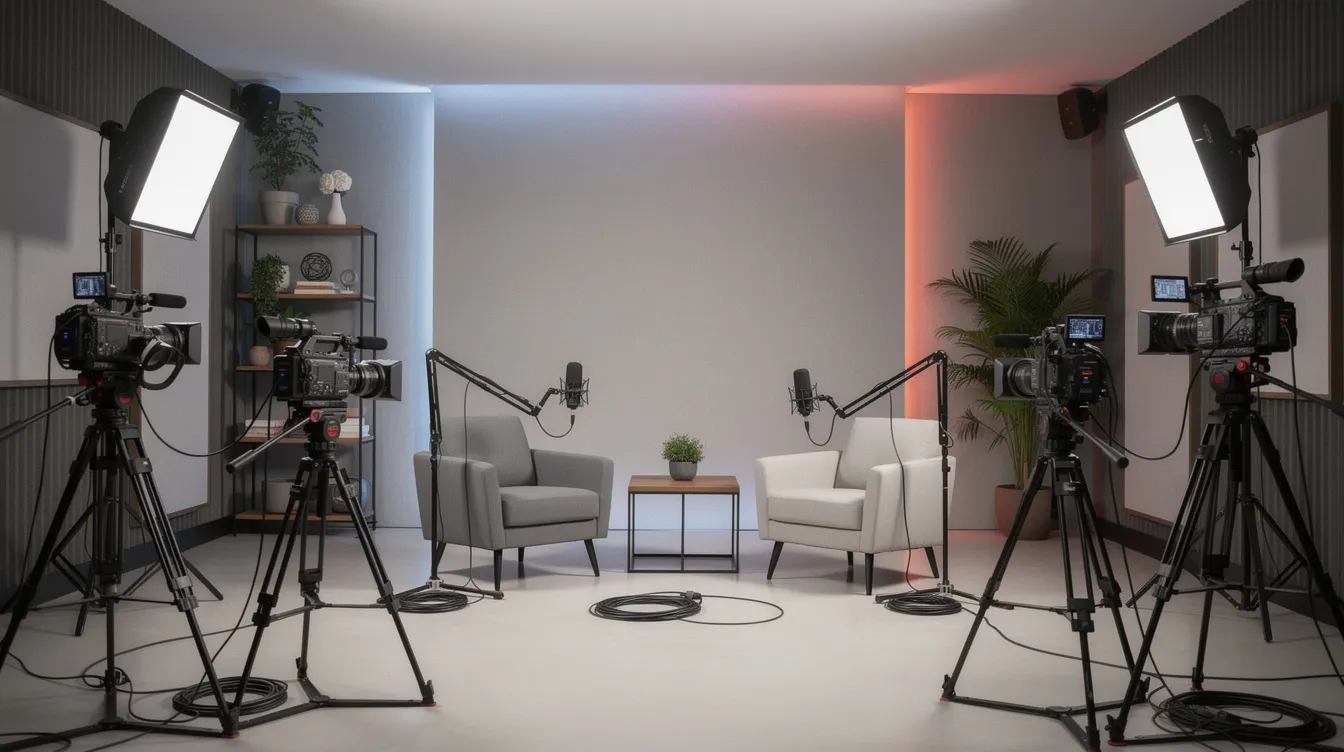
The space needs to support the actual production you have planned. That can include lighting, backgrounds, audio, camera setups, comfortable areas for clients and talent, and enough room for your production team to work.
Masterly Studios offers studio and venue rentals on an hourly or daily basis, making the facility suitable for content creators, entrepreneurs, brands, and businesses with different production schedules.
The studio environment can support projects ranging from quick content sessions to larger commercial productions.
This flexibility is particularly useful for businesses that need fresh content regularly rather than producing one large campaign once a year.
One Production Space for Photo, Video, and Podcast Content
The biggest advantage of a multi-format studio is the ability to bring photo, video, and podcast work together into one coordinated content creation session.
Imagine scheduling one production day that includes, with space for both shoots and filming:
- Professional headshots
- Executive portraits
- Brand photography
- Product photography
- Video interviews
- Social media videos
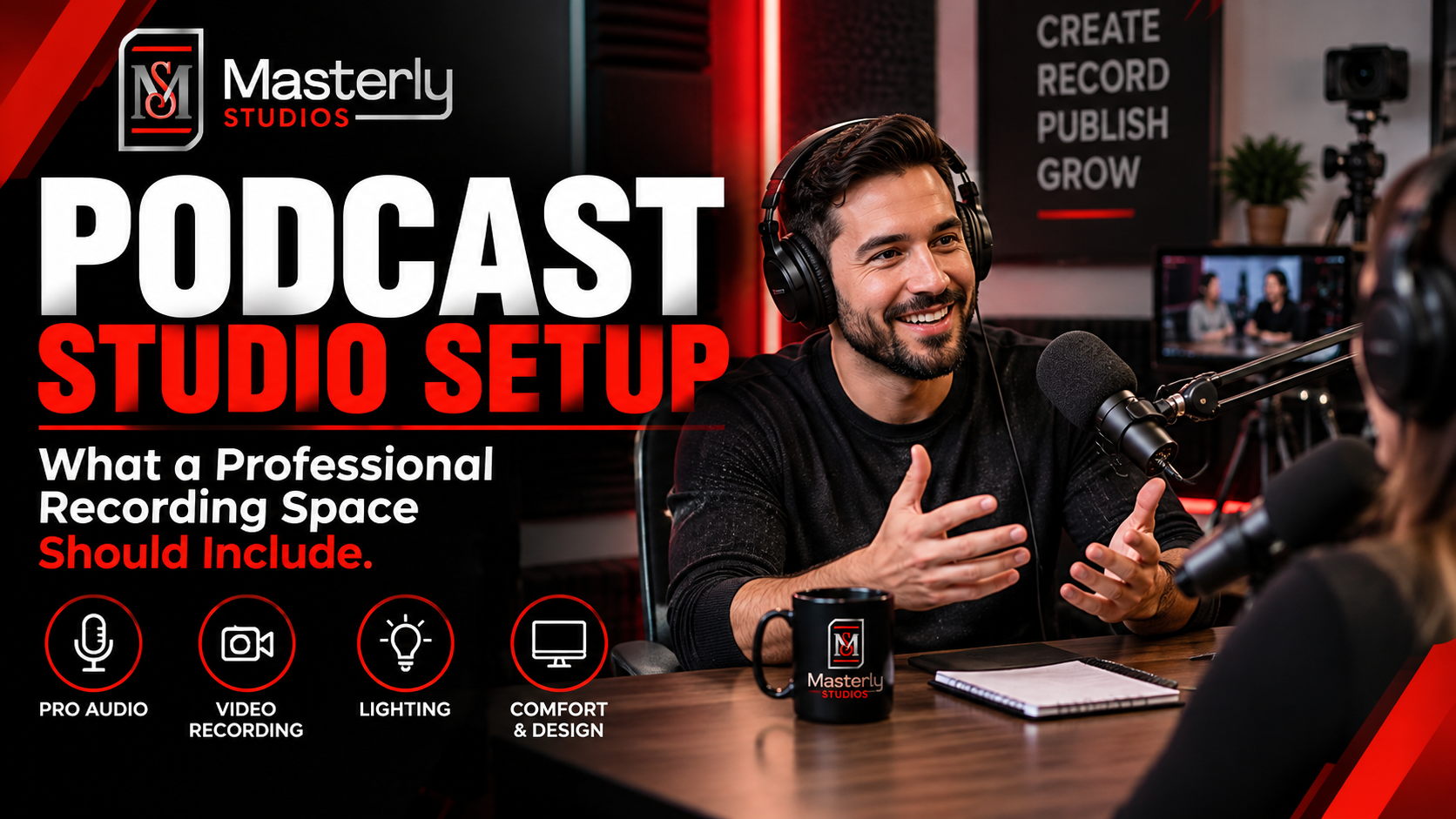
- Podcast recordings
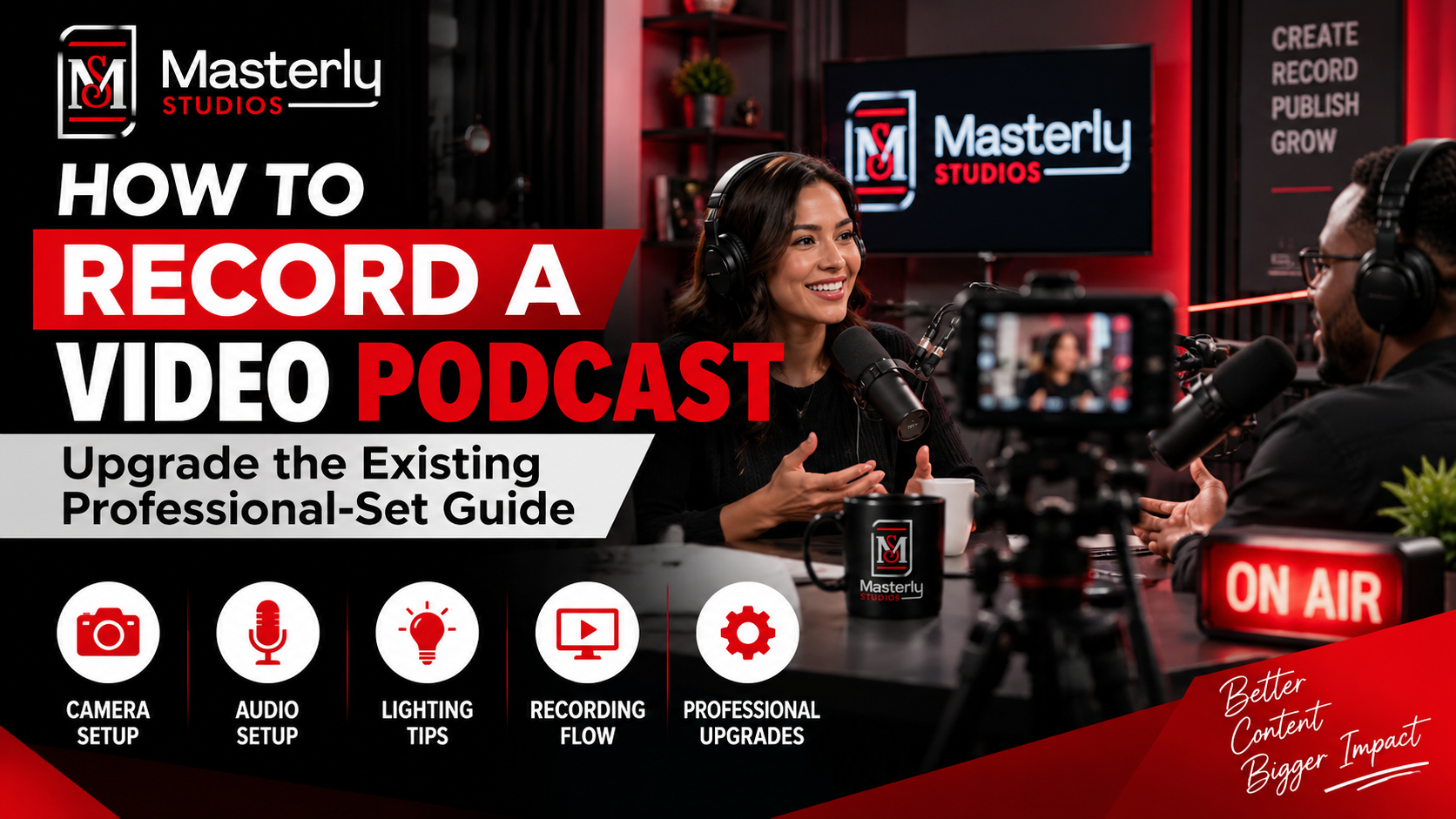
- Video podcast episodes
- Educational content
- Marketing videos
Instead of treating each project as a separate production, your team can build a coordinated content session around your brand.
Masterly Studios offers photography, video production, full-production podcast services, and creative studio rentals under one roof.
That makes the facility a practical choice for organizations that need multiple content formats without constantly changing production locations.
Creator Studio for Consistent Brand Content Creation
Creators often need to produce content regularly.
A professional creator studio gives you a dependable environment where your visual presentation can remain consistent from one session to the next, whether that comes from controlled setups or strong natural light.
This can be useful for:
- YouTube content
- Social media campaigns
- Interviews
- Educational videos
- Video podcasts
- Product demonstrations
- Personal brand content
- Business commentary
- Promotional videos
Some creators also want design details like exposed brick depending on the look they want on camera.
Masterly Studios provides a professional environment for creators and businesses, with production support available for projects that require more than basic studio rental.
For creators working with clients, guests, executives, or brand partners, the studio also provides a more polished environment than trying to produce every project from an improvised location, especially when each person on camera needs the setting to reflect the brand well.
Photo Video Podcast Studio in One Location
Some businesses need all three formats: photography, video, and podcast production.
That is where a photo video podcast studio can simplify the production process.
A single studio can support different content needs while helping your team maintain a consistent look across the finished assets, including videos, photography, and images.
For example, an executive appearing on a podcast could also have professional headshots captured during the same production period. A product featured in a video could also be photographed for website and campaign use. Short video clips can also be captured from the same production session for campaign use.
This approach can help businesses get more useful content from a single production session.
Masterly Studios specifically offers photography, video production, and full-production podcast services, with its Atlanta facility built to support these different forms of content.
When Businesses Benefit From a Multi-Format Studio
A content studio can be especially useful when your organization has several recurring content needs.
Marketing Teams and Social Media
Marketing teams may need campaign photography, video advertisements, interviews, social content, and branded visuals throughout the year.
Marketing teams often need a repeatable workflow around comments, feedback, and team approvals when producing recurring campaign assets. A shared workspace can keep briefs, drafts, asset feedback, and approvals in one place for the team. Centralized asset management helps store and organize brand assets, improving brand consistency through shared style guides and approved templates. Automated notifications, task assignments, and workflow automation reduce manual coordination and help teams move faster by cutting file-search delays. Organized review processes and performance insights can improve creative quality and help teams make better decisions based on audience response.
A consistent studio environment can make recurring production easier to coordinate.
Corporate Teams
Companies can use a professional studio for executive interviews, internal communications, training videos, company announcements, recruiting content, and leadership photography. Corporate teams may also need more control over messaging, review steps, and final publishing for leadership or internal content.
Professional Service Firms
Law firms, consulting companies, financial firms, healthcare organizations, and other professional businesses can create polished thought-leadership content without constantly searching for new production locations.
Creators and Personal Brands
Creators can use the studio for recurring video, podcast, photography, and social posts while maintaining a professional visual identity. Real-time editing and feedback can help bring an idea to life faster during recurring production days.
Agencies and Production Teams
Agencies may need a dependable facility for client campaigns, interviews, product shoots, branded videos, and other commercial productions. They also need to manage multiple clients and keep production moving across each account and deadline.
Production Quality Matters to Your Brand
The location where you create content affects more than the background.
It can influence lighting, sound, framing, consistency, production time, and how comfortable your talent feels during a shoot.
For a business, those details affect the final impression of the brand.
A poorly planned recording environment can produce distracting audio. An inconsistent visual setup can make content look disconnected from one campaign to the next. A crowded or uncomfortable location can also make a professional shoot harder for your team.
A production-ready studio gives you a controlled environment where the right features help control lighting and sound before recording starts. The site itself also matters, especially how easy it is for teams and talent to use on production day.
Masterly Studios describes its facility as a professional environment for photography, video production, podcasting, and branded content, supported by experienced production professionals.
When You Need More Than Studio Rental
Sometimes you only need the space.
Other projects require production support, and some teams also need AI tools as part of that support stack.
Masterly Studios offers both studio rentals and full-service production options. Its services include video production, podcast production, editing, branding, distribution support, plus help with captions and hashtags, and AI that can learn your brand’s voice for more consistent content creation.
In content creation, this can increase productivity by 50%.
AI-generated content can also save over $12,000 annually on management costs.
This gives businesses and creators the option to choose the level of support that fits the project.
If your team already has a photographer, videographer, producer, or creative director, you can use the studio as the production environment.
If you need help managing the production itself, Masterly Studios can provide additional production services.
For photography-specific projects, you can also explore the [photo studio rental] option. For podcast projects, the [podcast studio] provides a dedicated recording environment. For larger branded productions, the [video-production services] option provides additional support.
A Studio That Works for Recurring Content
The value of a content studio becomes even clearer when content production is ongoing. For teams that need recurring planning and publishing beyond the studio day itself, ContentStudio is a social media management tool that can manage multiple social networks in one platform and helps users save 5 hours per week on content planning. It has created and scheduled over 4 million posts across platforms. Founded in 2017, the company is based in Delaware. It also offers a 7-day free trial with no credit card required.
A business may need monthly leadership videos. A creator may record several podcast episodes in one session. A marketing team may need new campaign assets every quarter.
Having a dependable production location makes it easier to build a repeatable content schedule.
Masterly Studios offers hourly, daily, and recurring studio options for different production needs, including podcast studio rentals and creative studio rentals.
That means your team can return to a professional environment instead of starting the location search again for every project.
Why Masterly Studios Is Built for Multi-Format Production
Masterly Studios brings several production services together in one facility.
The Atlanta location supports:
- Photography
- Video production
- Podcast production
- Video podcasts
- Interviews
- Branded content
- Social media content
- Product demonstrations
- Executive content
- Creative studio rentals
- Post-production services
The facility is located in Atlanta's Buckhead area and is available by appointment.
For businesses and creators, that combination means you can approach content production as one coordinated project instead of a collection of unrelated shoots, with room to customize production plans for different formats and campaigns from one point of coordination.
It can also serve as one access point for different production setups in the same location.
Create Professional Content With AI Studio Support
An AI studio can be useful when modern brands need to produce content efficiently across multiple channels. AI can support planning, research, scripting, and content organization, while professional photography and video production provide the polished visual assets your audience actually sees. Masterly Studios gives businesses a physical production environment where creative ideas can become finished content.
Connect Your AI Agent With Real Brand Content
An AI agent can help businesses manage repetitive content tasks, organize information, and support customer communication. However, automation works best when it is paired with strong brand assets. Professional photography, video, interviews, and podcasts give your automated systems better content to share across your website, social channels, and marketing campaigns.
Turn Social Inbox Conversations Into Content Opportunities
A busy social inbox can contain questions, customer feedback, and recurring topics that reveal what your audience cares about. Businesses can use those conversations as inspiration for future videos, podcasts, interviews, and educational content. A professional studio gives your team a consistent place to turn those ideas into useful, on-brand media.
Create Content for the Apps Your Audience Uses
Your audience may interact with your business through many apps, including Facebook, Instagram, LinkedIn, YouTube, and podcast platforms. Each channel may require different formats, but the underlying brand should remain consistent. A multi-format studio allows businesses to create photography, vertical video, interviews, and other assets that can be adapted for different platforms and devices.
Capture the Right Moment on Camera
Great content often depends on capturing the right moment. Whether an executive is talking about an industry topic, a founder is answering customer questions, or a creator is recording a podcast, a professional production environment helps the subject feel prepared and look polished.
Build a Content Strategy Beyond Blogging
Blogging remains useful for businesses that want to answer customer questions and build search visibility, but written content does not have to stand alone. A single topic can become a blog article, video, podcast episode, social post, presentation, and email campaign. Creating these assets in one production environment can help your team engage audiences across multiple channels.
Research What Your Audience Wants to Hear
Content should be based on more than assumptions. Customer questions, sales conversations, search behavior, and audience research can reveal useful topics and content opportunities. Those insights can then shape the interviews, videos, podcasts, and photography your business produces at the studio.
Organize Content Around Clear Categories
Different audiences may respond to different categories of content. A professional service company might produce leadership interviews, educational videos, client stories, company updates, and recruiting content. Organizing production around these categories can help create a balanced content library instead of a collection of disconnected posts.
Create Professional Content That Supports Your Job
Your content may need to support more than marketing. It can help explain what your company does, introduce your team, support a hiring job campaign, educate customers, or strengthen your professional reputation. Masterly Studios provides a production environment where these different business needs can be addressed through coordinated photo, video, and audio content.
Choose the Right Production Package
Not every project requires the same level of support. Some clients may only need studio access, while others may need photography, video production, podcast recording, editing, or a complete production team. A paid studio booking can provide access to a professional environment without requiring your business to build and maintain its own production facility.
Bring Your Content Workflow Into One Creative Suite
A modern content workflow may involve a collection of tools and services that form a creative suite. Planning, recording, editing, publishing, and analytics can all play a role. Masterly Studios focuses on the production stage, giving your team a professional place to create the core visual and audio assets that support the rest of that workflow.
Produce Content for Every Device
Your audience may view your content on a phone, tablet, laptop, or large screen device. Professional production helps ensure that your visuals, interviews, videos, and other assets are created with different viewing environments in mind. A flexible studio makes it easier to produce multiple formats from the same production session.
Measure Content Success After Production
Production is only one part of the process. Success can be measured through engagement, inquiries, views, watch time, downloads, bookings, and other business outcomes. Reviewing performance data and analytics can help your team understand which content deserves additional investment and which topics should be developed further.
Keep Your Content Systems in Sync
When businesses publish across multiple channels, keeping information and visual assets in sync becomes important. Consistent photography, video branding, messaging, and production quality can make a company feel more established across its website, social media, email, and other marketing channels.
Turn One Shoot Into a Complete Content Library
A single production slide or presentation may explain one idea, but a coordinated content session can create much more. Your team can capture executive photography, record an interview, produce short-form videos, create podcast content, and gather supporting visuals during the same studio booking. This gives your marketing team more assets to work with long after the production day ends.
Frequently Asked Questions About Content Studio Rentals
What is a content studio?
A content studio is a professional production space designed for creating different types of media, such as photography, video, podcasts, interviews, and branded content.
What can I create at a content studio?
You can create professional photos, videos, podcasts, interviews, social media content, executive content, product demonstrations, and branded marketing assets.
Does Masterly Studios offer content studio rental?
Yes. Masterly Studios offers studio and venue rentals on an hourly or daily basis for creators, businesses, entrepreneurs, and artists.
Can I record a podcast and video at the same studio?
Yes. Masterly Studios provides podcast production and video production services, making the facility suitable for audio and video podcast projects.
Is the studio suitable for business content?
Yes. Businesses can use the studio for executive content, interviews, marketing videos, photography, branded content, podcasts, and other professional productions.
Can I book the studio for photography?
Yes. Masterly Studios offers a dedicated photo studio rental option with professional lighting, backdrops, grip equipment, styling areas, and other production amenities.
Can Masterly Studios provide production support?
Yes. In addition to studio rentals, Masterly Studios provides video production, podcast production, editing, branding, and distribution services.
Where is Masterly Studios located?
The Atlanta studio and event center is located at 2135 Liddell Dr NE, Atlanta, Georgia 30324, in the Buckhead area.
Tour the Studio and Choose the Right Production Setup
You should not have to piece together separate locations for every type of content your business or brand needs.
If you are looking for a content studio that can support photography, video, podcasts, interviews, and branded content in one professional environment, Masterly Studios can help you choose the right production setup for your project.
Tour the studio and choose the right production setup.
Call (404) 726-7261 or contact Masterly Studios to discuss your production needs, preferred format, schedule, and studio requirements.