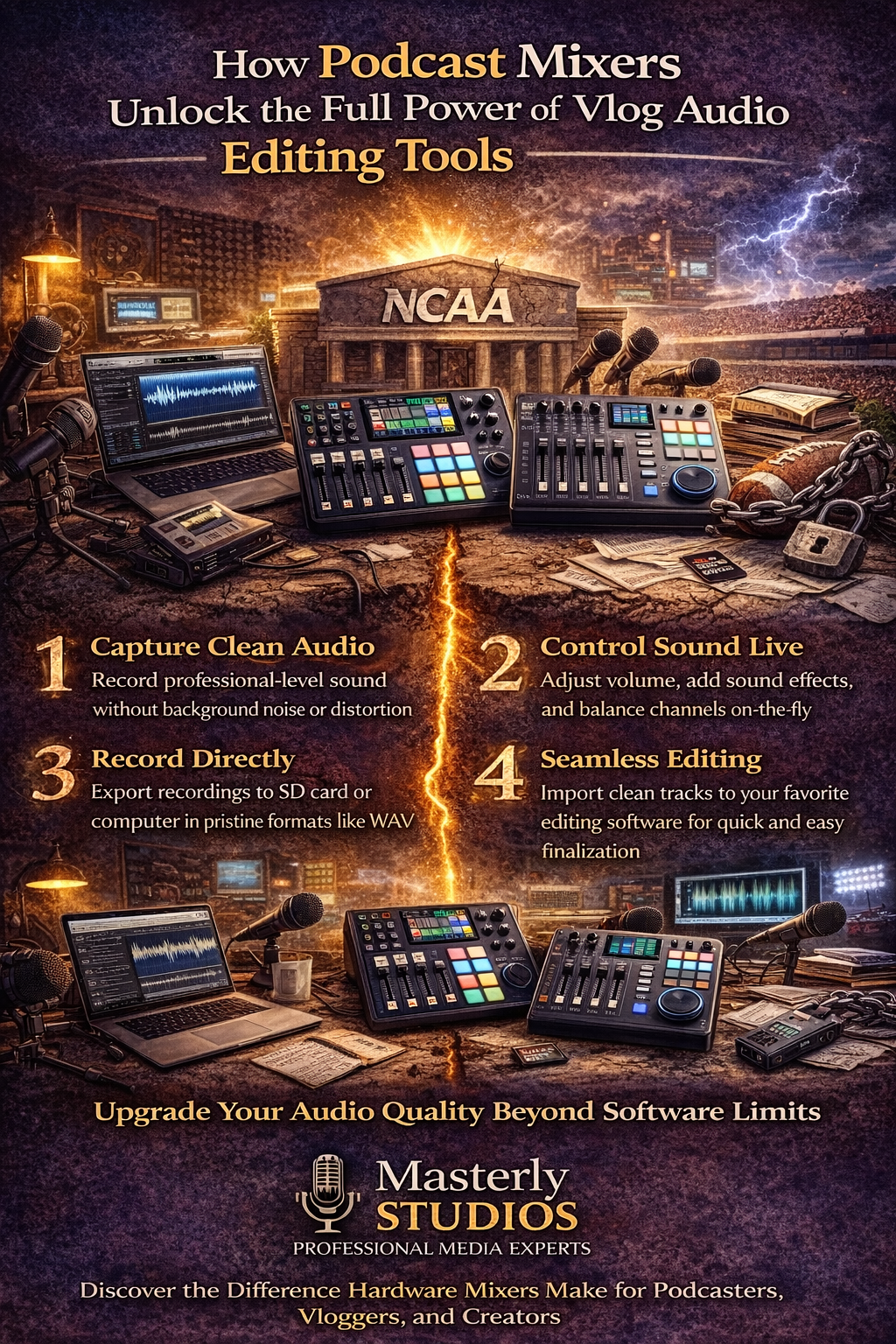
How Podcast Mixers Unlock the Full Power of Vlog Audio Editing Tools
March 11, 2026
Great content is no longer just about what viewers see. In today’s competitive media environment, audio can determine whether someone stays engaged or clicks away. You can have stunning video, sharp visuals, and compelling storytelling, but if the sound feels thin, distorted, or filled with background noise, the impact is lost.
At Masterly Studios, we work with podcasters, vloggers, and creators across the country who want to elevate their production quality. One of the biggest shifts we see is when creators move from relying only on software to mastering hardware-first setups. When you combine a powerful podcast mixer like the Tascam Mixcast 4, Zoom Podtrak P8, or DLZ Creator XS with smart vlog audio editor tools, you unlock performance that software alone simply cannot deliver.
If your original audio file contains heavy noise, clipping, or distorted voice levels, your editing time increases dramatically. You may try to remove background noise, normalize volume, or clean up clips, but there are limits. The best results begin at the source, during the recording process.
A dedicated podcast mixer transforms how your audio is captured before it ever reaches editing software. That is where true audio fidelity begins.
With features like XLR inputs, gain control, and headphone outputs, you can fine tune your sound in real time. This results in clean audio that requires far less correction later. When you work with best podcast mixers, you reduce editing time and increase overall audio quality.
Other mixers may provide limited functionality, but modern podcast mixers are designed specifically for podcasts and video content creation.
The tascam mixcast also includes built in effects and sound effects pads. This allows podcasters to drop music, intro stingers, or transition clips with one click. Instead of adding these elements later in an audio editor, you integrate them live during recording.
By capturing high quality sound at the source, your exported audio file formats such as WAV become far easier to edit. Clean inputs mean less time trying to remove background noise or repair distortion.
The zoom podtrak is especially helpful for podcasters who host remote guests. Its integrated functions simplify routing from mobile devices or USB connections. This reduces technical friction and keeps the focus on content.
By recording directly to high-quality audio file formats, including WAV, you preserve audio fidelity. That foundation allows your audio editor to enhance rather than repair your sound.
The dlz creator allows you to control multiple inputs with precision. Whether you are capturing voice, music, or other audio sources, each channel can be shaped independently. That level of control translates directly into better audio quality. When you export your audio file to editing software, you will notice the difference immediately. The cleaner the capture, the less you need to rely on heavy correction tools.
Instead of fighting background noise, you capture clean audio at the start. Instead of balancing inconsistent volume in software, you manage levels live through the mixer. Your audio editor then becomes a refinement tool rather than a rescue system.
This synergy between hardware and software saves time. It also produces professional quality sound that stands out in crowded media spaces.
The better solution begins with a podcast mixer that allows precise gain control. By adjusting mic inputs correctly and using balanced XLR inputs, you minimize noise at the source. Clean audio reduces the need to aggressively remove background noise later.
When you do use software like Audacity or another audio editor, your corrections are minor. That preserves natural voice tone and avoids artificial artifacts.
Music production elements also benefit from dedicated hardware. Instead of routing everything through a single USB microphone, you can use multiple microphones and other audio sources simultaneously. This approach creates richer, layered content.
When exporting, you can choose formats like WAV for high fidelity or compressed formats for a small file size. The key is starting with quality inputs.
One click recording and simple channel labeling keep sessions organized. Clean clips reduce post-production stress. Instead of spending hours trying to edit noise or correct levels, you focus on storytelling.
For creators managing tight schedules, this efficiency matters. Professional results with fewer downloads and fewer corrections create sustainable production cycles.
Devices like the zoom podtrak and dlz creator allow connection to mobile devices or laptops with ease. You can record, monitor through headphone outputs, and capture high-quality sound on the go. The result is flexibility without sacrificing quality. For creators who produce video content across multiple environments, this portability is invaluable. Your audio remains consistent no matter the location.
At Masterly Studios, we work with podcasters, vloggers, and creators across the country who want to elevate their production quality. One of the biggest shifts we see is when creators move from relying only on software to mastering hardware-first setups. When you combine a powerful podcast mixer like the Tascam Mixcast 4, Zoom Podtrak P8, or DLZ Creator XS with smart vlog audio editor tools, you unlock performance that software alone simply cannot deliver.
Why Hardware Comes Before Software
Many creators begin with an online audio editor or a free download of Audacity in their browser. These tools are helpful, especially when you are just starting out. However, no audio editor can fully correct poorly captured sound.If your original audio file contains heavy noise, clipping, or distorted voice levels, your editing time increases dramatically. You may try to remove background noise, normalize volume, or clean up clips, but there are limits. The best results begin at the source, during the recording process.
A dedicated podcast mixer transforms how your audio is captured before it ever reaches editing software. That is where true audio fidelity begins.
What a Podcast Mixer Actually Does
A podcast mixer is more than a device with sliders. It is a central control hub that manages multiple microphones, balances channel levels, and routes other audio sources into a unified system. Instead of relying solely on a basic audio interface, you gain advanced control over gain, tone, and dynamics.With features like XLR inputs, gain control, and headphone outputs, you can fine tune your sound in real time. This results in clean audio that requires far less correction later. When you work with best podcast mixers, you reduce editing time and increase overall audio quality.
Other mixers may provide limited functionality, but modern podcast mixers are designed specifically for podcasts and video content creation.
The Power of the Tascam Mixcast 4
The Tascam Mixcast 4 is a strong example of hardware-first mastery. It offers four XLR inputs and four mic inputs, making it ideal for conversations involving multiple microphones. You can record directly to an SD card, eliminating the need for immediate computer connection.The tascam mixcast also includes built in effects and sound effects pads. This allows podcasters to drop music, intro stingers, or transition clips with one click. Instead of adding these elements later in an audio editor, you integrate them live during recording.
By capturing high quality sound at the source, your exported audio file formats such as WAV become far easier to edit. Clean inputs mean less time trying to remove background noise or repair distortion.
Zoom Podtrak P8 and Flexible Recording
The Zoom Podtrak P8, often referred to simply as zoom podtrak, is another standout podcast mixer. It supports four XLR inputs and even four mic inputs in certain configurations, giving creators flexibility. Like the tascam mixcast, it records directly to an SD card for portable use.The zoom podtrak is especially helpful for podcasters who host remote guests. Its integrated functions simplify routing from mobile devices or USB connections. This reduces technical friction and keeps the focus on content.
By recording directly to high-quality audio file formats, including WAV, you preserve audio fidelity. That foundation allows your audio editor to enhance rather than repair your sound.
DLZ Creator XS and Modern Control
The DLZ Creator XS, often shortened to dlz creator, brings intelligent processing to the table. This mixer includes smart gain staging, intuitive channel management, and flexible USB routing. For creators who want a balance between manual control and automated support, it is highly recommended.The dlz creator allows you to control multiple inputs with precision. Whether you are capturing voice, music, or other audio sources, each channel can be shaped independently. That level of control translates directly into better audio quality. When you export your audio file to editing software, you will notice the difference immediately. The cleaner the capture, the less you need to rely on heavy correction tools.
Hardware and Vlog Audio Editing Tools Working Together
Vlog creators often depend on an online audio editor to polish their tracks before uploading to YouTube. While browser-based tools are convenient, they cannot fix fundamental recording flaws. A strong podcast mixer changes the workflow entirely.Instead of fighting background noise, you capture clean audio at the start. Instead of balancing inconsistent volume in software, you manage levels live through the mixer. Your audio editor then becomes a refinement tool rather than a rescue system.
This synergy between hardware and software saves time. It also produces professional quality sound that stands out in crowded media spaces.
Managing Background Noise the Right Way
Background noise is one of the most common issues in podcasts and video production. Air conditioning hum, street sounds, and room echo can quickly lower perceived quality. While many audio editor tools promise to remove background noise with one click, results vary.The better solution begins with a podcast mixer that allows precise gain control. By adjusting mic inputs correctly and using balanced XLR inputs, you minimize noise at the source. Clean audio reduces the need to aggressively remove background noise later.
When you do use software like Audacity or another audio editor, your corrections are minor. That preserves natural voice tone and avoids artificial artifacts.
Supporting Music and Multi-Source Content
Many podcasters incorporate music, intro themes, or clips from music videos. A powerful mixer simplifies this integration. With multiple channel inputs, you can blend voice and music without distortion.Music production elements also benefit from dedicated hardware. Instead of routing everything through a single USB microphone, you can use multiple microphones and other audio sources simultaneously. This approach creates richer, layered content.
When exporting, you can choose formats like WAV for high fidelity or compressed formats for a small file size. The key is starting with quality inputs.
Streamlined Workflow and Faster Publishing
Hardware-first setups improve overall workflow. Recording directly to an SD card allows immediate transfer to editing software. You can edit, export, and upload to YouTube or podcast platforms without unnecessary steps.One click recording and simple channel labeling keep sessions organized. Clean clips reduce post-production stress. Instead of spending hours trying to edit noise or correct levels, you focus on storytelling.
For creators managing tight schedules, this efficiency matters. Professional results with fewer downloads and fewer corrections create sustainable production cycles.
Portable Production for Modern Creators
Today’s podcasters are not confined to studios. Many record in co-working spaces, live venues, or remote locations. A portable podcast mixer with USB connectivity supports mobile recording.Devices like the zoom podtrak and dlz creator allow connection to mobile devices or laptops with ease. You can record, monitor through headphone outputs, and capture high-quality sound on the go. The result is flexibility without sacrificing quality. For creators who produce video content across multiple environments, this portability is invaluable. Your audio remains consistent no matter the location.
Why Best Podcast Mixers Elevate Professional Branding
Best podcast mixers are not just about technical performance. They influence how audiences perceive your brand. Clear voice, balanced music, and polished sound signal professionalism.In the crowded world of podcasts, first impressions matter. Listeners quickly judge audio quality, even subconsciously. Investing in a production sound mixer setup demonstrates commitment to excellence.
At Masterly Studios, we have seen creators transform their platforms by upgrading from a basic audio interface to a dedicated podcast mixer. The difference is immediate and measurable.
From Recording to Export with Confidence
Once recording is complete, editing becomes far more enjoyable. You can open your audio file in Audacity or another audio editor and make precise adjustments. Instead of heavy repairs, you focus on pacing and clarity.Exporting to different formats for YouTube, social media, or podcast distribution becomes simple. Whether you choose WAV or compressed formats for smaller file size, the integrity of your sound remains intact. Clean audio travels well across platforms. This level of control empowers creators. It removes the frustration that often discourages new podcasters from continuing.
Elevate Your Sound with Masterly Studios
At Masterly Studios, we believe that hardware-first mastery is the foundation of powerful content. A great podcast mixer, combined with thoughtful editing software, unlocks the full potential of your voice and message. Whether you are launching new podcasts or refining existing video content, the right setup changes everything.Our team works with clients throughout the country to design and optimize production systems. From selecting the best podcast mixers to refining your mixing and editing workflow, we guide you every step of the way. We understand how to balance technology, creativity, and professional standards.
If you are ready to elevate your audio and take control of your production quality, contact Masterly Studios at (888) 209-4055 to book a free consultation. Let us help you build a production sound mixer setup that supports your goals and sets your content apart.
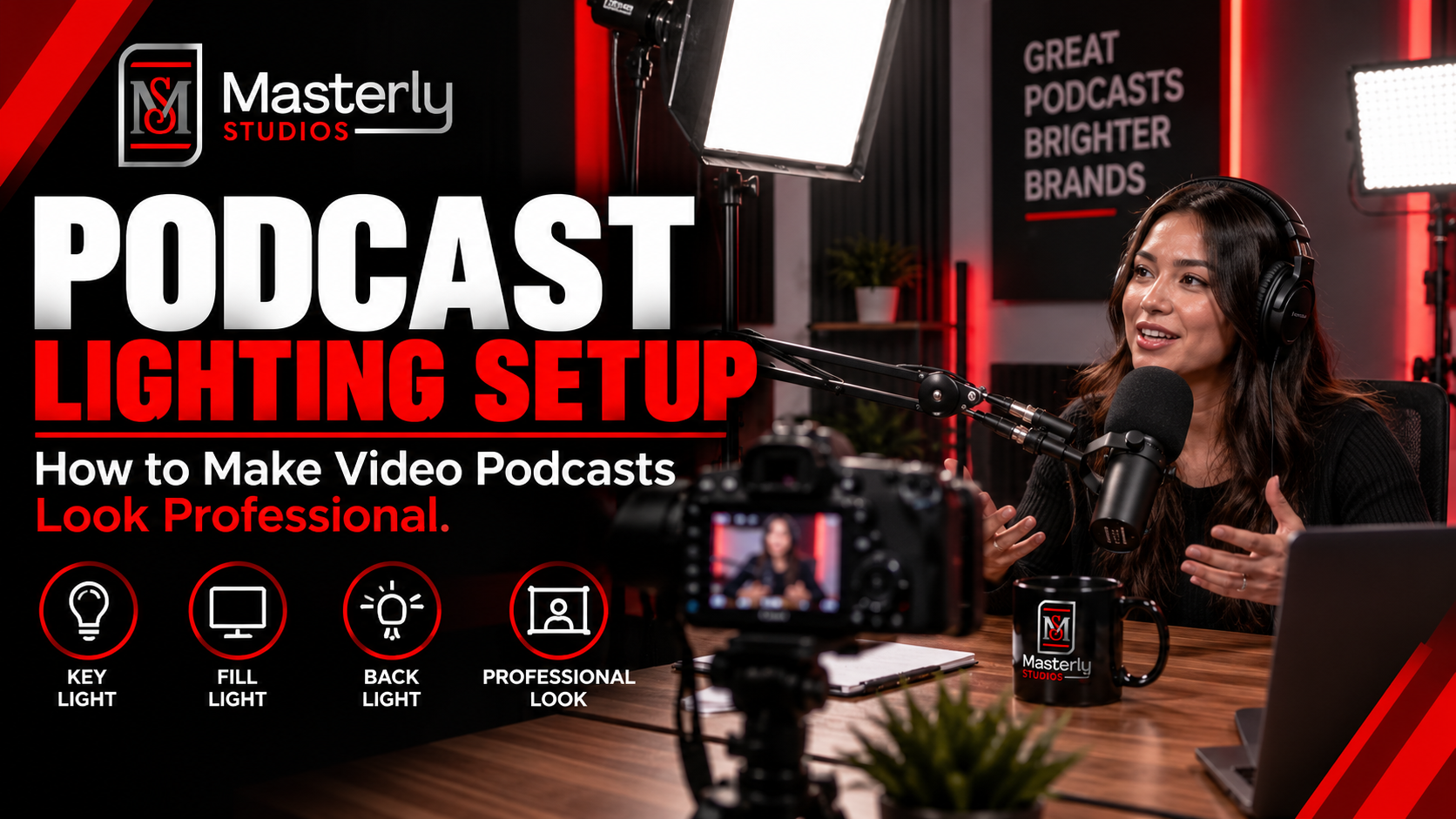
Need a podcast lighting setup? Masterly Studios provides professional podcast and camera lighting in a prepared studio for consistent, polished video production.
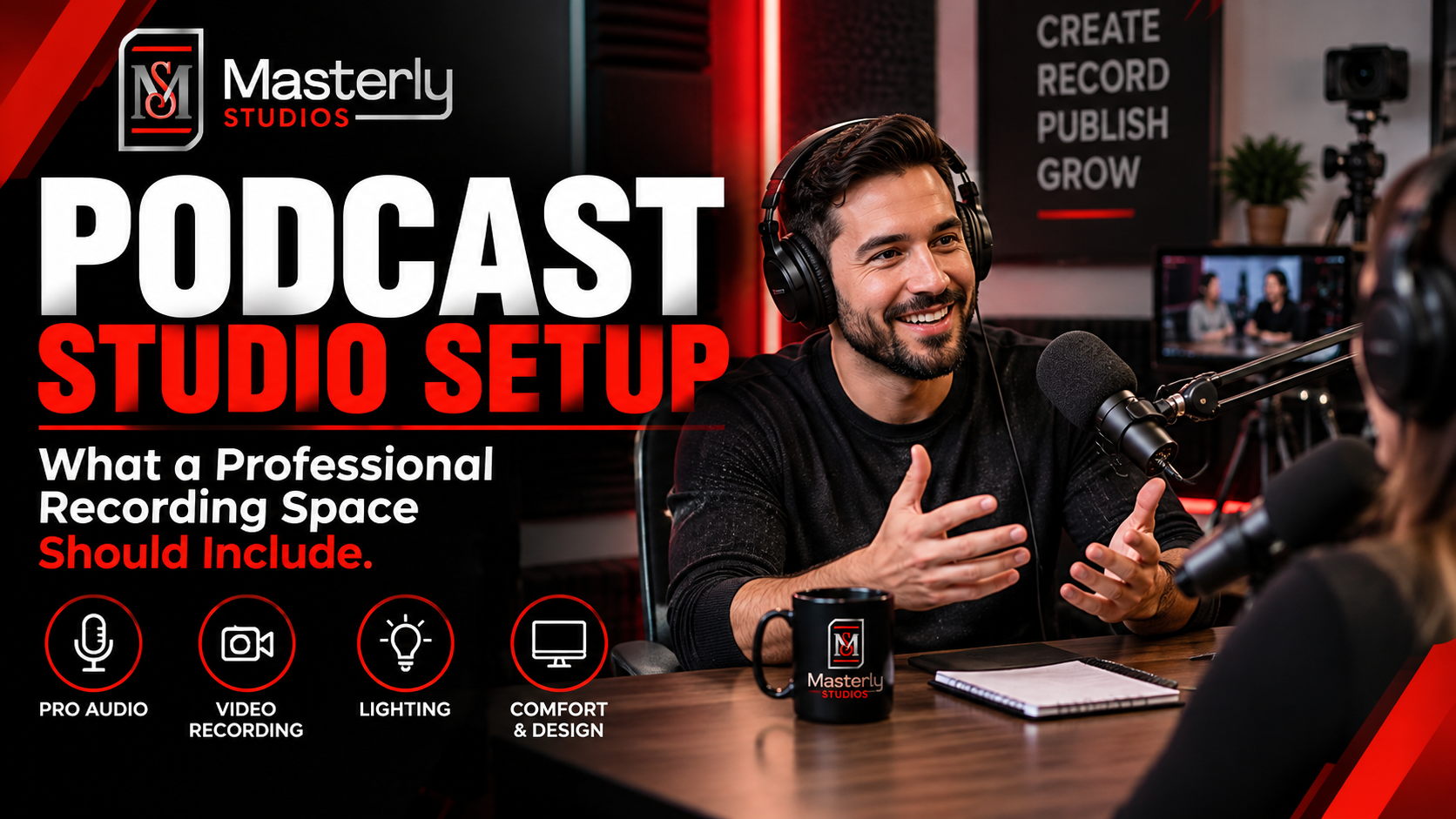
Need a podcast studio setup? Masterly Studios offers a professional recording space with quality equipment, lighting, acoustics, and video support for creators.
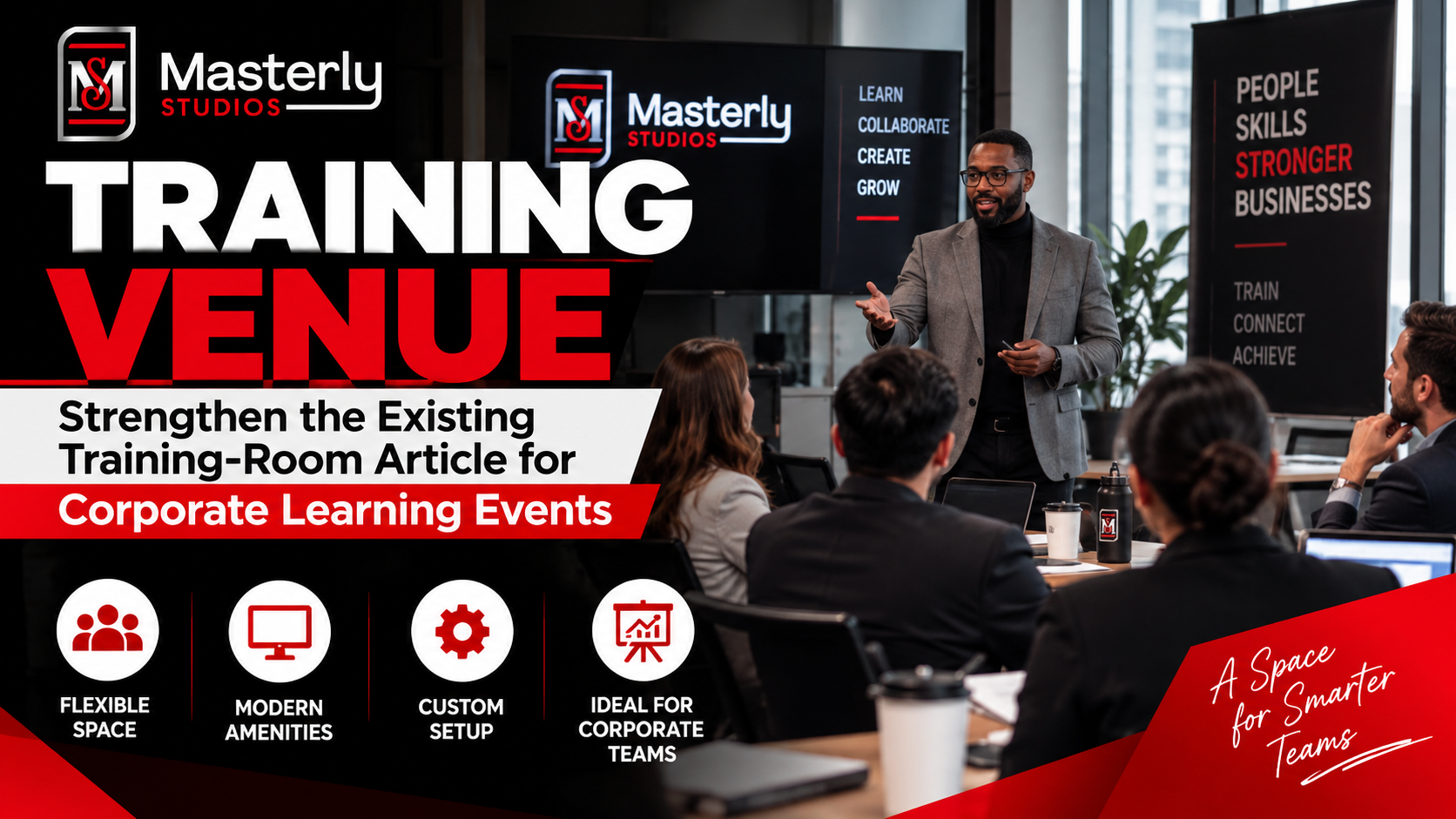
Book a training venue in Atlanta for corporate workshops, employee training, and learning events with flexible layouts, A/V support, and professional amenities.
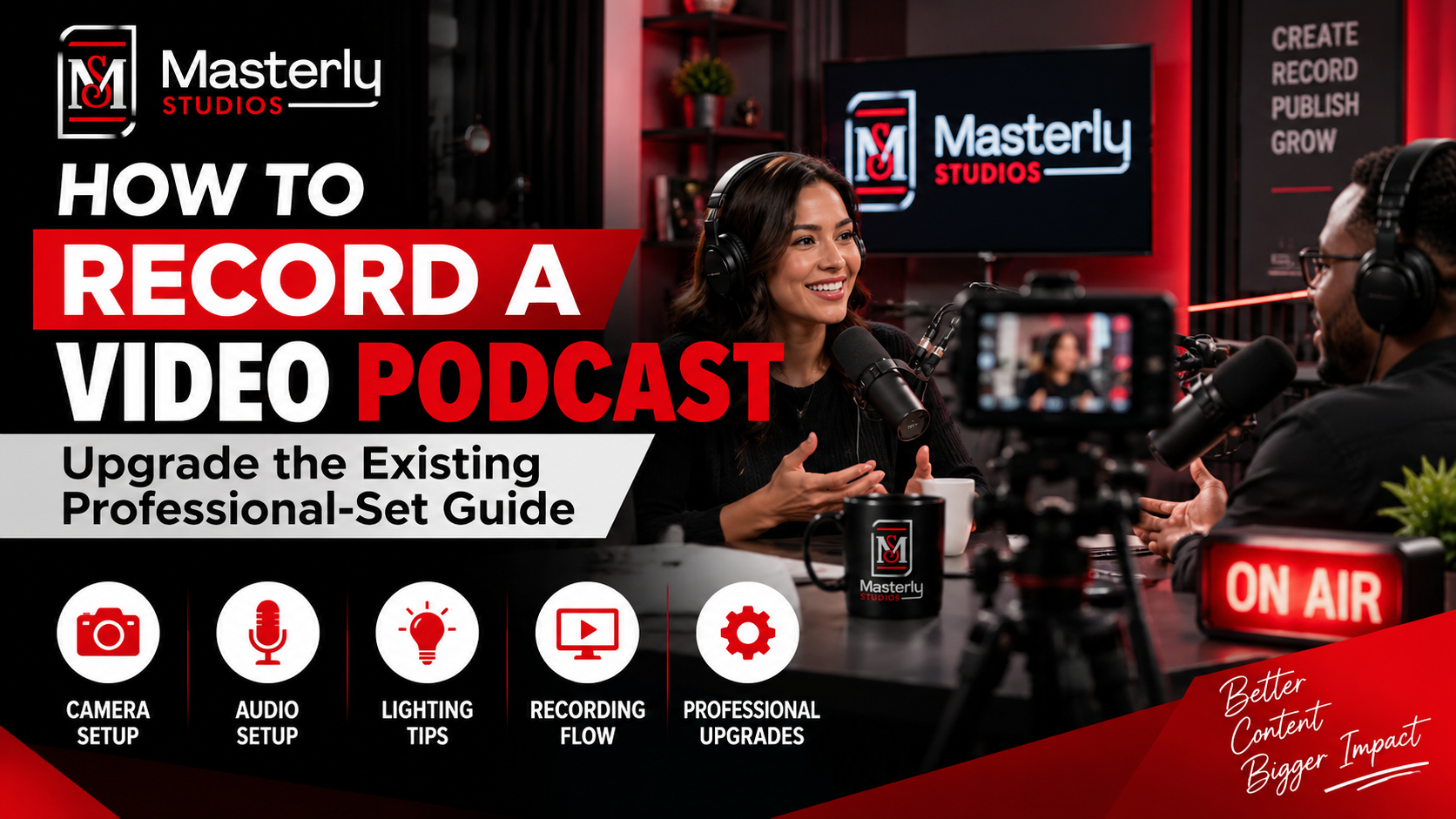
Learn how to record a video podcast in Atlanta with a professional studio setup, clear audio, polished lighting, guest support, and a smooth recording workflow.
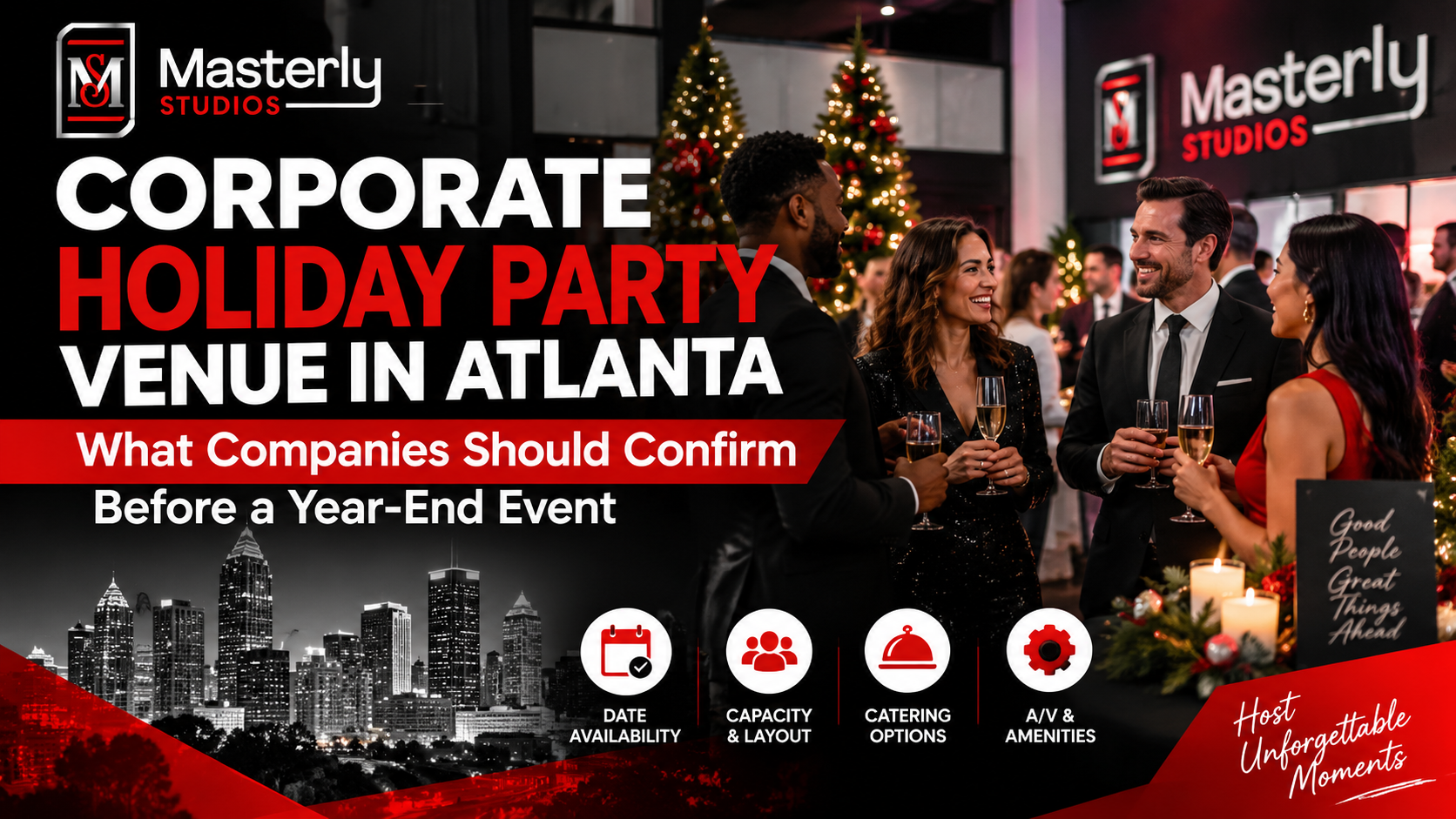
Book a corporate Christmas party venue in Atlanta for year-end events with flexible space, A/V support, catering, branding, and more for your team and festive fun.
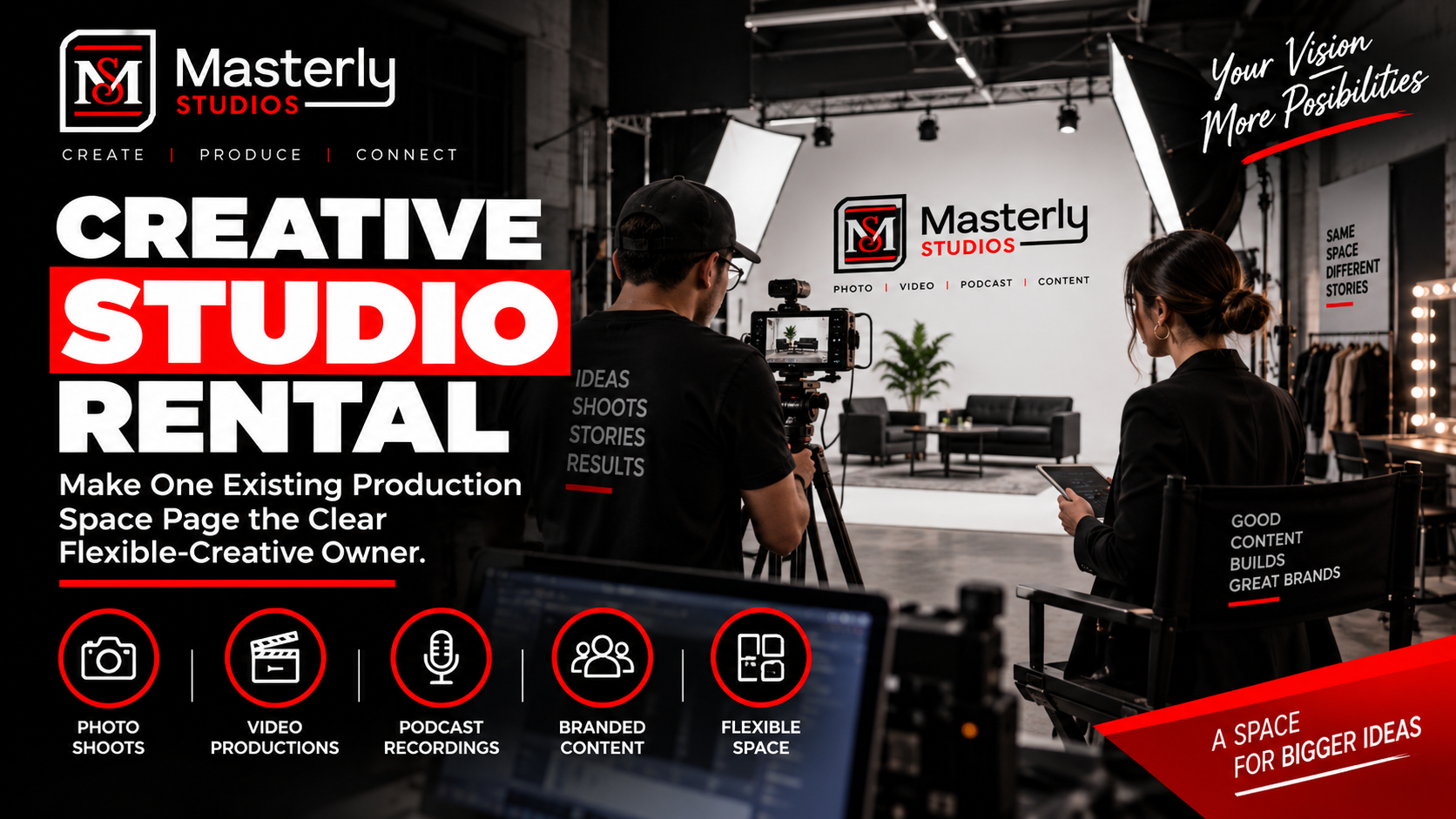
Book a creative studio rental for photography, video, branded content, and marketing campaigns with flexible production space at Masterly Studios for every project.
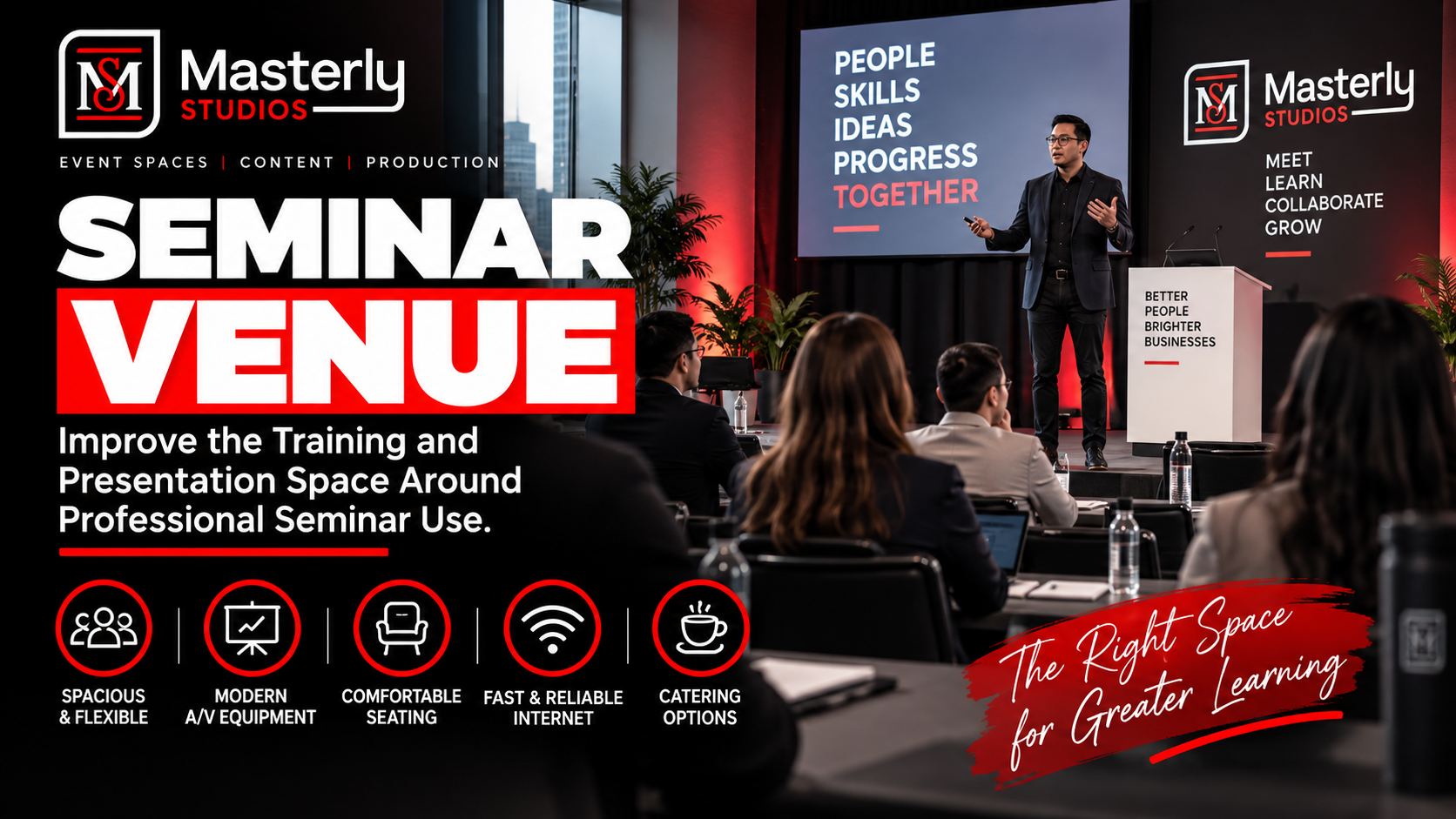
Book a professional seminar venue for training, presentations, and business events with flexible seating, A/V, check-in, parking, content support, and event setup.
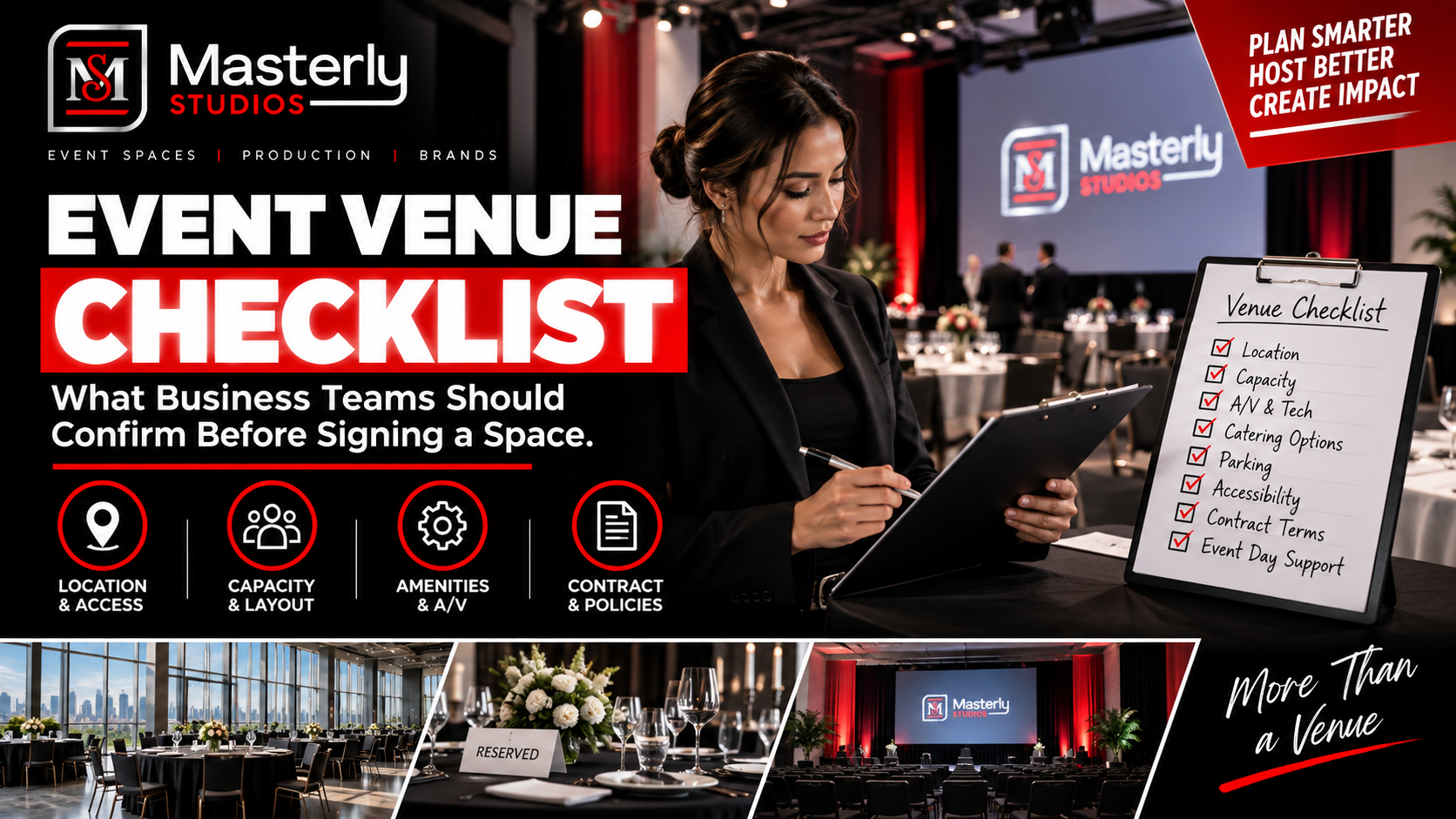
Use an event venue checklist to evaluate capacity, layout, parking, load-in, A/V, Wi-Fi, accessibility, catering, branding, production, and overtime needs.
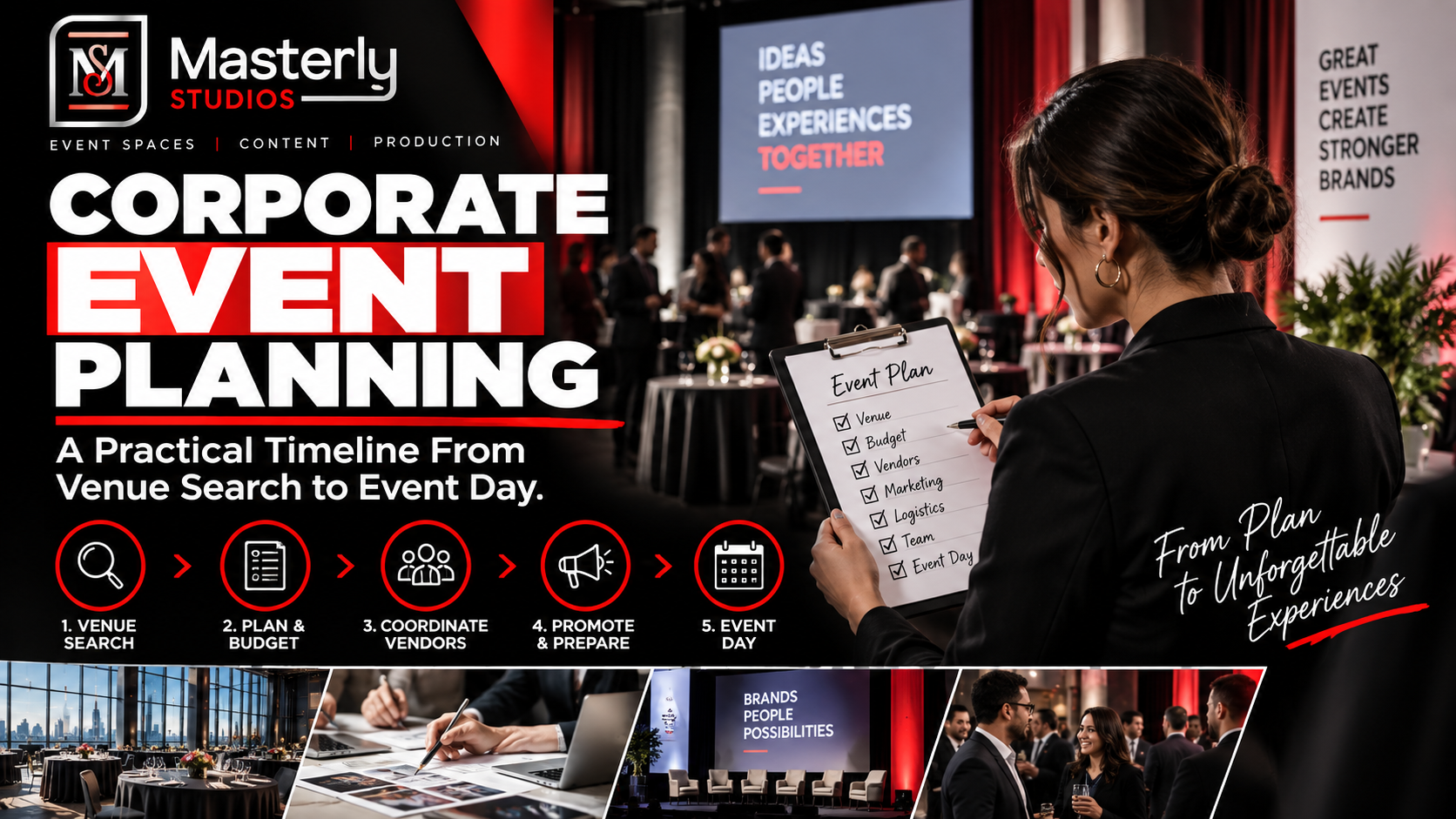
Plan corporate events with professional support for venues, A/V, catering, speakers, content capture, access, and production at Masterly Studios in Atlanta.
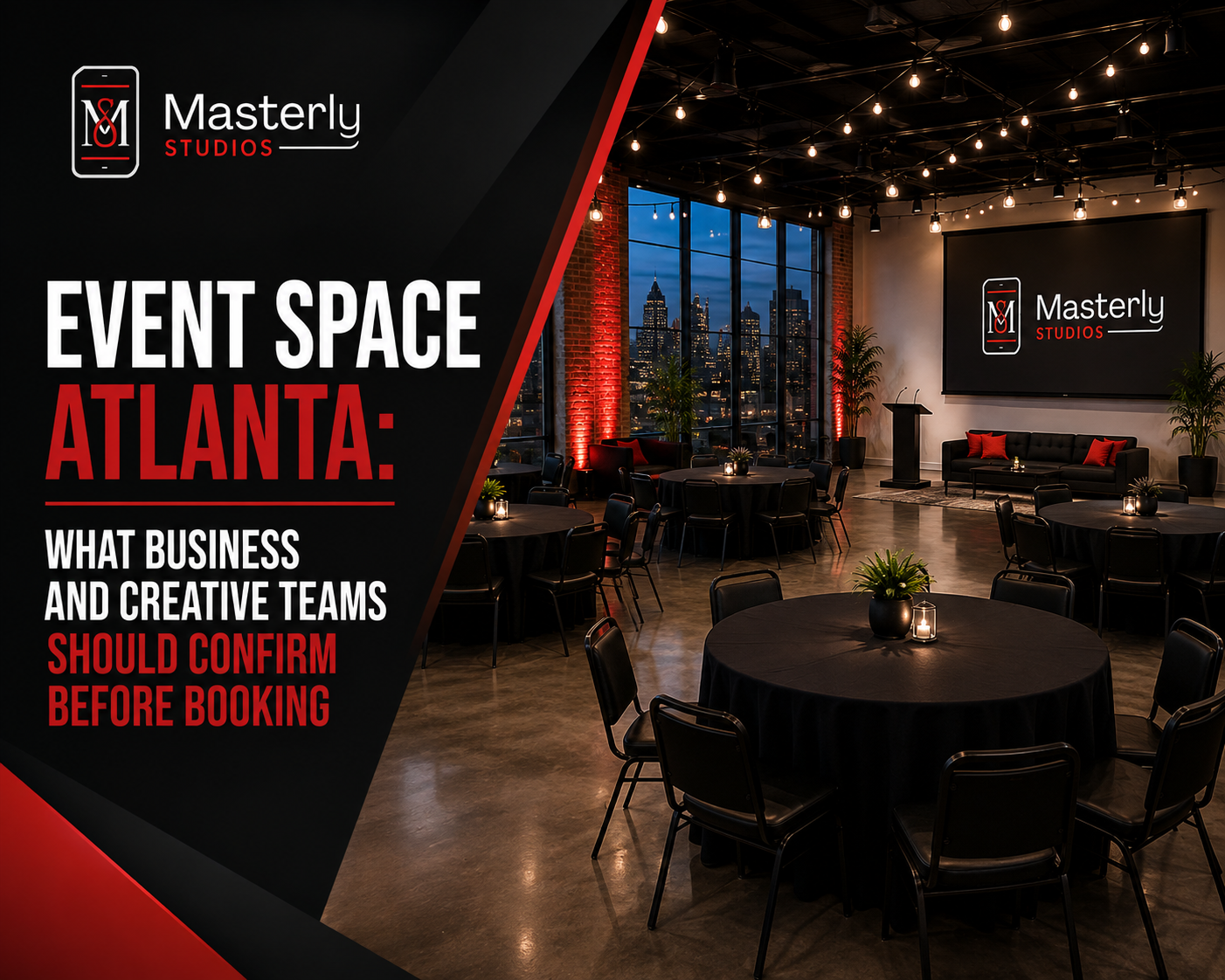
Find the right event space in Atlanta by confirming capacity, AV, parking, catering, layouts, accessibility, and production support before booking. Masterly Studios