Podcast Consultant Checklist: Everything You Need Before You Record Episode One
Planning your first podcast interview can feel simple until the guest arrives and you realize there are too many things to manage at once.
Where should the guest sit? Will both voices sound clear? Is the camera framing right? Does the lighting look professional? Are the microphones ready? What happens if something needs to be adjusted while you are already recording?
For new and growing podcasters, these details can quickly take attention away from the interview itself.
A professional podcast interview setup gives you a better way to prepare. Instead of trying to create a recording environment from scratch, you can bring your guest, your questions, and your content plan to a studio designed for professional recording.
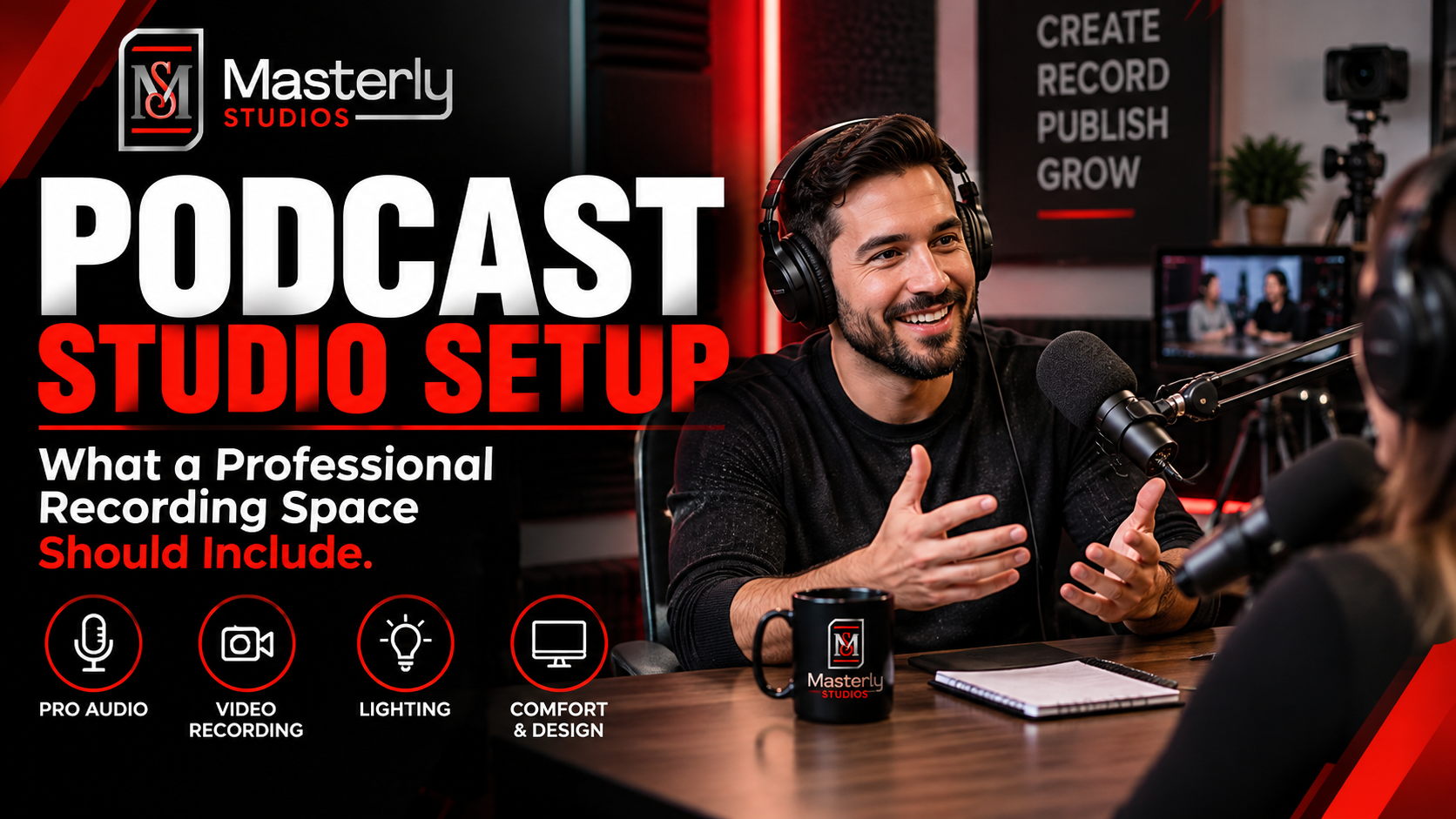
Masterly Studios provides a professional environment for podcast interviews, video podcasts, guest conversations, and other recorded content. The goal is simple: help you focus on the conversation while the recording environment is ready for the production.
Your Podcast Interview Setup Should Be Ready Before Your Guest Arrives
Your guest should not have to wait while you figure out microphones, cameras, lighting, or seating; the room and gear should already be set so you are not relying on a built-in computer mic at the last minute.
The first few minutes of an interview can shape the entire experience. If the host is distracted by technical problems, the guest may feel less comfortable. If the recording has poor audio or an unprofessional visual presentation, those problems can remain in the finished episode. A quiet room helps reduce background noise and echo before the interview starts, and dedicated microphones support better audio quality.
A professional studio session gives you a dedicated environment where these production needs can be addressed before the interview begins.
That means you can spend your time preparing for the conversation rather than trying to turn an ordinary room into a podcast studio.
Start With the Guest Experience
A strong interview is not only about the host.
Your guest also needs to feel comfortable and know what to expect. A brief warm-up chat before recording can help each person relax and build rapport before the cameras and mics are live.
Before recording, consider the type of conversation you want to have, how many people will be on camera, and how the guest will interact with the host. It also helps to start with easier questions so the guest can settle into the conversation before you move into deeper topics.
A professional podcast guest setup should give both people a comfortable place to sit and speak naturally while maintaining consistent camera framing and clear voice capture.
This matters because your guest is also part of your brand experience. Active listening during the interview helps the conversation flow naturally between host and guest.
If you invite a business leader, expert, creator, or industry professional to your podcast, the recording should feel organized and professional from the moment they arrive.
A Podcast Equipment Checklist With Essential Podcast Microphones, Without the Studio Stress
New podcasters often search for a podcast equipment checklist because they want to make sure nothing is forgotten.
But owning equipment is only part of the recording process.
You also need to make sure the equipment works together, the microphones are positioned correctly, the cameras capture the conversation properly, and the recording environment supports clean audio and video.
The equipment needed can range from a budget friendly setup under $100 to a more professional level recording chain.
For an interview, your production needs may include:
- A podcast microphone that fits your setup, whether that means a simple usb mic or an XLR option for higher-end recording
- Wired, closed-back, over ear headphones as podcast headphones for monitoring audio
- An audio interface if you are using XLR microphones, since those mics require one to connect properly
- A pop filter or similar shock-control accessory to reduce plosive sounds and capture cleaner voice tracks
- Camera equipment
- Proper camera framing
- Professional lighting
- Comfortable seating
- A suitable background
- Audio monitoring
- Recording support
- Space for the host and guest
USB microphones are beginner-friendly and easy to use, but usb setups can become limiting when you need two microphones or more inputs for an interview.
When all of these pieces have to be managed by the host, it can become difficult to concentrate on the actual interview.
A professional studio removes much of that distraction by giving you a dedicated environment for the recording.
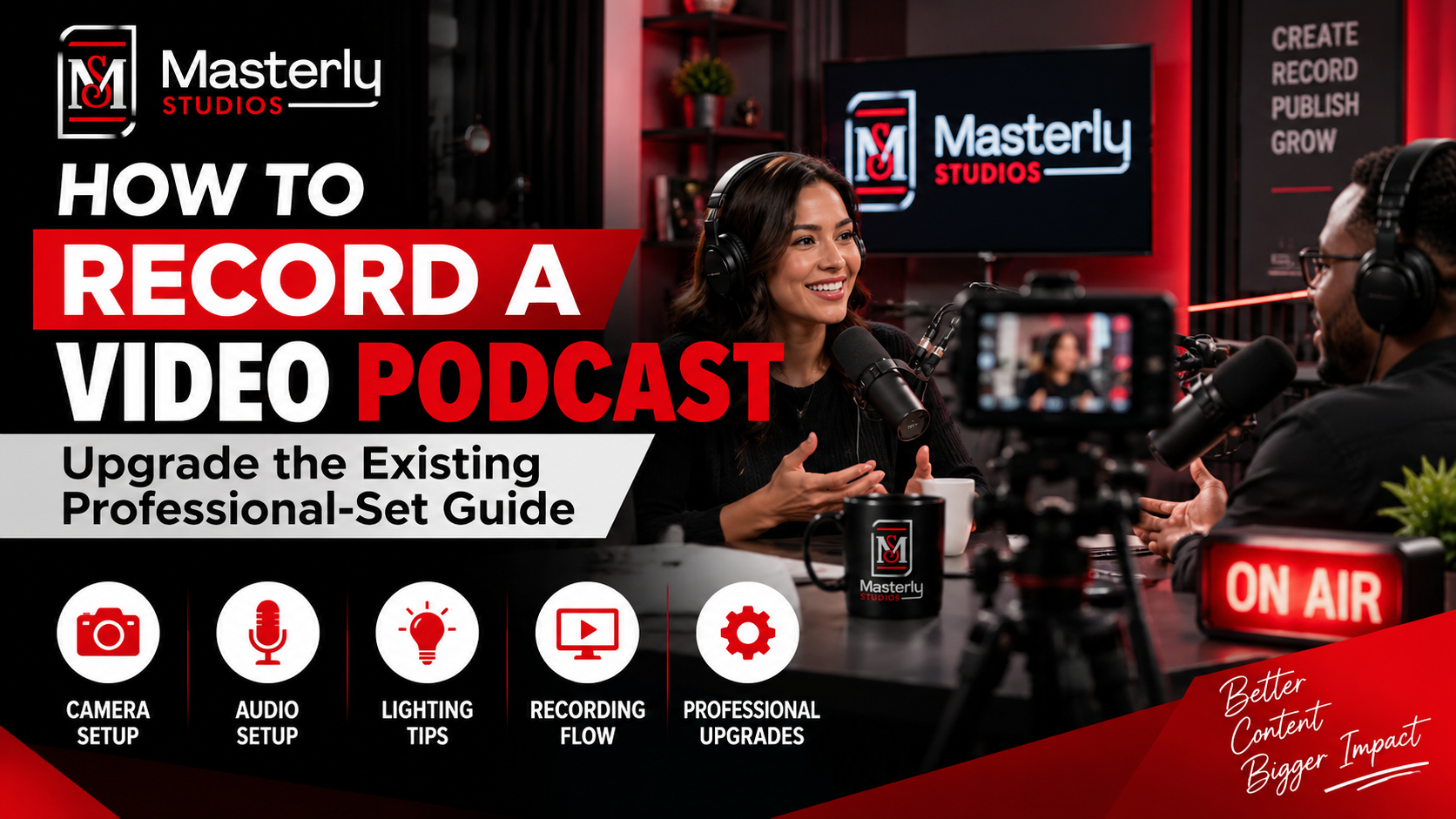
Podcast Interview Setup That Looks Professional on Camera
Video podcasts have changed what audiences expect from an interview.
People are not only listening to the conversation. They are watching the host and guest, noticing the background, lighting, camera angles, and overall presentation.
A well-planned podcast interview setup helps the visual side of your episode feel intentional.
Camera framing should allow viewers to clearly see the people speaking. The background should support the content rather than distract from it. The seating arrangement should make conversation feel natural while still working well on camera.
These details can make your finished episode easier to watch and more professional for your audience.
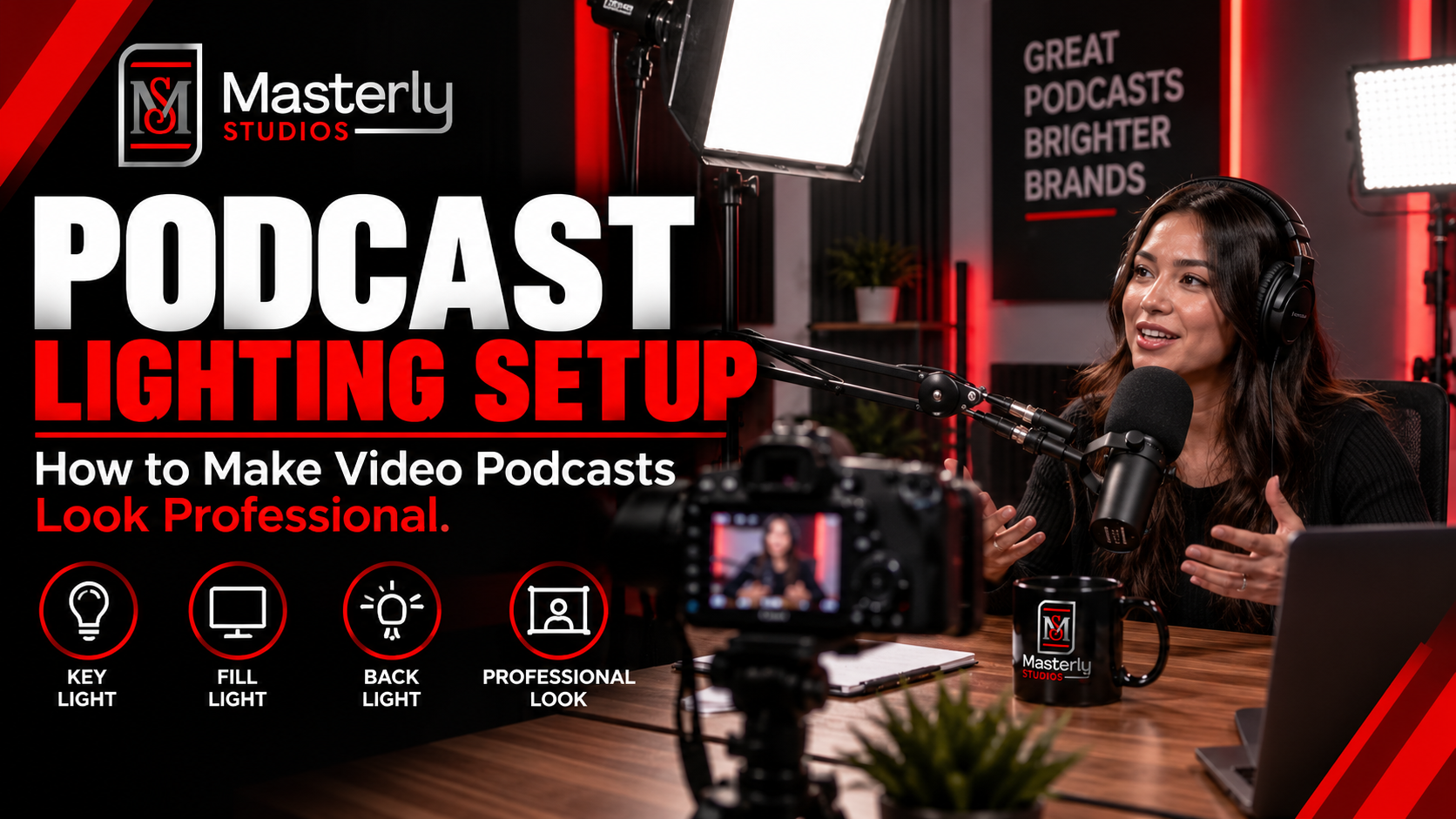
Podcast Interview Lighting Matters
Lighting can have a major effect on how a video podcast looks.
Poor lighting can create harsh shadows, dark faces, bright areas, or an uneven appearance between the host and guest.
Professional podcast interview lighting helps create a consistent visual environment so the people in the conversation remain the focus.
For new podcasters, this is one more production concern that can be difficult to manage while also hosting an interview.
At Masterly Studios, you can bring your content plan and guest to a professional recording environment instead of trying to solve every production issue yourself.
Prepare Your Host and Guest for the Conversation
Good preparation is not about memorizing every line.
It is about knowing what you want the conversation to accomplish.
Before your recording session, think about:
- Who is the guest?
- What does your audience want to learn from them?
- What topics should the interview cover?
- Which questions are most important?
- What stories or examples would make the conversation useful?
- What should the audience remember after the episode?
Do a short test recording first so you can check audio quality, confirm the setup is working, and make sure the guest will be easy to hear once they are on mic.
Silence phone and computer notifications before recording starts so they do not interrupt the session.
This preparation gives the host a clear direction while leaving room for a natural conversation.
The studio should support that conversation, not become the center of attention.
Make the Recording and Audio Interface Work for Your Brand
Your podcast may be a major part of how people discover you.
A guest interview can introduce your company, expertise, products, services, or personal brand to an audience that may not know you yet.
That makes the quality of the recording important.
A polished interview can help create a more consistent experience across your podcast, website, YouTube channel, and social media content.
It can also make your guests feel that you value their time.
When your podcast represents a business or professional brand, the recording environment becomes part of that presentation.
From One Interview to More Content
A professional interview can provide more than one finished episode.
Depending on your content strategy, one recording can produce a full podcast episode, video clips, social media content, educational segments, and other marketing material.
That makes your studio session an opportunity to create a larger library of content.
For new and growing podcasters, this can be especially useful. Instead of recording simply to fill an episode schedule, you can create content that continues to support your brand after the interview is finished.
Why Choose Masterly Studios for Your Podcast Interview Setup?
Masterly Studios gives podcasters a professional place to bring their interviews from planning to recording.
Instead of asking the host to manage every technical detail, the studio provides a dedicated environment for professional audio and video production, whether that means handling two mics for recording in person or setting up a backup digital recorder path.
This is especially useful when you are recording with guests who have limited time. For in person recordings, it often works best for each guest to have their own microphone, and the recorder should support at least two xlr cable inputs.
You can arrive with your interview questions, guest information, and content goals. The studio provides the professional setting where the conversation can take place.
Whether you are recording your first episode or building a regular video podcast series, Masterly Studios can provide a professional environment designed around your recording needs, including formats where a lavalier microphone makes sense when portability matters.
Bring Your Podcast Interview Plans and In Person Recordings Into the Studio
You do not need to solve every production problem before contacting a professional studio.
If you already know that you want to record an interview, start with the essentials: your guest, your topic, your questions, your desired format, and your content goals.
Then discuss the recording requirements with the studio.
If any guest will join remotely, test the hardware and software in advance so your setup to record is ready before the session.
Using reliable recording software or remote platforms that capture audio locally can improve quality, and Zoom is a common free option for up to two participants.
This makes your inquiry more useful because the team can understand what you are trying to produce and what your session may require.
Masterly Studios can help you move from planning to a professional recording environment without making the studio setup another project for the host to manage.
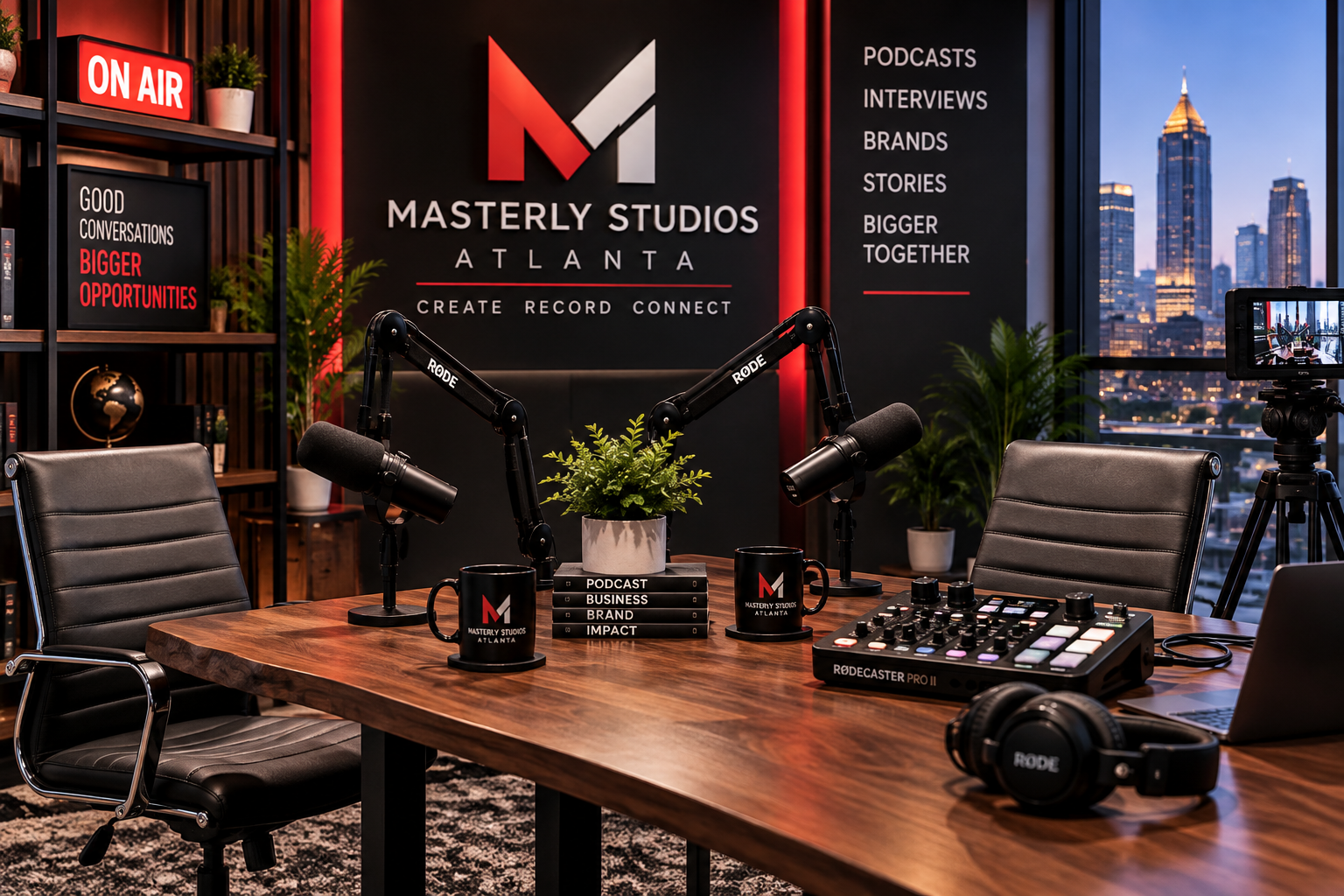
Professional podcast setup with studio quality sound, podcast mixer, mic stand, boom arm, lighting and audio mixer for solo podcasts, guests and co-hosts.
Frequently Asked Questions About Podcast Interview Setup
What is a podcast interview setup?
A podcast interview setup is the professional recording environment used to capture a conversation between a host and one or more guests. It can include microphones, cameras, lighting, seating, and audio monitoring. For simplicity, many setups use usb microphones because they are beginner-friendly and easy to use, while XLR microphones are preferred when sound quality is the priority since they connect through an audio interface for higher-end recording.
What should be included in a podcast equipment checklist?
A typical podcast equipment checklist may include microphones, headphones, cameras, lighting, recording equipment, and other production needs. Some podcasters also add recording software to the list, such as GarageBand on Mac (free for Mac users), Audacity for PC users, or Adobe Audition at $20.99 per month if they want more features for audio recording. Alitu is another option if automatic audio cleanup is important. A professional studio can provide the recording environment instead of requiring you to build one yourself.
What is a podcast guest setup?
A podcast guest setup is the arrangement prepared for a guest during a podcast recording. It includes their seating position, microphone, camera framing, lighting, and overall recording environment.
Does podcast interview lighting matter?
Yes. Podcast interview lighting affects how the host and guest appear on camera. Professional lighting can help create a more consistent and polished video and support stronger video quality.
Can I record a video podcast at Masterly Studios?
Yes. Masterly Studios provides a professional environment for video podcasts, interviews, guest conversations, and other recorded content.
Is Masterly Studios suitable for new podcasters?
Yes. New podcasters can use the studio when they want a professional recording environment without having to create their own studio setup. When they first started podcasting, many podcasters used an affordable option at home and kept their gear spend under $100 before moving into a professional studio for guest interviews. Even simple monitoring like earbuds can be fine for getting started, and Apple EarPods are one recommended option for podcast headphones, though studio sessions give you a more controlled environment.
Can I bring a podcast guest to Masterly Studios?
Yes. The studio is designed to accommodate podcast interviews and guest conversations. Discuss your guest and recording requirements when making your inquiry.
Do I need to buy all my own podcast equipment?
Not necessarily. Using a professional studio can reduce the need to purchase and manage your own recording environment. If you do decide to buy your own gear, a dynamic microphone like the Samson Q2U is a versatile starter option and is often around $70. Contact Masterly Studios to discuss what is available for your session.
How should I prepare before my podcast interview?
Have your guest, topic, questions, desired format, and recording goals ready. You can then bring those details into your studio inquiry and discuss the production requirements, including how to connect microphones or any external gear cleanly before the session. If any part of the interview is remote, use a reliable platform that supports recording directly to a local device when possible, since locally captured audio usually gives you better quality and more editing flexibility. For prep or remote sound checks, use wired over-ear headphones so you can hear issues clearly and avoid latency.
How do I book a podcast interview setup?
Contact Masterly Studios at (404) 726-7261 or visit www.masterlystudios.com to discuss your podcast interview and studio requirements.
Bring Your Podcast Interview Setup Checklist to a Studio Inquiry
Your guest has already agreed to appear. Your topic is ready. Your questions are taking shape.
Now make sure the recording environment is ready too.
If you are planning a podcast interview setup and want a professional place to record your next guest conversation or video podcast, Masterly Studios can provide the dedicated studio environment you need, whether you are moving beyond a home studio or need support recording a podcast with reliable recording platforms that capture audio locally for better quality.
Bring your podcast equipment checklist, guest details, recording goals, and special setup needs—including whether you need in-person or remote podcast recording support, a laptop connection, or anything else needed for a great podcast—into your studio inquiry.
Call (404) 726-7261 or visit www.masterlystudios.com to request availability and discuss your next recording session, including both the studio environment and the setup needed to record your interview smoothly.