Teleprompter Tips: How to Read a Script and Look Natural on Camera
The best teleprompter tips come down to four things: write a script that sounds like you, place the text as close to the camera lens as possible, set a scroll speed that matches your natural pace, and rehearse until reading feels like talking. Done well, a teleprompter lets you deliver a clear message while maintaining eye contact with your audience, without memorizing every line.
Whether you are recording a training video, a company announcement, or a video podcast intro, these tips will help you use a teleprompter so viewers focus on your message instead of your eyes.
How Does a Teleprompter Work?
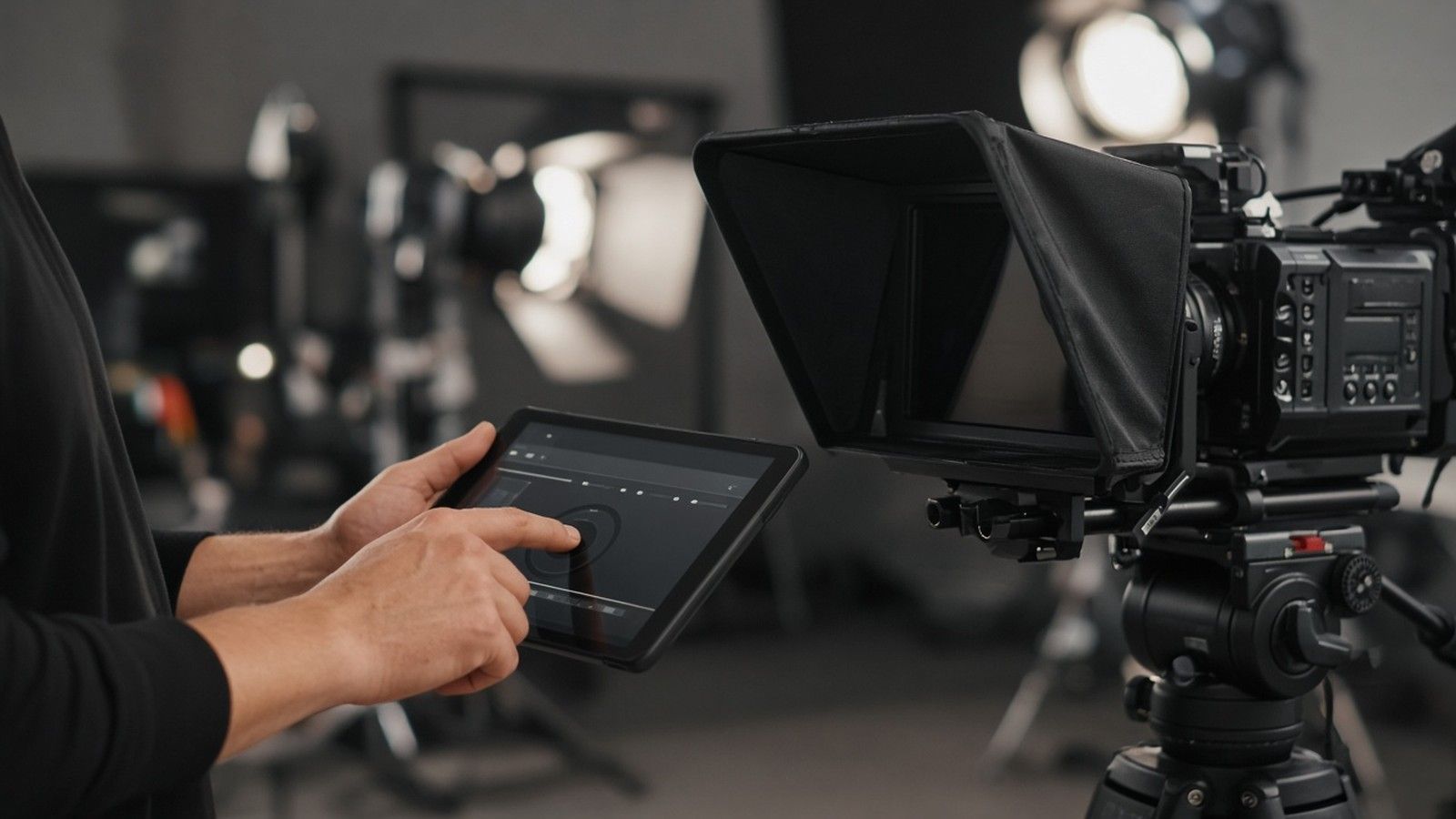
A studio teleprompter places a monitor below the camera and reflects your script onto a piece of angled glass directly in front of the camera lens. The camera records through the glass, so when you read the text you are also looking into the lens. A teleprompter app on a tablet or smartphone works the same way when it is mounted in a reflective hood, and simpler setups place the text on a screen just below or beside a webcam.
The closer the words are to the lens, the more natural your eye contact looks. That is the main reason a glass mounted teleprompter looks better on camera than reading from notes or a laptop screen to the side.
Teleprompter Tips for Writing the Script
Most teleprompter mistakes start with the script. Text that reads well on paper often sounds stiff when spoken.
- Write for the ear. Use short sentences and everyday words. If you would not say a line in conversation, rewrite it.
- Read it out loud first. Speak the full script before the shoot and mark any words that trip you up.
- Break the text into blocks. Put one idea per paragraph and leave space between sections so you can find your place at a glance.
- Mark pauses and emphasis. A line break or simple note such as "pause" helps you breathe and keeps the flow natural.
- Spell out numbers and names. Write numbers and unfamiliar names the way you will say them.
- Check the length. Time a read through so you know the video length before recording.
Setting Up Your Teleprompter
Place the text close to the camera lens
Center the text on the glass in front of the lens, or as close to the webcam as you can if you are using a screen. Keep the line width narrow so your eyes do not travel far from side to side. Wide lines make viewers notice that you are reading.
Set the text size and distance
Choose a text size you can read comfortably from where you sit or stand without squinting or leaning forward. Larger text at a greater distance reduces visible eye movement on camera. Test it in the camera frame before you start.
Set the scroll speed
Scroll speed is one of the most common problems. Too fast and you rush; too slow and you wait for the words. Many teleprompter apps let an operator control the speed in real time or let you control it with a remote or foot pedal. Ask the operator to follow you, not the other way around.
Light the talent and the glass
Make sure the text is bright enough to read and that studio lights do not create glare on the glass. A quick lighting check with the script running prevents distracting reflections in the recording.
Teleprompter Tips for Delivery
Speak to one person
Imagine you are talking to one viewer on the other side of the lens. This keeps your tone conversational and engaging rather than sounding like a speech.
Keep eye contact natural
Let your eyes rest on the center of the text and read a phrase ahead. Small, natural movements are fine. A fixed stare looks as unnatural as eyes that dart across the screen.
Use your face and hands
Reading can flatten your expression. Smile where it fits, nod, and gesture as you would in conversation. Your face should match the message.
Do not be afraid to deviate
The script is a guide, not a contract. If a word feels awkward, say it your way. Many presenters ad lib a short line or pause to make the delivery feel more natural, then return to the text.
Practice before recording
Run the full script at least once with the teleprompter at shoot speed. Practice reveals awkward lines, sets your rhythm, and makes you comfortable before the camera starts recording.
Common Teleprompter Mistakes to Avoid
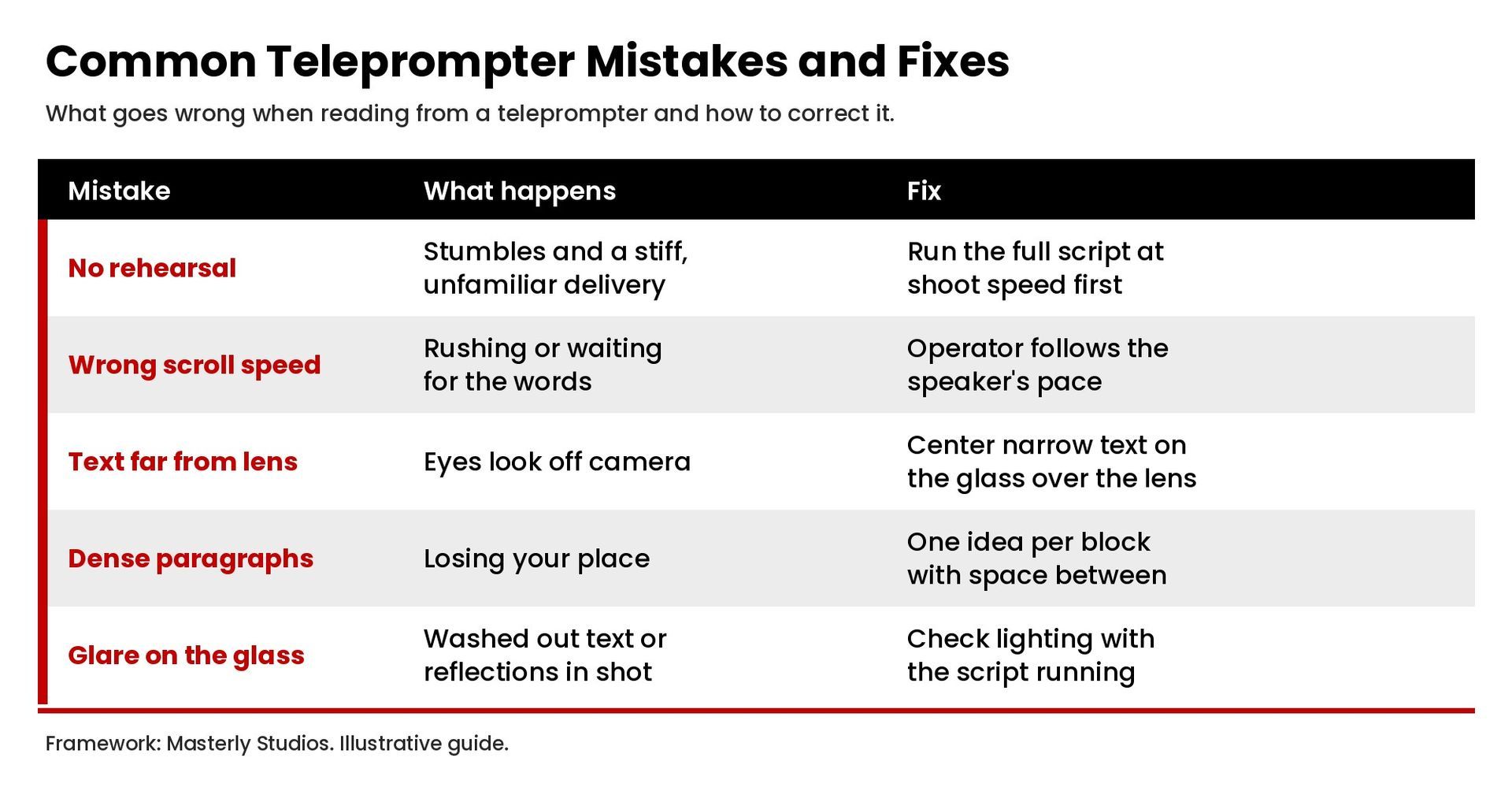
- Skipping rehearsal and reading the script for the first time on camera
- Setting the wrong scroll speed for your natural pace
- Placing text too far from the lens , which breaks eye contact
- Using long, dense paragraphs that are hard to read at a glance
- Overly depending on the script and sounding flat as a result
- Letting glare or poor lighting wash out the text or the presenter
Teleprompter App vs. Studio Teleprompter
A teleprompter app on a smartphone or tablet is a practical option for short videos, social clips, and video calls. Many apps include scroll speed control, mirror mode for use with reflective glass, and remote control. A professional studio teleprompter offers a larger screen, better readability at a distance, and an operator who can manage the speed while you focus on delivery. For longer presentations, training courses, and executive messages, a studio setup usually makes recording faster and the result more polished.
Plan a Teleprompter Shoot in Atlanta
A teleprompter is most useful when it is part of a planned shoot with the right camera, lighting, and sound. If you are recording training videos or a video podcast and video production project in Atlanta, contact Masterly Studios to talk through your recording plan and confirm the equipment your shoot needs.
Frequently Asked Questions
Can you tell if someone is using a teleprompter?
Sometimes. Viewers notice eyes moving side to side, a flat tone, or unnatural pauses. Narrow text close to the lens, a speed that follows the speaker, and rehearsal make teleprompter use hard to spot.
Do most YouTubers use a teleprompter?
Some creators use a teleprompter for scripted videos, while others speak from bullet points or record in short takes. It depends on the format and how much the video depends on exact wording.
What can I use instead of a teleprompter?
You can use bullet point notes near the camera, record in short segments, or memorize key points rather than a full script.
How do I make a teleprompter script?
Write in short, spoken sentences, break the text into one idea per paragraph, mark pauses, and read it aloud before the shoot to fix any lines that do not sound natural.