Explainer Video: How Businesses Plan, Script, and Produce One
By Drew Rhoden, Esq., Masterly Studios
An explainer video is a short video that communicates how a product, service, or process works in a clear and engaging way. Professional production involves defining the audience, developing a focused script, selecting live action or animation, recording visual and audio elements, and editing the content into a polished final video.
When customers struggle to understand your product or service, they may lose interest before discovering its value. Long descriptions, complicated presentations, and unclear instructions can make it difficult to communicate what your business offers.
A professionally produced explainer video can turn complex information into an accessible message that supports customer understanding and brand credibility.
Masterly Studios helps businesses develop explainer videos through creative planning, script development, professional production, and post-production services tailored to their communication goals.
What an Explainer Video Should Do and How Long It Should Run
An effective explainer video communicates a specific message without overwhelming the audience with unnecessary information.
Rather than presenting every feature of a product or service, the video focuses on what viewers need to understand and why it matters to them.
Explaining Products, Services, and Business Processes
Businesses use explainer videos to address communication challenges across marketing, sales, customer support, and internal operations.
Common explainer video examples include:
- Product introduction videos that communicate key features and benefits.
- Service overview videos that explain what customers can expect.
- Software demonstrations that help users understand important platform functions.
- Employee onboarding videos that explain workplace processes.
- Customer education videos that address common questions.
- Business process videos that simplify complicated procedures.
- Website videos that introduce a company's offerings.
The purpose of the video influences its structure, visual style, tone, production requirements, and how clearly it speaks to the target audience.
Masterly Studios considers these factors when developing a production approach that reflects the client's objectives.
What Is the Ideal Length for an Explainer Video?
Many marketing explainer videos run between 60 and 90 seconds. This length often provides enough time to introduce a problem, present a solution, and communicate a clear next step.
More detailed product demonstrations or internal training videos may require two to three minutes or longer, depending on the complexity of the information.
The appropriate length depends on the audience, subject matter, and platform where the video will appear.
A website introduction may benefit from a shorter format, while an employee education video may require additional explanation.
A Simple Explainer Video Script Structure
The explainer video script provides the foundation for the entire production. It establishes the message, determines the flow of information, and helps connect visual content with narration or dialogue. A well-written script can often summarize your message in about 150 words for a short explainer video.
A clear script often follows four main sections: the problem, the solution, how it works, and the next step. It should also shape the story so the message feels focused and easy to follow.
The Problem: Connecting With the Audience
The beginning introduces a challenge that the intended audience recognizes and uses a strong hook to capture the viewer's attention in the first seconds.
For a software company, this might involve complicated manual processes. For a service business, it could address customer confusion about available options.
A relevant opening helps viewers understand why the information matters to them. Simple language helps maintain viewer attention once the problem is introduced.
The Solution: Introducing Your Product or Service
Once the problem is established, the video introduces the business's product, service, or process.
The message should focus on how the offering addresses the audience's needs rather than presenting an extensive list of features, clearly showing the value for potential customers who are making a buying decision.
Professional script development helps organize important information into a clear and understandable explanation. In fact, 76% of users believe explainer videos help with a buying decision.
How It Works: Making the Message Clear
This section demonstrates how the product, service, or process functions, and the video describes how it works in a clear, easy-to-follow way.
Depending on the project, the explanation may include filmed demonstrations, animated graphics, screen recordings, interviews, or supporting footage. Google Wifi's video explains mesh network technology effectively.
Visual storytelling helps communicate information that may be difficult to explain through written content alone. Engaging visuals paired with audio also improve audience memory retention.
The Next Step: Giving the Viewer a Clear Direction
The closing establishes what the audience should understand or do after watching the video, creating a clear sense of the intended action.
For marketing videos, this may involve requesting information, scheduling a demonstration, download a resource, or exploring a service. Internal business videos may focus on completing a task or understanding a workplace procedure.
Masterly Studios develops script and production concepts around the intended audience and the video's specific purpose.
Live Action, Animation, or Screen Recording: How to Choose
Different explainer video production formats serve different communication needs. The appropriate format depends on the subject matter, brand identity, audience, and available visual resources.
Live Action Explainer Videos
Live action videos feature real people, physical products, business locations, and filmed demonstrations.
This format can work particularly well for businesses that want to introduce their team, demonstrate a physical product, or explain a service through personal interaction.
Live action photography and filming can help communicate authenticity while allowing customers to see the people and environments behind a business.
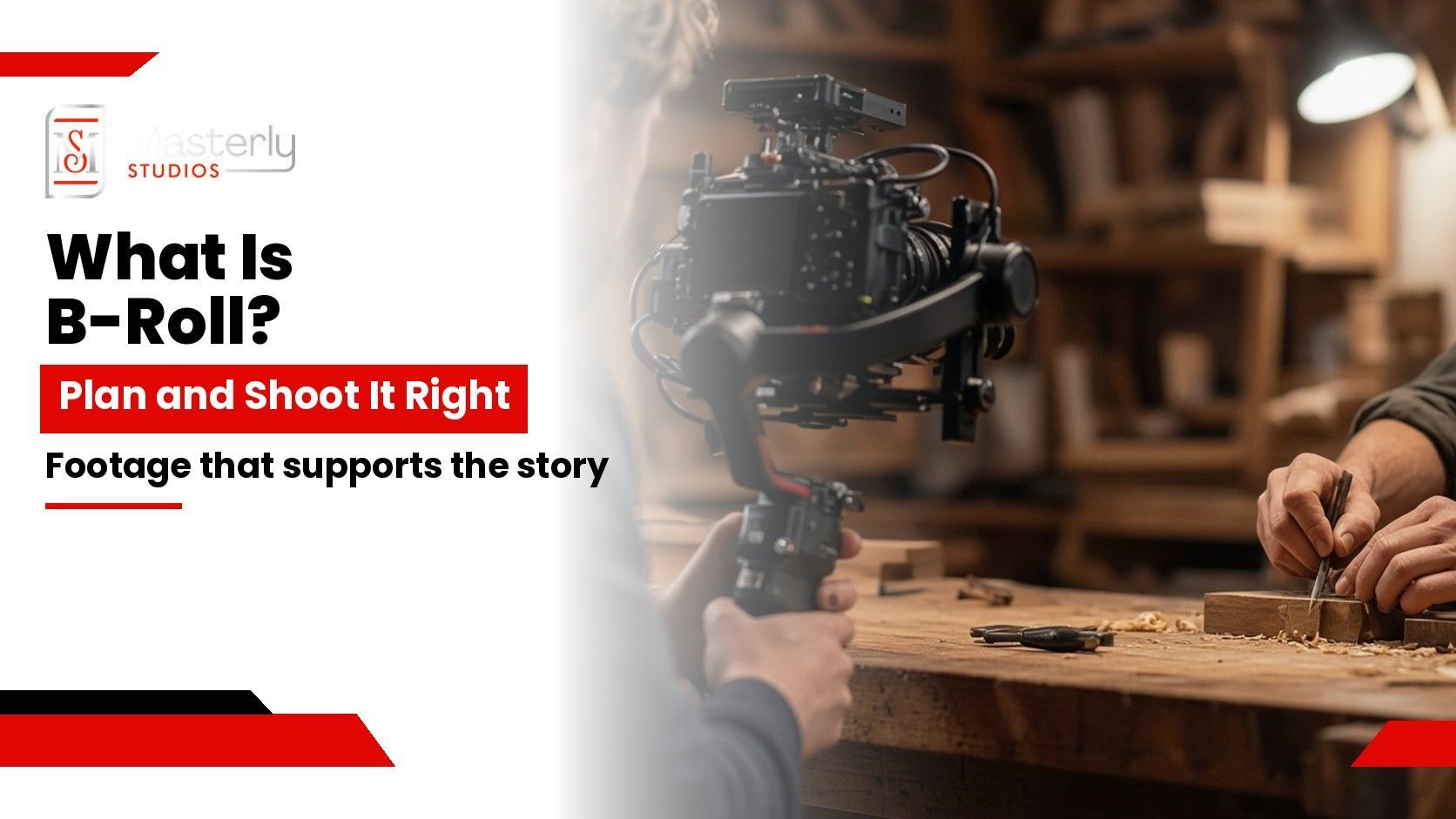
Supporting footage can also provide additional context. Our article on B-roll and its role in video production explains how supplementary footage supports visual storytelling.
Animated Explainer Videos
An animated explainer video uses illustrations, motion graphics, characters, diagrams, or other visual elements to communicate information, and an animated video can be especially useful for explaining abstract or futuristic ideas.
Animation can be particularly useful for explaining concepts that are difficult to demonstrate through traditional filming. McDonald's video showcases AI predicting customer orders.
Software companies, technology businesses, educational organizations, and professional service providers may benefit from animation when presenting complex systems or abstract ideas.
The animation style should complement the company's visual identity and support the message, and animated characters can strengthen it when they fit the concept and brand style.
Screen Recording Explainer Videos
Screen recording is often suitable for software demonstrations, digital platforms, online services, and internal business systems.
This format allows viewers to see how a platform functions: the video shows key actions on screen while narration or supporting graphics explain its features.
Professional production can combine screen recordings with voice-over, branded graphics, and carefully organized visual sequences.
Combining Multiple Video Formats
Some projects benefit from a combination of live action, animation, and screen recordings.
For example, a software company may feature a business representative introducing the product, animated graphics explaining its benefits, and screen recordings demonstrating important functions so team-oriented users can collaborate effectively.
Masterly Studios can develop a production approach based on the communication requirements rather than limiting every project to one format, and this mixed approach is an excellent way to explain both benefits and workflow.
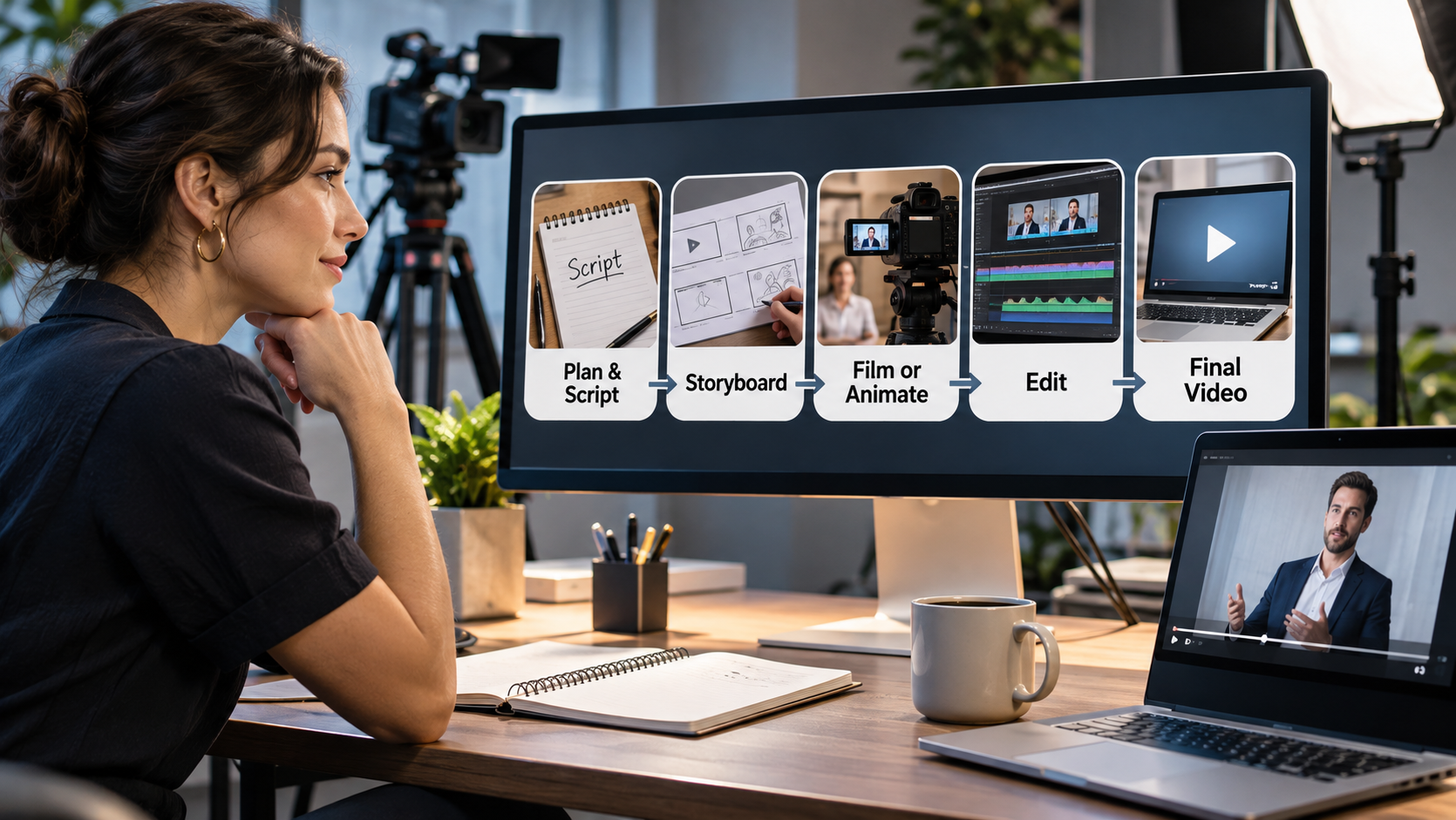
Production Steps From Script Approval to Final Cut
Professional explainer video production involves several stages that connect the initial business objective with the finished video.
Understanding these stages helps marketing and operations teams know what to expect when working with a production company.
Creative Planning and Script Approval
The production process begins with understanding the business, intended audience, communication challenge, planned video use, company’s industry, and the wider marketing campaign.
Creative planning establishes the goals, and teams create the key message and visual direction around those goals, along with the production format and project requirements.
The script is developed and reviewed before production begins so important information and brand messaging can be addressed early, and script approval matters because scriptwriting for a 60 to 90-second explainer video usually takes 2 to 3 days.
Storyboarding and Visual Planning
A storyboard or visual outline does the job of connecting the approved script with the planned images and scenes.
This stage helps establish how narration, filmed content, animation, graphics, and transitions will work together. Depending on the workflow, voice-over recording can begin while storyboarding is still in progress.
Visual planning also helps clients understand the proposed direction and see each visual detail before filming or animation begins.
Filming, Animation, and Audio Recording
Once the creative direction is established, production moves into capturing or developing the required visual and audio elements.
Depending on the project, this may involve studio filming, location footage, product demonstrations, screen recordings, voice-over work, or animation. Once the script is ready, teams may record the narration, and the narrator's voice should match the target audience's tone for better engagement.
Our Atlanta video and podcast production services provide production support for businesses with different communication and content requirements.
Editing and Client Review
During post-production, the recorded and animated elements are assembled into a coordinated video.
Editing may include visual sequencing, sound mixing, color correction, motion graphics, captions, branded elements, and music, and editors may add sound effects where they support the on-screen action without reducing narration clarity.
Client review allows feedback to be considered within the agreed project scope and revision process. The video includes these audio elements only when they strengthen the message rather than distract from it.
Final Video Delivery
The completed explainer video is prepared for its intended applications, which may include websites, social media, presentations, digital advertising, or internal training platforms, as well as the broader market and the marketing strategies it is meant to support. Tracking video performance metrics after delivery helps measure success and effectiveness.
File formats, dimensions, captions, and language versions can be discussed during project planning.
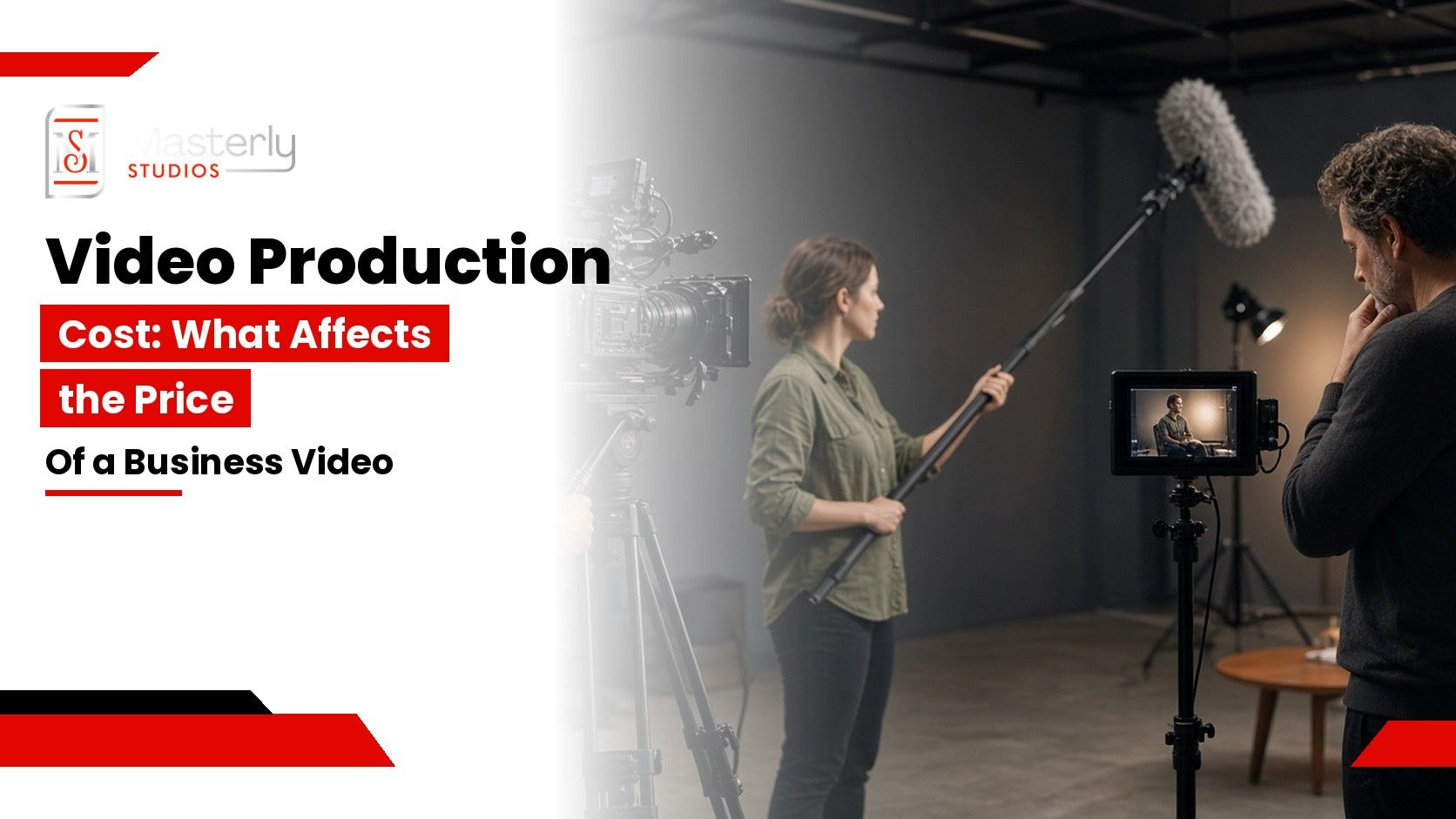
Production requirements vary depending on video length, animation complexity, filming locations, and other creative considerations. Our article on video production cost explains the factors that influence production budgets.
Frequently Asked Questions About Explainer Videos
How Long Should an Explainer Video Be?
Most marketing explainer videos benefit from a length of 60 to 90 seconds. More complex product demonstrations and educational videos may require additional time. The ideal duration depends on the audience, message, and intended platform.
Is an Animated or Live Action Explainer Video Better?
Neither format is universally better. Animation can be a fun way to explain abstract concepts and complex processes, while live action works well for real people, physical products, and service demonstrations. Some projects benefit from combining both formats.
How Long Does It Take to Produce an Explainer Video?
Explainer video production may take several weeks, depending on script development, filming requirements, animation complexity, client approvals, revisions, and the tools used in the workflow. Teams and clients should watch approvals and revisions closely to keep the schedule on track. A project-specific production schedule can be discussed during creative planning.
Book a Studio Tour or Request a Production Quote from Masterly Studios
Your audience should not have to work hard to understand what your business offers. An explainer video is one of the best things a business can use to communicate clearly when potential customers need a fast explanation. Clear, professionally produced video content can help communicate complex information, support customer education, and present your brand with consistency and credibility.
Masterly Studios provides explainer video production services for businesses seeking professional assistance with creative direction, script development, filming, animation, and post-production, and helps create videos tailored to different audiences and goals.
Whether you need a product introduction, service overview, software demonstration, or internal training video, our team develops production plans around your business objectives and intended audience. Clear examples can also help a video reach potential customers across a wider audience without unnecessary complexity.
From the initial concept to final video delivery, Masterly Studios helps transform your message into clear and purposeful visual content. Among the best explainer videos, crazy egg is a useful example because its video targets both tech and non-tech audiences.
Phone: (404) 726-7261