What Is B-Roll? How to Plan and Shoot B-Roll Footage for Business Video
B-roll is the footage that makes a business video feel finished. Without it, an interview is a person talking to a camera for three minutes. With it, the audience sees the product, the team, the location and the details the speaker describes. Good B-roll does not just fill time. It adds context, covers edits and keeps viewers interested in the story.
This guide explains what B-roll is, how A-roll and B-roll footage work together, the types of B-roll shots worth planning, and how to shoot B-roll that an editor can actually use. It is written for marketing teams, founders and producers planning interviews, testimonials, training videos and other video content.
What Is B-Roll?
B-roll is supplemental footage that supports the main footage of a video. Adobe describes it as all the footage that is not the main action: shots that do not show the principal subjects talking to the camera or interacting with each other. The main footage, usually the interview or the presenter on camera, is called A-roll.
In a typical business video, the A-roll carries the message and the audio. The B-roll plays over it, so the viewer keeps hearing the person talking while the picture shows what they are talking about. A founder explains how the company started while the screen shows the first workshop. A client describes a result while the screen shows the team at work.
Where the Term B-Roll Originates
The term B-roll originates in early film editing. According to Adobe, editors inserted supplemental footage, the B-roll, into the main footage, the A-roll, to hide the visible lines where two pieces of film were joined. Digital editing removed the splicing problem, but film and video production kept the names. Today B-roll simply means the extra footage cut over or between the main shots.
A-Roll vs. B-Roll Footage
The difference between A-roll and B-roll comes down to role:
- A-roll footage is the primary footage: the interview, the presenter, the speech or the main action. It usually carries the sound.
- B-roll footage is the supporting footage: establishing shots, close ups, cutaway shots, product details and people at work. It is often used with the A-roll audio or a voice over playing underneath.
Both matter. Adobe quotes director and cinematographer Hiroshi Hara comparing B-roll to icing and A-roll to the cake itself. Without strong main footage there is nothing for the B-roll to support, and without B-roll the main footage can be hard to watch for long.
Why B-Roll Matters in Business Video
B-roll does several jobs at once:
- Adds visual interest. A single talking head gets repetitive. Changing the picture every few seconds keeps the audience watching.
- Adds context. Shots of the office, the product or the process show viewers what the speaker means, instead of asking them to imagine it.
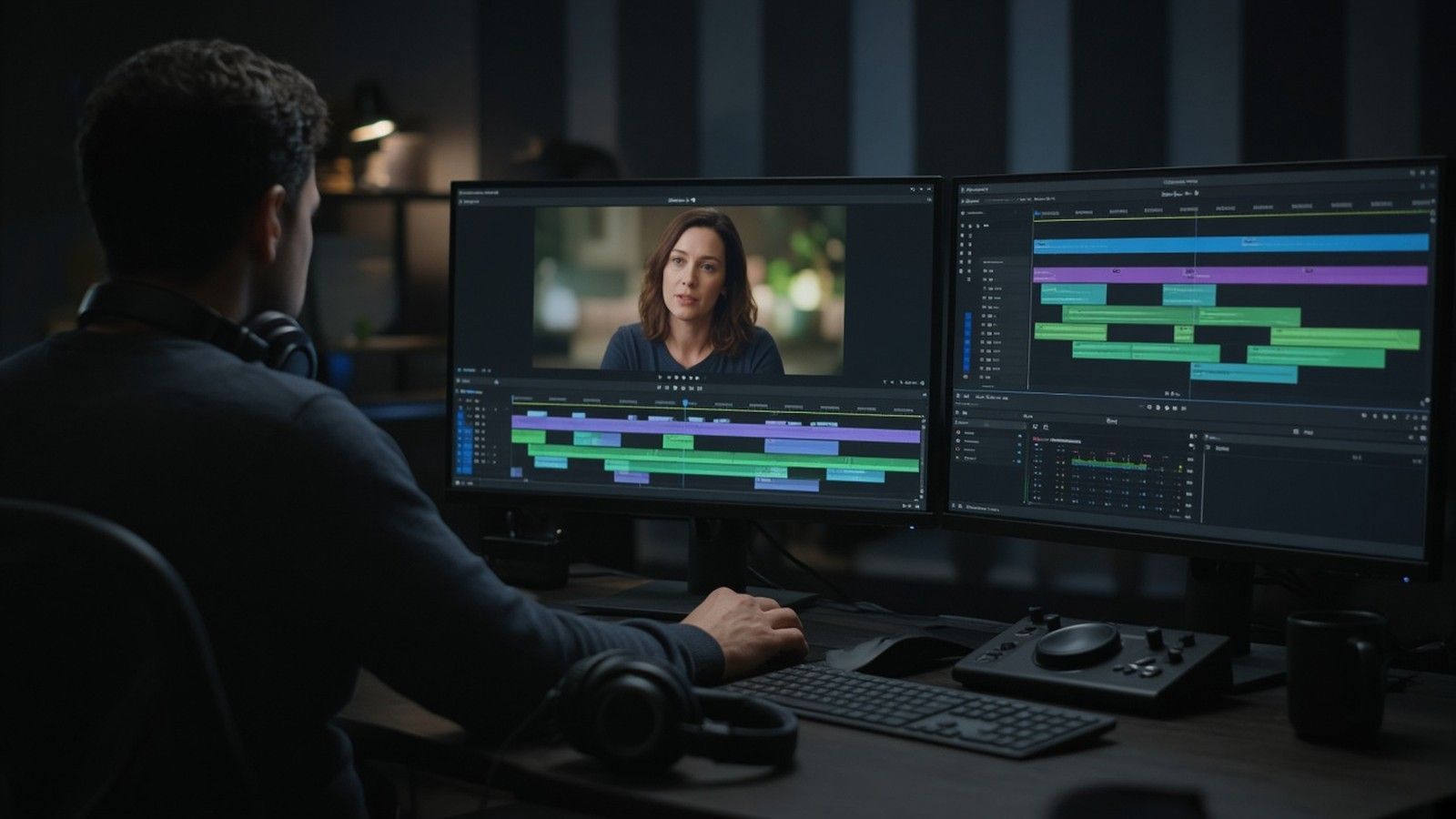
- Covers edits. When an editor removes a pause, a cough or a repeated sentence from an interview, the cut creates a jump cut. Placing B-roll over the edit hides it and creates smooth transitions.
- Controls pacing. Editors use B-roll to shorten or extend a section without cutting the main story.
- Creates more options in the edit. Extra footage gives the editor choices when a section is too long, too short or missing a visual.
For interview-based marketing content, such as customer testimonial videos and executive interview videos, B-roll is often the difference between a video people finish and one they skip.
Types of B-Roll Shots
Different shots solve different problems. A balanced B-roll list usually includes several of these:
- Establishing shots. Wide shots of the building, the street or the room that show viewers where the story takes place.
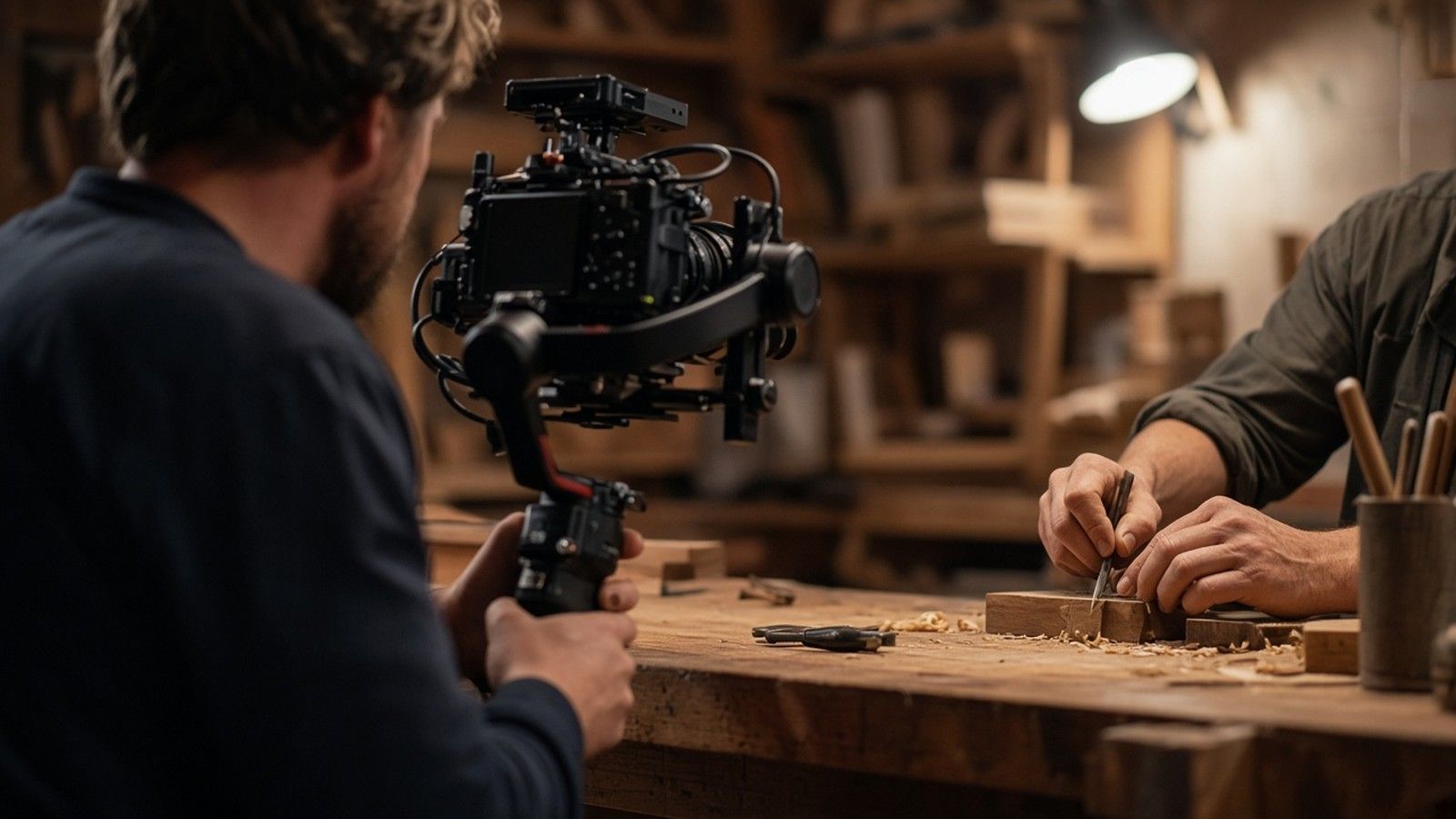
- Detail shots and close ups. Hands typing, a product label, tools on a bench or a screen in use. Close ups show texture and quality.
- Action shots. People doing the work the speaker describes: a team meeting, a technician at work, a chef plating a dish.
- Cutaway shots. Shots of something in the scene other than the main subject, such as the interviewer listening or a related object.
- Product shots. Clean shots of the product from several angles, often filmed in a studio against a plain background.
- Stock footage or archival footage. Licensed clips or older material that the team cannot film, such as historical photos. Check the license terms before you use them.
- Motion and camera movement. Slow pans, slides and push-ins add energy. A slider or a gimbal makes this easier.
How to Shoot B-Roll That Editors Can Use
Planning makes good B-roll. These steps help you capture enough footage without wasting a shoot day.
Start With a Shot List
Write a shot list before the shoot. Read the interview questions or the script and note every visual idea the speaker might mention. Adobe recommends planning ahead with a shot list so you capture the right B-roll to tell your story. Group the shots by location to save time on the day.
Shoot B-Roll After the Interview When You Can
According to Adobe, filmmakers tend to get B-roll after they get the main footage. The interview often reveals examples you did not plan for. Note the moments the speaker describes and add them to the list before you shoot B-roll.
Capture Different Shots of Each Moment
For each moment, capture a wide shot, a medium shot and a close up. Different shots of the same action give the editor more options and make cuts feel natural.
Hold Each Shot
Record each clip for longer than you think you need, and let the action start and finish inside the frame. Holding each shot steady for a full count before you move the camera gives the editor clean in and out points.
Match the Look of the A-Roll
Use the same frame rate, color settings and lighting style as the main footage so the B-roll clips cut together cleanly. If the interview uses a 3-point lighting setup, keep the B-roll lighting consistent with it.
Record Sound Anyway
B-roll often plays under the A-roll audio, but natural sound from the scene, such as a door, a keyboard or a crowd, can make the final edit feel real. Record it when you can.
How to Use B-Roll in the Edit
Editors use B-roll to support the story, not to decorate it. A few practical tips:
- Match the words. When the speaker mentions something specific, show it on screen at that moment.
- Cut on action. Change clips when something moves, so the cut feels motivated.
- Vary the length of clips. Mix short and longer B-roll clips to keep the pace interesting.
- Return to the speaker. Bring the A-roll back for key statements so the audience stays connected to the person talking.
- Do not overuse it. Too much B-roll can make a video feel like a montage. Use it where it adds meaning.
B-Roll Examples for Common Business Videos
Here is how B-roll fits a few common projects:
- Company overview video: establishing shots of the building, the team at work, close ups of the product and the leadership team in a meeting.
- Customer testimonial: the client at their business, the product in use and the client working with your team.
- Training video: close ups of each step of the process, screen recordings and wide shots of the work area.
- Social media reel: quick clips of behind the scenes moments, product details and reactions, cut to music or a voice over.
- Event recap: the venue, arrivals, the speaker on stage, the audience and networking moments.
If you are planning a full production, our guide to video production cost explains how B-roll time, crew and locations affect the budget.
Shooting B-Roll in a Studio
A studio gives you control over light, sound and background, which makes product shots, detail shots and cutaways faster to capture. A cyc wall creates a clean, continuous background for product B-roll, and a green screen studio lets you replace the background in the edit. Planning studio time for B-roll on the same day as your interview saves setup time and keeps the look consistent.
Frequently Asked Questions
What is the difference between A-roll and B-roll?
A-roll is the main footage, usually the interview or the presenter, and it carries the audio. B-roll is the supporting footage shown over or between the A-roll, such as establishing shots, close ups and action shots.
What are some examples of B-roll footage?
Common examples include wide shots of a location, close ups of a product, people working, hands using tools, cutaway shots of an interviewer listening and licensed stock footage.
How long should B-roll shots be?
Record each shot longer than you plan to use it, so the editor has clean in and out points. In the edit, the length of each clip depends on the pace of the video.
Can B-roll be photos?
Yes. Adobe notes that B-roll can come from archival footage or photos, as well as stock footage and second unit crews.
How do you make B-roll footage?
Write a shot list, film several angles of each moment, hold each shot steady, match the look of the main footage and capture natural sound when you can.
Plan Your B-Roll With Masterly Studios
If you are planning an interview, testimonial or brand video in Atlanta and want help building a shot list and capturing B-roll that supports the story, contact Masterly Studios or call (404) 726-7261 to discuss your project.