Video Conference Room Setup: Building an Office Studio for Calls and Content
A professional video conference room setup needs suitable cameras, microphones, speakers, lighting, reliable connectivity, and a room layout that supports clear communication. The equipment should match the room's size, number of participants, and intended use. Professional audiovisual planning can help businesses create a dependable environment for video meetings, webinars, presentations, and recorded content.
Your conference room may look professional in person but create a very different impression during video meetings.
Remote participants may struggle to hear employees sitting at the far end of the table. Poor lighting can make executives appear dark or unclear on camera. Background noise and distracting echoes may interrupt important conversations.
These problems become especially noticeable during client presentations, leadership meetings, webinars, and company announcements.
For office managers and operations leaders, unreliable meeting technology can also create unnecessary delays. Employees may spend valuable time adjusting microphones, restarting equipment, or moving around the room to appear on camera.
Masterly Studios provides professional video production and audiovisual expertise for businesses seeking better conference room and office studio environments.
Our team can discuss recording requirements, room conditions, equipment needs, and production considerations to help organizations evaluate an appropriate conference room setup.
1. What a Video Conference Room Needs
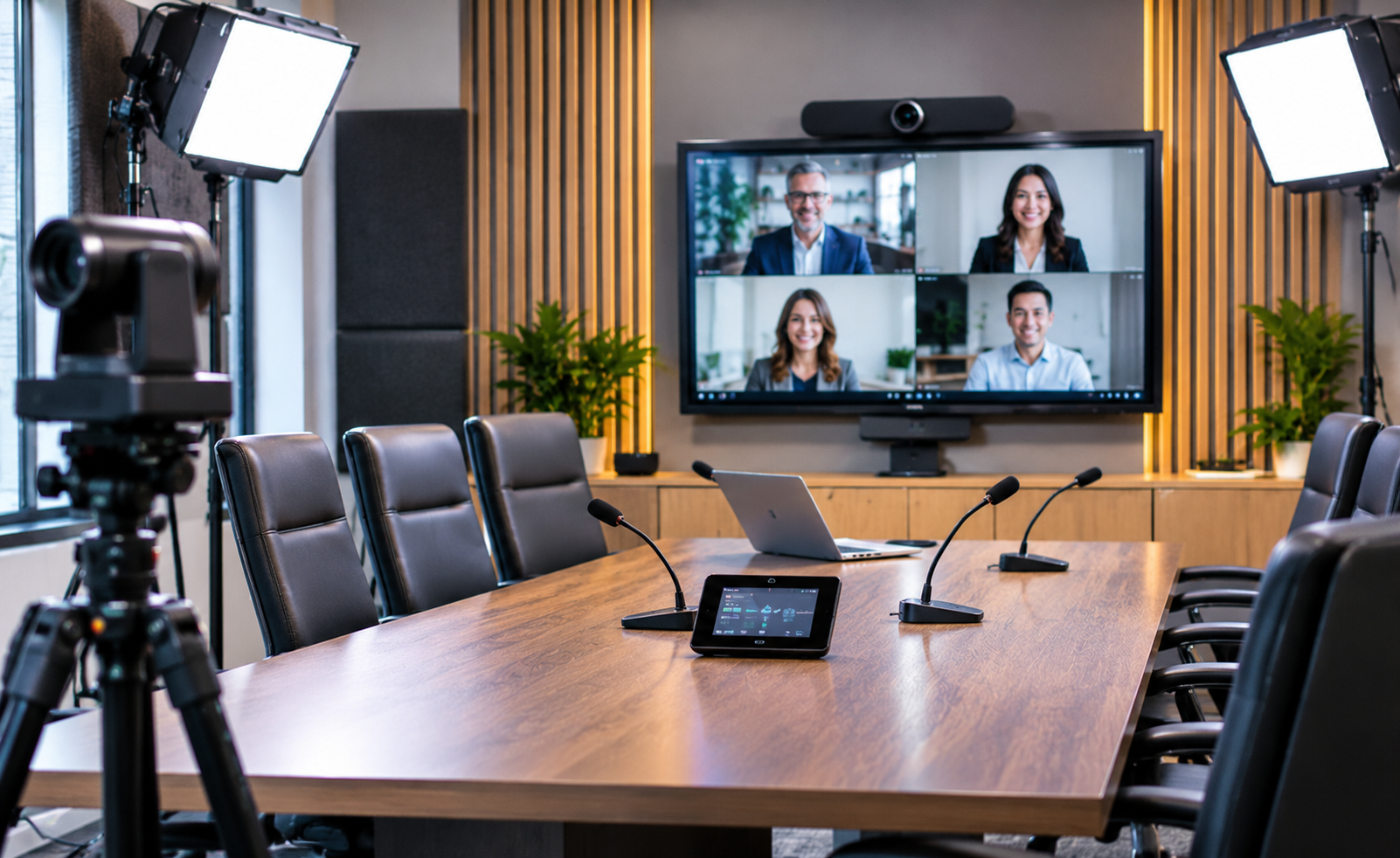
A professional video conference room setup combines cameras, microphones, speakers, display screens, dependable internet access, and suitable lighting. The room should allow participants to see presentations, hear conversations, and communicate with remote attendees clearly. The appropriate equipment and layout depend on room size, seating arrangements, meeting formats, and recording requirements.
Why an Ordinary Meeting Room May Not Be Enough
Traditional conference rooms are often designed around a large table, comfortable chairs, and a presentation screen.
These features may work well for in-person meetings, but they do not always support video communication.
A microphone placed near the front of a long table may not capture every participant clearly. A camera positioned too far away may make speakers difficult to see.
Large windows and reflective surfaces can also affect lighting and audio quality.
For businesses conducting regular virtual meetings, these limitations can create a poor experience for employees, clients, and remote partners.
Professional conference room planning considers how the room functions for both in-person and remote participants.
Matching Video Conferencing Technology to Business Requirements
A small executive meeting room may need a different arrangement from a large boardroom used for quarterly presentations.
Some businesses primarily conduct internal video meetings. Others regularly host remote clients, webinars, training programs, or recorded company announcements.
These different activities influence camera coverage, microphone selection, display requirements, and recording capabilities.
Masterly Studios can discuss the intended use of the space and identify the production considerations relevant to the proposed project.
2. Camera Placement and Room Layout
Camera Positioning for Clear Meeting Communication
Camera placement affects how remote participants experience a meeting.
A camera positioned near eye level can provide a more natural view of people speaking. Businesses should generally use at least a 1080p camera for video conferencing.
For rooms with several participants, camera framing should consider the conference table, seating positions, and the number of people who need to remain visible.
A wide camera view may work for a small meeting room, while larger spaces may benefit from pan tilt zoom cameras with high definition resolution.
The objective is to present participants clearly, support strong image quality, and keep important speakers visible, whether that means using a wide angle lens in a smaller space or PTZ coverage in a larger room.
Professional planning can help businesses evaluate appropriate camera positions based on the room's dimensions and meeting style.
Designing Around the Conference Table
The room layout influences both camera visibility and audio capture.
A long boardroom table may create challenges when participants sit at different distances from the equipment, even though boardroom style suits formal meetings with a central table and may simply need careful camera and microphone planning.
Tapered or U-shaped tables can also improve sightlines to the camera.
A smaller meeting room may offer more flexibility but require careful equipment placement to avoid blocking screens or walkways.
When planning a conference room AV setup, businesses should also consider furniture placement, display visibility, and how participants will interact with remote attendees, since a hollow square layout can promote open dialogue in larger groups, while a U-shape can support presentations and collaborative discussions.
Masterly Studios can discuss how room layout and audiovisual requirements affect the proposed setup.
Supporting Different Meeting Formats
Some conference rooms must support several types of meetings.
An executive boardroom may host formal presentations, while the same space may be used for team discussions or virtual workshops.
Different formats can create different camera and microphone requirements.
A flexible system may allow businesses to accommodate changing meeting needs without rebuilding the entire room.
However, the equipment and control arrangements should remain practical for employees who use the space regularly.
3. Microphones, Speakers, and Echo Control
Why Clear Audio Matters More Than Equipment Appearance
A meeting room may have an impressive display screen and high-quality camera, but communication suffers when participants cannot hear one another, and sound quality with high quality audio often matters more than video resolution when people need to understand one another clearly.
Audio quality is especially important during discussions involving several people.
A participant sitting close to the microphone may sound clear, while someone across the table may sound distant. high quality microphones, especially USB or beamforming options, can improve capture, and beamforming microphones help focus on active speakers while minimizing background noise.
Background conversations, ventilation systems, and other office noise can create additional problems.
A professional audio plan considers room size, participant positions, microphone coverage, and speaker placement. USB microphones often provide better results than built-in options, and poor mic performance can hurt sound clarity.
The goal is to provide understandable speech for both in-room and remote attendees. Strong results also depend on keeping ambient noise low, ideally below about 30–35 dBA in conference rooms.
Microphone and Speaker Placement
Different meeting rooms may require different audio equipment choices.
Some spaces benefit from tabletop microphones, while others may require ceiling-mounted or other professionally positioned equipment.
Speaker placement also matters because sound from remote participants should be clear without interfering with microphone performance.
Businesses do not necessarily need the most expensive equipment available.
They need a system suited to the room's size, acoustics, and communication requirements, and larger boardrooms may need multiple microphone types and AI noise suppression to maintain clear pickup across the room.
Masterly Studios can discuss these considerations when evaluating a proposed office studio environment.
Managing Echo and Unwanted Noise
Conference rooms often contain hard surfaces such as glass walls, large tables, and uncovered floors.
These materials can reflect sound and make conversations difficult to understand.
Audio processing may reduce certain technical issues, but it cannot correct every room problem.
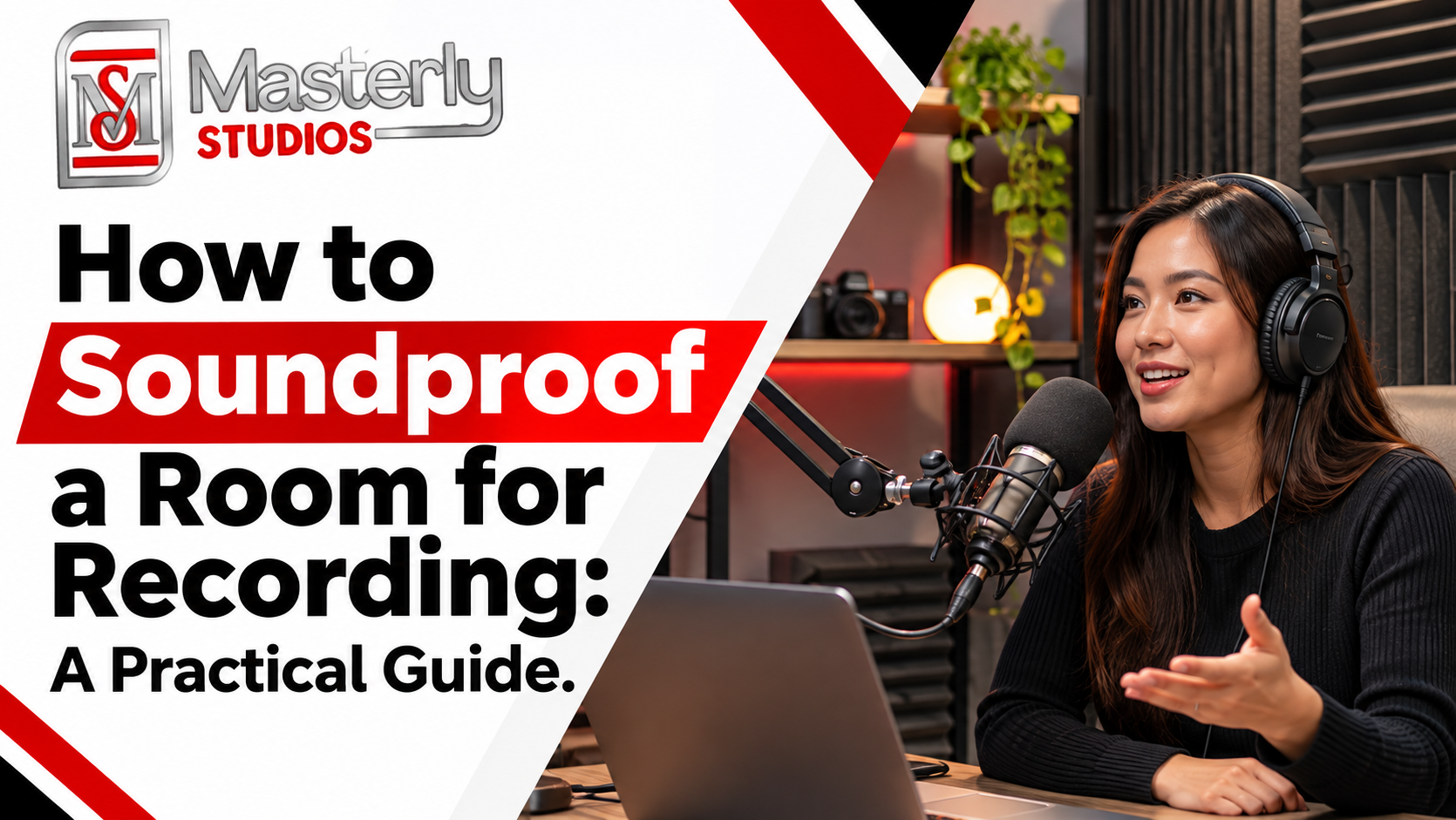
Depending on the environment, acoustic treatment, furniture choices, equipment positioning, or sound absorbing materials such as acoustic panels may be appropriate.
Echo control should consider the physical room and the audiovisual system together, since acoustic panels minimize echo and enhance audio quality.
For businesses using video conferencing frequently, addressing these conditions may improve the consistency of meetings and recordings.
4. Lighting and Backgrounds That Look Professional on Camera
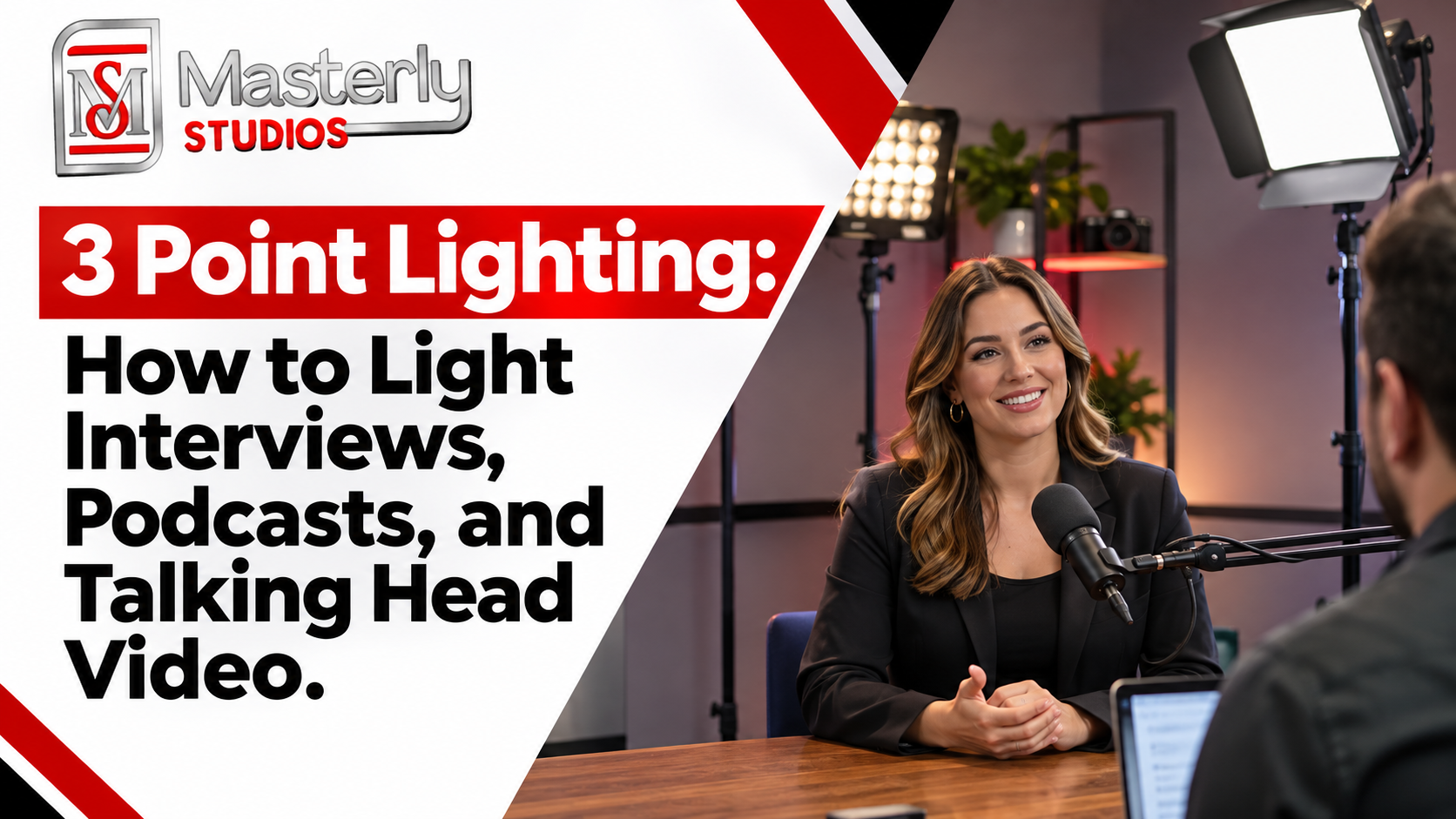
Lighting for Executive Meetings and Presentations
Lighting influences how participants appear during video meetings, and lighting control is important during video calls so windows do not create backlighting.
A large window behind a speaker may cause the camera to expose for the bright background, leaving the person's face too dark, so neutral wall colors can also help reduce distractions.
Overhead office lighting may also create unwanted shadows.
A professional lighting arrangement can help provide more balanced illumination when artificial lighting works with natural light for optimal visibility without glare or harsh shadows.
The appropriate design depends on room dimensions, existing fixtures, natural light, and camera positions.
For organizations recording executive presentations or webinars, consistent lighting may be particularly important.
Masterly Studios brings video production and lighting experience to discussions about professional recording environments.
Creating a Background That Reflects Your Organization
The background seen by remote participants can influence the visual impression of a meeting.
Some organizations prefer a clean, neutral setting, using neutral colors on the wall to reduce distractions during video calls. Others may want a background that reflects their brand image and supports a professional on-camera impression.
An executive meeting room may feature selected architectural details or a professionally arranged office environment.
A room used for recorded presentations may require a more controlled background to reduce distractions.
The background should complement the camera framing and lighting rather than compete with the speaker.
Designing for More Than One Camera View
Some organizations need the room to support different recording angles.
A wide view may be appropriate for a group meeting, while a closer view may be better for an executive announcement.
Multiple camera views can create additional requirements involving lighting consistency, background design, and equipment controls.
The appropriate approach depends on how frequently the room will be used for recorded or live content.
These needs should be considered before the proposed equipment and production scope are finalized.
5. Turning the Room Into an Office Studio for Webinars and Recorded Content
Supporting Webinars and Online Presentations
Businesses increasingly use video communication for employee training, customer education, leadership updates, and professional events, including online meetings.
A conference room designed only for meetings may not provide the audio and visual consistency needed for recorded presentations.
Webinars may require cameras, microphones, presentation displays, recording software, and dependable connectivity, and a strong setup should support more than basic video calls with screen sharing. Interactive displays or digital-whiteboard tools can also improve presentations and audience engagement.
A suitable room may also need space for presenters, production equipment, and technical support, with both wired and wireless screen sharing available as needed.
Masterly Studios can discuss these production requirements and how they may affect the proposed office studio design.
Creating a Space for Recorded Business Content
Some organizations want their conference room to support more than live meetings.
The same space may be used for executive interviews, training videos, internal communications, and professional presentations.
These activities can require more controlled lighting, clearer audio capture, and additional camera flexibility.
A recording-focused environment may also benefit from suitable backgrounds and convenient access to production equipment.
The objective is to create a space that supports the organization's regular communication needs.
Conference Room AV Setup and System Compatibility
Businesses may already use established video meeting platforms and internal technology systems.
A proposed Zoom room setup or similar platform-compatible meeting environment should use video conferencing systems that fit existing systems and let employees join meetings with a single button press, in line with the organization's current software, network requirements, and employee workflows.
Strong network infrastructure, Quality of Service settings, and wired connections are important for reliable performance.
When possible, hardwire the room's compute unit and displays via Ethernet.
Masterly Studios does not need to recommend a particular manufacturer's system to discuss the audiovisual requirements of the room.
The most important consideration is whether the proposed equipment can support the intended meeting and recording activities.
Larger rooms may need dual displays, while small to medium rooms often use 55–65 inch commercial-grade LED monitors with full HD output instead of projectors.
Final compatibility and integration requirements should be reviewed before equipment is purchased or installed, including proactive monitoring that alerts IT to device disconnects and compatibility with booking or management tools that track room utilization, reservations, and attendance patterns.
Professional Studio Planning Versus Conference Room Rental
Some businesses need a permanent office studio, while others require an equipped meeting space for occasional events.
These are different services.
An office studio project involves evaluating the organization's own room and discussing suitable audiovisual or recording arrangements.
A conference room rental provides access to an existing meeting space for a defined period.
For organizations that need a temporary professional meeting environment in Atlanta, Masterly Studios also offers Conference Room Rental.
Businesses interested in their own permanent video meeting or recording space can discuss their requirements separately.
When Professional Production Support May Be Appropriate
Professional assistance may be valuable when meeting technology is unreliable, recording quality is inconsistent, or a business wants one room to support several communication formats. Regular testing of audio, video, and connection quality before meetings helps meetings run smoothly and prevents disruptions.
Office managers may need help clarifying equipment requirements and practical room limitations.
Executives may want more consistent presentation quality without spending time managing complicated technical controls.
Operations leaders may also need a defined project scope before approving equipment purchases or room improvements, especially when new equipment creates coordination challenges for finance, IT, and workplace teams.
Masterly Studios provides professional video production, podcast services, and audiovisual experience relevant to these discussions.
The availability of room design, equipment sourcing, installation, programming, and ongoing support should be confirmed for each proposed engagement.
Professional Meeting Room Setup for Different Office Sizes
A professional meeting room setup should reflect how the conference room serves employees, executives, and clients during daily business activities. Small huddle rooms may need compact audiovisual systems, while large conference rooms often require wider camera coverage, additional microphones, and larger displays. The most suitable arrangement depends on the room type, seating capacity, and intended meeting activities. Some organizations consider all in one devices that combine cameras, microphones, and speakers, while others need separate components with more advanced features. Masterly Studios can help businesses discuss their conference room requirements and identify appropriate audiovisual solutions based on their operational needs.
Conference Room Audio and Video Equipment for Effective Communication
Clear audio and reliable video are important for effective communication during virtual meetings, client presentations, and team discussions. Depending on the room's layout, table microphones may improve speech capture for participants seated around a conference table. Cameras, speakers, displays, and reliable connectivity are also part of the essential equipment needed for a professional meeting environment. Choosing the right equipment is important, but room acoustics, lighting, and equipment placement are equally important. A well-planned audiovisual system supports seamless meetings by reducing common technical interruptions. Masterly Studios can discuss these considerations when evaluating the requirements for a professional office studio or conference room.
Integrated Conference Room Technology and Business Presentation Needs
Modern conference rooms may support more than video meetings. Some organizations also need presentation displays, recording equipment, or digital signage for company announcements and internal communications. Choosing the right technology involves reviewing meeting requirements, existing systems, and the way employees use the space.
The essential steps in a professionally managed project may include assessing the room, discussing equipment compatibility, defining the proposed scope, and reviewing the installation requirements. Other details, such as cable access, equipment controls, lighting conditions, and future recording needs, can influence the final arrangement. Masterly Studios can discuss these considerations with businesses seeking a coordinated conference room and audiovisual production environment.
Frequently Asked Questions About Video Conference Room Setup
1. Where Should the Camera Go in a Conference Room?
A conference room camera is generally positioned near eye level, with a clear view of the participants. The appropriate location depends on room size, seating layout, and display placement. Larger meeting rooms may require different camera coverage to keep speakers visible.
2. How Do You Fix Echo in a Conference Room?
Echo problems may involve room acoustics, microphone positioning, speaker placement, or audio processing. Hard surfaces can create sound reflections, while poorly configured equipment may cause feedback or repeated audio. A professional evaluation can identify which issues require attention.
3. Can a Conference Room Double as a Recording Studio?
Yes. Some conference rooms can support webinars, interviews, training videos, and other recorded content. Additional cameras, microphones, lighting, acoustic treatment, or recording controls may be necessary. The appropriate arrangement depends on the room and intended production requirements.
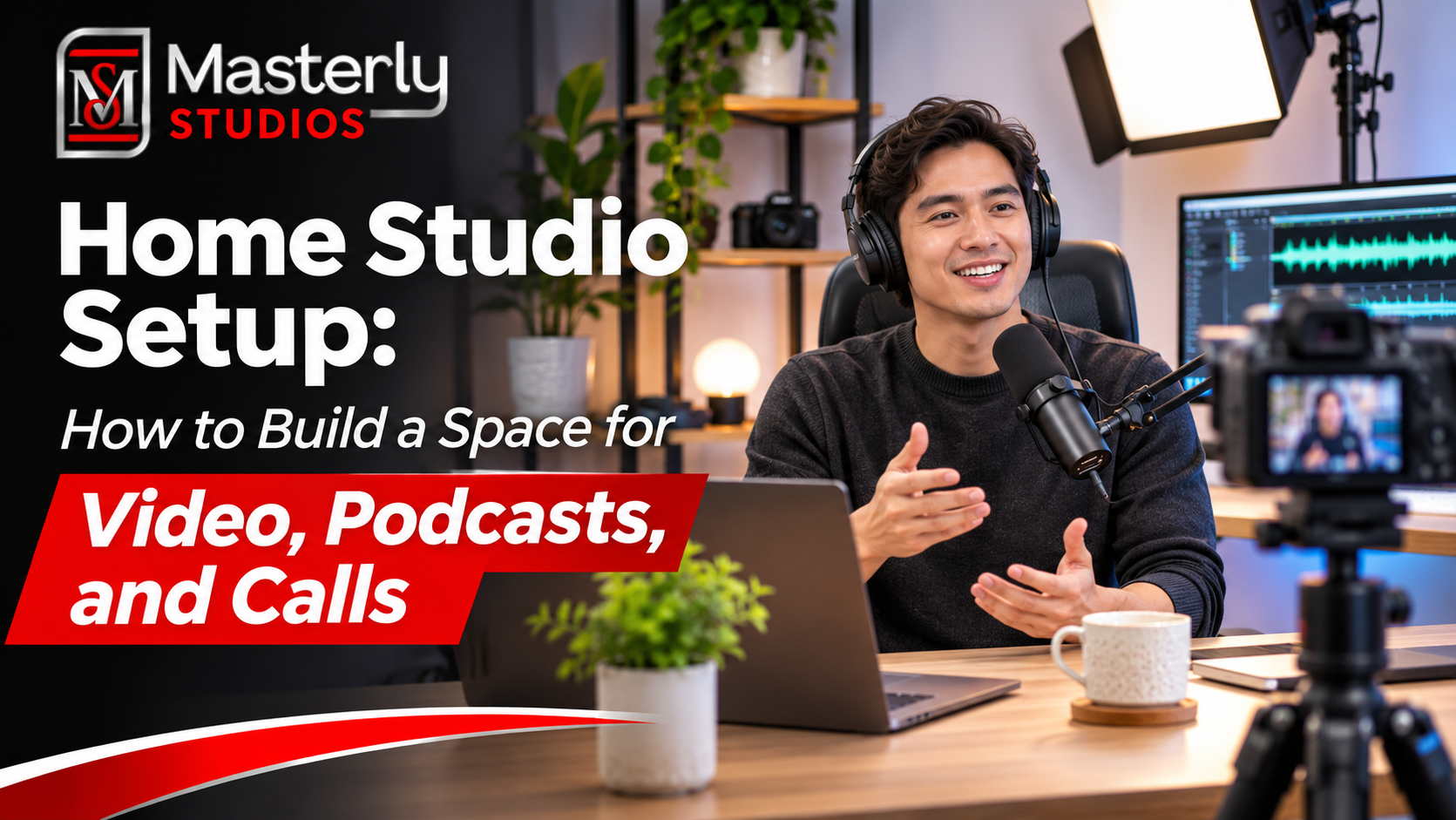
Talk With Masterly Studios About a Home or Office Studio Setup
A reliable meeting environment can support clearer communication, more professional presentations, and a better experience for remote participants.
Whether your organization needs a conference room for daily video meetings, executive webinars, or recorded business content, the room should reflect your technical requirements and professional standards, including the video conferencing software you rely on for online meetings and video conferences, such as Zoom or microsoft teams; those business needs also differ from home offices or tools intended for personal use.
Masterly Studios provides professional video production and audiovisual expertise for businesses exploring conference room and office studio improvements.
Our team can discuss your space, current equipment, meeting requirements, and production goals to help determine the appropriate next steps for a proposed project.
Contact Masterly Studios to discuss your conference room size, intended uses, existing audiovisual equipment, preferred timeline, and project requirements, including internet connection reliability and how employees join from laptops or mobile devices.
Masterly Studios
Phone: (404) 726-7261
Website: https://www.masterlystudios.com/