Video Storyboard: How to Plan Every Shot Before Production
By Drew Rhoden, Esq., Masterly Studios
A video storyboard is a visual plan that shows how scenes and camera shots will appear before filming begins. It is created by organizing a script into individual frames with descriptions of the action, camera angles, audio, and production notes. A storyboard helps production teams stay organized and focused on the intended message.
Why a Video Storyboard Matters for Business Video Production
A company video may begin with a strong concept, but without a clear visual plan, production can become more complicated than expected.
Marketing teams may have different ideas about how a scene should look. Important shots may be overlooked, and production crews may need additional time to resolve questions during filming.
These challenges can affect production schedules, budgets, and the consistency of the final video.
A professional video storyboard helps address these concerns before the cameras start recording. It gives business owners, marketing teams, and production professionals a shared understanding of the video's visual direction.
Whether your company needs a brand video, product demonstration, promotional campaign, or corporate presentation, a storyboard connects your business objectives with the creative production process.
At Masterly Studios, we help businesses approach video production with a clear understanding of their message, visual requirements, and intended audience.
What Goes in Each Video Storyboard Frame?
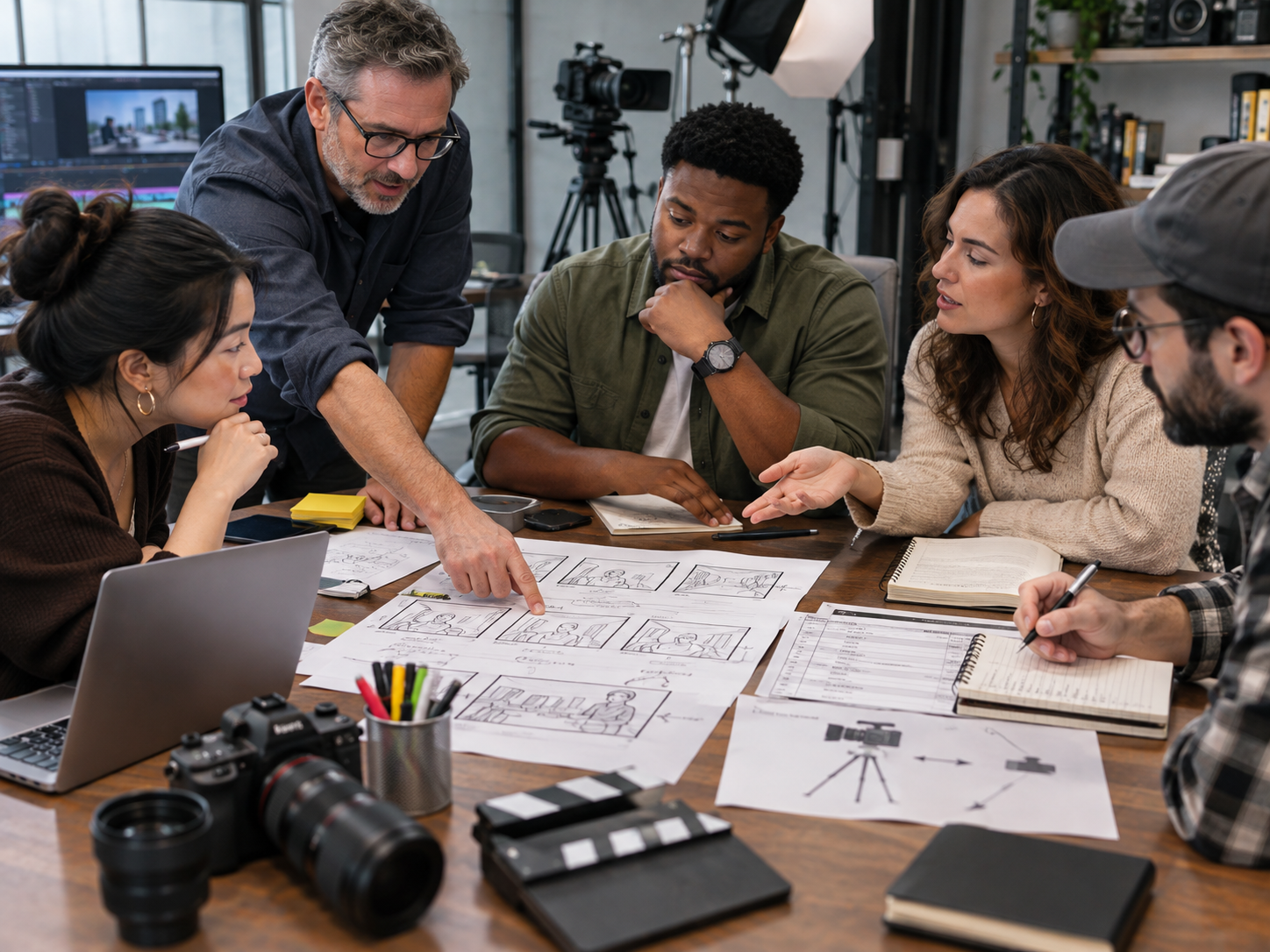
A storyboard divides a video into individual frames that represent planned shots or important visual moments.
Each frame communicates specific information that helps the production crew understand what needs to be captured.
Visual Representation of the Shot
The visual portion of a storyboard frame represents what the audience is expected to see.
It may include rough sketches, a reference photograph, or a digital illustration showing the subject, setting, and general composition; even stick figures can work if the image accurately represents the planned action and framing.
For a company video, this might represent an employee speaking to the camera, a customer interacting with a product, or a wide view of a business location.
The purpose is to communicate the visual concept clearly as a visual aid for the team rather than create a finished piece of art.
Camera Angles and Shot Composition
Camera angles influence how viewers experience a scene.
Composition can also include specific elements such as color and timing, since color can set the mood and symbolize themes, while timing determines the pace and emotional impact of the story.
A wide shot may establish the location, while a medium shot can introduce a person or demonstrate an activity. A close-up may draw attention to a product feature, facial expression, or important detail.
Including these visual decisions in a video storyboard helps the production team understand the key elements of how each shot supports the overall message.
Camera movement, framing, and perspective can also be noted when they are important to the scene.
On-Screen Action
Action notes explain what happens within each frame.
This may include an employee demonstrating a service, a product being used, or a spokesperson interacting with the environment.
Clear action descriptions help align the production team's expectations with the business owner's creative vision.
They also provide useful context when several people, products, or locations are involved in the shoot.
Dialogue, Voiceover, and Audio
Storyboard frames may include relevant dialogue, narration, background music, or sound effects, and teams often write dialogue, voiceover, or other audio notes beneath each storyboard image.
These notes help establish how the visual content connects with the spoken message.
For example, a product demonstration may appear alongside narration explaining a particular feature. The storyboard can include script lines under the frame without replacing the full production script. An interview scene may include a planned statement from a company representative.
The storyboard helps communicate these relationships without replacing the complete production script.
Production Notes
Production notes identify additional details that may affect how a shot is captured or edited, including on screen text and shot type when those choices shape execution.
These can include lighting requirements, props, talent placement, location considerations, and visual transitions.
Relevant notes give the production crew a clearer understanding of the resources required for each scene, and you can add notes to each frame so the crew understands the resources and execution requirements.
A Simple Video Storyboard Template Layout
A professional video storyboard template provides a consistent structure for organizing visual and production information.
The layout does not need to be complicated. Its value comes from presenting important details in a format that the client and production team can understand, whether you create blank slides with squares for each video frame or start with ready-made storyboard templates.
A typical storyboard template may include, and using templates can save time by giving teams a consistent starting structure:
- Scene number: Identifies the scene within the video.
- Shot number: Identifies an individual camera shot.
- Visual frame: Represents the planned composition.
- Shot description: Explains the camera angle and framing.
- Action notes: Describe what happens on screen.
- Audio notes: Identify dialogue, narration, or sound requirements.
- Estimated duration: Indicates the expected length of the shot.
- Production notes: Highlight lighting, props, locations, or special requirements.
For example, a storyboard frame for a company introduction video may show a wide shot of an employee entering the workplace. The accompanying notes may describe the camera movement, opening narration, and lighting requirements.
A later frame may focus on a close-up of the employee demonstrating a product or service.
These visual references allow marketing teams to review how the video communicates their brand before production begins.
Masterly Studios can discuss storyboard requirements as part of the planning process for your professional video project.
How a Production Team Turns a Script Into a Storyboard
A script explains what a video communicates, while a storyboard represents how that message appears visually.
Business owners searching for how to make a storyboard for a video often need more than a basic template. They need a production team that understands how to translate business information into clear, engaging visual content.
Connecting the Business Message With Visual Scenes
A company video may introduce a service, explain a product, communicate brand values, or address a customer concern.
The storyboard helps connect each part of that message with relevant visual scenes.
For example, a business discussing customer service may include footage of employees assisting clients rather than relying entirely on a spokesperson.
The visual approach should support the message without introducing unnecessary distractions.
Identifying Important Visual Moments
Some parts of a company video require greater visual attention than others.
Product features, customer experiences, company facilities, and key statements may need specific camera shots to communicate their importance.
A storyboard for video production helps identify these moments before filming, allowing the crew to consider the equipment, setting, and composition involved.
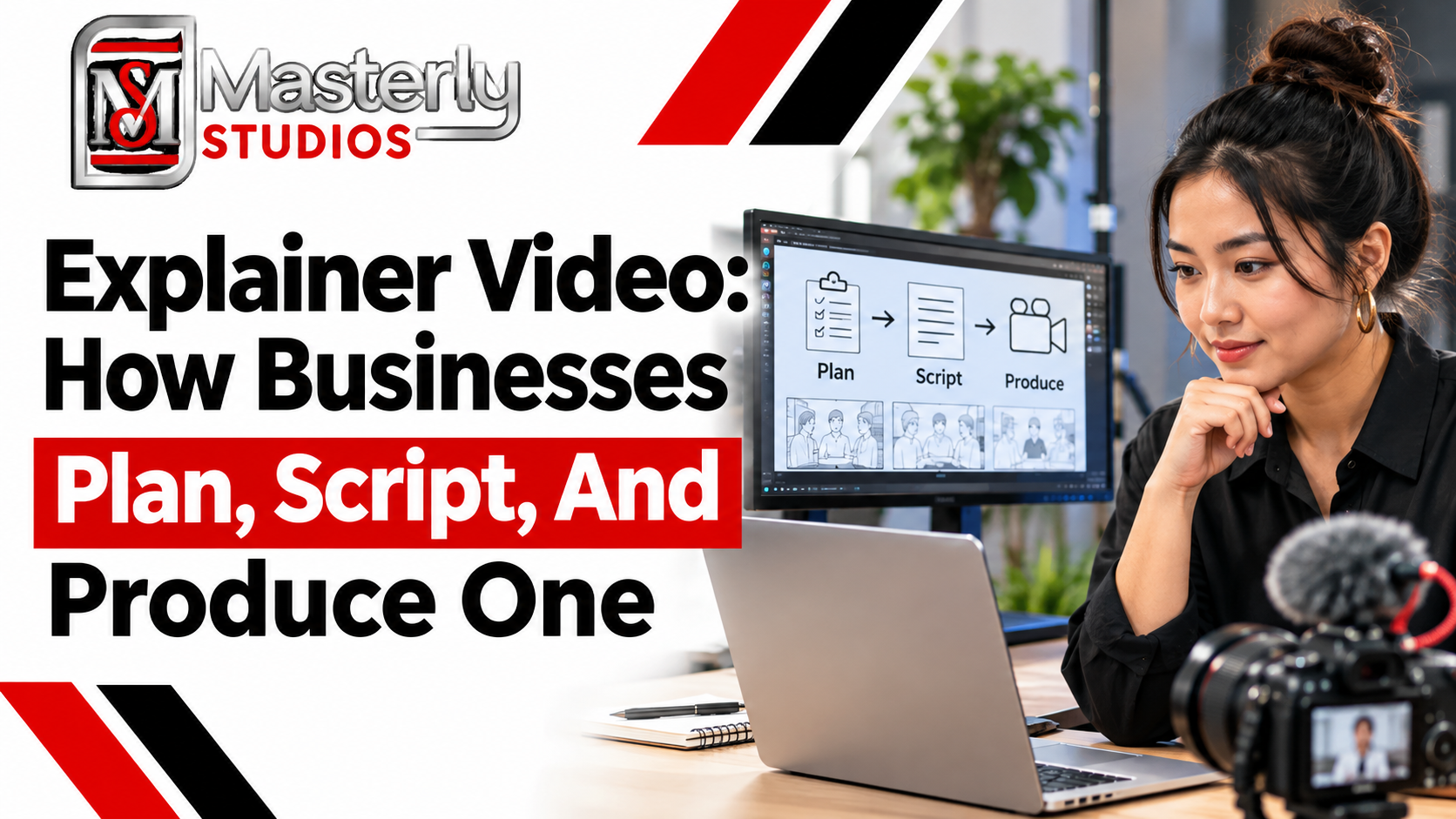
For businesses producing explanatory content, our article on explainer videos covers additional considerations related to script development and production.
Reviewing the Creative Direction Before Filming
A storyboard provides marketing teams and business stakeholders with a visual reference and a first draft they can review before filming.
This creates an opportunity to discuss brand presentation, messaging priorities, and visual expectations before production resources are committed. This is also the stage to collect feedback, capture comments, and secure formal sign off before production moves forward.
Early discussions may reduce misunderstandings and help the production team prepare for the agreed creative direction, which reviewers may need to sign before resources are committed.
How the Crew Uses the Storyboard on Production Day
A video storyboard becomes a practical pre production reference for the production crew once filming begins.
It connects the approved visual concept with the technical decisions required to capture each scene.
Keeping Camera Shots Organized
The director and camera crew may reference the storyboard to understand planned compositions, camera angles, and subject placement.
This helps maintain consistency between the approved concept and the footage being recorded. Timing and aspect ratio may also affect how shots are planned and captured, especially depending on whether the video will be viewed in widescreen or on mobile.
Scenes may be filmed in a different order from their appearance in the final video, depending on location availability, lighting, and production requirements.
The storyboard helps preserve the intended visual sequence even when the filming schedule changes.
Supporting Coordination Across the Production Team
Lighting technicians, camera operators, audio professionals, and other crew members may use storyboard information to understand the requirements of individual scenes.
A shared visual reference can act as one workspace for the team, with visuals and notes that support communication between departments and help identify important production details.
It also gives clients a clearer understanding of how the production team is working toward the planned outcome.
Capturing Supporting Footage
A storyboard may identify supporting visual material that complements interviews, presentations, or product demonstrations.
This footage can provide additional context and support transitions between scenes.
Learn more about the role of supporting footage in our article on B-roll in video production.
Maintaining Flexibility During Production
A storyboard provides direction, and the storyboarding process still leaves room to fine tune scenes when circumstances change during production.
Lighting conditions, location restrictions, or new creative opportunities may influence how a particular shot is captured. In documentary-style planning, placeholder images may be used when exact footage is not available until filming.
An experienced production team can assess these changes while keeping the video's intended message and visual direction in mind.
Frequently Asked Questions About Video Storyboards
Do I Need Drawing Skills to Make a Storyboard?
No. A storyboard can use simple sketches, stick figures, reference photographs, or digital illustrations. The main purpose is to communicate planned shots and actions clearly. Businesses can work with a professional production team to develop the storyboard without needing artistic or technical drawing skills. Some tools, such as Boords, include built-in drawing tools for sketching storyboards, while Storyboard That offers a drag and drop art library for users with limited drawing experience.
How Detailed Should a Video Storyboard Be?
A video storyboard should contain enough detail to communicate the planned shots, actions, audio, and essential production requirements, with the right level depending on the storyboarding method and tools being used. Complex commercial videos may require more detailed frames, while straightforward corporate videos may benefit from a simpler visual plan. Creating storyboards can range from rough manual planning to software-assisted workflows, including StoryTribe’s one-click storyboard creation from scripts and Vyond's AI tool, which can create video drafts in under a minute. More advanced features may also include export options such as PDF, images, and MP4 for review and handoff.
Is a Shot List the Same as a Storyboard?
No. A shot list is a written record of the camera shots required for production. A storyboard provides a visual representation of those shots and how they relate to the video's sequence. At the beginning of production planning, teams may use both documents so visual and written references stay aligned.
Book a Studio Tour or Request a Production Quote from Masterly Studios
Your company video represents your brand, communicates your message, and introduces your business to its intended audience.
A professionally developed video storyboard can help establish a shared creative direction before production begins, giving your marketing team greater clarity about the planned content.
Masterly Studios provides professional video production services in Atlanta for businesses and organizations that need support bringing their creative concepts to the screen.
From discussing your production objectives to planning visual requirements and capturing professional footage, our team can help coordinate the production process around your business needs.
Phone: (404) 726-7261
Website: www.masterlystudios.com