Talking Head Video: How to Plan, Frame and Record On-Camera Content
A talking head video is a simple way to put one presenter in front of the camera to speak directly to the audience. Businesses, coaches, educators and content creators use talking head videos for company updates, training lessons, explainer content and social media posts across various platforms. Because the presenter stays at the center of the frame, choices about framing, lighting, audio and delivery show up in every shot, and small fixes can make talking head content look more professional. This article covers what a talking head video is, the common styles, and the steps to plan, set up and record clean, professional talking head footage that is ready to post.
What Is a Talking Head Video?
A University of Aberdeen guide describes a talking head video as a video in which the presenter is the focus. It explains that a talking head shot is usually a medium close-up or a portrait close-up, and that the presenter can either speak directly to the camera or look slightly off camera in what is called a three-quarter profile. The guide calls it one of the most common shots in video production and notes that it is used frequently for online presenting.
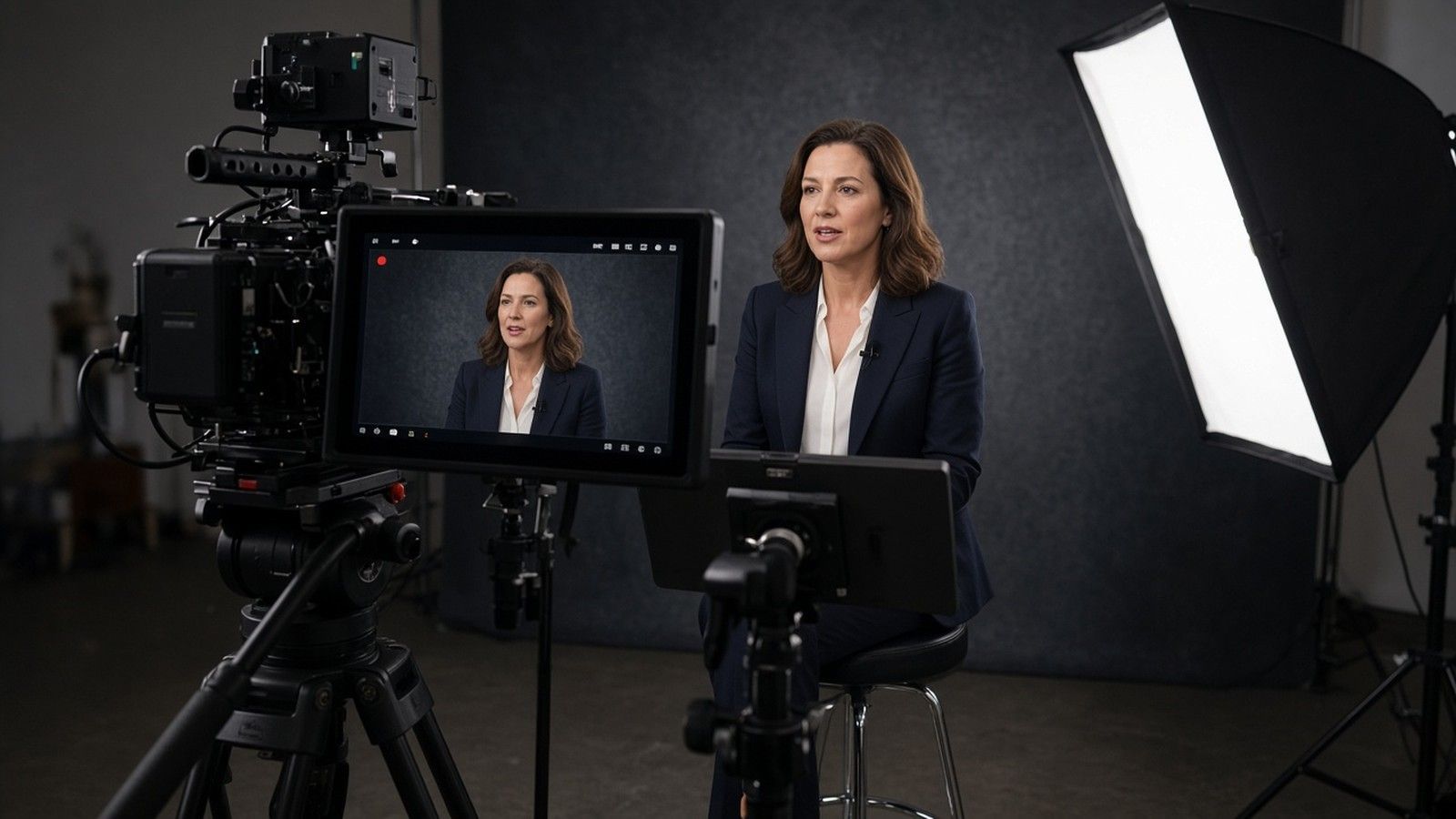
Talking Head Video Styles
Most talking head videos follow one of a few styles, and the kind of message you are sharing helps decide which talking head video style fits:
- Direct to camera. The speaker looks into the lens, which is how a presenter makes eye contact with the viewer and keeps the audience in the conversation.
- Interview style. The speaker looks slightly off camera in a three-quarter profile, as in a conversation with someone beside the camera, such as in executive interview videos or customer testimonial videos.
- Presenter with slides. The Aberdeen guide notes that its recording software can capture slides, camera, microphone and computer screen, so you can plan which to show at each point. This style can suit training videos.
How to Plan Talking Head Videos Step by Step
Creating talking head videos starts before the camera rolls. The Aberdeen guide recommends planning your content before recording so you can source any images, clips or slides in advance, a step it calls storyboarding. It also recommends keeping videos to around ten minutes and breaking content into smaller sections to keep viewers engaged, since each new section brings new energy.
Talking Head Video Script or Bullet Points
A talking head video script helps you structure the message and estimate length. Aberdeen notes that the average person speaks at between 125 and 150 words per minute, so a ten-minute video needs roughly 1,250 to 1,500 words. It does not normally recommend reading word for word, because it can come across as reading rather than presenting. When that is necessary, it suggests a teleprompter so the presenter does not have to look down, or flashcards and bullet points for a more natural delivery, so you do not have to remember every line. For creators working alone, prompts can be as simple as text on a second monitor, a hand-written poster or a whiteboard, kept close at hand. To avoid missing lines, our teleprompter tips explain how to read from a prompter and maintain eye contact while delivering scripted content.
How to Frame Talking Head Footage
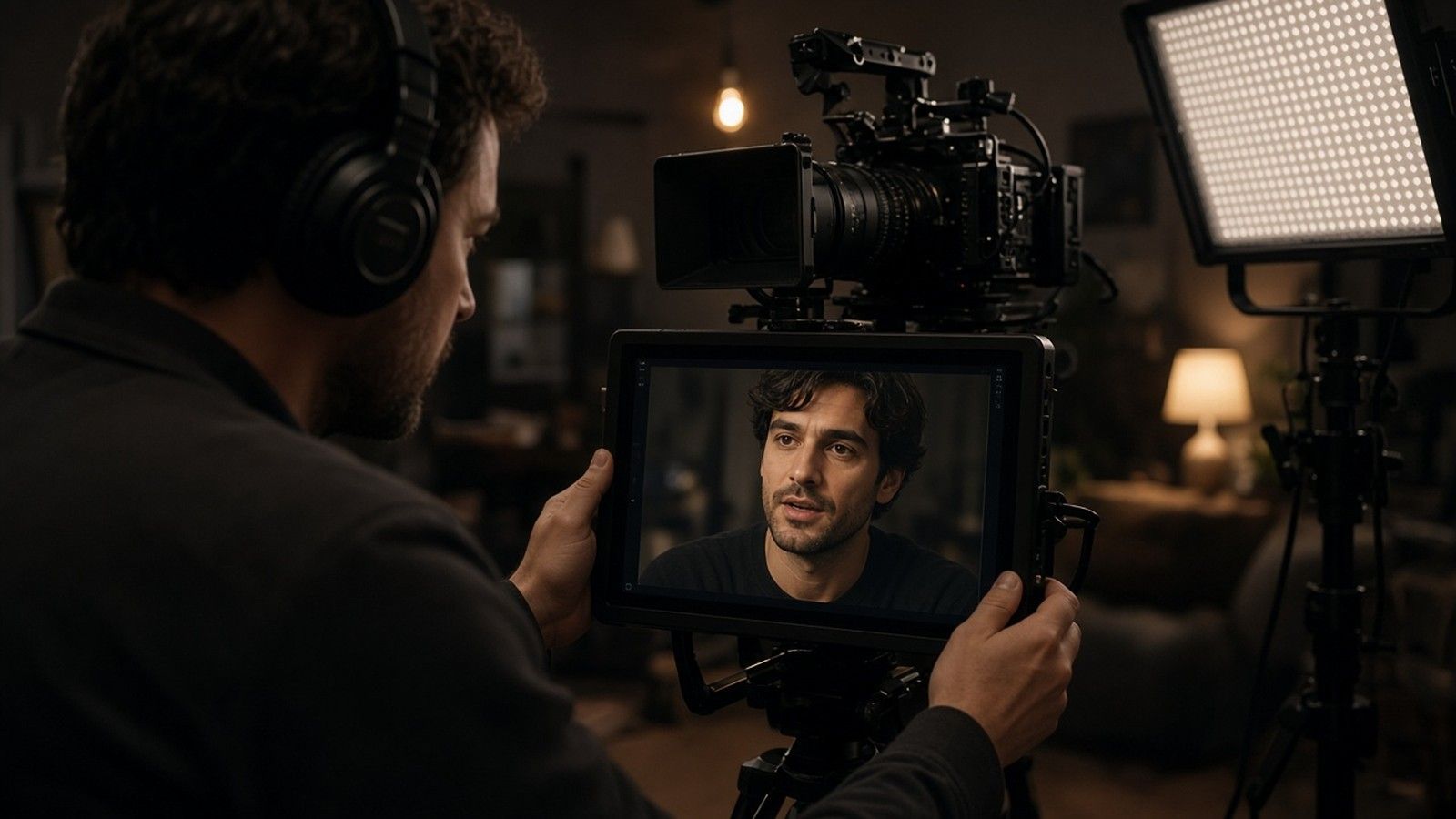
UCATT notes that small adjustments to camera height, headroom and background can make videos look much more polished. Guidance from UCATT and the Aberdeen guide covers the basics of framing professional head videos:
- Camera at eye level. Start by ensuring the lens sits at or near the subject's eye level, as UCATT recommends. Too low creates an awkward upward angle, and too high can make the viewer feel they are looking down on the subject.
- Eyes in the top third. For a clean frame, Aberdeen advises keeping head and shoulders in the shot, with the eyes in the top third of the frame.
- A little headroom. UCATT recommends a small amount of space above the head, since too much makes the subject look small.
- Speaking room. For interview style, UCATT suggests placing the subject off center with space in the direction they are speaking.
- A clean background. UCATT notes that the background matters too, and recommends a clean, organized background free of distracting objects, and checking the entire scene so clutter, bright windows or objects that appear to grow out of the subject's head do not distract viewers. It also suggests placing the subject a few feet from the wall to create depth.
Set Up a Tripod for Talking Head Video
Aberdeen notes that any video camera can film a talking head, including a tablet or smartphone, but it should be stabilized with a tripod or stand. It recommends landscape mode for the right aspect ratio for editing or watching, with the camera at face or eye level. Before recording, Aberdeen also notes that some standalone webcams offer settings such as zoom, brightness and focus, so it is worth checking whether you can adjust them to improve image quality before you begin.
Proper Lighting for Talking Head Videos
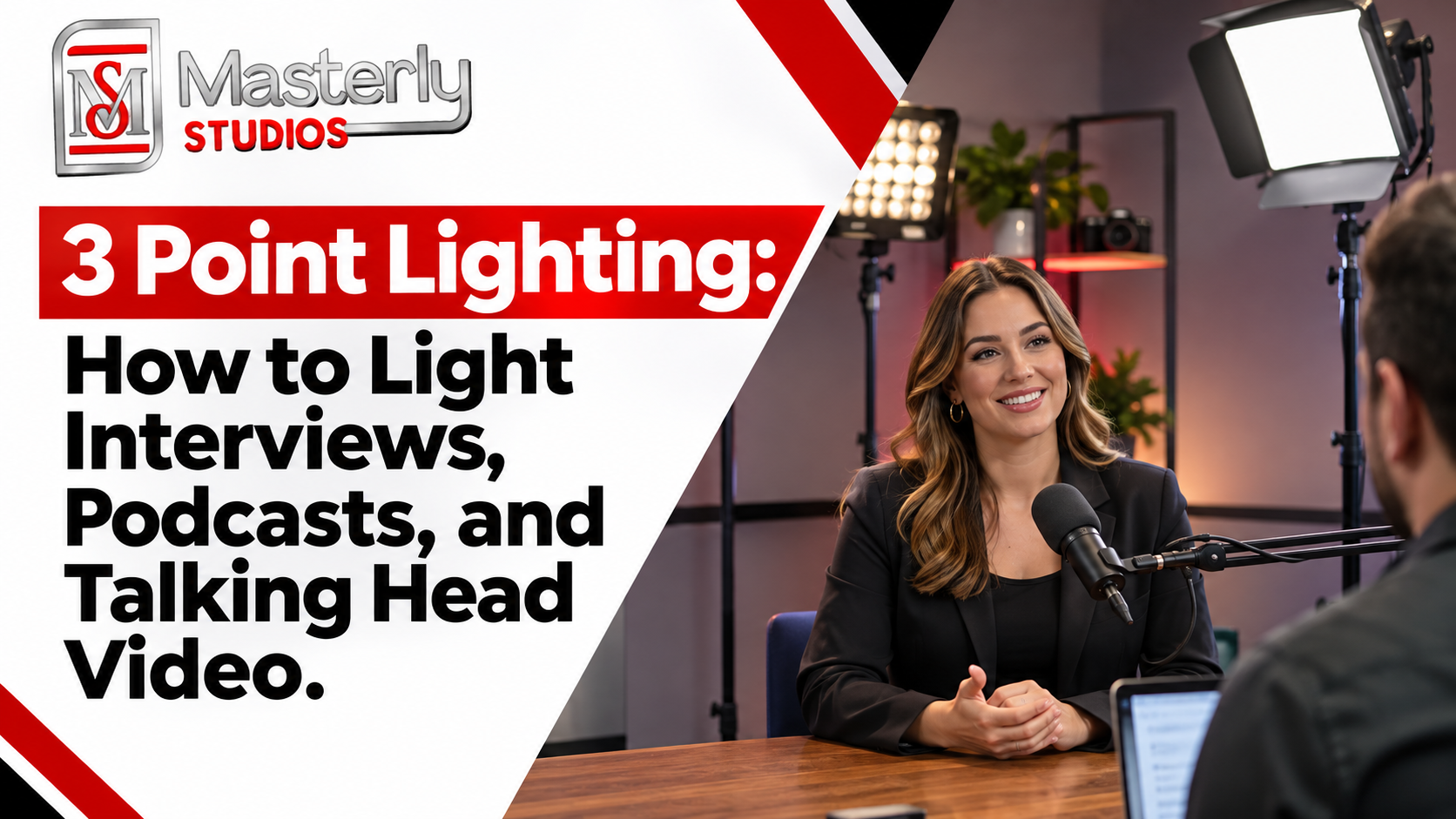
Proper lighting keeps the speaker's face clear in a talking head video and can enhance how easily viewers read facial expressions. Aberdeen calls good lighting extremely important for professional results, but notes that you do not need expensive lighting equipment to achieve it. Aberdeen warns that sitting in front of a window or lamp can cause a silhouette and make facial expressions harder to see, which matters for viewers who are deaf or hard of hearing and rely on lip reading. For even illumination on the face, it recommends light from the same direction as the camera or slightly to the side, and notes that a window is a good natural source that a white sheet or blinds can soften. UCATT also suggests lighting faces at an angle rather than placing bright lights directly behind the subject, which can cause exposure issues. If the image looks dim, Aberdeen suggests adding a desk lamp to the set. For more on lighting setups, see our guide to podcast lighting setup.
Audio Quality Tips for Talking Head Videos
For clean dialogue, Aberdeen recommends an external microphone as the first choice for the highest quality audio, while noting that a headset or clip-on mic can also record good audio. It also says the microphone should be close enough to capture crisp audio, and that a headset mic should sit slightly below or to the side of your mouth so it does not pick up loud breath sounds. For clean audio with less background noise, it advises:
- recording in the quietest space possible, with windows closed and notifications silenced;
- avoiding rooms with many hard surfaces, which can create echoes; and
- pausing when an unwanted sound interrupts, then continuing once it stops.
Talking Head Video Delivery and Editing Tips
To prepare for professional talking head videos, Aberdeen recommends a short practice run, recording a few paragraphs as a test, to check lighting, audio and how you look in the frame so you do not miss issues you can fix before the full recording. It warns that stripes, checks and complex patterns can appear to strobe on video, and that the area around you in the shot should be clean, clear and appropriate for filming, and its media team recommends smiling while recording because it warms the voice. The guide also notes that most talking head videos rely on multiple takes or editing. If you make a mistake, there is no need to start over. Restart the sentence and give a visual sign such as a hand wave or a clap so it is easy to keep track of and remove in the edit. Aberdeen's guide also suggests matching posture to the subject matter and notes that some people prefer to stand to avoid slouching. In post-production, Aberdeen adds that editing tools let you trim the start and end of talking head footage, remove mistakes and make small adjustments to brightness and color. Aberdeen also recommends adding captions, noting that automatically generated captions are machine generated and likely need editing, and that captions display all audio information, including sound effects or music. Ensuring captions are accurate can enhance the accessibility of your content for viewers who are deaf or hard of hearing. For supporting shots, see our guide to B-roll.
Frequently Asked Questions
What is a talking head video?
It is a video in which the presenter is the focus, usually framed as a medium close-up or portrait close-up, speaking to the camera or slightly off camera.
How long should a talking head video be?
The Aberdeen guide recommends around ten minutes for instructional videos, broken into smaller sections.
Do you need a script for a talking head video?
A script helps with structure and timing, but the Aberdeen guide recommends bullet points or flashcards over reading word for word unless a full script is necessary.
What equipment do you need for a talking head video?
Based on the Aberdeen guide, the basics are a camera, tablet or smartphone on a tripod or stand, a microphone placed close enough to capture crisp audio, and a light source in front of or slightly to the side of the presenter.
Record Professional Talking Head Videos With Masterly Studios
When you are ready to plan professional talking head videos for your website, YouTube channel or training content, see our overview of video production costs or contact Masterly Studios through the contact page or at (404) 726-7261.