How to Write a Video Script: A Step by Step Guide for Business Video
Most business videos that feel clear and confident on screen started as a page of plain, well organized text. A video script decides what the viewer hears, what they see at the same moment and how long the whole thing runs. Skip it, and a shoot day turns into improvised takes, missed shots and an edit that never quite lands the message. Write it well, and the camera crew, the on-camera speaker and the editor all work from the same plan.
This guide covers how to write a video script for video marketing, marketing videos, training content, how to guides, testimonials and YouTube videos. You will learn how to define the goal and target audience, structure the video script, use the two-column audio and visual format, write for the ear, time the video script to a target length and prepare it for a shoot. It draws on scriptwriting guidance published by the Georgia Tech Library, the University of North Texas, the University of Florida IFAS Extension, the Borough of Manhattan Community College (CUNY) and Munster Technological University, linked at the end.

What Is a Video Script?
A video script is the written plan for a video, and video script writing is the process of building that plan before creating video content. It includes everything the audience will hear, such as narration, dialogue, music and sound effects, and it describes what they will see, such as shots, on-screen text and graphics.
For most business video content, that plan takes the form of an A/V script. A course page from BMCC (CUNY) defines an audio/visual, or A/V, script as a two-column script used in media from documentary filmmaking to TV news and advertising. It gives a rundown of the audio and video components that will be edited together into the finished video, with the video cues in one column and the audio cues in the other.
A screenplay for a feature film uses a different, scene-based format. For corporate videos, explainer video projects, product demos and social clips, the two-column format is usually the more practical choice because it ties each line of narration to a specific visual.
Why Video Script Writing Comes First
The Georgia Tech Library's video tutorial guidelines put it simply: for new videos and updates, start with the video script, because it helps focus the scope of the video. A video script gives you a solid foundation for several decisions that are hard to change later:
- Scope. A video script shows whether the message fits one video or needs a series.
- Length. Word count predicts run time, which matters for every platform.
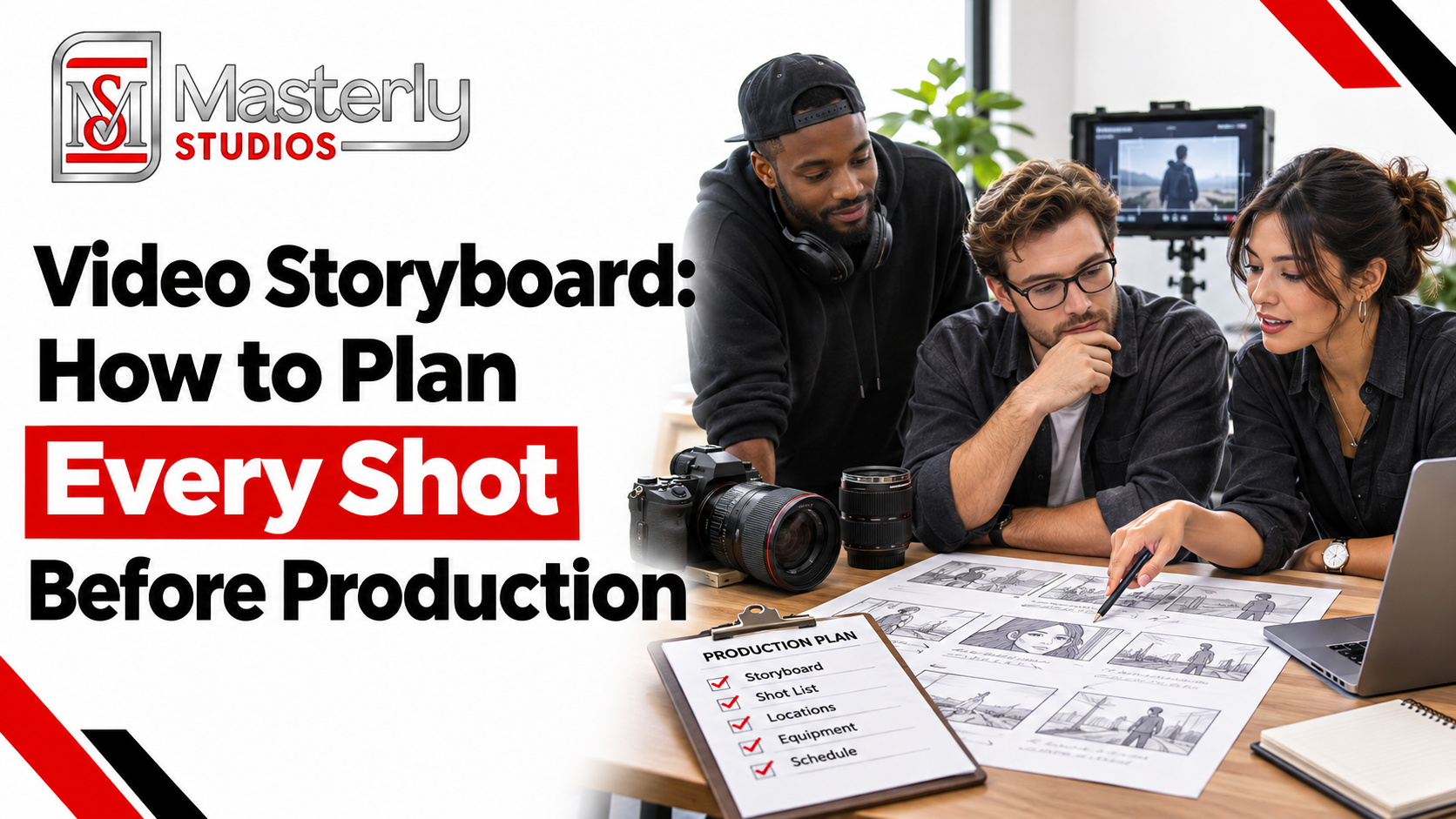
- Shot list. The visual column becomes the list of what to film, including any b-roll footage.
- Approvals. Stakeholders can review a document far faster than a rough cut.
- Budget. Locations, talent and graphics are visible on the page. Our guide to video production cost explains how those choices affect price.
Step 1: Define the Goal and the Target Audience
Before you decide how to write a video script, answer two questions: what should the viewer know or do after watching, and who is the viewer?
The Georgia Tech Library notes that your audience determines the knowledge you can assume, how specific your instructions should be and the language you use. The University of Florida IFAS Extension scriptwriting publication makes a similar point: consider your audience's interests and how much they already know, write at their knowledge level and avoid words that would be difficult for them to understand.
A practical way to capture this is a short creative brief at the top of the video script:
- Audience: who they are and what they already know.
- Pain point: the problem or question that brings them to the video.
- Main point: the single idea they should remember.
- Desired action: what you want them to do next, such as book a call, sign up or watch the next video.
- Platform and length: where the video will live and the target run time.
Keeping one main point per video is a theme across these sources. Munster Technological University's screencast guidelines recommend that each recording cover one task or one concept, and that if you find yourself covering more than one, you split it.
Step 2: Choose Your Approach
The UF IFAS publication suggests deciding what type of approach the video needs before writing. Will it be narration only, covered by video clips? Will a narrator be on screen the entire time? Will you include interviews? It notes that a straight-narrated script is easier to write and control, while interviews can make a video more interesting.
Common approaches for business video include:
- On-camera presenter. One speaker delivers the message, often reading from a teleprompter. Our teleprompter tips cover how to read a video script and still sound natural.
- Voiceover with visuals. Narration plays over product footage, screen recordings or graphics.
- Interview. A subject answers questions and the video script becomes a question list plus a planned structure. See our guide on preparing for a studio video interview.
- Testimonial. A customer tells their story, shaped by questions rather than lines. Our article on customer testimonial video production explains how those shoots are planned.
Step 3: Structure the Video Script
A clear structure keeps the audience engaged. The UF IFAS publication recommends an introduction, body and conclusion for educational and promotional videos, following the familiar speech formula: tell them what you are going to tell them, tell them, then tell them what you told them.
Hook Viewers in the Opening
The introduction gives an overview and grabs attention. Munster Technological University advises opening with what the viewer will be able to do by the end, not a personal introduction, because viewer attention drops sharply in the first few seconds. In a marketing video, the opening line usually names the viewer's problem or the outcome they want.
Build the Body Around Key Points
The body delivers the content. Limit it to a few key points, each with its own visual. For a how-to video, walk through steps in the order the viewer will perform them, as the Munster Technological University guidelines recommend.
Close With a Clear Call to Action
The conclusion summarizes the main point and tells the viewer what to do next. Munster Technological University suggests closing with a clear next step, such as a link to documentation, the next video in a series or where to get help, rather than a generic sign-off. For marketing videos, that clear and compelling call to action might be a consultation link, a phone number or a product page.
Step 4: Use the Two-Column A/V Format
This is where the video script takes shape. The Georgia Tech Library describes the most basic video script template as a two-column table, with the visuals in one column and the video script in the other, and says you need to marry the visual to the spoken word. The UF IFAS publication gives more detail: video directions, shot descriptions and special effects traditionally go in the left column, and everything related to audio, including narration, music and sound effects, goes in the right column.
A Free Video Script Template You Can Copy
Here is a simple video script template for a 60-second service video. Copy the structure into a table in Google Docs or any word processor and replace the content with your own. Use the same layout when creating video scripts for other lengths.
| Video (what the viewer sees) | Audio (what the viewer hears) |
|---|---|
| Medium close-up of the presenter at a desk. Lower third with name and title. | "If your team keeps answering the same customer questions, a short video can do that work for you." |
| B-roll: support staff on phones, an inbox filling up. | "Every repeat question takes time your team could spend on harder problems." |
| Screen recording of a help page with an embedded video. | "Here is how to plan one clear answer video in three steps." |
| On-screen text: Step 1, Pick the question. | "First, choose the single question you hear most often." |
| On-screen text: Step 2, Write the answer. | "Second, write the answer the way you would say it out loud." |
| On-screen text: Step 3, Show it. | "Third, show each step on screen as you say it." |
| Presenter on camera. Logo and contact details. | "Want help producing it? Contact us to plan your shoot." |
How to Set Up the Video Script Template in Google Docs
To write video scripts your team can share, insert a two-column table, label the columns Video and Audio, and add one row per shot or idea. Some teams add a narrow third column for timing or shot numbers. The format matters less than the habit: every line of audio should have a matching visual, and every visual should earn its place.
Step 5: Write for the Ear, Not the Page
A video script that reads well can still sound stiff. The University of North Texas CLEAR script tips advise writing to be heard, not read: speak to the camera as if to one person rather than a group, and say lines out loud as you write to hear the flow.
The UF IFAS publication adds several practical rules:
- Keep the style conversational. You do not always talk in complete sentences, so fragments are fine.
- Keep each sentence brief and focused on one idea.
- Choose words that are familiar to everyone.
- Round off large numbers. Its example: say "around 6,000 people attended," not "6,049 people attended."
- Use on-screen text to support what you say, such as listing six components on screen while describing them.
The Georgia Tech Library recommends writing in second and first person, keeping language friendly and conversational, and defining any jargon you cannot avoid. It also suggests that when you want the audience to pay attention to something on screen, you tell them about it first and then show it, rather than talking over it.
For accessibility, Munster Technological University recommends describing on-screen actions in words, such as "click Save in the top-right corner" rather than "click here," so the video still makes sense to someone listening without watching and so captions and transcripts make sense on their own.

Step 6: Time Your Video Script to the Target Length
Word count is the simplest way to predict run time.
- The Georgia Tech Library says the average person speaks around 130 words per minute, so a 5-minute video with continuous speech needs roughly 650 words.
- The University of North Texas CLEAR tips say most people speak at about 150 words per minute, and recommend run times of about 3 to 7 minutes for educational videos, or roughly 450 to 1,050 words.
- Munster Technological University suggests 130 to 150 spoken words per minute for narration, noting that a 2-minute recording is closer to 250 to 280 words because of natural pauses.
So a 30-second video script typically lands somewhere around 65 to 75 words of narration, and a 60-second video script around 130 to 150 words, before you account for pauses and moments with no speech. If your video script runs long, UNT suggests considering breaking it into multiple videos. Munster Technological University adds a useful warning in the other direction: do not pad a video script to hit a length.
Step 7: Plan the Visuals and Production Details
With the audio drafted, return to the video column and add details specific enough to film. Good visual cues name the shot type, the subject and any on-screen text. The UF IFAS publication notes that text appearing below a person's face is called a superimposition, super or lower third.
This is also the stage to note production needs: locations, props, wardrobe, screen recordings, music and graphics. Lighting and background choices affect how the video looks as much as the words affect how it sounds. Our guides to three-point lighting and a green screen studio cover two common setups.
Step 8: Review, Read Aloud and Revise
Treat the first version as a rough draft. Then:
- Read it aloud and time it. UNT recommends speaking lines out loud while writing. A read-through with a timer confirms length.
- Cut unnecessary words. Shorter sentences are easier to deliver and easier to follow.
- Check every row. Each audio line should have a matching visual, and each visual should support the line beside it.
- Keep it evergreen. The Georgia Tech Library advises avoiding specific button labels or service names that may go out of date, and describing what a link or button does instead.
- Get one round of stakeholder feedback. Approving the video script before the shoot is far cheaper than changing the edit.
Storytelling Techniques for Marketing Videos
Good script writing is what separates captivating videos from forgettable ones. The best videos are rarely the most expensive. They are the ones where the video script gives the audience a clear reason to care.
Not every video is a tutorial. For marketing videos, a few storytelling techniques help you write an engaging video script without turning it into a sales pitch:
- Start with the viewer's problem. BMCC's A/V script page notes that the mix of sound and visuals should create a story with a beginning, middle and end. The problem is a natural beginning.
- Show, then tell. Let visuals carry proof, such as a product in use or a customer at work, while narration adds context.
- Use one specific example. A single, concrete scenario is easier to follow than a list of general benefits.
- End with one action. Multiple calls to action compete with each other.
Helpful Tips for YouTube Videos and Social Clips
- Front-load the value. State what the viewer will get in the first line.
- Write for silent viewing. Many viewers watch without sound, so plan on-screen text and captions for key points.
- Plan a series. If the topic needs more depth, end by pointing viewers to the next video in the series instead of extending this one.
- Keep scripts modular. Short, self-contained sections make it easier to cut vertical clips from a longer video.
Video Script Examples by Video Format
The steps above apply to any video, but each video format puts weight on different parts of the video script. Use these short outlines as a starting point when you start writing your own video script.
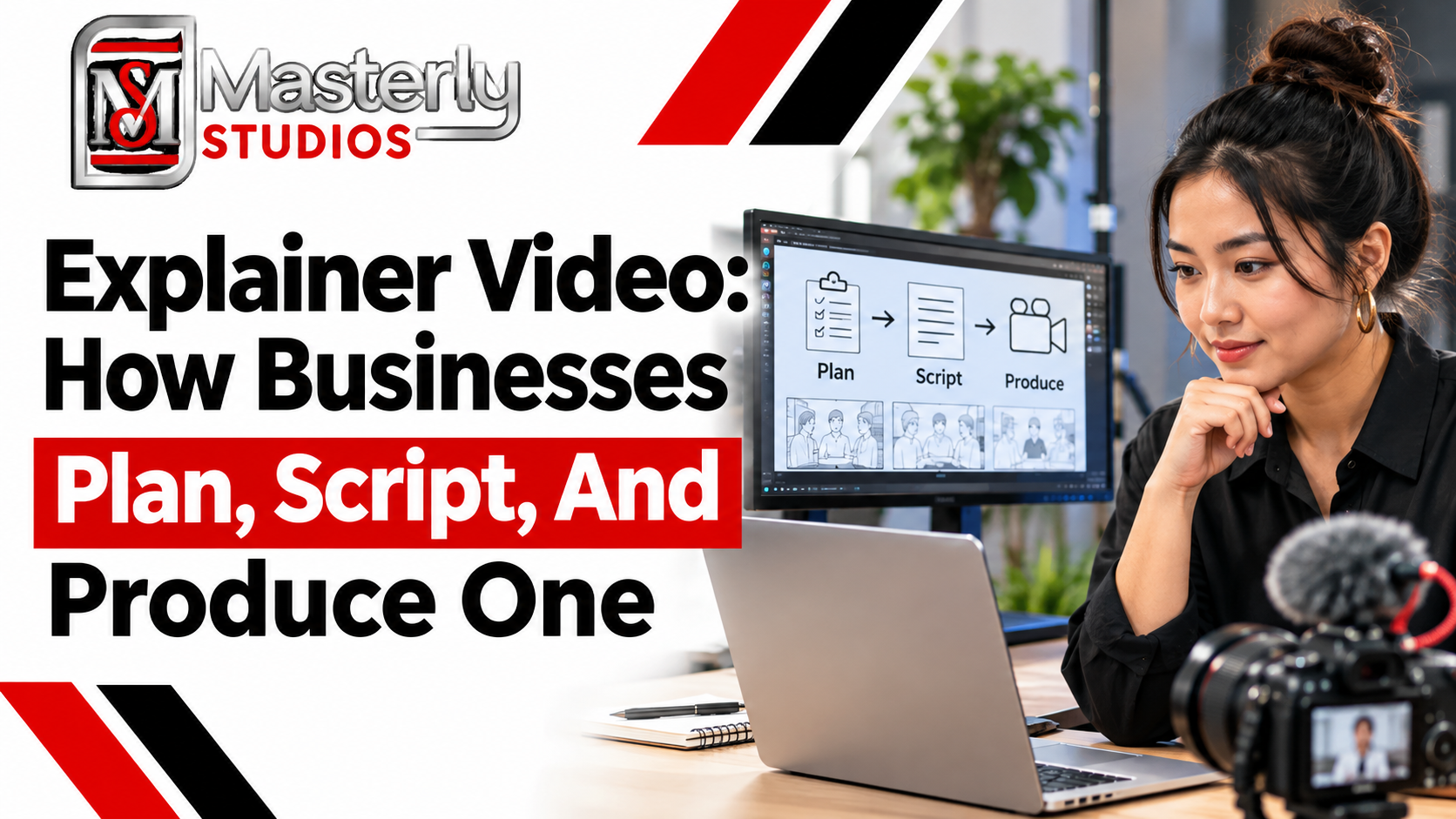
Explainer Video Script
An explainer video script works best when it names one pain point, shows the solution and closes with one desired action. A typical structure:
- Hook: state the problem in the viewer's words.
- Solution: show how the product or service works, with visual elements that do most of the explaining.
- Proof: one example, number or short customer moment.
- Call to action: one step, such as booking a demo.
Our guide to the explainer video covers this format in more depth.
Testimonial and Interview Video Script
You do not script a customer's words. Instead, the video script lists the questions, the order of topics and the b-roll that will cover edits. Write questions that invite a story, such as "What was happening before you found us?", and plan the visual elements that will support each answer. The testimonial guide linked earlier in this article explains how to prepare guests.
Training and Educational Content
When you write video scripts for training or educational content, clarity matters more than a compelling narrative. Follow the tell them, tell them, tell them structure from the UF IFAS publication, keep each step to a single action and write on-screen text for any term the viewer must remember. Short modules also make it easier to update one section later without reshooting the whole video.
YouTube Videos and Social Video Content
For YouTube videos, the opening seconds carry extra weight. Write a hook that promises a specific outcome, deliver the main points in order and save housekeeping, such as subscribe reminders, for the end. For vertical social clips, write a version of the video script that works with captions alone.
Common Video Script Writing Mistakes
Even a good video script can run into problems at the shoot. Watch for these:
- Writing for readers instead of listeners. Long sentences and awkward phrasing that look fine on the page can trip up a presenter. Read every line aloud.
- Too many messages. An engaging video usually makes one point well. If you have three big ideas, consider three videos.
- No visual plan. A video script with an empty visual column leaves the crew guessing. Fill in every row with the shot, graphic or b-roll.
- Ignoring length. A video script that runs long forces cuts in the edit. Time it before the shoot.
- Skipping the call to action. Every successful video tells the viewer what to do next.
- Writing for everyone. A specific audience gets a sharper video script than a general one.
Video Script Writing Checklist
Use this checklist at the end of the scriptwriting process, before the video script goes to the crew or the client. It is a quick check that you have covered all the basics.
- Goal and desired outcome. Can you state the desired outcome of the video in one sentence, and does every line move the story forward toward it?
- Specific audience. Is the video content written for one target audience, at their level of knowledge?
- Hook. Do the first lines give viewers a reason to keep watching?
- Visual and audio elements. Does each row pair the audio elements, such as narration, music and sound, with strong visuals, such as shots, graphics or on-screen text?
- Clarity. Will viewers understand every term without pausing? Cut any single word that does not earn its place, and fix awkward phrasing.
- Length. Does the word count match the target run time?
- Call to action. Does the video end with one compelling call to action and one desired action?
- Review. Has the rough draft been read aloud, timed and approved by one decision maker?
If you can check every box, you are ready to shoot. If not, fine tune the weak spots now. Changes on the page cost far less than changes in the final video.
Frequently Asked Questions
How do you write a 30-second video script?
To write a video script that short, keep it simple. Pick one main point and one call to action. At 130 to 150 spoken words per minute, a 30-second video script holds roughly 65 to 75 words of narration. Draft it in two columns so every line has a visual.
What is the best format for a video script?
For most business and marketing videos, a two-column A/V script, with visuals on the left and audio on the right, is the standard approach described by university production guides.
How long should a video script be?
It depends on the target run time. Using 130 to 150 words per minute, a 2-minute video needs roughly 260 to 300 words, and a 5-minute video around 650 to 750 words.
What is the rule of three in script writing?
A common structure is introduction, body and conclusion, which the UF IFAS publication describes as tell them what you are going to tell them, tell them, then tell them what you told them.
Can AI write a video script?
Artificial intelligence tools can produce a rough draft of a video script, but the same review steps apply: read it aloud, check every claim, match each line to a visual and cut anything that does not serve the main point.
Turn Your Video Script Into a Finished Video
An effective video script makes every later step faster, from shot planning to editing. If you have a video script ready, or a message you want to turn into one, Masterly Studios can help you plan the shoot, set up the studio and capture it cleanly. Visit the Masterly Studios contact page or call (404) 726-7261.
Sources: Georgia Tech Library, Video Tutorial Guidelines: Scriptwriting; University of North Texas, Script Tips for CLEAR Studio Produced Videos; University of Florida IFAS Extension, Scriptwriting (WC124); BMCC (CUNY), Introduction to the A/V Script; Munster Technological University, Guidelines for Writing a Screencast Voice-Over Script.